-
-
-
-
-
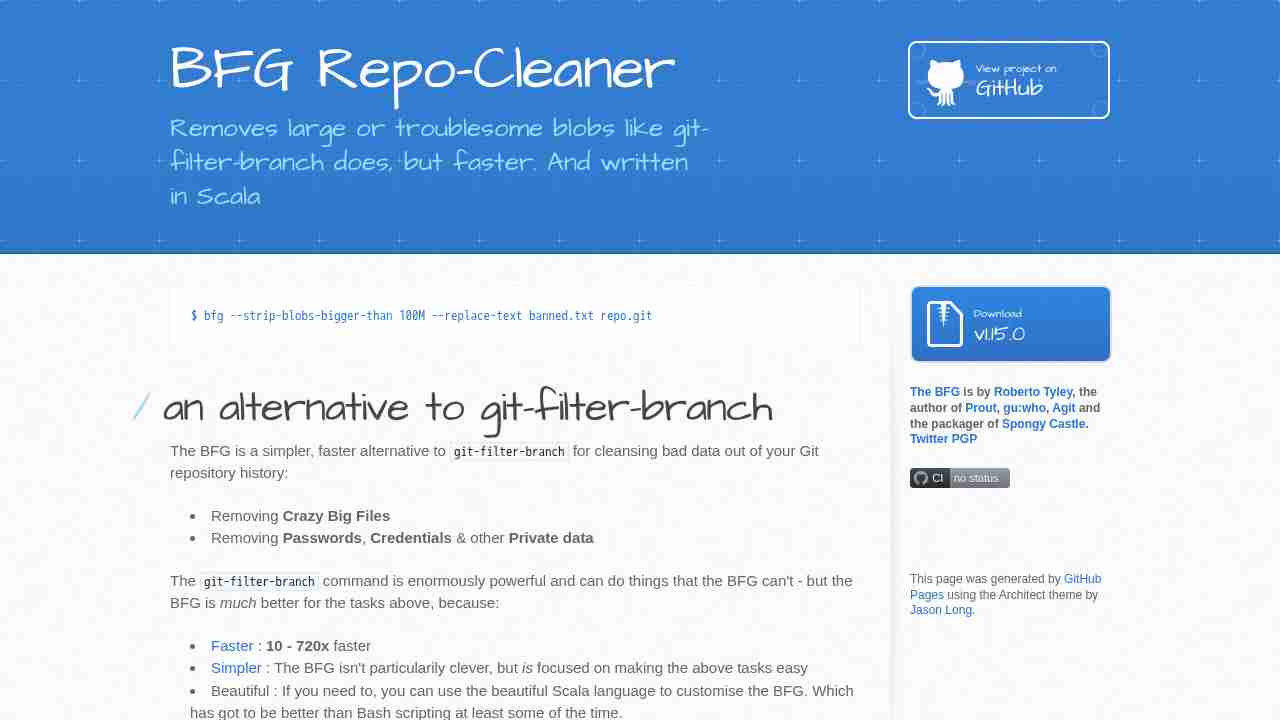
BFG Repo-Cleaner by rtyley
May 24, 2017 - permalink - https://rtyley.github.io/bfg-repo-cleaner/To clean old file in repo
-
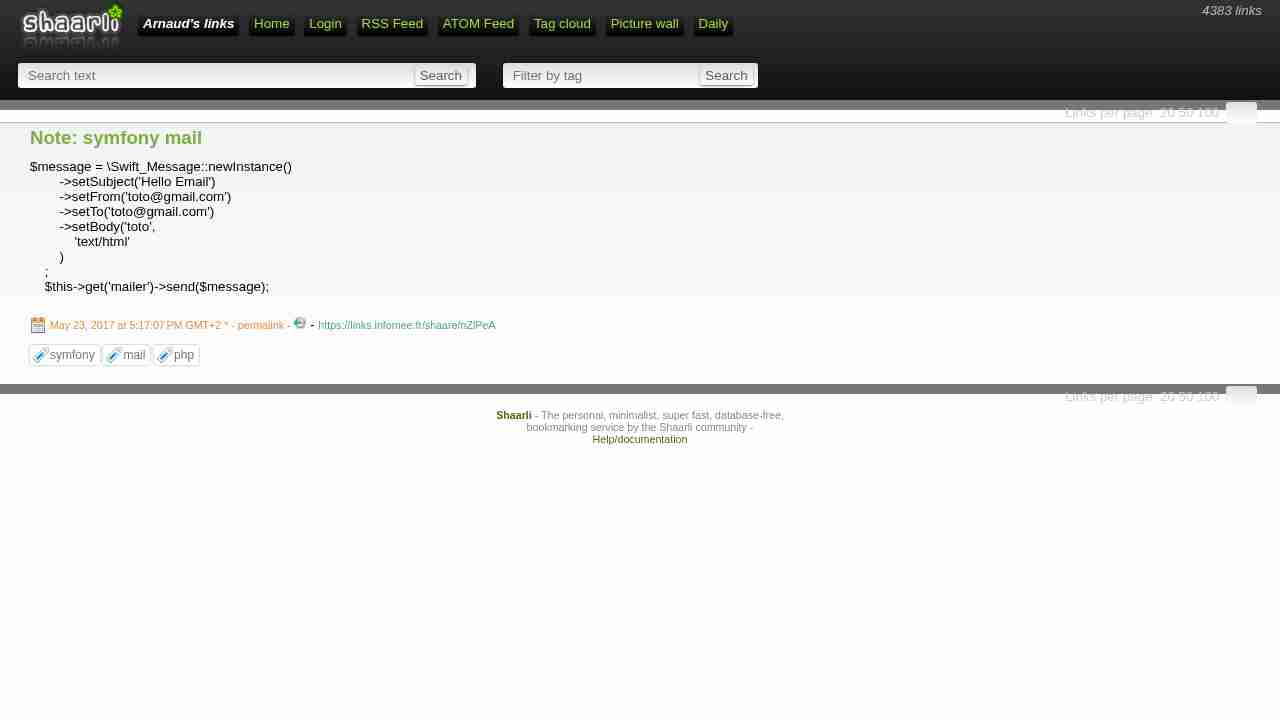
Note: symfony mail
May 23, 2017 - permalink - https://links.infomee.fr/shaare/nZlPeA$message = \Swift_Message::newInstance()
->setSubject('Hello Email')
->setFrom('toto@gmail.com')
->setTo('toto@gmail.com')
->setBody('toto',
'text/html'
)
;
$this->get('mailer')->send($message);
-
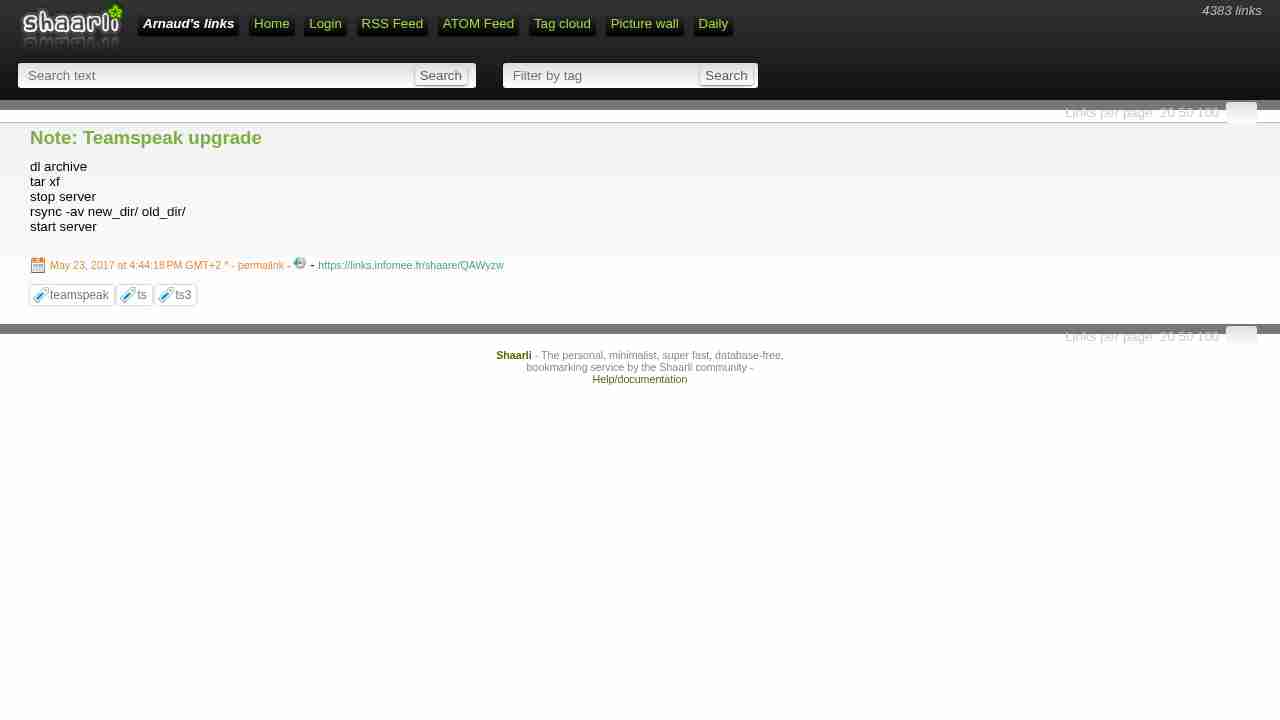
Note: Teamspeak upgrade
May 23, 2017 - permalink - https://links.infomee.fr/shaare/QAWyzwdl archive
tar xf
stop server
rsync -av new_dir/ old_dir/
start server
-
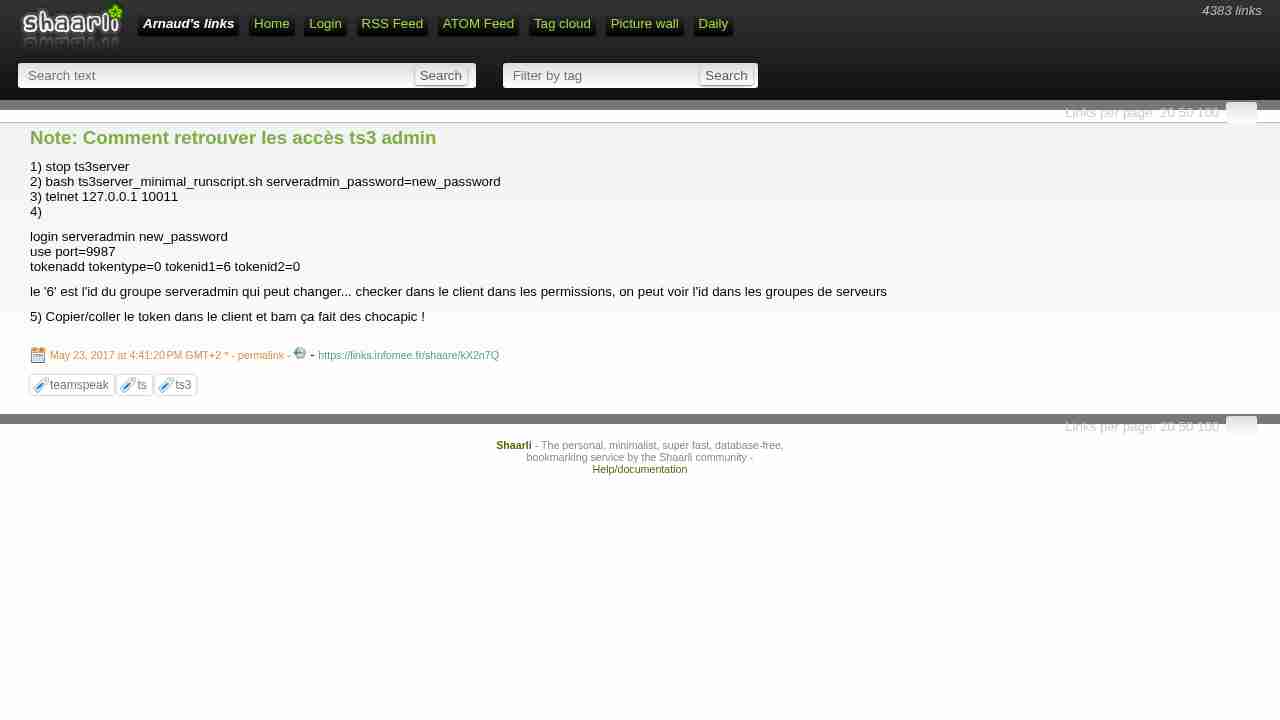
Note: Comment retrouver les accès ts3 admin
May 23, 2017 - permalink - https://links.infomee.fr/shaare/kX2n7Q1) stop ts3server
2) bash ts3server_minimal_runscript.sh serveradmin_password=new_password
3) telnet 127.0.0.1 10011
4)login serveradmin new_password
use port=9987
tokenadd tokentype=0 tokenid1=6 tokenid2=0le '6' est l'id du groupe serveradmin qui peut changer... checker dans le client dans les permissions, on peut voir l'id dans les groupes de serveurs
5) Copier/coller le token dans le client et bam ça fait des chocapic !
-
-
Vue, j’l’avais pas vu | Sam & Max
May 22, 2017 - permalink - http://sametmax.com/vue-jlavais-pas-vu/encore un article qui plébiscite vue
-
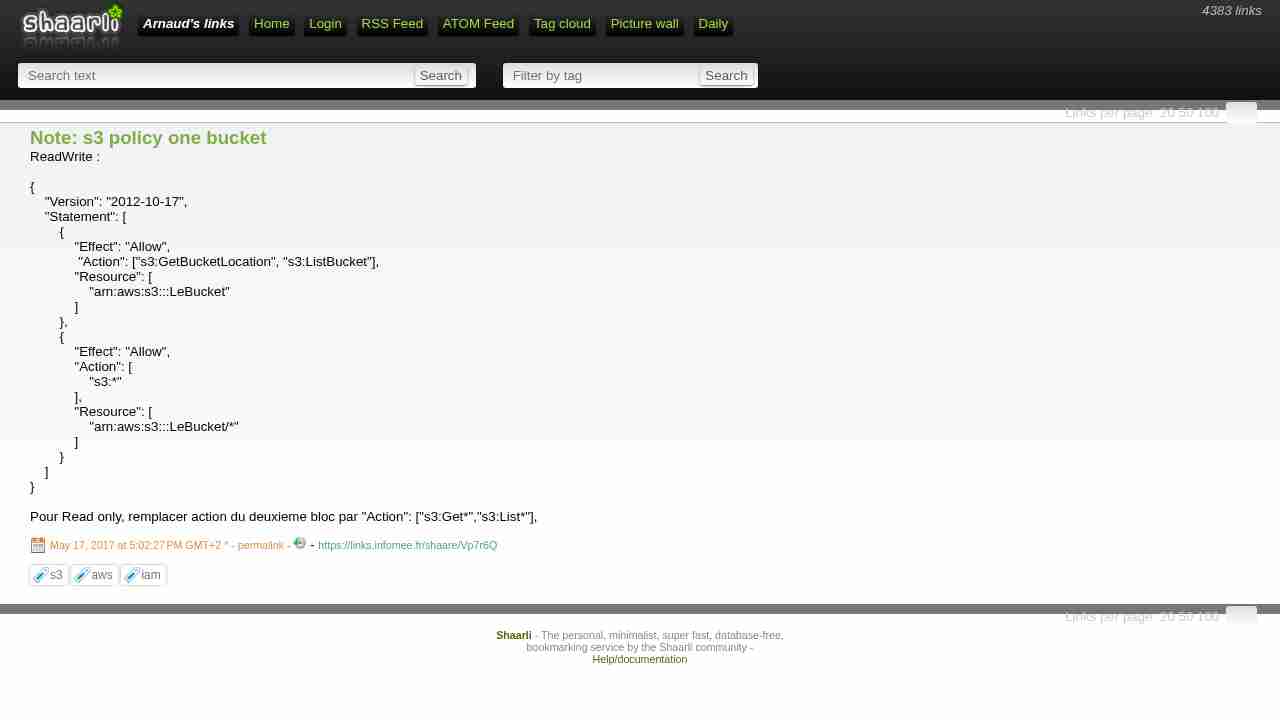
Note: s3 policy one bucket
May 17, 2017 - permalink - https://links.infomee.fr/shaare/Vp7r6QReadWrite :
{
"Version": "2012-10-17",
"Statement": [
{
"Effect": "Allow",
"Action": ["s3:GetBucketLocation", "s3:ListBucket"],
"Resource": [
"arn:aws:s3:::LeBucket"
]
},
{
"Effect": "Allow",
"Action": [
"s3:"
],
"Resource": [
"arn:aws:s3:::LeBucket/"
]
}
]
}Pour Read only, remplacer action du deuxieme bloc par "Action": ["s3:Get","s3:List"],
-
-
-
-
-
-
-
-
-
-
Livres audio à télécharger | Un essai gratuit | Audible.fr
May 6, 2017 - permalink - https://mobile.audible.fr/Pourquoi pas pour la voiture
-
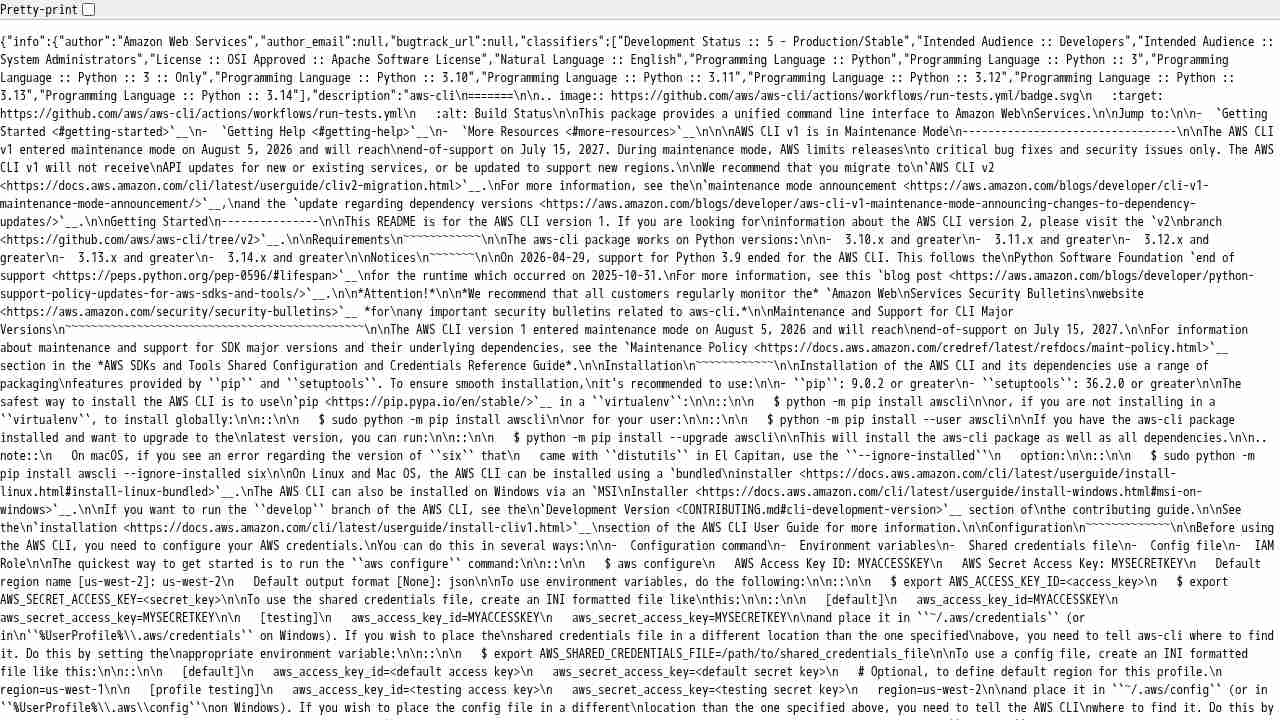
https://pypi.python.org/pypi/awscli/json
May 4, 2017 - permalink - https://pypi.python.org/pypi/awscli/jsonAdd /json to pypi package url.. Magic!
-
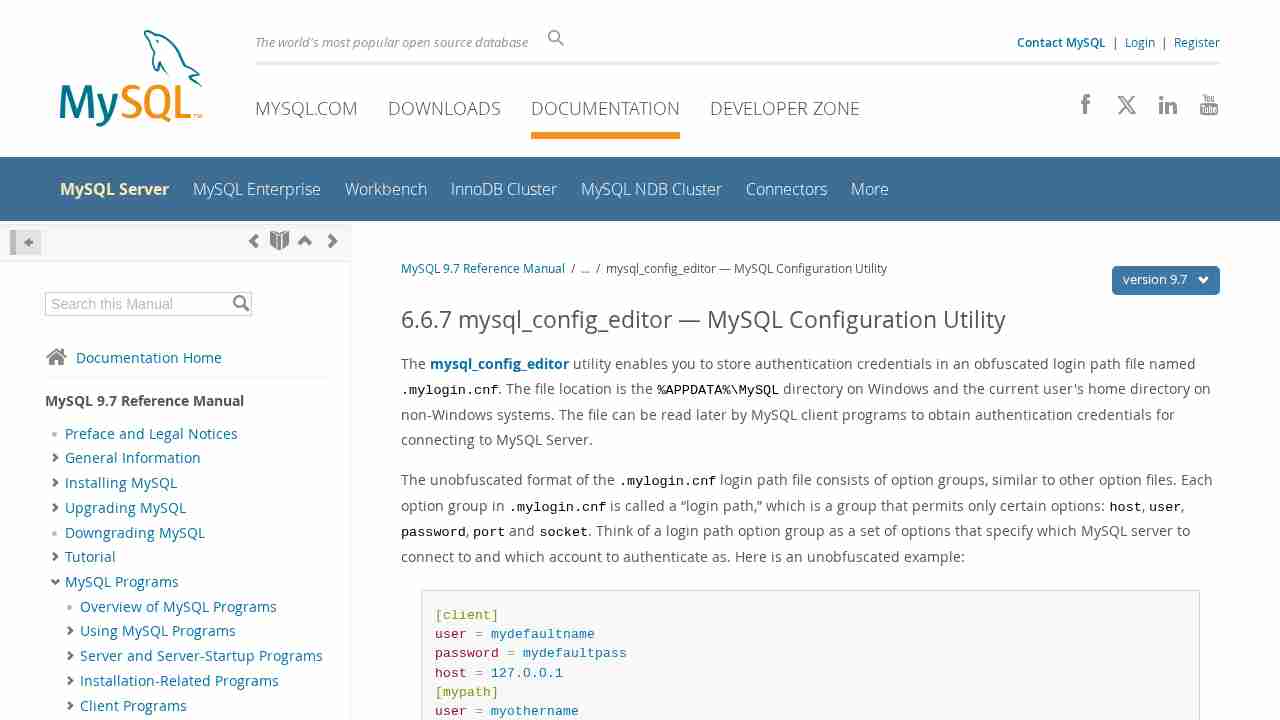
MySQL :: MySQL 5.7 Reference Manual :: 5.6.6 mysql_config_editor — MySQL Configuration Utility
May 3, 2017 - permalink - https://dev.mysql.com/doc/refman/5.7/en/mysql-config-editor.htmlExactement ce que je cherchais
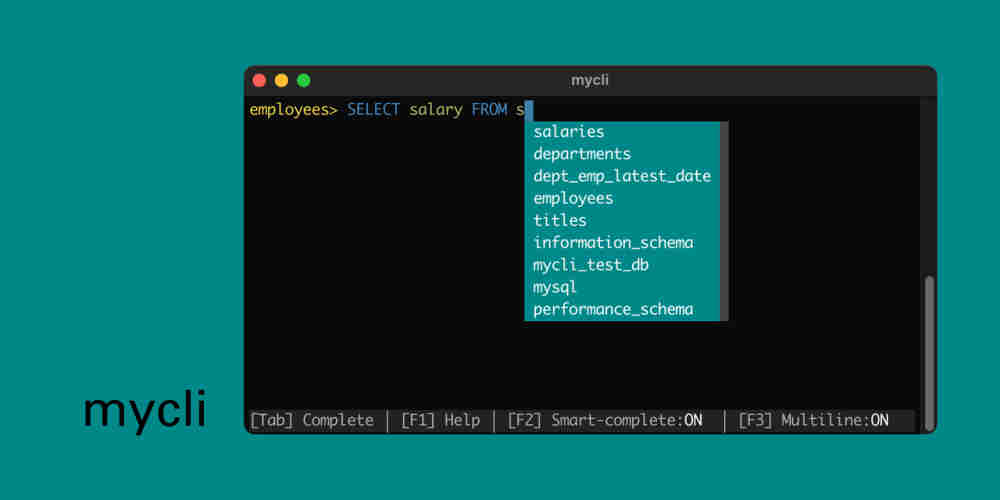
You can use the mysql_config_editor utility to store authentication credentials in an encrypted login path file named .mylogin.cnf.
To create a new set of credentials run:
mysql_config_editor set --host=db.host.org --user=dbuser --password
and enter your password when prompted.
This will store your authentication credentials in the default client login path.
You can store multiple authentication credentials by specifying a different --login-path option:
mysql_config_editor set --login-path=db2 --host=db2.host.org --user=dbuser --password
By default, the mysql client reads the [client] and [mysql] groups from other option files, so it reads them from the login path file as well. With a --login-path option, client programs additionally read the named login path from the login path file. The option groups read from other option files remain the same. Consider this command:
mysql --login-path=db2
The mysql client reads [client] and [mysql] from other option files, and [client], [mysql], and [mypath] from the login path file.
To print out all the information stored in the configuration file run:
mysql_config_editor print --all=true
More information about the utility can be found at "mysql_config_editor — MySQL Configuration Utility".
-
Note: mysql
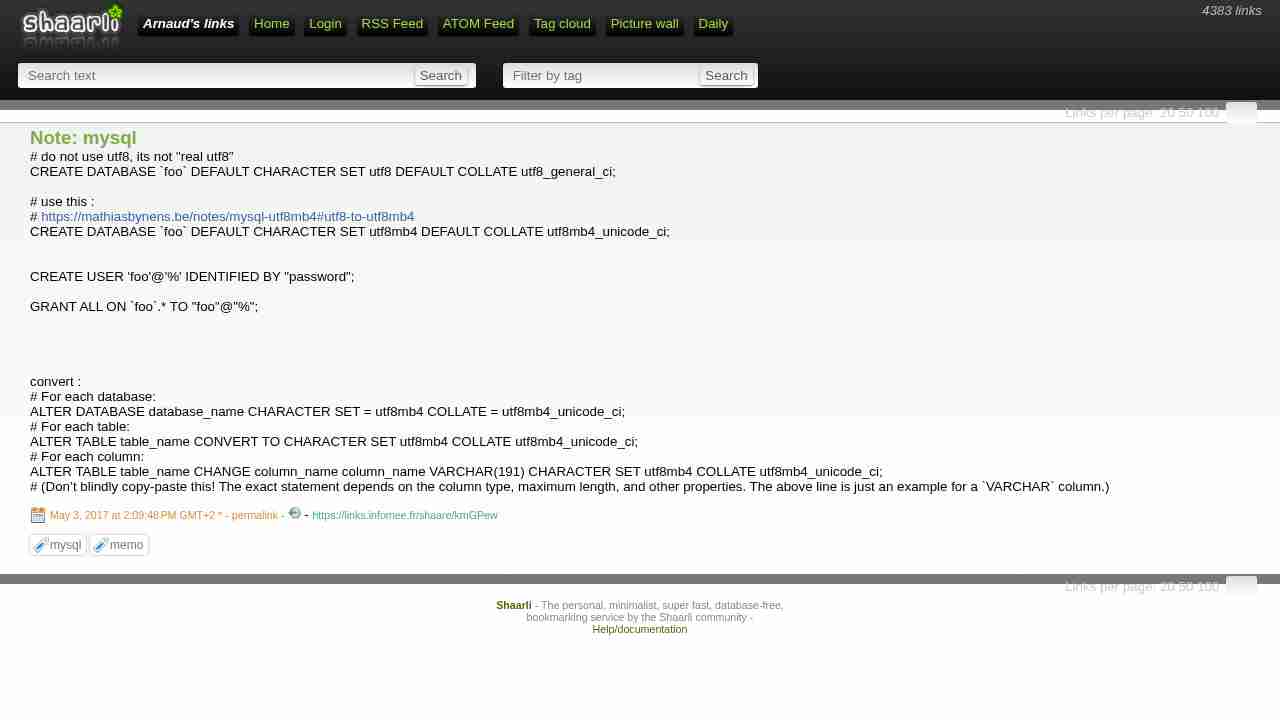
May 3, 2017 - permalink - https://links.infomee.fr/shaare/kmGPewdo not use utf8, its not "real utf8"
CREATE DATABASE
fooDEFAULT CHARACTER SET utf8 DEFAULT COLLATE utf8_general_ci;use this :
https://mathiasbynens.be/notes/mysql-utf8mb4#utf8-to-utf8mb4
CREATE DATABASE
fooDEFAULT CHARACTER SET utf8mb4 DEFAULT COLLATE utf8mb4_unicode_ci;CREATE USER 'foo'@'%' IDENTIFIED BY "password";
GRANT ALL ON
foo.* TO "foo"@"%";convert :
For each database:
ALTER DATABASE database_name CHARACTER SET = utf8mb4 COLLATE = utf8mb4_unicode_ci;
For each table:
ALTER TABLE table_name CONVERT TO CHARACTER SET utf8mb4 COLLATE utf8mb4_unicode_ci;
For each column:
ALTER TABLE table_name CHANGE column_name column_name VARCHAR(191) CHARACTER SET utf8mb4 COLLATE utf8mb4_unicode_ci;
(Don’t blindly copy-paste this! The exact statement depends on the column type, maximum length, and other properties. The above line is just an example for a
VARCHARcolumn.)
-
Note: s3 enpoint
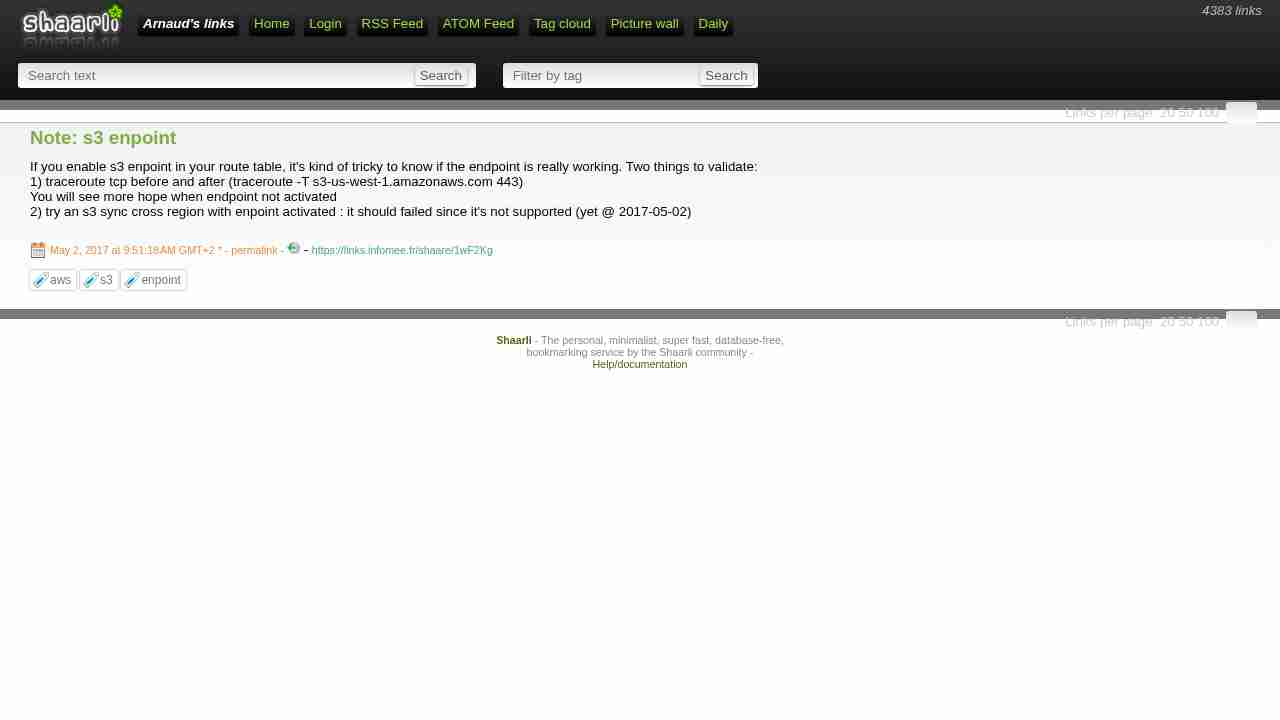
May 2, 2017 - permalink - https://links.infomee.fr/shaare/1wF2KgIf you enable s3 enpoint in your route table, it's kind of tricky to know if the endpoint is really working. Two things to validate:
1) traceroute tcp before and after (traceroute -T s3-us-west-1.amazonaws.com 443)
You will see more hope when endpoint not activated
2) try an s3 sync cross region with enpoint activated : it should failed since it's not supported (yet @ 2017-05-02)
-
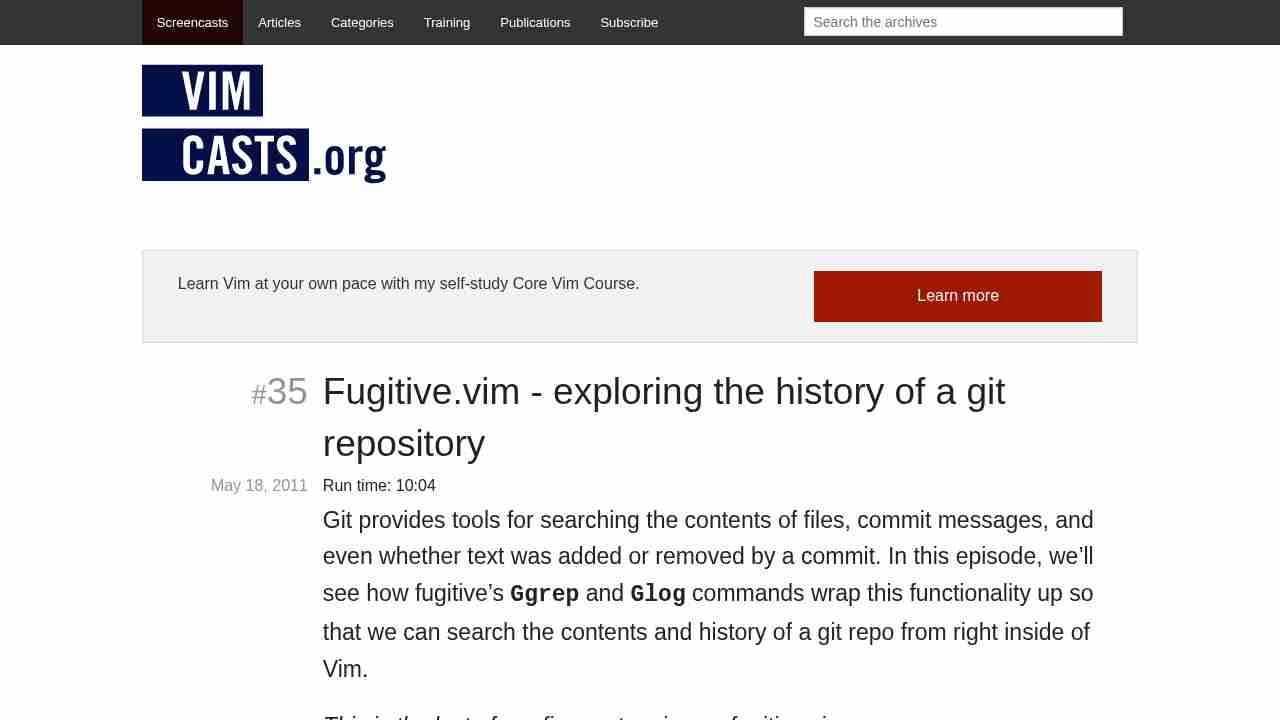
Fugitive.vim - exploring the history of a git repository
April 27, 2017 - permalink - http://vimcasts.org/episodes/fugitive-vim-exploring-the-history-of-a-git-repository/:Glog
:clist
:cprev
:cnext
:cfirst
:clast
-
-
Stupid Python Tricks: The KeyboardInterrupt Exception
April 21, 2017 - permalink - http://effbot.org/zone/stupid-exceptions-keyboardinterrupt.htmcatching all exception in python
import tracebackfor record in database:
try:
blabla
except (KeyboardInterrupt, SystemExit):
raise
except Exception as e:
# report error and proceed
print(type(e).name)
print(e)
print(traceback.format_exc())Ne pas oublier de raise si on veut re-raise
-
Configuring the AWS Command Line Interface - AWS Command Line Interface
April 21, 2017 - permalink - http://docs.aws.amazon.com/cli/latest/userguide/cli-chap-getting-started.html#cli-multiple-profilesPratique quand on doit jongler entre différents comptes AWS
et l'équivalent pour s3cmd : http://mikesisk.tumblr.com/post/8703449578/s3cmd-and-multiple-accounts
-
Note: Firefox fishing
April 21, 2017 - permalink - https://links.infomee.fr/shaare/9ZMn_Qabout:config
punycode
-
-
-
-
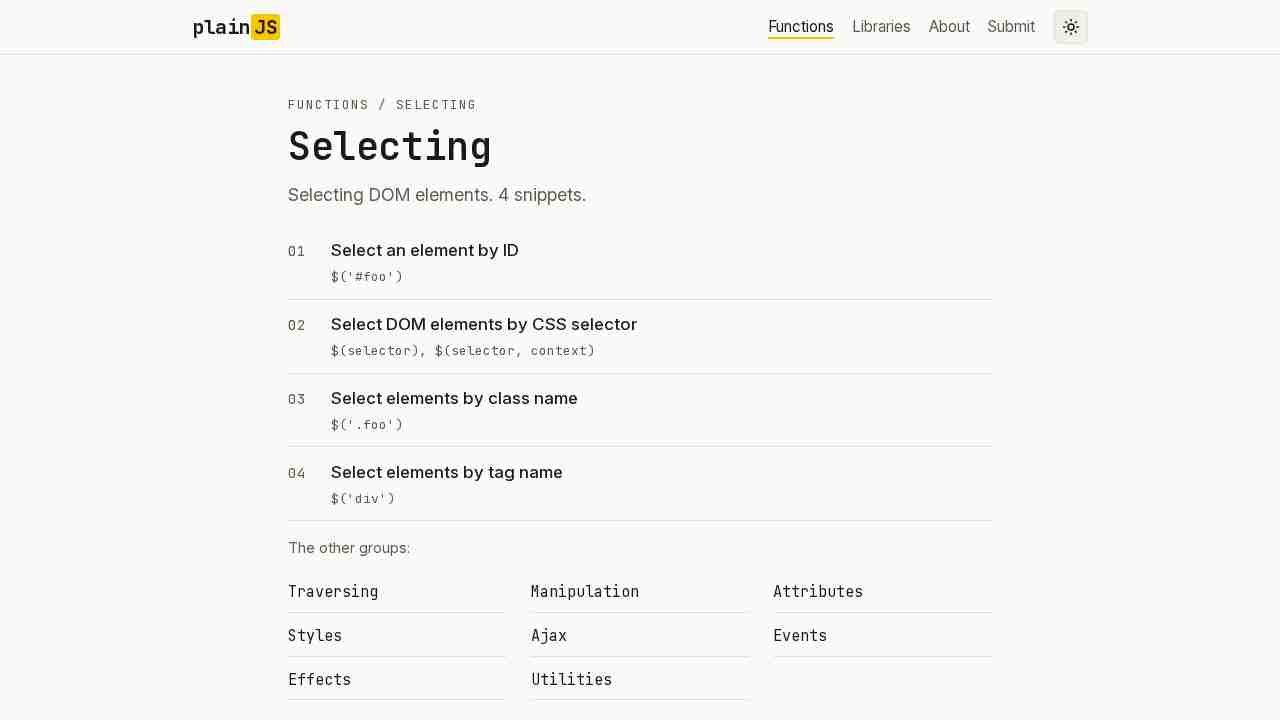
Plain JavaScript - Selecting DOM elements
April 13, 2017 - permalink - https://plainjs.com/javascript/selecting/Des snippets en plain js
-
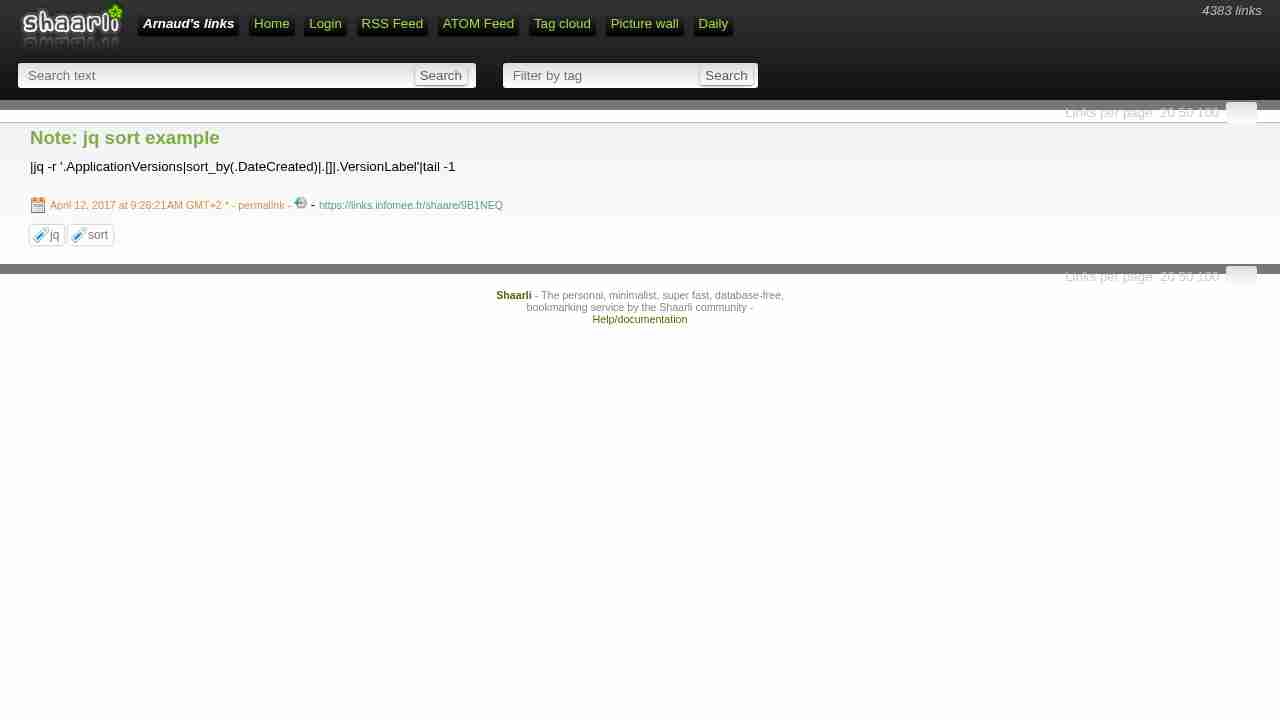
Note: jq sort example
April 12, 2017 - permalink - https://links.infomee.fr/shaare/9B1NEQ|jq -r '.ApplicationVersions|sort_by(.DateCreated)|.[]|.VersionLabel'|tail -1
-
-
Welcome to Mastodon · Aldarone.fr
April 2, 2017 - permalink - https://aldarone.fr/welcome-to-mastodon/C'est pas le 1er Twitter like décentralisé, est ce que ça va prendre ?
Via Skunnyk
-
-
-
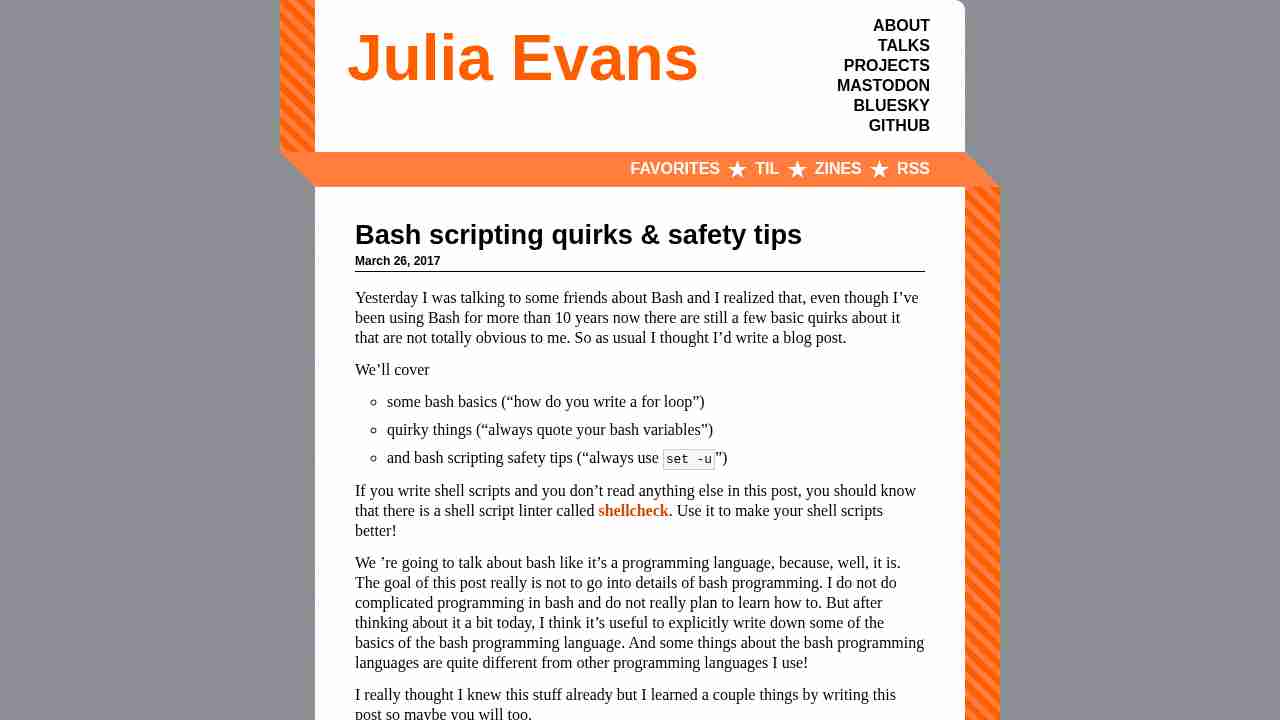
Bash scripting quirks & safety tips - Julia Evans
April 2, 2017 - permalink - http://jvns.ca/blog/2017/03/26/bash-quirks/set -eux
Shellcheck
reptyr
-
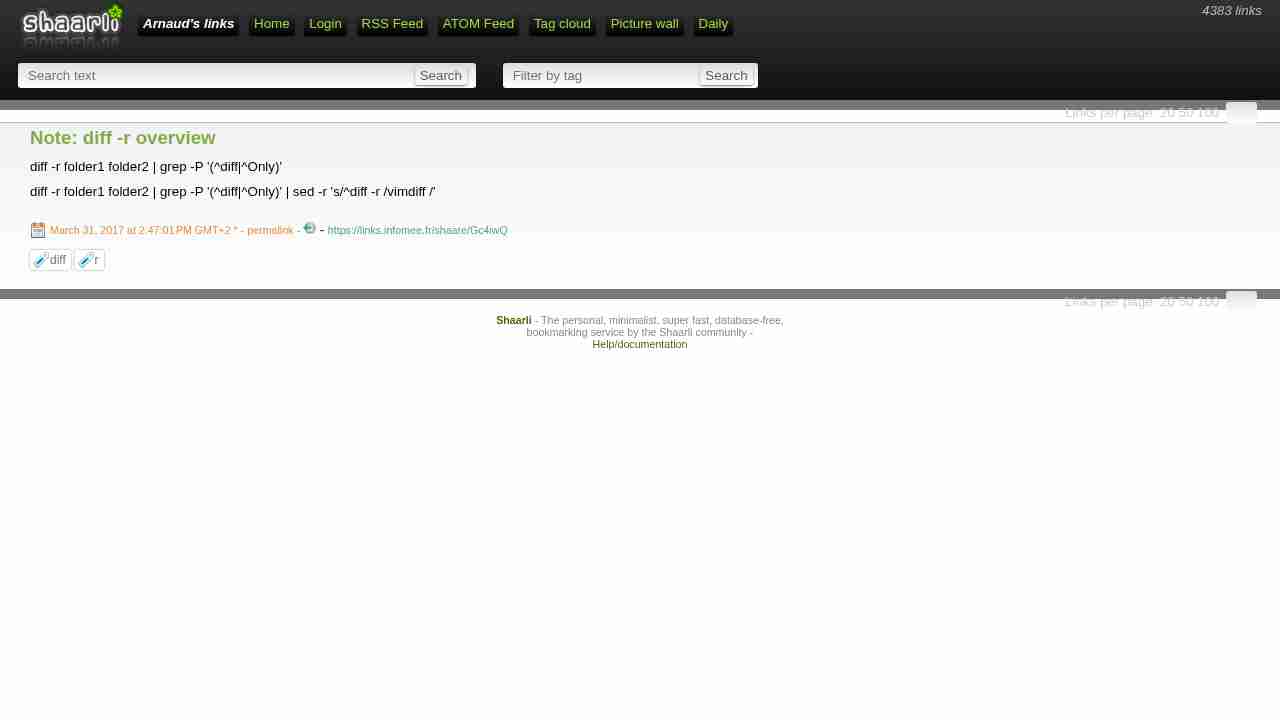
Note: diff -r overview
March 31, 2017 - permalink - https://links.infomee.fr/shaare/Gc4iwQdiff -r folder1 folder2 | grep -P '(^diff|^Only)'
diff -r folder1 folder2 | grep -P '(^diff|^Only)' | sed -r 's/^diff -r /vimdiff /'
-
-
s3fs-fuse/s3fs-fuse: FUSE-based file system backed by Amazon S3
March 30, 2017 - permalink - https://github.com/s3fs-fuse/s3fs-fuseI may have to use this one, but issue number is freaking me out
-
Note: Changement d'heure
March 29, 2017 - permalink - https://links.infomee.fr/shaare/X6cRbAC'est vraiment se compliquer la vie pour pas grande chose
Et puis je m'en souviens jamais : en hiver on est GMT+1, en été on est GMT+2
-
-
-
Note: boto3 subnet sorted by name
March 24, 2017 - permalink - https://links.infomee.fr/shaare/Fn--jwsubnets = ec2.subnets.all()
subnets_sorted = sorted(subnets, key=lambda k: k.tags[next(index for (index, d) in enumerate(k.tags) if d["Key"] == "Name")]['Value'])Well, my python level is not good enough to clearly understand this but my Google level was largely enough to build this
-
-
-