-
-
-
Working with presigned URLs - Amazon Simple Storage Service
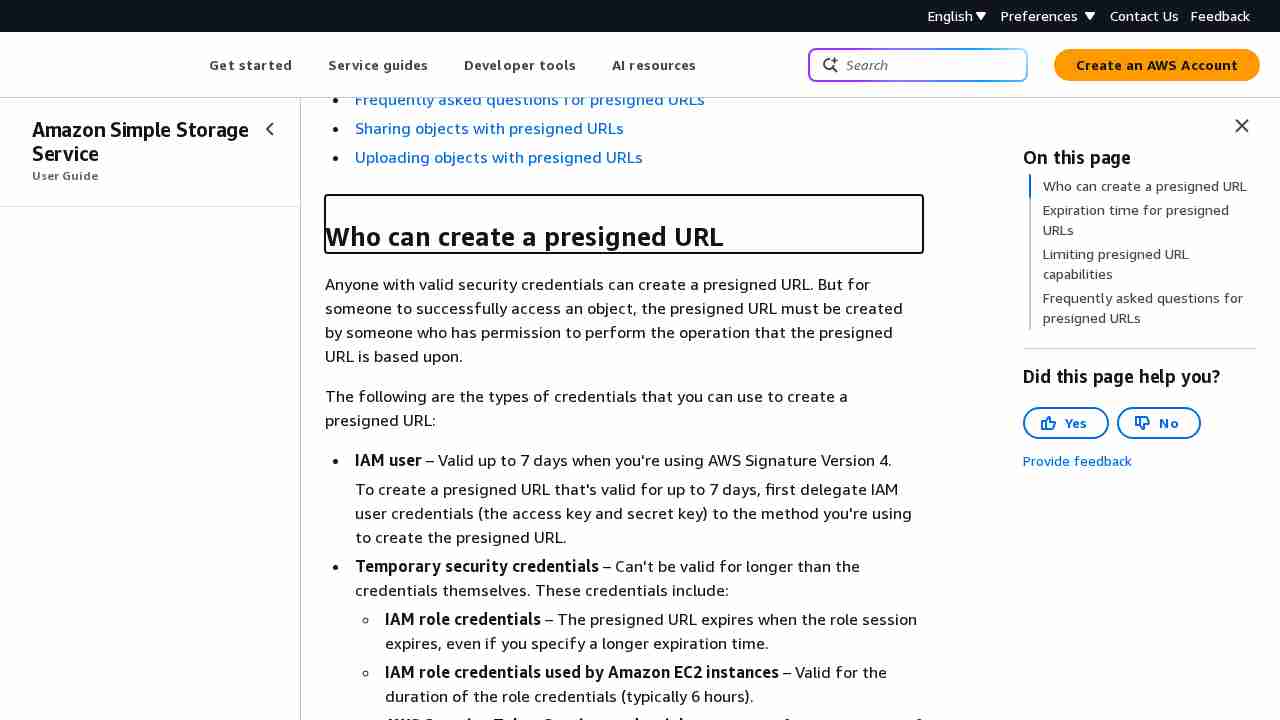
August 12, 2023 - permalink - https://docs.aws.amazon.com/AmazonS3/latest/userguide/using-presigned-url.html#who-presigned-urlIf you created a presigned URL by using a temporary token, then the URL expires when the token expires, even if you created the URL with a later expiration time. For more information about how the credentials you use affect the expiration time, see Who can create a presigned URL.
So you have to use regular IAM user instead of IAM role for service generating presigned urls..? :-/
-
-
-
-
-
-
-
-
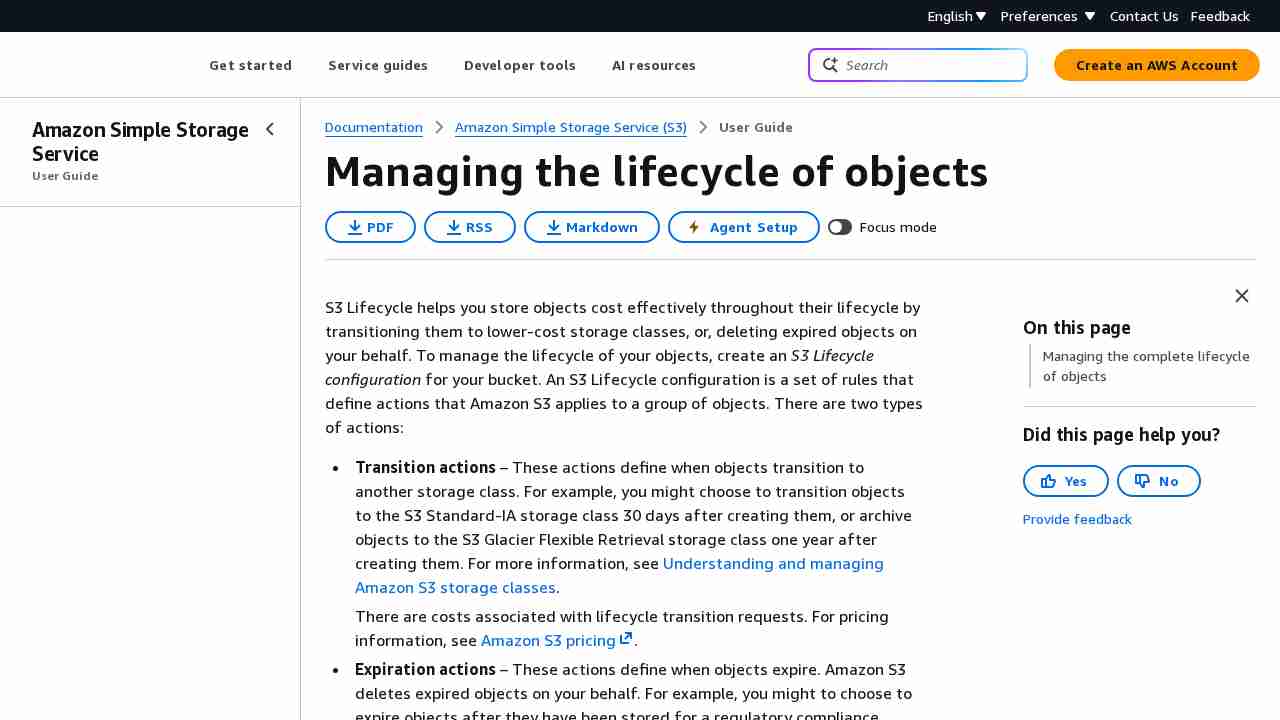
How Do I Create a Lifecycle Policy for an S3 Bucket? - Amazon Simple Storage Service
September 22, 2017 - permalink - http://docs.aws.amazon.com/AmazonS3/latest/user-guide/create-lifecycle.htmlTo apply this lifecycle rule to all objects in the bucket, choose Next.
That's why wildcard was not working :D
-
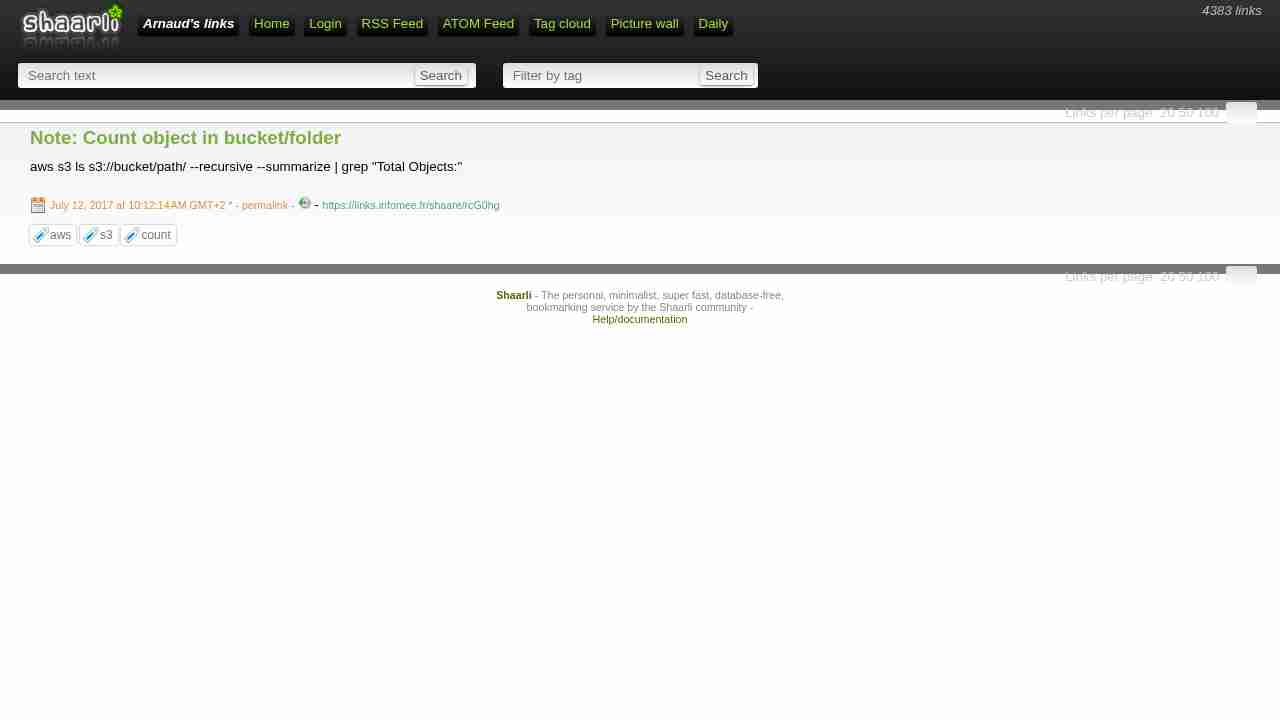
Note: Count object in bucket/folder
July 12, 2017 - permalink - https://links.infomee.fr/shaare/rcG0hgaws s3 ls s3://bucket/path/ --recursive --summarize | grep "Total Objects:"
-
Amazon Glacier Direct Upload vs Glacier Upload via Amazon S3
June 27, 2017 - permalink - https://www.cloudberrylab.com/blog/compare-amazon-glacier-direct-upload-and-glacier-upload-through-amazon-s3/So you can put your data into glacier with 2 differents ways:
1) directly to glacier via API
2) Store them to s3 then with a management policy, it'll go to GlacierWarning : Huge cost when you download from glacier and when you delete before 3 months
-
Note: s3 bucket size by api
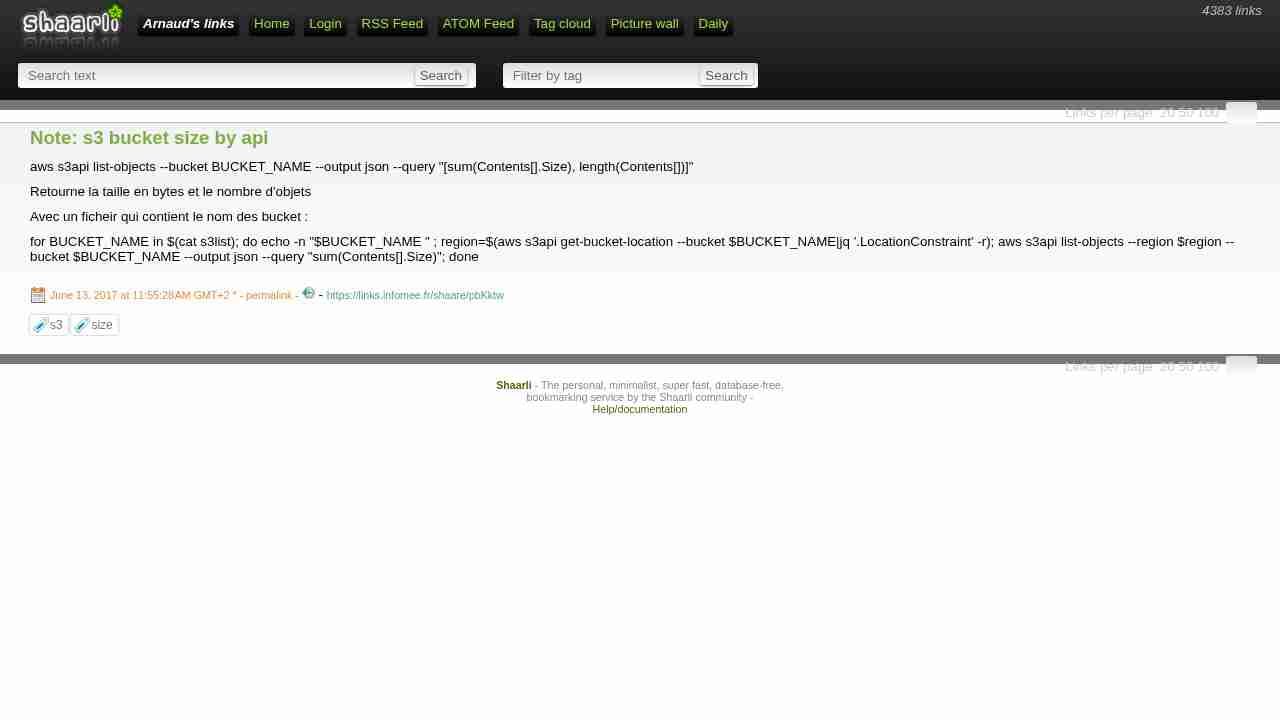
June 13, 2017 - permalink - https://links.infomee.fr/shaare/pbKktwaws s3api list-objects --bucket BUCKET_NAME --output json --query "[sum(Contents[].Size), length(Contents[])]"
Retourne la taille en bytes et le nombre d'objets
Avec un ficheir qui contient le nom des bucket :
for BUCKET_NAME in $(cat s3list); do echo -n "$BUCKET_NAME " ; region=$(aws s3api get-bucket-location --bucket $BUCKET_NAME|jq '.LocationConstraint' -r); aws s3api list-objects --region $region --bucket $BUCKET_NAME --output json --query "sum(Contents[].Size)"; done
-
Example 2: Bucket Owner Granting Cross-Account Bucket Permissions - Amazon Simple Storage Service
June 12, 2017 - permalink - http://docs.aws.amazon.com/AmazonS3/latest/dev/example-walkthroughs-managing-access-example2.htmlDonc pour autoriser un compte externe, on va créer une bucket policy sur notre bucket pour autoriser "arn:aws:iam::account_id:root" ou plus précis sur l'user arn:aws:iam::account_id:user/foobar ou le role
C'est le compte en face qui va décider qui a le droit de venir sur notre bucket avec des user policy standard (quand on est dans le contexte du compte en face, c'est comme si le bucket nous appartenait)
Exemple bucket policy à mettre sur le BUCKET de l'account A pour autoriser l'account xxx en RW
{
"Version": "2012-10-17",
"Statement": [{ "Sid": "Allow account_xx on aws account xxx RW", "Effect": "Allow", "Principal": { "AWS": "arn:aws:iam::OTHER_ACCOUNT_ID:root" }, "Action": ["s3:GetBucketLocation", "s3:ListBucket"], "Resource": "arn:aws:s3:::BUCKET" }, { "Sid": "Allow account_xx on aws account xxx RW", "Effect": "Allow", "Principal": { "AWS": "arn:aws:iam::OTHER_ACCOUNT_ID:root" }, "Action": [ "s3:*" ], "Resource": "arn:aws:s3:::BUCKET/*" } ]}
Pour Read only, remplacer action du deuxieme bloc par "Action": ["s3:Get","s3:List"],
-
-
-
Note: s3 policy one bucket
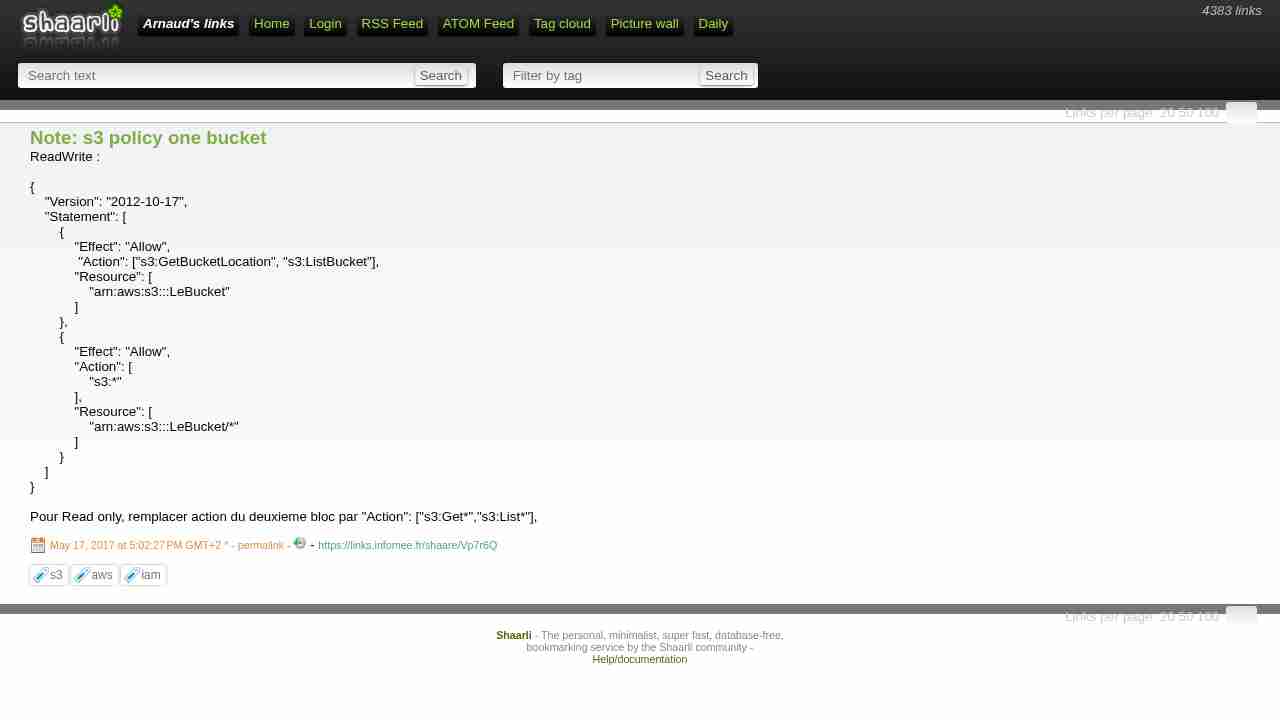
May 17, 2017 - permalink - https://links.infomee.fr/shaare/Vp7r6QReadWrite :
{
"Version": "2012-10-17",
"Statement": [
{
"Effect": "Allow",
"Action": ["s3:GetBucketLocation", "s3:ListBucket"],
"Resource": [
"arn:aws:s3:::LeBucket"
]
},
{
"Effect": "Allow",
"Action": [
"s3:"
],
"Resource": [
"arn:aws:s3:::LeBucket/"
]
}
]
}Pour Read only, remplacer action du deuxieme bloc par "Action": ["s3:Get","s3:List"],
-
Note: s3 enpoint
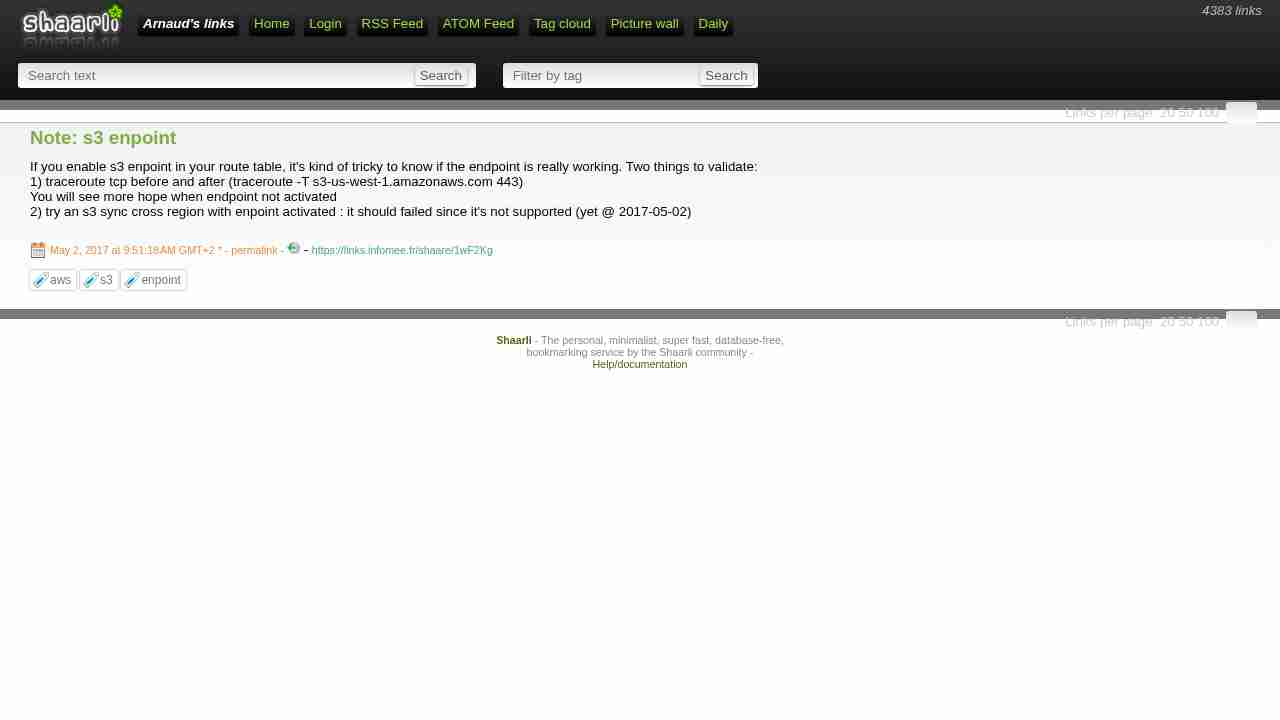
May 2, 2017 - permalink - https://links.infomee.fr/shaare/1wF2KgIf you enable s3 enpoint in your route table, it's kind of tricky to know if the endpoint is really working. Two things to validate:
1) traceroute tcp before and after (traceroute -T s3-us-west-1.amazonaws.com 443)
You will see more hope when endpoint not activated
2) try an s3 sync cross region with enpoint activated : it should failed since it's not supported (yet @ 2017-05-02)
-
s3fs-fuse/s3fs-fuse: FUSE-based file system backed by Amazon S3
March 30, 2017 - permalink - https://github.com/s3fs-fuse/s3fs-fuseI may have to use this one, but issue number is freaking me out
-
-
Writing IAM Policies: How to Grant Access to an Amazon S3 Bucket | AWS Security Blog
March 15, 2017 - permalink - https://aws.amazon.com/blogs/security/writing-iam-policies-how-to-grant-access-to-an-amazon-s3-bucket/Don't give s3 full access policy to your app user
Prefer to allow access only for specific bucketI wonder what's the best choice : create managed policy or simply use inline policy. I got a 1 to 1 relationship between my app-users and bucket so... inline policy looks good here
-
How to Setup AWS S3 Access from Specific IPs - Pete Cheslock
December 19, 2016 - permalink - https://pete.wtf/2012/05/01/how-to-setup-aws-s3-access-from-specific-ips/{
"Id": "S3PolicyId1",
"Statement": [
{
"Sid": "IPDeny",
"Effect": "Deny",
"Principal": {
"AWS": ""
},
"Action": "s3:",
"Resource": "arn:aws:s3:::my-wicked-awesome-bucket/*",
"Condition": {
"NotIpAddress": {
"aws:SourceIp": "72.309.38.2/32"
}
}
}
]
}
-
-