-
-
-
-
-
-
Using command-line history | Vim Tips Wiki | Fandom
April 23, 2022 - permalink - https://vim.fandom.com/wiki/Using_command-line_historyNavigate through your search history (/) or command history (:) without leaving your home row?
q:
q/
Think "query search" and "query command"
-
Vim for all level
March 4, 2022 - permalink - https://thevaluable.dev/tags/vim/Practical vim tips and trick for all level
-
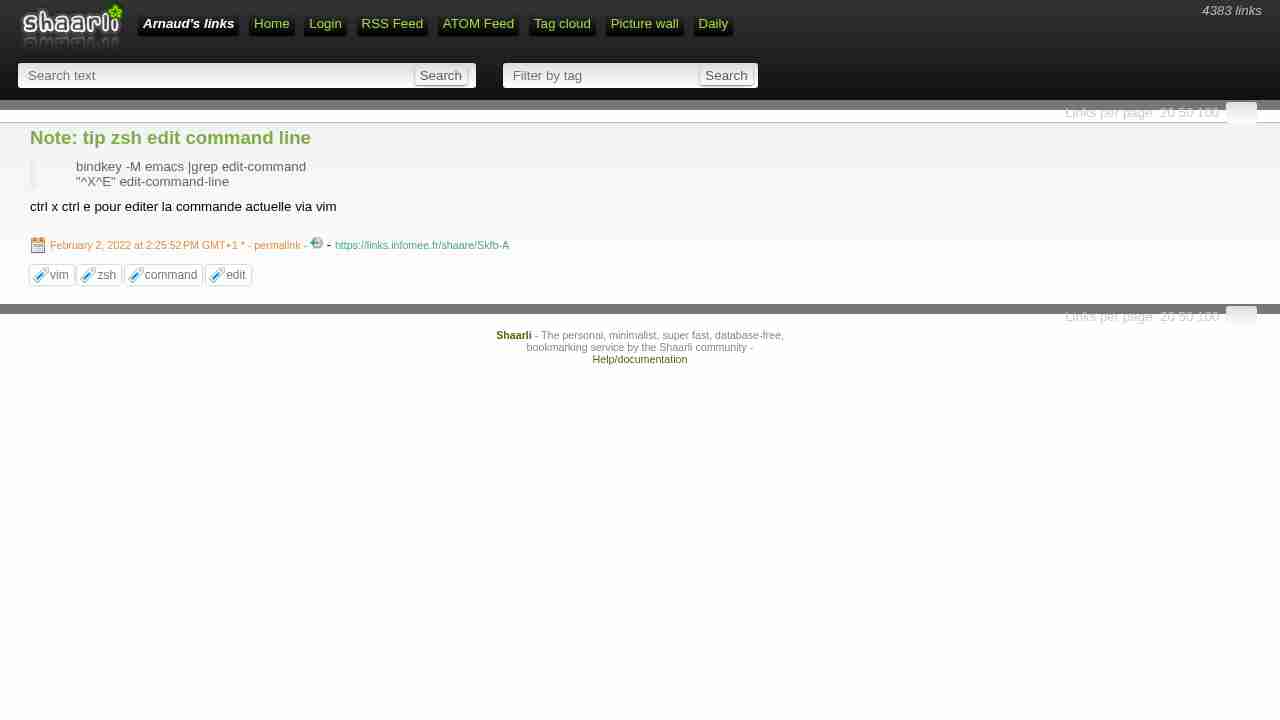
Note: tip zsh edit command line
February 2, 2022 - permalink - https://links.infomee.fr/shaare/Skfb-Abindkey -M emacs |grep edit-command
"^X^E" edit-command-linectrl x ctrl e pour editer la commande actuelle via vim
-
Get the name of the current file | Vim Tips Wiki | Fandom
October 25, 2021 - permalink - https://vim.fandom.com/wiki/Get_the_name_of_the_current_file:echo @% def/my.txt directory/name of file (relative to the current working directory of /abc)
:echo expand('%:t') my.txt name of file ('tail')
:echo expand('%:p') /abc/def/my.txt full path
:echo expand('%:p:h') /abc/def directory containing file ('head')
:echo expand('%:p:h:t') def First get the full path with :p (/abc/def/my.txt), then get the head of that with :h (/abc/def), then get the tail of that with :t (def)
:echo expand('%:r') def/my name of file less one extension ('root')
:echo expand('%:e') txt name of file's extension ('extension')
-
-
-
-
-
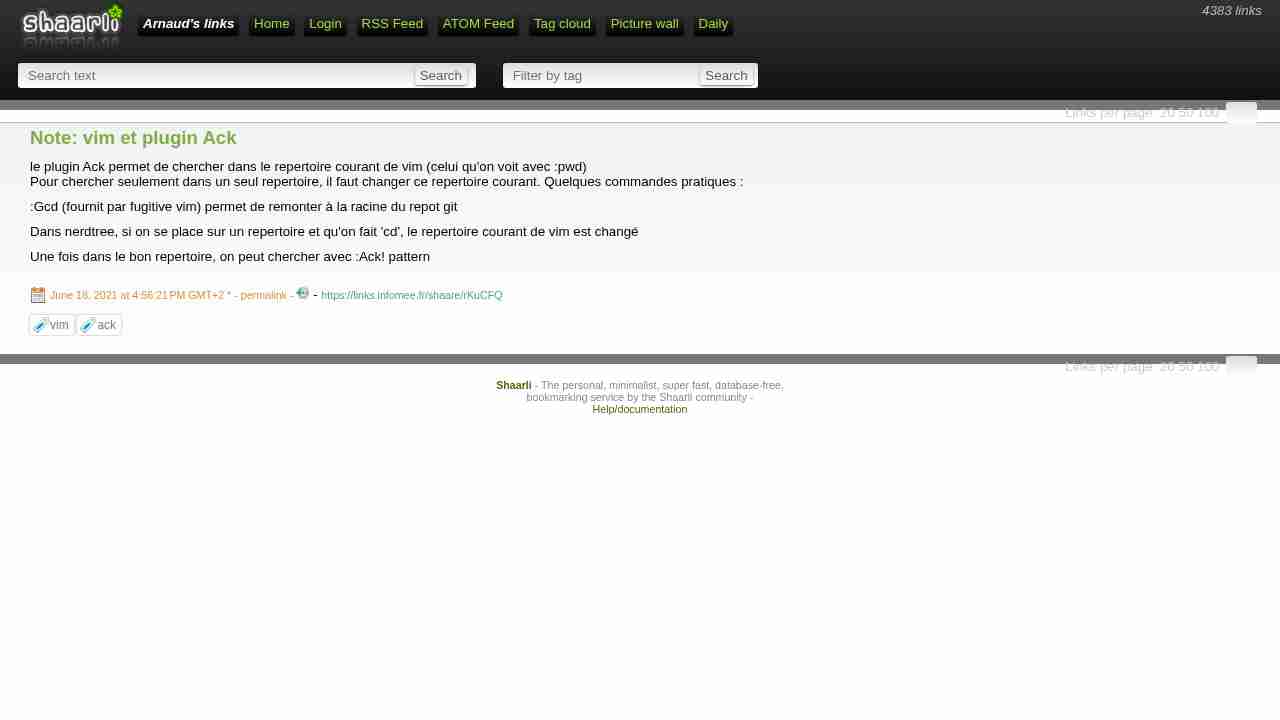
Note: vim et plugin Ack
June 18, 2021 - permalink - https://links.infomee.fr/shaare/rKuCFQle plugin Ack permet de chercher dans le repertoire courant de vim (celui qu'on voit avec :pwd)
Pour chercher seulement dans un seul repertoire, il faut changer ce repertoire courant. Quelques commandes pratiques ::Gcd (fournit par fugitive vim) permet de remonter à la racine du repot git
Dans nerdtree, si on se place sur un repertoire et qu'on fait 'cd', le repertoire courant de vim est changé
Une fois dans le bon repertoire, on peut chercher avec :Ack! pattern
-
-
-
-
-
-
Using Vim's named registers
November 6, 2019 - permalink - http://vimcasts.org/episodes/using-vims-named-registers/Appending to a named register
Using an uppercase letter tells Vim to append text to the specified register (rather than overwriting the existing contents). For example, "Ayy copies the current line, and appends it to register ‘a’.
<3
-
How to paste yanked text to vim command-line? - Super User
October 24, 2019 - permalink - https://superuser.com/questions/470727/how-to-paste-yanked-text-to-vim-command-lineYou can do " to paste from the default register or a to paste from register a.
-
-
scroll - How to move screen without moving cursor in Vim? - Stack Overflow
August 26, 2019 - permalink - https://stackoverflow.com/questions/3458689/how-to-move-screen-without-moving-cursor-in-vimAdditionally:
Ctrl-y Moves screen up one line
Ctrl-e Moves screen down one line
Ctrl-u Moves cursor & screen up ½ page
Ctrl-d Moves cursor & screen down ½ page
Ctrl-b Moves screen up one page, cursor to last line
Ctrl-f Moves screen down one page, cursor to first line
Ctrl-y and Ctrl-e only change the cursor position if it would be moved off screen.
-
-
Is better way to zoom windows in Vim than ZoomWin? - Stack Overflow
August 17, 2019 - permalink - https://stackoverflow.com/questions/13194428/is-better-way-to-zoom-windows-in-vim-than-zoomwinI try to use vim without any plugins as I don't want to rely on them when I work on another system. Coming upon this same issue now, I can propose some 'better ways' (alternative ways) as requested by the OP:
c-w-| to have window take over (if using vsplits). c-w-= to restore. c-w-_ for horizontal splits
close the other window(s), thereby making current one fullscreen. Split and re-open from buffer to restore
-
-
GitHub - scrooloose/nerdtree: A tree explorer plugin for vim.
July 29, 2019 - permalink - https://github.com/scrooloose/nerdtreeComment j'ai fait pour me passer de nerdtree?
-
-
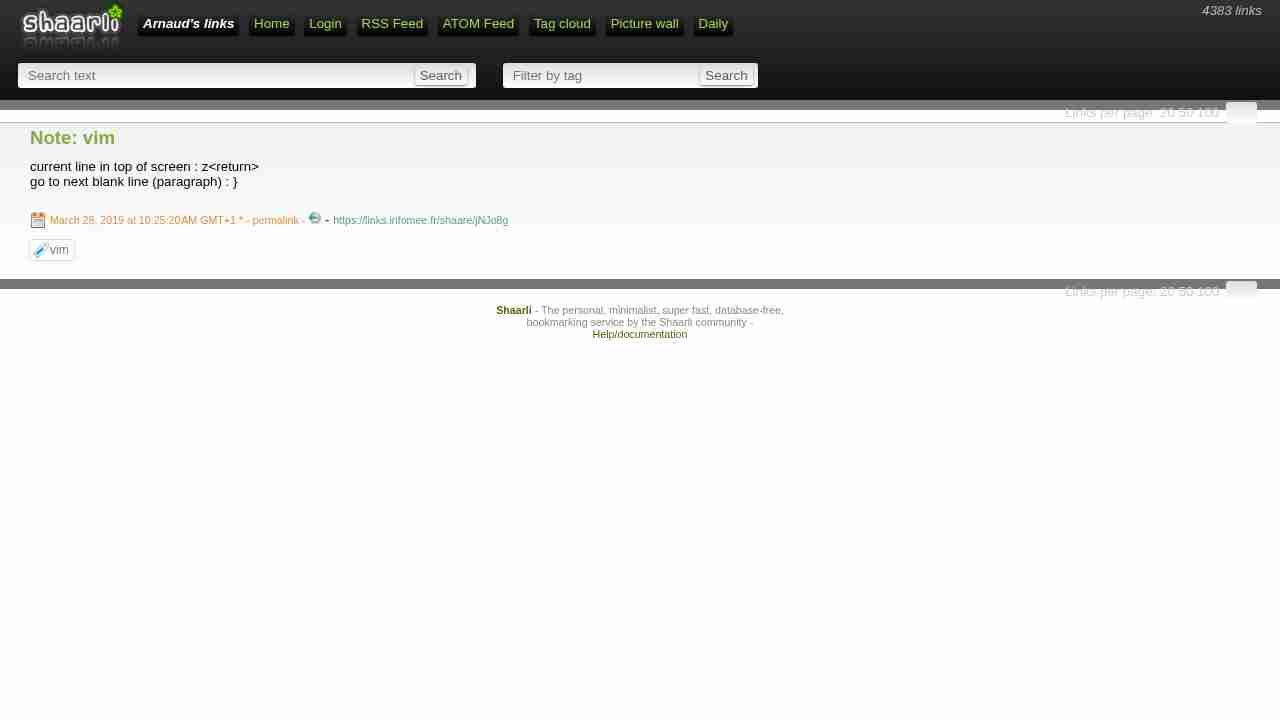
Note: vim
March 28, 2019 - permalink - https://links.infomee.fr/shaare/jNJo8gcurrent line in top of screen : z
go to next blank line (paragraph) : }
-
-
-
-
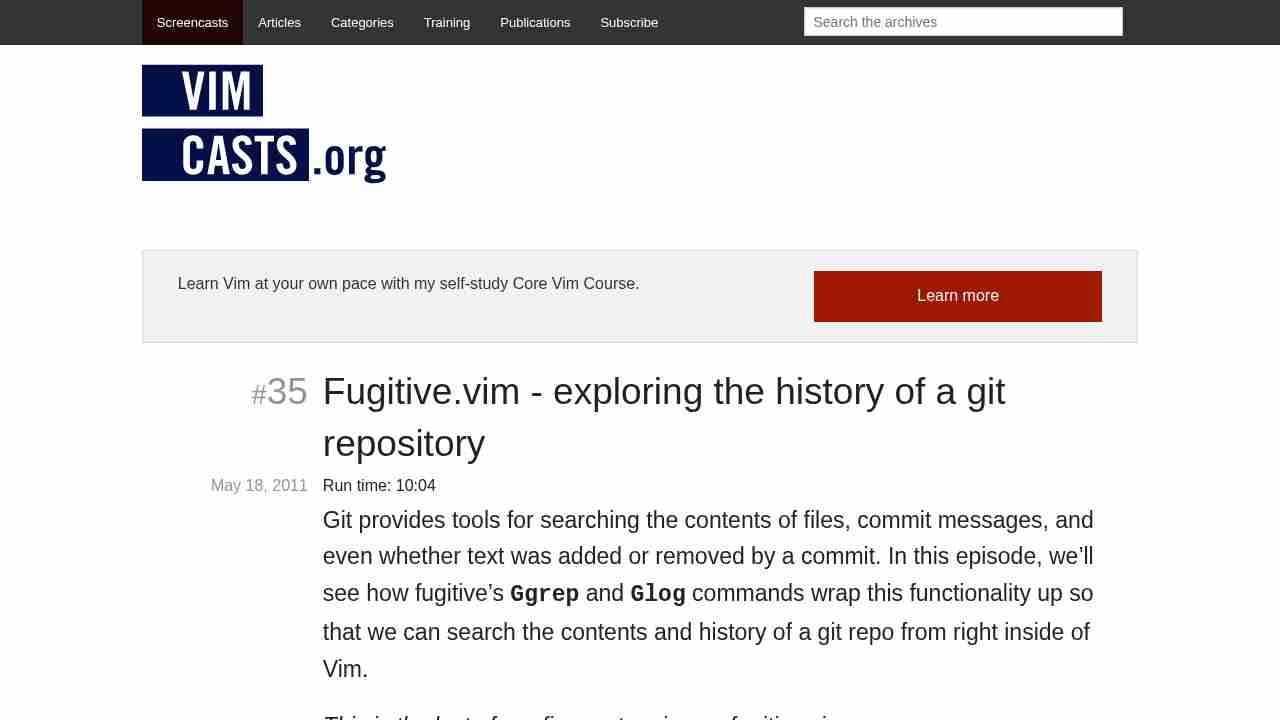
Fugitive.vim - exploring the history of a git repository
April 27, 2017 - permalink - http://vimcasts.org/episodes/fugitive-vim-exploring-the-history-of-a-git-repository/:Glog
:clist
:cprev
:cnext
:cfirst
:clast
-
-
-
-
Note: inception
December 9, 2016 - permalink - https://links.infomee.fr/shaare/4Ww4qQI've edited my .vimrc to add fugitive plugin and commited it by using fugitive
-
-
-
Edit a file in-place in vim - Stack Overflow
November 23, 2016 - permalink - http://stackoverflow.com/questions/11043534/edit-a-file-in-place-in-vimComment perdre 30 min
:set backupcopy=yes
When you want to modify a file, you have two options, each with its benefits and drawbacks.
You can overwrite the file in place. This does not use any extra space, and conserves the hard links, permissions and any other attribute beyond the content of the existing file. The major drawback of doing this is that if anything happens while the file is being written (the application crashes, or the power goes out), you end up with a partially written file.
You can write the new version of the file to a new file with a different name, then move it into place. This uses more space and breaks hard links, and if you have write permissions on a file but not on the directory it contains, you can't do it at all. On the flip side, the old version of the file is atomically replaced by the new version, so at every point in time the file name points to a valid, complete version of the file.
http://vimdoc.sourceforge.net/htmldoc/options.html#%27backup%27
-
-
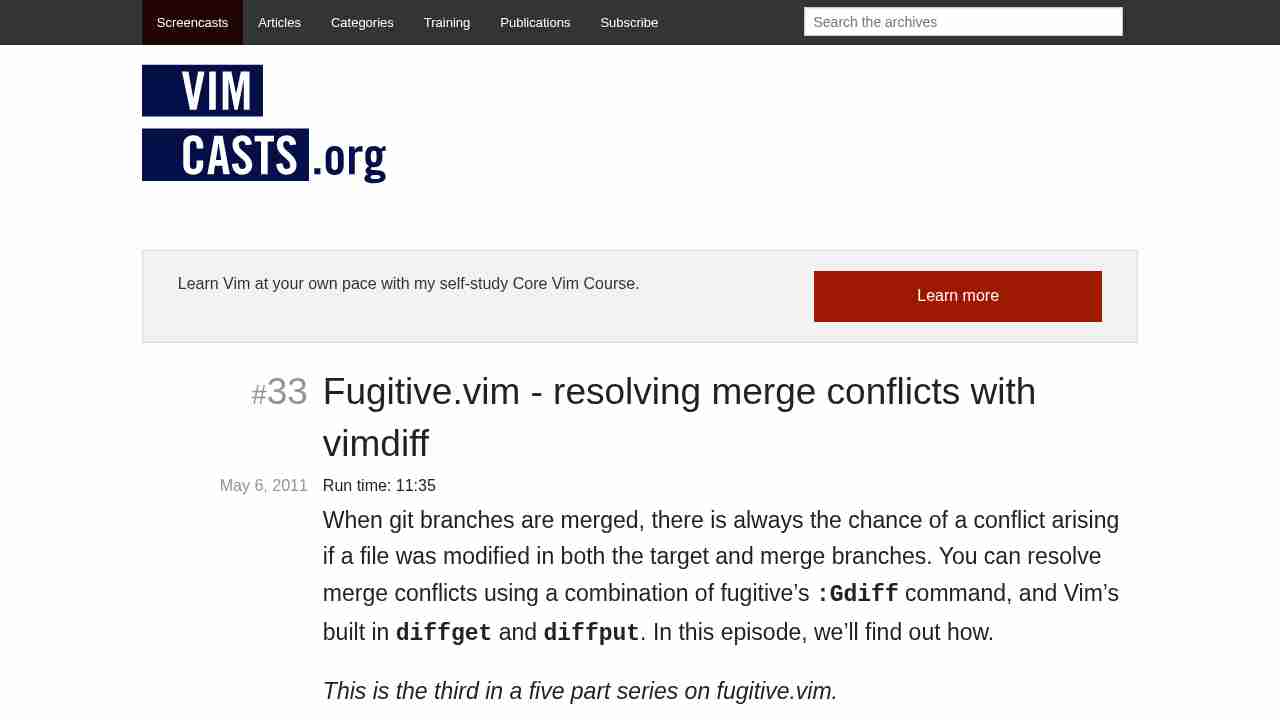
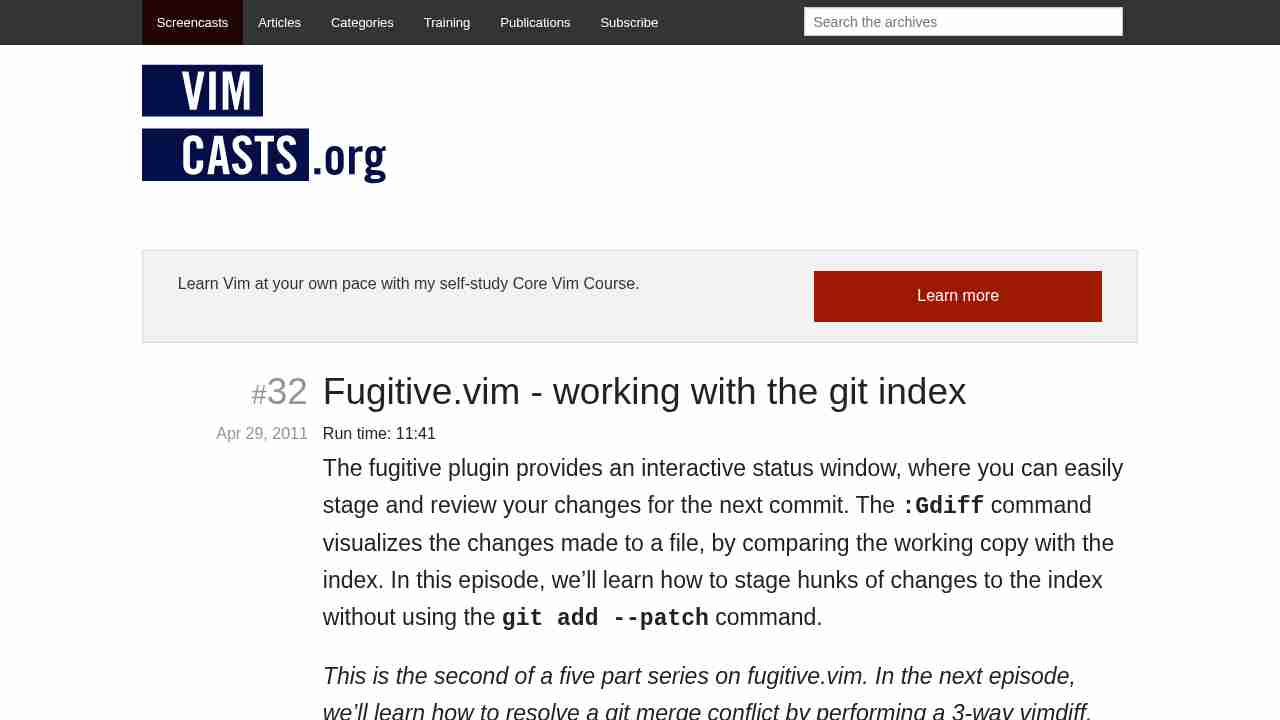
Fugitive.vim - working with the git index
November 16, 2016 - permalink - http://vimcasts.org/episodes/fugitive-vim-working-with-the-git-index/je découvre ce plugin vim qui a l'air juste magique pour interagir avec git
-
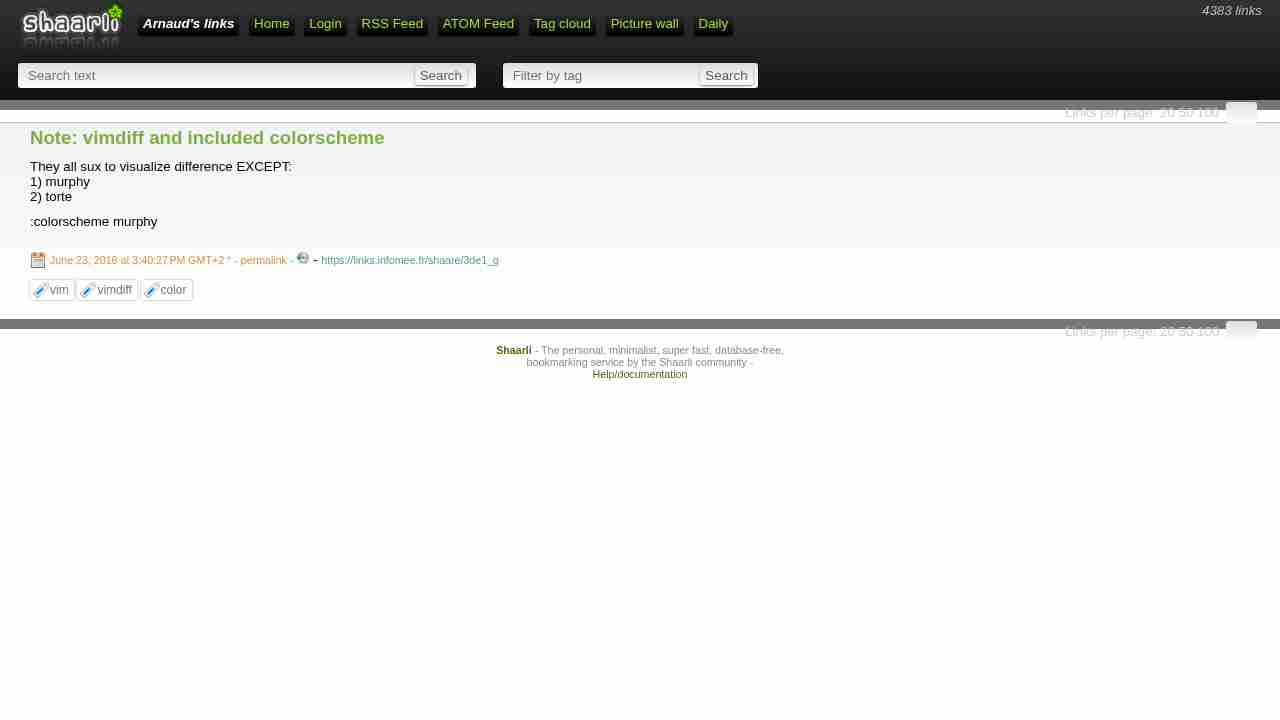
Note: vimdiff and included colorscheme
June 23, 2016 - permalink - https://links.infomee.fr/shaare/3de1_gThey all sux to visualize difference EXCEPT:
1) murphy
2) torte:colorscheme murphy
-
Select rectangular screen area | commandlinefu.com
January 11, 2016 - permalink - http://www.commandlinefu.com/commands/view/15021/select-rectangular-screen-areaPeut etre utile pour cc à la souris dans un split vim ou screen!
Aussi pour cc plusieurs lignes dans vim sans prendre la column number :)
-
-
Easier buffer switching - Vim Tips Wiki
October 2, 2015 - permalink - http://vim.wikia.com/wiki/Easier_buffer_switchingPour changer de buffer, je faisais :
:ls (pour récupérer la liste des buffers et trouver le numéro du buffer)
:b5 (pour switcher sur le buffer 5)Pas trop pratique, du coup une alternative sympa :
Put the following in your vimrc:
set wildchar= wildmenu wildmode=full
Ensuite il suffit de faire :
:bPour avoir la liste des buffers et itérer dessus avec tab jusqu'à être sur le bon puis
-
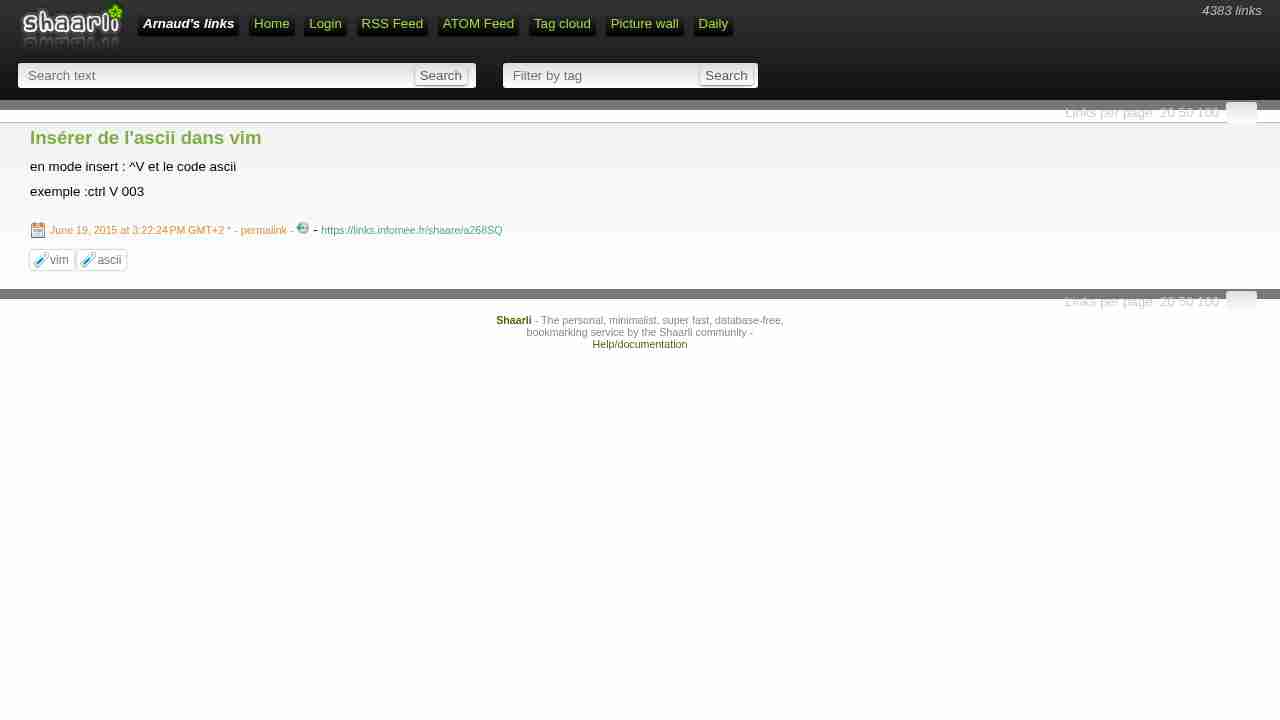
Insérer de l'ascii dans vim
June 19, 2015 - permalink - https://links.infomee.fr/shaare/a268SQen mode insert : ^V et le code ascii
exemple :ctrl V 003
-
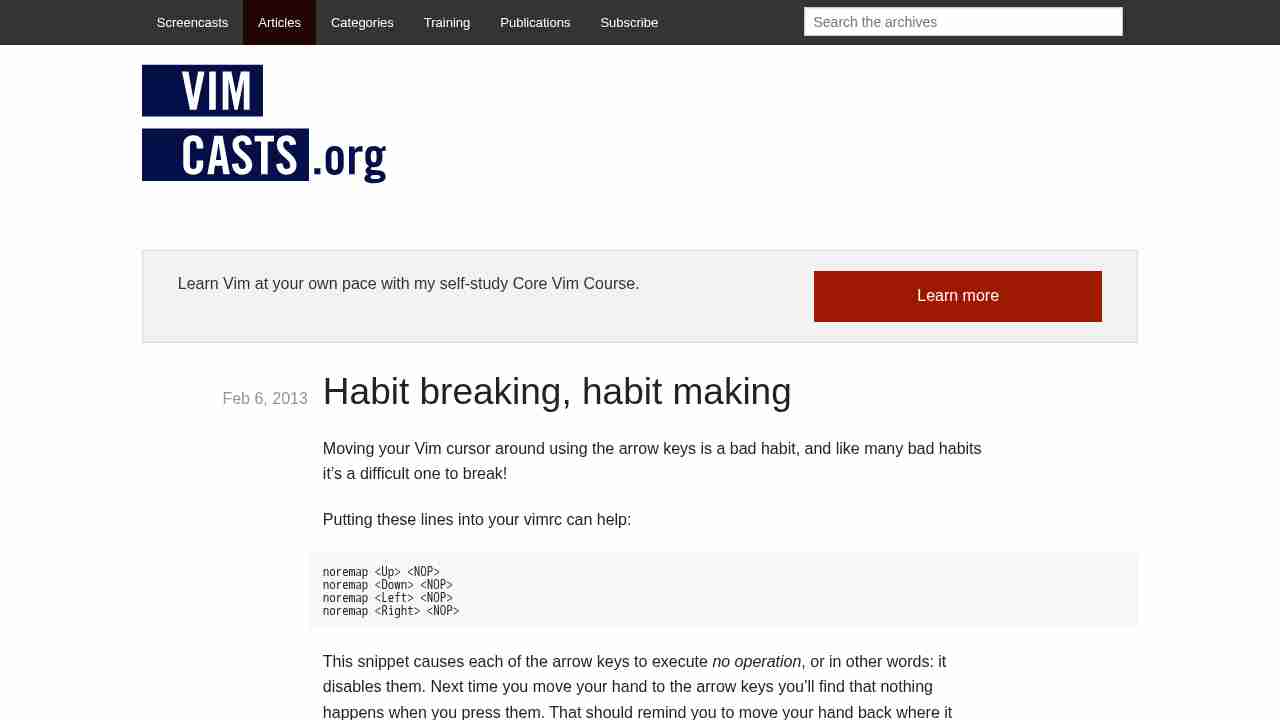
Habit breaking, habit making
June 10, 2015 - permalink - http://vimcasts.org/blog/2013/02/habit-breaking-habit-making/[Summary, full note in Shaarli]
Habit breaking, habit making (Vimcasts, Feb 6, 2013).- Moving with the arrow keys is a bad habit. Disable them in your vimrc to get back to the home row (h j k l):
noremap
noremap
noremap
noremap - Next step: moving one line or column at a time is slow too, holding j is an anti-pattern. As an exercise, disable h j k l the same way (noremap h , ...) to force yourself to learn real motions. Each new motion is like a new word in a foreign language.
- Wordwise motions, ~5x faster than h/l: w and b (start of next/previous word), then e and ge (end of word); W B E gE do the same for WORDs (:help word).
- Character search within a line: f{char} jumps to the next {char}, t{char} to just before it, F/T backwards, ; repeats, , reverses. Aim at rare characters (punctuation, capitals): two keystrokes usually get you there. Set 'visualbell' to mute the beep.
- Keep h and l for off-by-one corrections (f instead of t, neighbouring character).
- The hardmode plugin toggles everything at once: :call HardMode() and :call EasyMode().
- Moving with the arrow keys is a bad habit. Disable them in your vimrc to get back to the home row (h j k l):
-
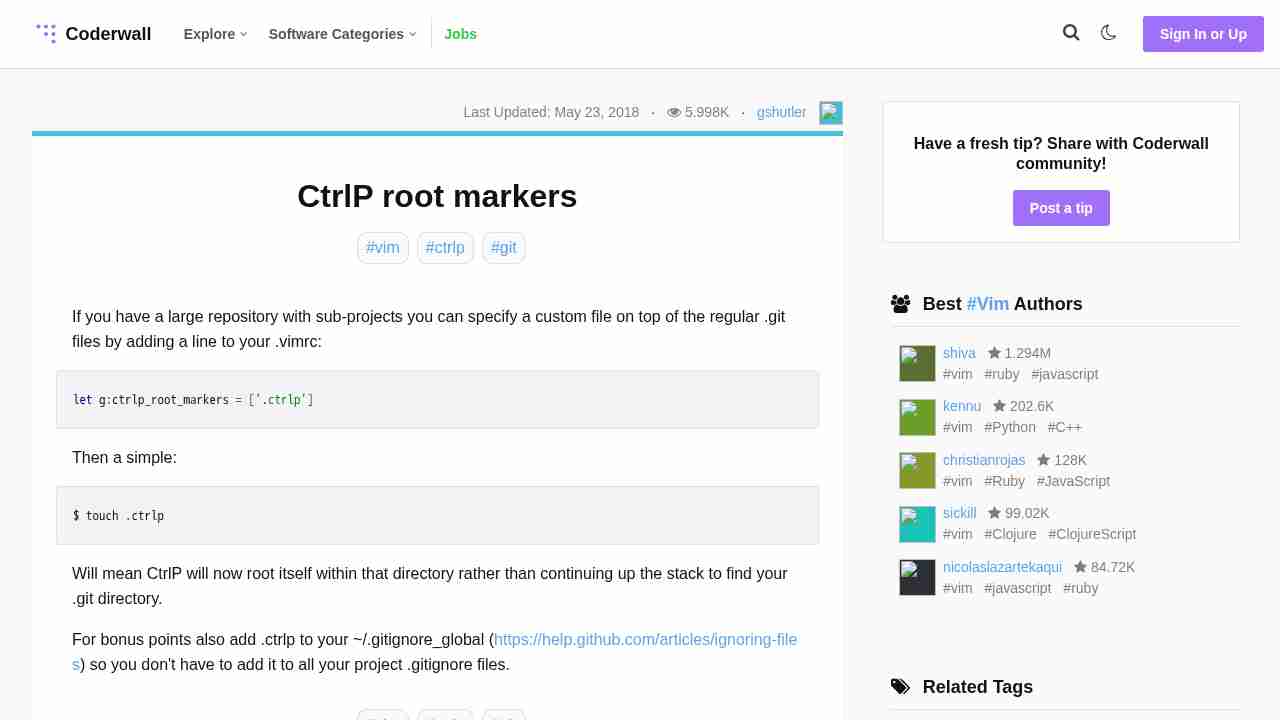
CtrlP root markers
March 12, 2015 - permalink - https://coderwall.com/p/5xv7sq/ctrlp-root-markersJ'utilisais jusqu'à présent aucun plugin vim.. mais l'ouverture de fichier et le switch entre les différents buffers est pénible quand on passe beaucoup de temps dans Vim..
Du coup je teste ctrlP qui est plutot bien une fois configuré !
J'utilise pathogen pour gérer mes plugins, donc dans l'ordre :
- il faut installer pathogen
- ensuite installer ctrlpDans le vimrc :
"" CtrlP
map :CtrlPBuffer
map :CtrlPon a ctrl+B pour naviguer entre les buffers et ctrl+P pour lancer une recherche et ouvrir un fichier
La root de la recherche peut être modifié (par défaut c'est le dossier du fichier ouvert en cours)
On peut lui dire par exemple de remonter jusqu'au .git ou au .svn
Dans mon cas, encore en svn 1.6, il y a un .svn à tous les niveaux... la solution, définir un root marker dans son vimrc :
let g:ctrlp_root_markers = ['.ctrlp']
et ensuite créer ce marker là ou on veut que la recherche se base
$ touch .ctrlp
-