-
-
Note: pas besoin de requirements.txt en local si on a un setup.py
May 24, 2022 - permalink - https://links.infomee.fr/shaare/ruUKGAvirtualenv venv
. venv/bin/activate
pip install --editable .
-
Auto activate and deactivate python venv using zsh - DEV Community
May 20, 2022 - permalink - https://dev.to/moniquelive/auto-activate-and-deactivate-python-venv-using-zsh-4dlmpython_venv() {
MYVENV=./venv
# when you cd into a folder that contains $MYVENV
[[ -d $MYVENV ]] && source $MYVENV/bin/activate > /dev/null 2>&1
# when you cd into a folder that doesn't
[[ ! -d $MYVENV ]] && deactivate > /dev/null 2>&1
}
autoload -U add-zsh-hook
add-zsh-hook chpwd python_venv
-
-
-
-
Regardez "Reuven M. Lerner - Practical decorators - PyCon 2019" sur YouTube
February 11, 2022 - permalink - https://youtu.be/MjHpMCIvwsYYou want to really understand decorators? Watch this video!
boilerplate:
import functools

def decorator(func):
    @functools.wraps(func)
    def wrapper_decorator(*args, **kwargs):
        # Do something before
        value = func(*args, **kwargs)
        # Do something after
        return value
    return wrapper_decorator
-
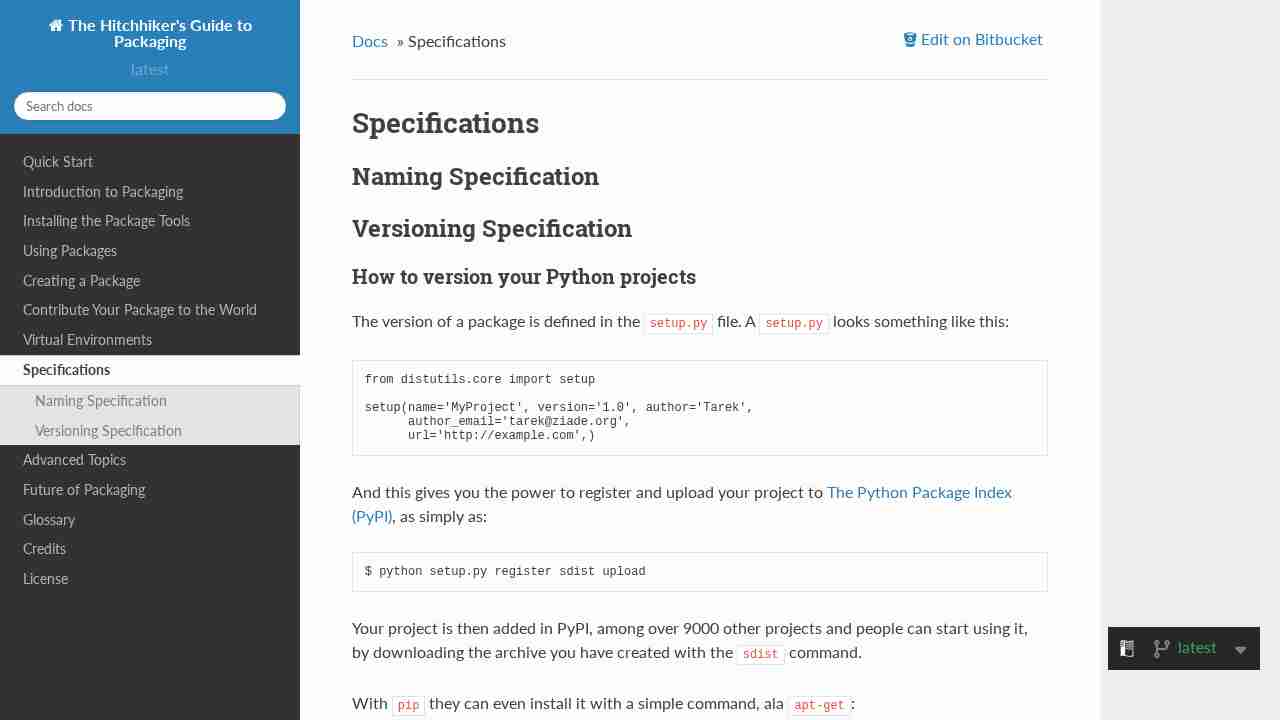
Specifications — The Hitchhiker's Guide to Packaging 1.0 documentation
February 7, 2022 - permalink - https://the-hitchhikers-guide-to-packaging.readthedocs.io/en/latest/specification.htmlWhen you want to publish a beta version, you can use a special tag that won't be proposed to client using pip install package --upgrade
example :
current version = 3.0.1
next version = 3.1.0I can tag with 3.1.0-alpha.1
pip install --upgrade won't upgrade to this version but pip install package==3.1.0-alpha.1 will
-
python - Django template can't loop defaultdict - Stack Overflow
December 29, 2021 - permalink - https://stackoverflow.com/questions/4764110/django-template-cant-loop-defaultdictdjango template does not like defaultdict, 2 solutions:
1) set default_factory to None
or
2) cast defaultdict to a simpledict"The template variable resolution algorithm in Django will attempt to resolve new_data.items as new_data['items'] first, which resolves to an empty list when using defaultdict(list)."
-
Show some equivalent list comprehensions in filter examples · Issue #1068 · pallets/jinja · GitHub
September 24, 2021 - permalink - https://github.com/pallets/jinja/issues/1068# filter out all elements not with x > 5 a = [el for el in data if el['x'] > 5] # get all the 'c' attributes as a list b = [el['c'] for el in data] # get all the 'c' attributes for the elements with x > 5 c = [el['c'] for el in data if el['x'] > 5] In Jinja2: a: {{ data | selectattr('x', 'gt', 5) | list }} b: {{ data | map(attribute='c') | list }} c: {{ data | selectattr('x', 'gt', 5) | map(attribute='c') | list }}
-
OSX crash complaining of operation `in progress in another thread when fork() was called` · Issue #32499 · ansible/ansible · GitHub
August 4, 2021 - permalink - https://github.com/ansible/ansible/issues/32499Ce truc obscur qui t'arrive et où la solution se trouve au fond d'une PR
export OBJC_DISABLE_INITIALIZE_FORK_SAFETY=YES
-
python - How to search and replace text in a file? - Stack Overflow
July 7, 2021 - permalink - https://stackoverflow.com/questions/17140886/how-to-search-and-replace-text-in-a-fileSometime you cant use sed :(
Read in the file
with open('file.txt', 'r') as file :
filedata = file.read()Replace the target string
filedata = filedata.replace('ram', 'abcd')
Write the file out again
with open('file.txt', 'w') as file:
file.write(filedata)
-
-
-
jazzband/pip-tools: A set of tools to keep your pinned Python dependencies fresh.
May 12, 2021 - permalink - https://github.com/jazzband/pip-toolspython dependency management with lock file
-
-
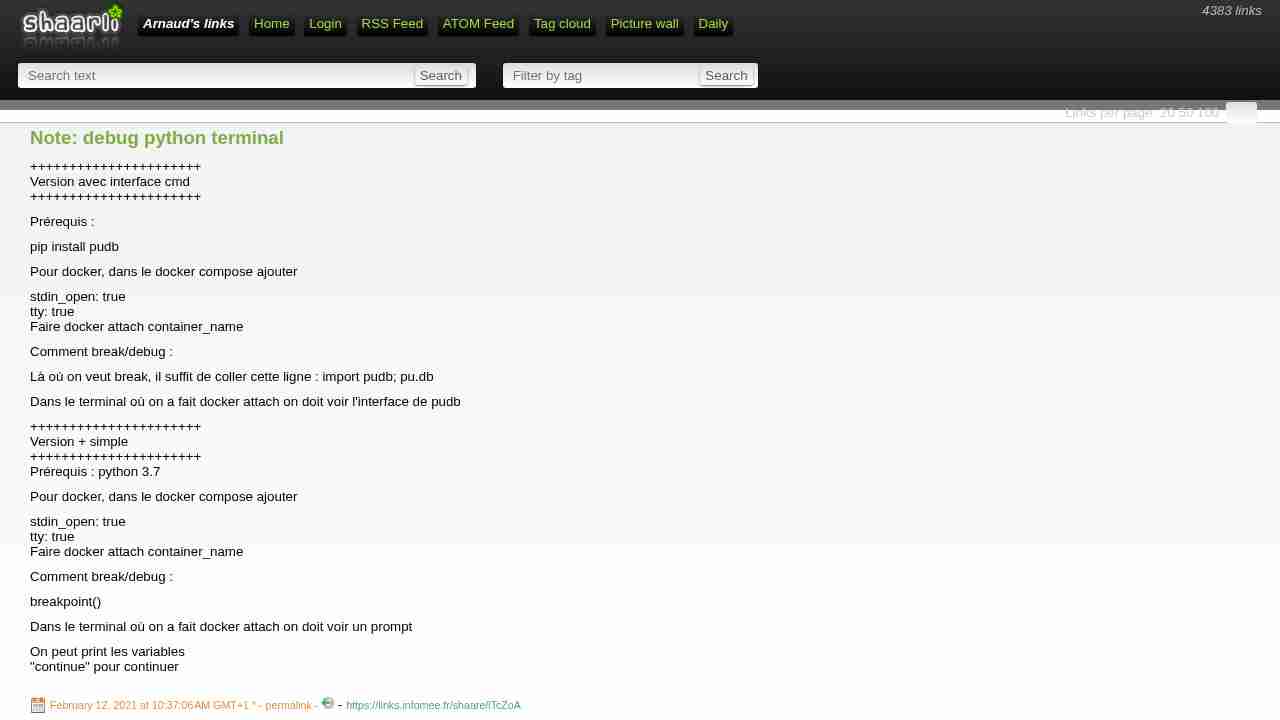
Note: debug python terminal
February 12, 2021 - permalink - https://links.infomee.fr/shaare/lTcZoA++++++++++++++++++++++
Version avec interface cmd
++++++++++++++++++++++Prérequis :
pip install pudb
Pour docker, dans le docker compose ajouter
stdin_open: true
tty: true
Faire docker attach container_nameComment break/debug :
Là où on veut break, il suffit de coller cette ligne : import pudb; pu.db
Dans le terminal où on a fait docker attach on doit voir l'interface de pudb
++++++++++++++++++++++
Version + simple
++++++++++++++++++++++
Prérequis : python 3.7Pour docker, dans le docker compose ajouter
stdin_open: true
tty: true
Faire docker attach container_nameComment break/debug :
breakpoint()
Dans le terminal où on a fait docker attach on doit voir un prompt
On peut print les variables
"continue" pour continuer
-
-
-
-
-
-
-
-
python - Displaying a timedelta object in a django template - Stack Overflow
October 29, 2020 - permalink - https://stackoverflow.com/questions/16348003/displaying-a-timedelta-object-in-a-django-templateHere's my filter code
from django import template
register = template.Library()
@register.filter()
def smooth_timedelta(timedeltaobj):
"""Convert a datetime.timedelta object into Days, Hours, Minutes, Seconds."""
secs = timedeltaobj.total_seconds()
timetot = ""
if secs > 86400: # 60sec * 60min * 24hrs
days = secs // 86400
timetot += "{} days".format(int(days))
secs = secs - days*86400if secs > 3600: hrs = secs // 3600 timetot += " {} hours".format(int(hrs)) secs = secs - hrs*3600 if secs > 60: mins = secs // 60 timetot += " {} minutes".format(int(mins)) secs = secs - mins*60 if secs > 0: timetot += " {} seconds".format(int(secs)) return timetotThen in my template I did
{% load smooth_timedelta %}
{% timedeltaobject|smooth_timedelta %}
-
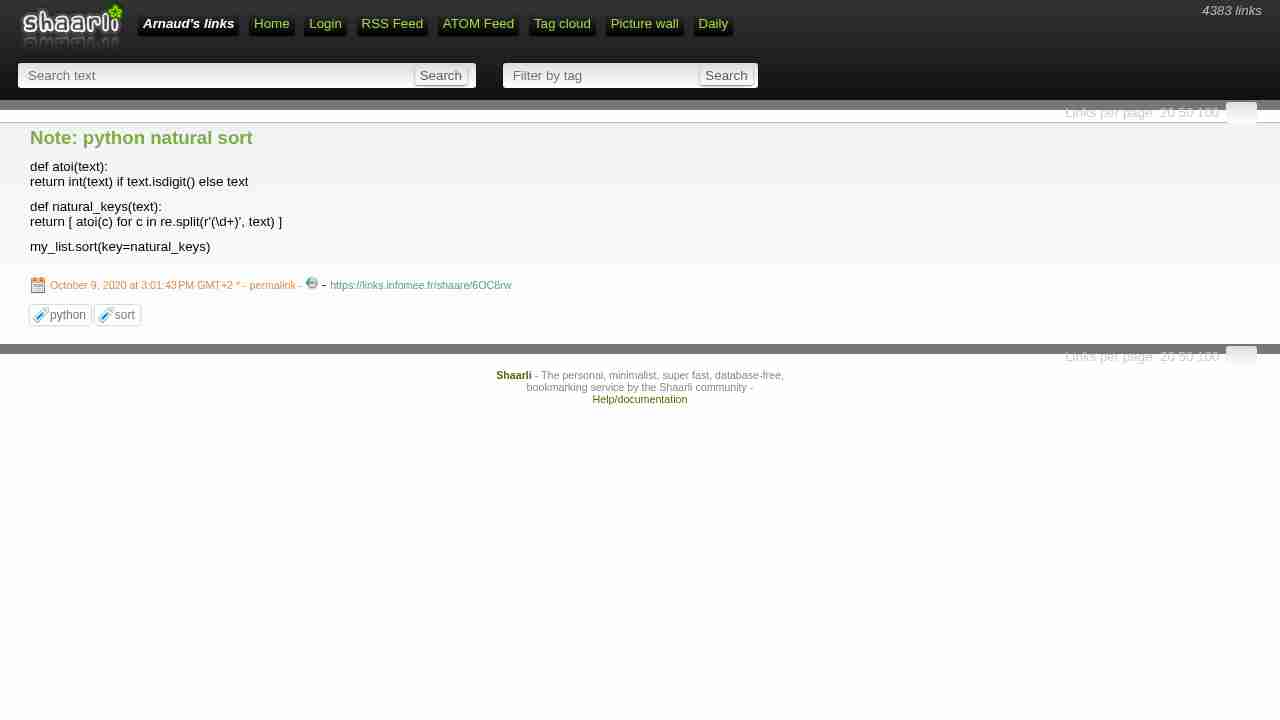
Note: python natural sort
October 9, 2020 - permalink - https://links.infomee.fr/shaare/6OC8rwdef atoi(text):
return int(text) if text.isdigit() else textdef natural_keys(text):
return [ atoi(c) for c in re.split(r'(\d+)', text) ]my_list.sort(key=natural_keys)
-
-
-
-
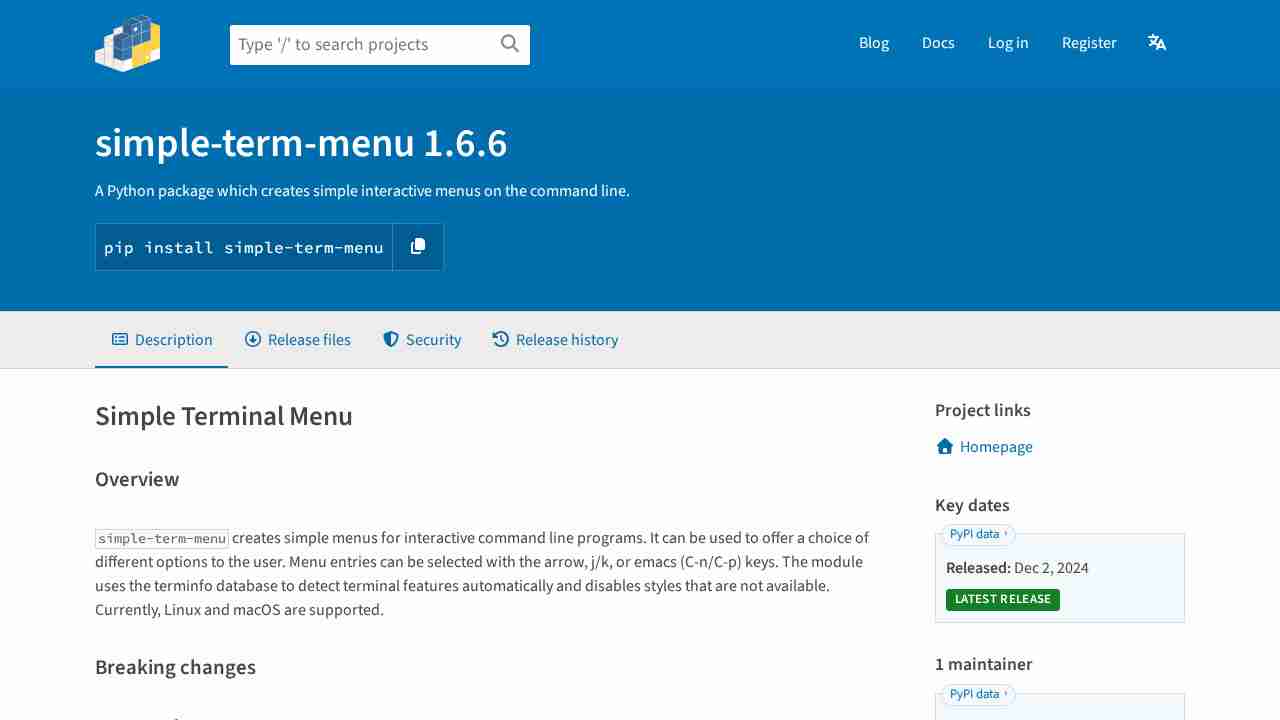
simple-term-menu · PyPI
October 2, 2020 - permalink - https://pypi.org/project/simple-term-menu/Au top pour faire des petits helper en cmd line
-
-
Note: str to bool
September 7, 2020 - permalink - https://docs.python.org/3/distutils/apiref.html#distutils.util.strtoboolfrom distutils.util import strtobool
bool(strtobool('true'))
FOO = bool(strtobool(os.environ['FOO']))
-
-
How to hide output of subprocess in Python 2.7 - Stack Overflow
July 30, 2020 - permalink - https://stackoverflow.com/questions/11269575/how-to-hide-output-of-subprocess-in-python-2-7retcode = subprocess.call(['echo', 'foo'], stdout=subprocess.DEVNULL, stderr=subprocess.STDOUT)
-
-
-
-
-
-
-
-
-
-
GitHub - containrrr/watchtower: A process for automating Docker container base image updates.
April 11, 2020 - permalink - https://github.com/containrrr/watchtowerun container qui va update les autres containers si une image plus récente a été trouvée (stop, rm, pull, recreate)
Pratique sur serveur perso pour les choses qui tournent en latest
Implémentation en Go, il y a le pendant python ici : https://github.com/pyouroboros/ouroboros
-
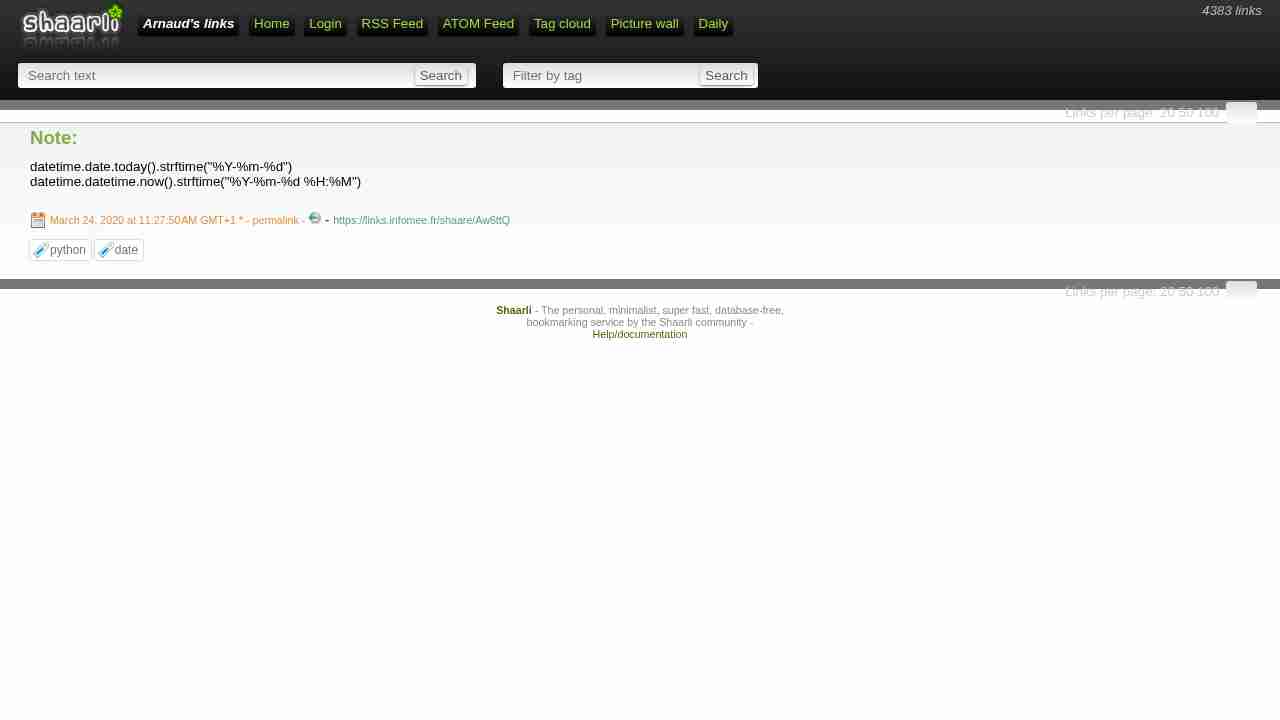
Note:
March 24, 2020 - permalink - https://links.infomee.fr/shaare/Aw6ttQdatetime.date.today().strftime("%Y-%m-%d")
datetime.datetime.now().strftime("%Y-%m-%d %H:%M")
-
-
-
-
-
Writing a Kubernetes Operator in Python without frameworks and SDK
August 16, 2019 - permalink - https://medium.com/flant-com/kubernetes-operator-in-python-451f2d2e33f3simple example on how to write a kubernetes operator