-
-
Effacer une branche Git à la fois locale et distante
August 9, 2021 - permalink - https://www.journaldunet.fr/web-tech/developpement/1202943-effacer-une-branche-git-a-la-fois-locale-et-distante/distante : git push origin --delete [nom_de_la_branche]
-
-
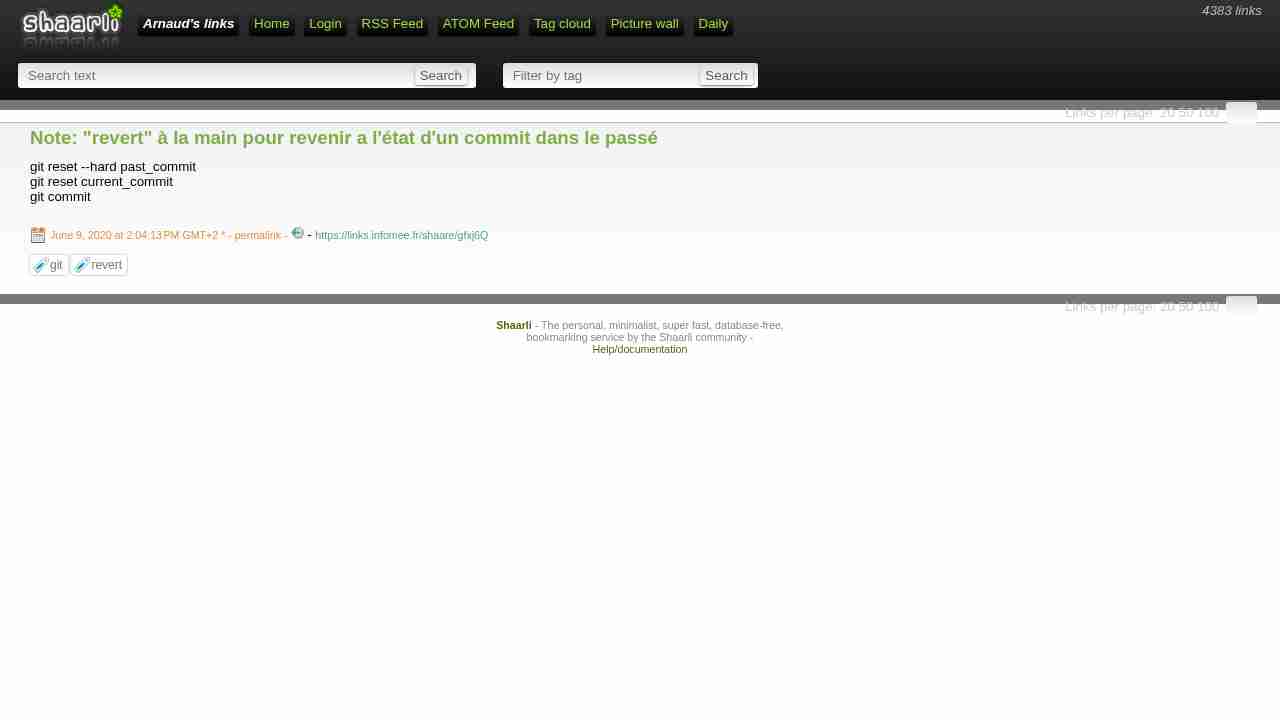
Note: "revert" à la main pour revenir a l'état d'un commit dans le passé
June 9, 2020 - permalink - https://links.infomee.fr/shaare/gfxj6Qgit reset --hard past_commit
git reset current_commit
git commit
-
-
-
git - How to amend the last commit to un-add a file? - Super User
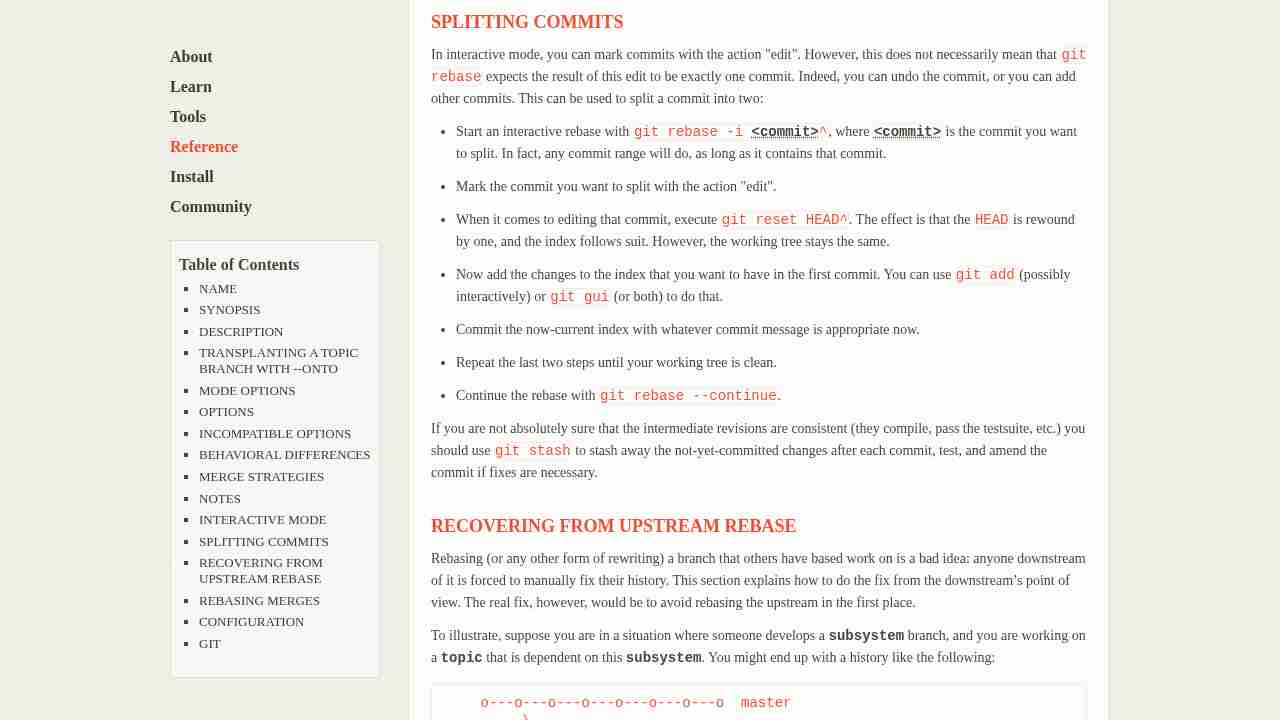
November 5, 2019 - permalink - https://superuser.com/questions/229290/how-to-amend-the-last-commit-to-un-add-a-filePour enlever des fichiers d'un commit lors d'un rebase interactif : utiliser le keyword 'edit'
Ensuite git reset HEAD^ path/to/file/to/revert
Ensuite git commit --amend
Ensuite git rebase --continue
-
Note: rebase interactif en prenant tous les commits de la branche actuelle
November 5, 2019 - permalink - https://links.infomee.fr/shaare/_MBllQgit rebase -i $(git merge-base HEAD master)
alias grbb='git rebase -i $(git merge-base HEAD master)'
-
-
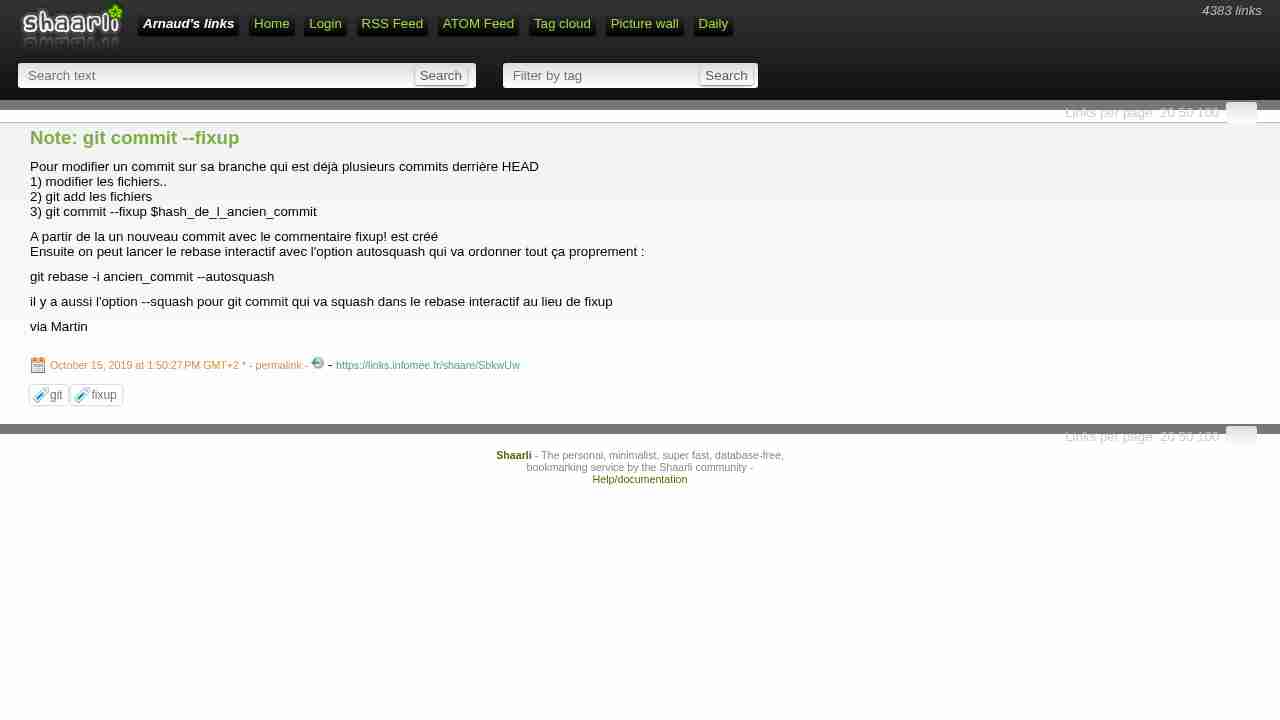
Note: git commit --fixup
October 15, 2019 - permalink - https://links.infomee.fr/shaare/SbkwUwPour modifier un commit sur sa branche qui est déjà plusieurs commits derrière HEAD
1) modifier les fichiers..
2) git add les fichiers
3) git commit --fixup $hash_de_l_ancien_commitA partir de la un nouveau commit avec le commentaire fixup! est créé
Ensuite on peut lancer le rebase interactif avec l'option autosquash qui va ordonner tout ça proprement :git rebase -i ancien_commit --autosquash
il y a aussi l'option --squash pour git commit qui va squash dans le rebase interactif au lieu de fixup
via Martin
-
Note: tag git annotated
August 23, 2019 - permalink - https://links.infomee.fr/shaare/UJKhewgit tag -a 1.0.1 -m "1.0.1"
git push --tags
-
-
-
-
-
-
pre-commit
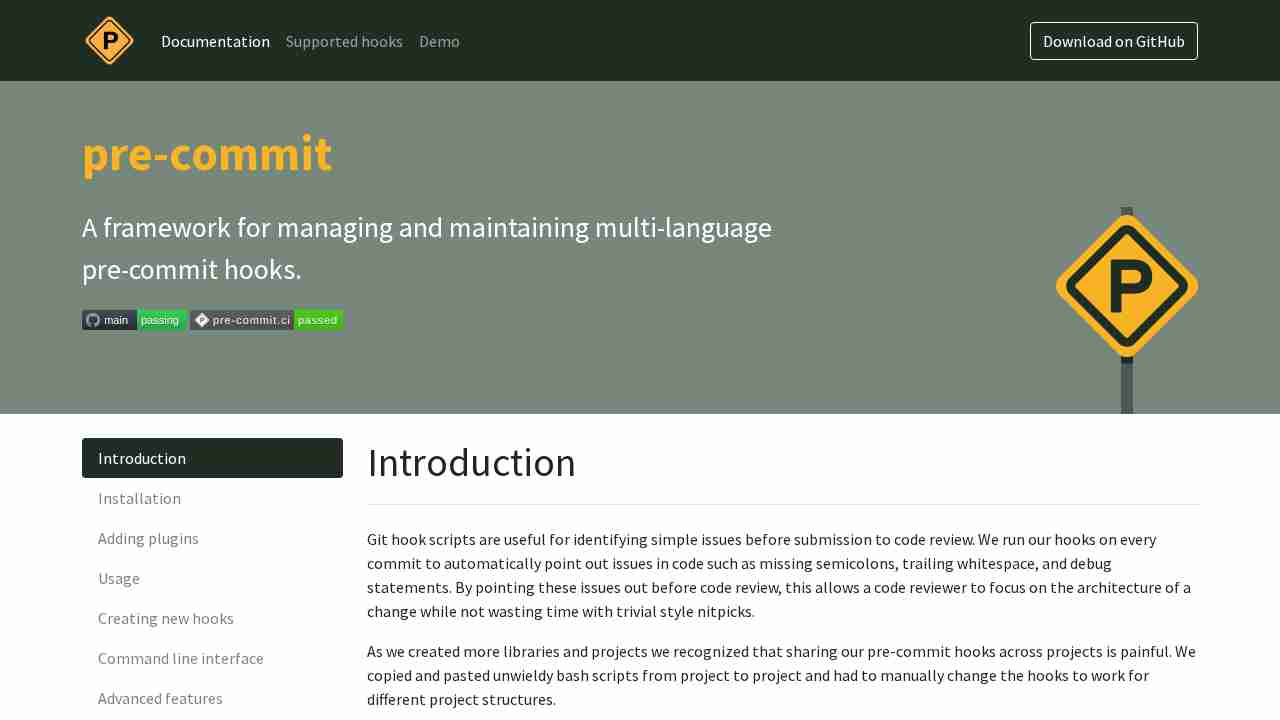
June 6, 2019 - permalink - https://pre-commit.com/Git hook scripts are useful for identifying simple issues before submission to code review. We run our hooks on every commit to automatically point out issues in code such as missing semicolons, trailing whitespace, and debug statements. By pointing these issues out before code review, this allows a code reviewer to focus on the architecture of a change while not wasting time with trivial style nitpicks.
-
-
-
Git: Find the most recent common ancestor of two branches - Stack Overflow
March 4, 2019 - permalink - https://stackoverflow.com/questions/1549146/git-find-the-most-recent-common-ancestor-of-two-branchesgit merge-base branch2 branch3
050dc022f3a65bdc78d97e2b1ac9b595a924c3f2git merge-base HEAD origin/master
-
-
-
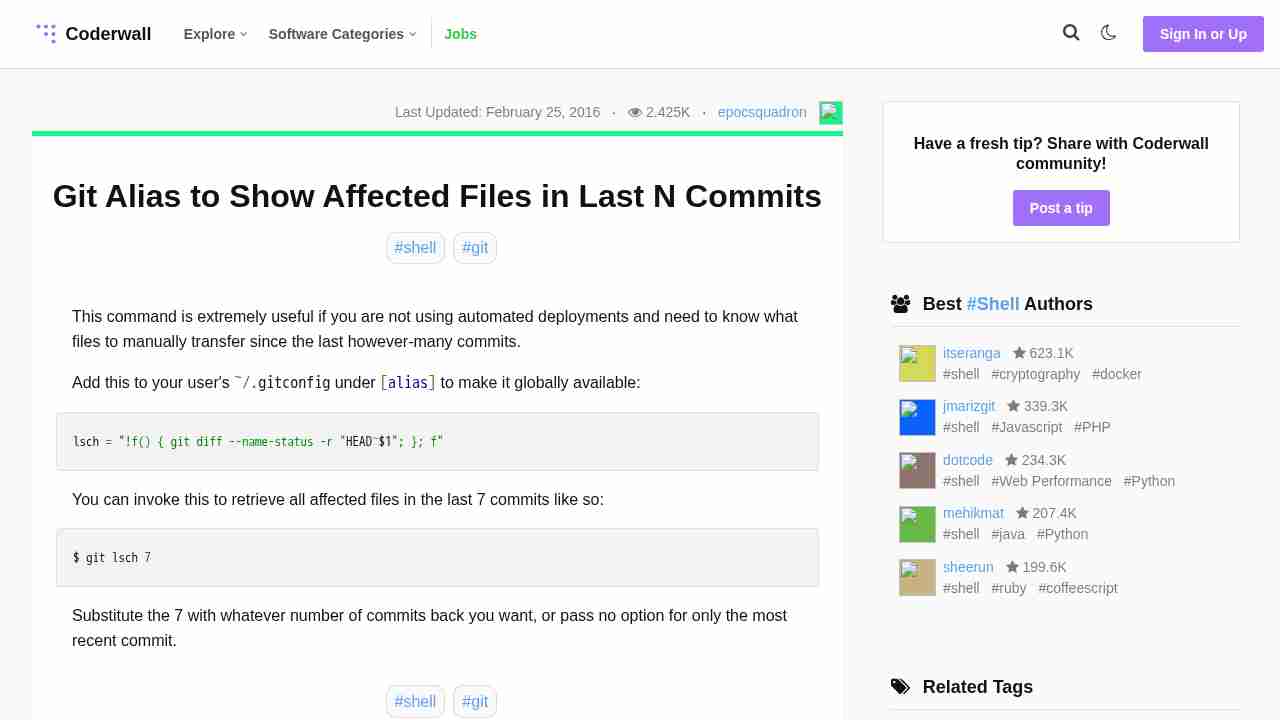
Git Alias to Show Affected Files in Last N Commits (Example)
May 3, 2018 - permalink - https://coderwall.com/p/8rtfgg/git-alias-to-show-affected-files-in-last-n-commitsAdd this to your user's ~/.gitconfig under [alias] to make it globally available:
lsch = "!f() { git diff --name-status -r "HEAD~$1"; }; f"
You can invoke this to retrieve all affected files in the last 7 commits like so:
$ git lsch 7
-
Git push rejected after feature branch rebase - Stack Overflow
January 25, 2018 - permalink - https://stackoverflow.com/questions/8939977/git-push-rejected-after-feature-branch-rebaseInstead of using -f or --force developers should use
--force-with-lease
Why? Because it checks the remote branch for changes which is absolutely a good idea. Let's imagine that James and Lisa are working on the same feature branch and Lisa has pushed a commit. James now rebases his local branch and is rejected when trying to push. Of course James thinks this is due to rebase and uses --force and would rewrite all Lisa's changes. If James had used --force-with-lease he would have received a warning that there are commits done by someone else. I don't see why anyone would use --force instead of --force-with-lease when pushing after a rebase.
-
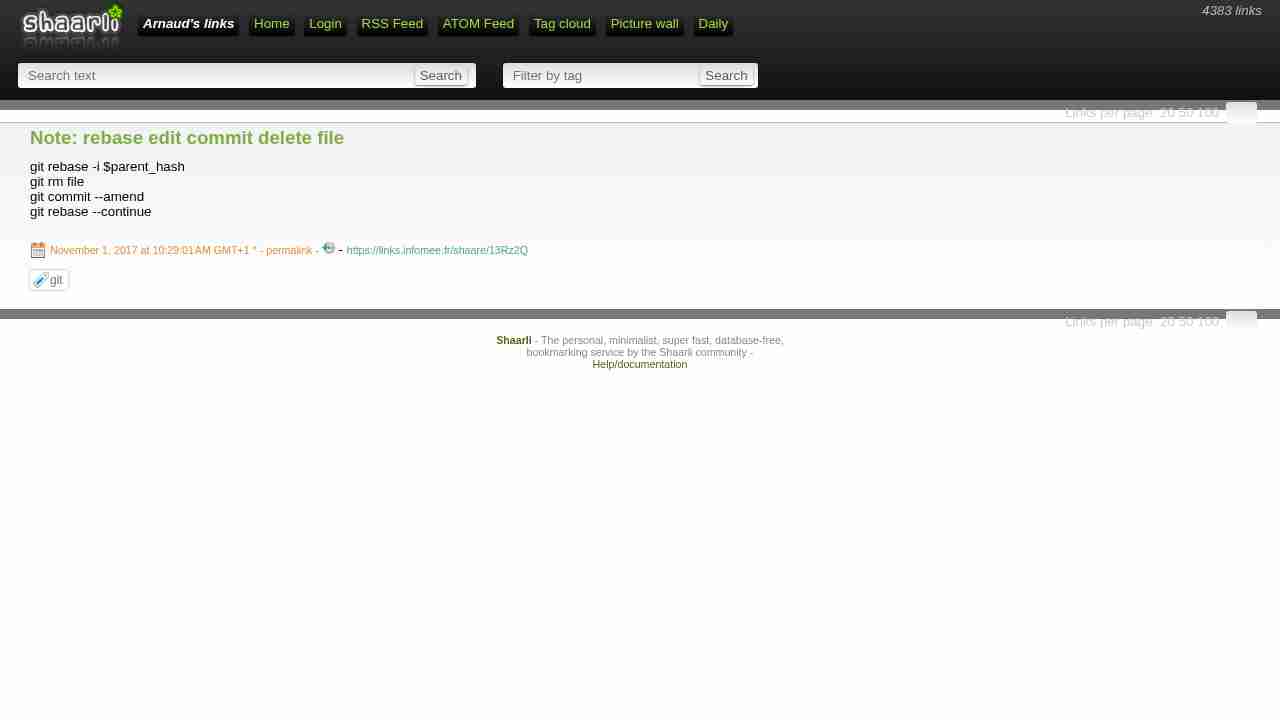
Note: rebase edit commit delete file
November 1, 2017 - permalink - https://links.infomee.fr/shaare/13Rz2Qgit rebase -i $parent_hash
git rm file
git commit --amend
git rebase --continue
-
How to find/identify large files/commits in Git history? - Stack Overflow
September 27, 2017 - permalink - https://stackoverflow.com/questions/10622179/how-to-find-identify-large-files-commits-in-git-historyhe Base Script
This bash "one-liner" displays all blob objects in the repository, sorted from smallest to largest.
For my sample repo, it ran about 100 times faster than the other ones found here.git rev-list --objects --all \
| git cat-file --batch-check='%(objecttype) %(objectname) %(objectsize) %(rest)' \
| awk '/^blob/ {print substr($0,6)}' \
| sort --numeric-sort --key=2 \
| cut --complement --characters=13-40 \
| numfmt --field=2 --to=iec-i --suffix=B --padding=7 --round=nearestThis will generate nice human-readable output like this:
...
0d99bb931299 530KiB path/to/some-image.jpg
2ba44098e28f 12MiB path/to/hires-image.png
bd1741ddce0d 63MiB path/to/some-video-1080p.mp4Filtering
To achieve further filtering, insert any of the following lines before the sort line.
To exclude files that are present in HEAD, insert the following line:
| grep -vF "$(git ls-tree -r HEAD | awk '{print $3}')" \
To show only files exceeding given size (e.g. 1 MiB = 220 B), insert the following line:
| awk '$2 >= 2^20' \
Output for Computers
To generate output that's more suitable for further processing by computers, omit the last two lines of the base script. They do all the formatting. This will leave you with something like this:
...
0d99bb93129939b72069df14af0d0dbda7eb6dba 542455 path/to/some-image.jpg
2ba44098e28f8f66bac5e21210c2774085d2319b 12446815 path/to/hires-image.png
bd1741ddce0d07b72ccf69ed281e09bf8a2d0b2f 65183843 path/to/some-video-1080p.mp4
-
List remote Git branches and the last commit date for each branch. Sort by most recent commit date.
June 27, 2017 - permalink - https://gist.github.com/jasonrudolph/1810768for branch in
git branch -r | grep -v HEAD;do echo -egit show --format="%ci %cr" $branch | head -n 1\t$branch; done | sort -r
-
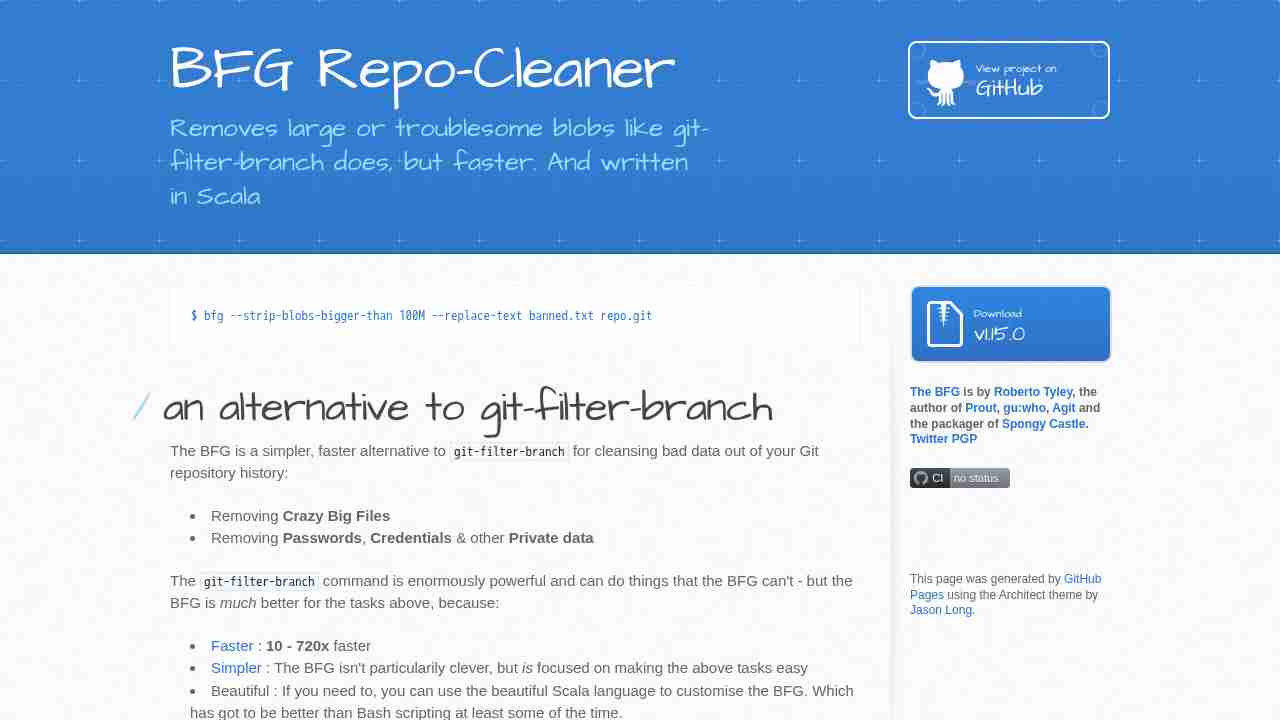
BFG Repo-Cleaner by rtyley
May 24, 2017 - permalink - https://rtyley.github.io/bfg-repo-cleaner/To clean old file in repo
-
-
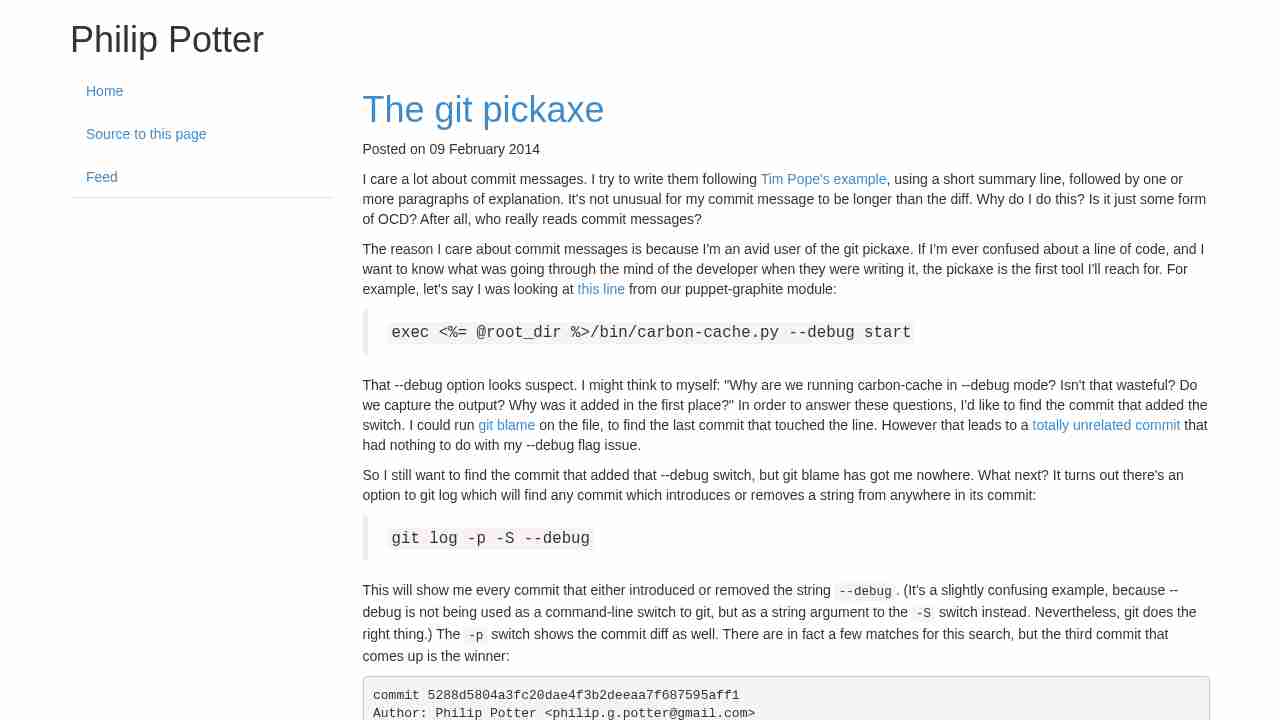
The git pickaxe
February 23, 2017 - permalink - http://www.philandstuff.com/2014/02/09/git-pickaxe.htmlOr "how to search text in git diff history"
git log -p -S "string"
-
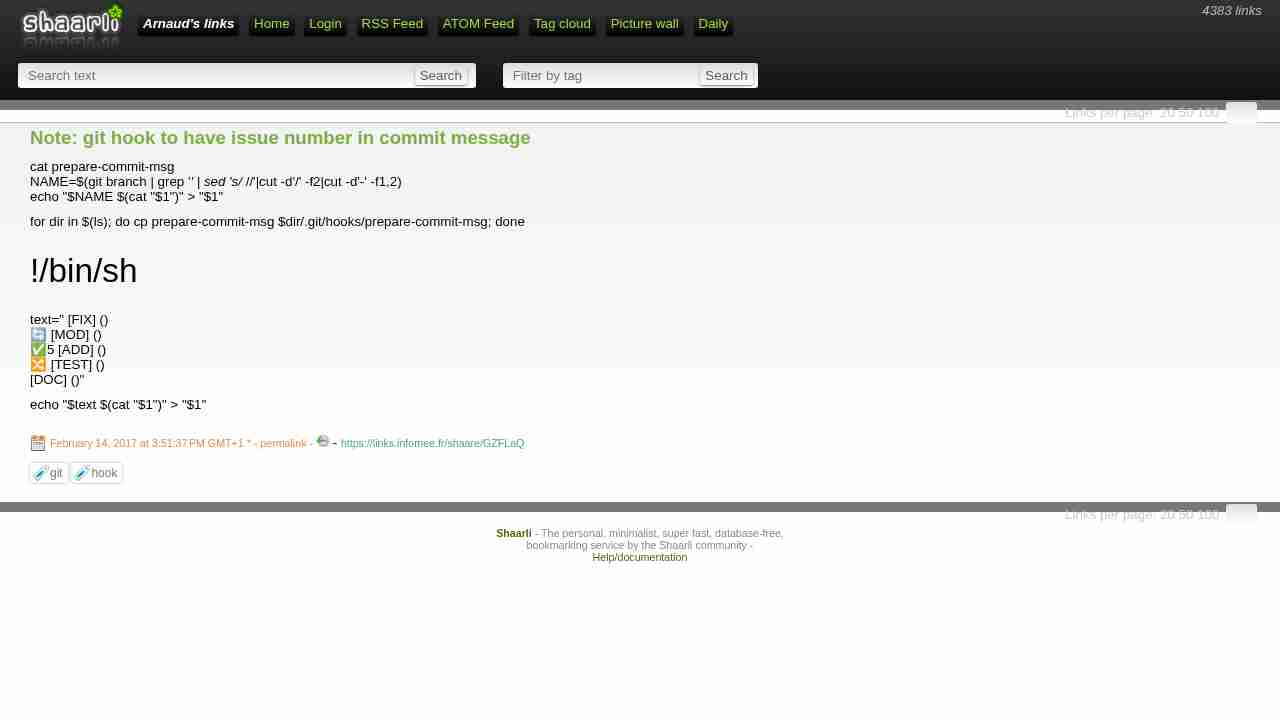
Note: git hook to have issue number in commit message
February 14, 2017 - permalink - https://links.infomee.fr/shaare/GZFLaQcat prepare-commit-msg
NAME=$(git branch | grep '' | sed 's/ //'|cut -d'/' -f2|cut -d'-' -f1,2)
echo "$NAME $(cat "$1")" > "$1"for dir in $(ls); do cp prepare-commit-msg $dir/.git/hooks/prepare-commit-msg; done
!/bin/sh
text=" [FIX] ()
🔄 [MOD] ()
✅5 [ADD] ()
🔀 [TEST] ()
[DOC] ()"echo "$text $(cat "$1")" > "$1"
-
Undoing a git rebase - Stack Overflow
February 13, 2017 - permalink - http://stackoverflow.com/questions/134882/undoing-a-git-rebaseThe easiest way would be to find the head commit of the branch as it was immediately before the rebase started in the reflog...
git reflog
and to reset the current branch to it (with the usual caveats about being absolutely sure before reseting with the --hard option).
Suppose the old commit was HEAD@{5} in the ref log:
git reset --hard HEAD@{5}
-
-
-
-
-
Difference between git pull --rebase and git pull --ff-only - Stack Overflow
December 21, 2016 - permalink - http://stackoverflow.com/questions/25430600/difference-between-git-pull-rebase-and-git-pull-ff-onlyWhat will happen if I use git pull --rebase ?
git pull --rebase is roughly equivalent to
git fetch
git rebase origin/masteri.e. your remote changes (C) will be applied before the local changes (D), resulting in the following tree
A -- B -- C -- D
What will happen if I use git pull --ff-only ?It will fail.
git pull --ff-only corresponds to
git fetch
git merge --ff-only origin/master--ff-only applies the remote changes only if they can be fast-forwarded. From the man:
Refuse to merge and exit with a non-zero status unless the current HEAD is already up-to-date or the merge can be resolved as a fast-forwardSince your local and remote branches have diverged, they cannot be resolved by a fast-forward and git pull --ff-only would fail.
-
-
-
Note: inception
December 9, 2016 - permalink - https://links.infomee.fr/shaare/4Ww4qQI've edited my .vimrc to add fugitive plugin and commited it by using fugitive
-
-
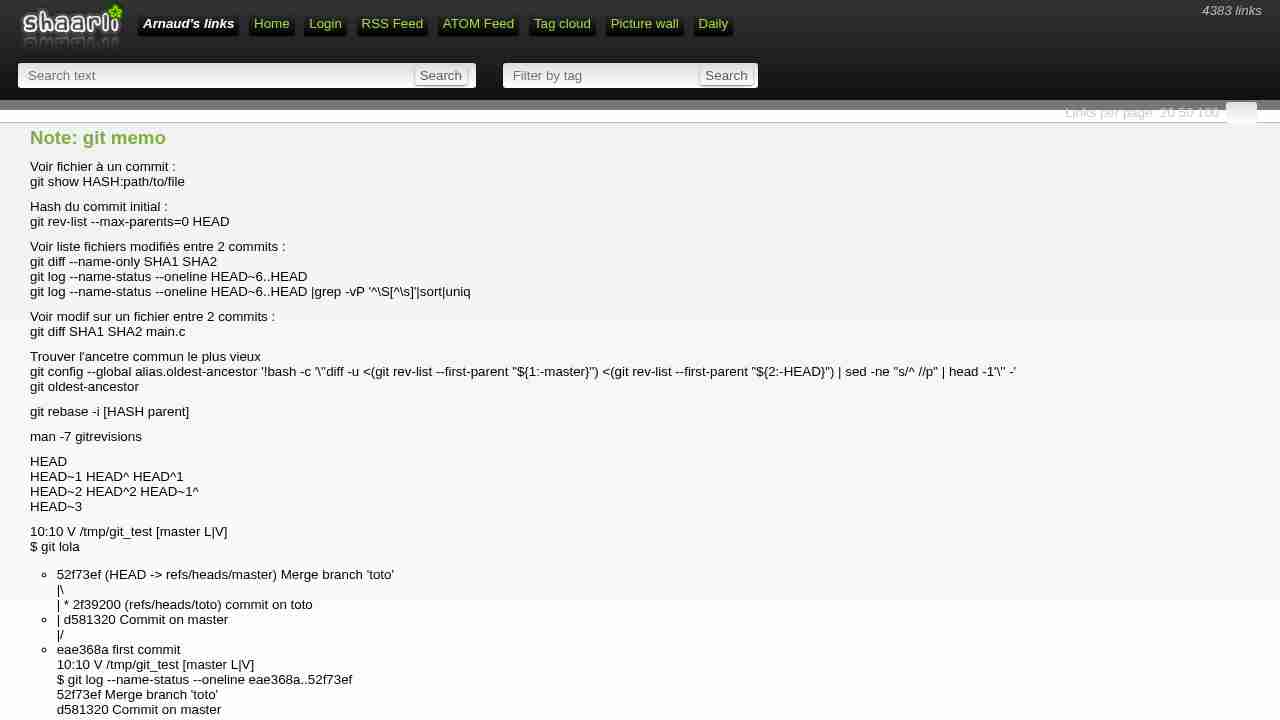
Note: git memo
November 28, 2016 - permalink - https://links.infomee.fr/shaare/wo2tCAVoir fichier à un commit :
git show HASH:path/to/fileHash du commit initial :
git rev-list --max-parents=0 HEADVoir liste fichiers modifiés entre 2 commits :
git diff --name-only SHA1 SHA2
git log --name-status --oneline HEAD~6..HEAD
git log --name-status --oneline HEAD~6..HEAD |grep -vP '^\S[^\s]'|sort|uniqVoir modif sur un fichier entre 2 commits :
git diff SHA1 SHA2 main.cTrouver l'ancetre commun le plus vieux
git config --global alias.oldest-ancestor '!bash -c '\''diff -u <(git rev-list --first-parent "${1:-master}") <(git rev-list --first-parent "${2:-HEAD}") | sed -ne "s/^ //p" | head -1'\'' -'
git oldest-ancestorgit rebase -i [HASH parent]
man -7 gitrevisions
HEAD
HEAD~1 HEAD^ HEAD^1
HEAD~2 HEAD^2 HEAD~1^
HEAD~310:10 V /tmp/git_test [master L|V]
$ git lola
* 52f73ef (HEAD -> refs/heads/master) Merge branch 'toto'
|\
| * 2f39200 (refs/heads/toto) commit on toto
* | d581320 Commit on master
|/
* eae368a first commit
10:10 V /tmp/git_test [master L|V]
$ git log --name-status --oneline eae368a..52f73ef
52f73ef Merge branch 'toto'
d581320 Commit on master
A tata
2f39200 commit on toto
A b
-
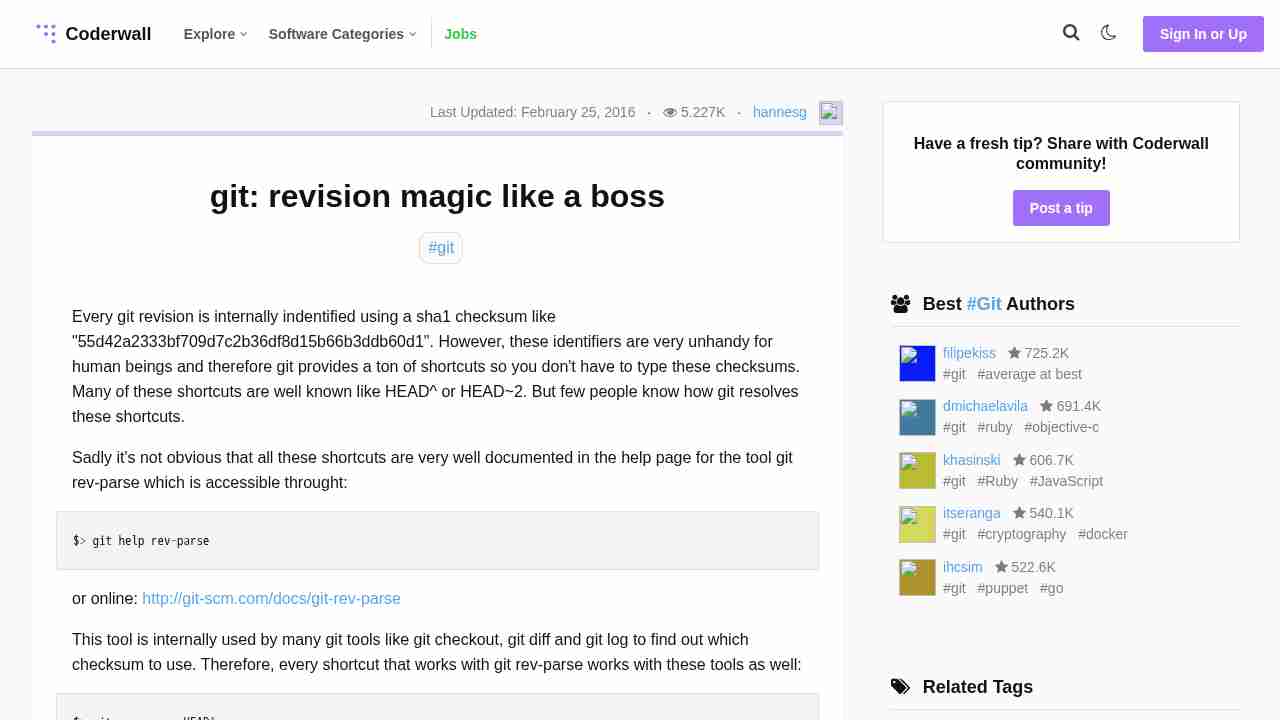
git: revision magic like a boss (Example) || Coderwall
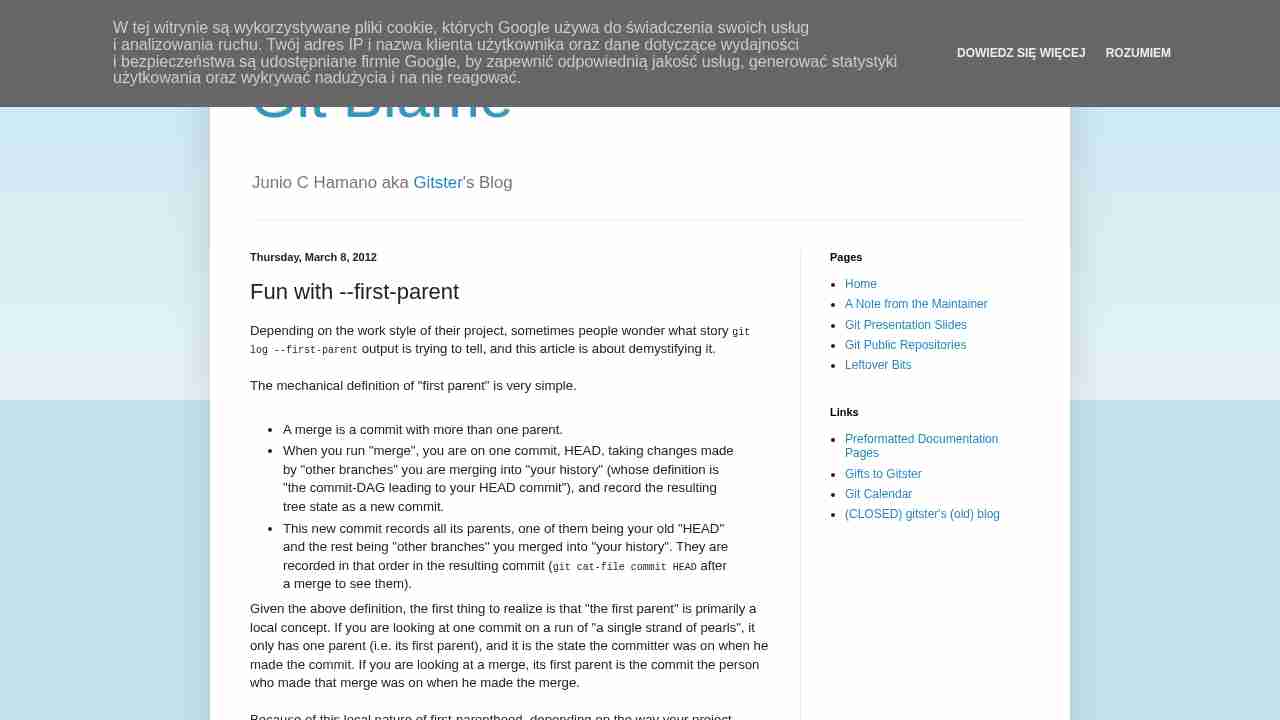
November 24, 2016 - permalink - https://coderwall.com/p/wjlqvw/git-revision-magic-like-a-bossHEAD^ is the revision before the current
HEAD~2 is the same as HEAD^^ and the revision before HEAD^
-
Note: List all branch (sort by date)
November 24, 2016 - permalink - https://links.infomee.fr/shaare/zqUo2Qgit branch -a --sort=-committerdate
-
-
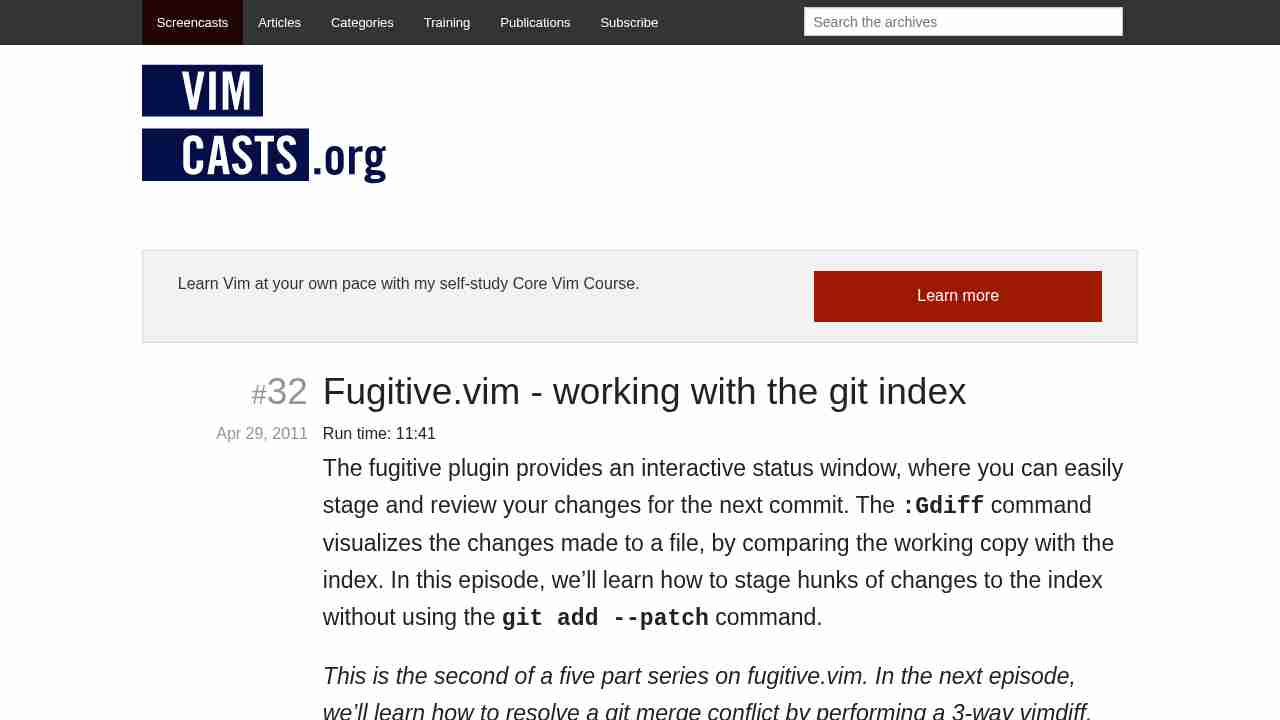
Fugitive.vim - working with the git index
November 16, 2016 - permalink - http://vimcasts.org/episodes/fugitive-vim-working-with-the-git-index/je découvre ce plugin vim qui a l'air juste magique pour interagir avec git
-
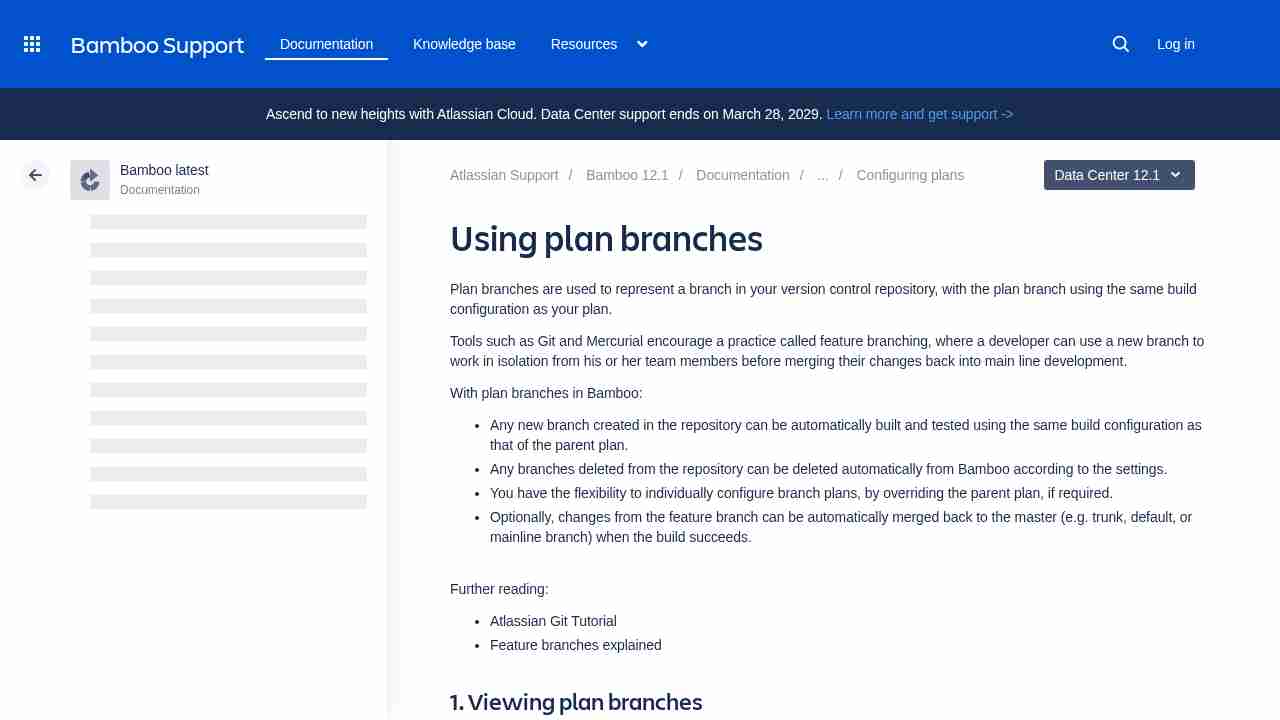
Using plan branches - Atlassian Documentation
November 10, 2016 - permalink - https://confluence.atlassian.com/bamboo/using-plan-branches-289276872.htmlil faut que je me fasse au workflow "Branch updater"
-
git - How to revert a merge commit that's already pushed to remote branch? - Stack Overflow
November 10, 2016 - permalink - http://stackoverflow.com/questions/7099833/how-to-revert-a-merge-commit-thats-already-pushed-to-remote-branchThe -m option specifies the parent number. This is because a merge commit has more than one parent, and Git does not know automatically which parent was the mainline, and which parent was the branch you want to un-merge.
When you view a merge commit in the output of git log, you will see its parents listed on the line that begins with Merge:
commit 8f937c683929b08379097828c8a04350b9b8e183
Merge: 8989ee0 7c6b236
Author: Ben James ben@example.com
Date: Wed Aug 17 22:49:41 2011 +0100Merge branch 'gh-pages'
Conflicts:
READMEIn this situation, git revert 8f937c6 -m 1 will get you the tree as it was in 8989ee0, and git revert -m 2 will reinstate the tree as it was in 7c6b236.
-
Steve Lorek—Ruby and Rails Developer, Southampton, UK—How to Shrink a Git Repository
October 26, 2016 - permalink - http://stevelorek.com/how-to-shrink-a-git-repository.htmldon't fucking commit useless binary files !!
-