-
HPKP best practices if you choose to implement - Server - Let's Encrypt Community Support
October 20, 2016 - permalink - https://community.letsencrypt.org/t/hpkp-best-practices-if-you-choose-to-implement/4625[Summary, full note in Shaarli]
HPKP (HTTP Public Key Pinning), notes perso.
Refs : https://scotthelme.co.uk/hpkp-http-public-key-pinning/ , https://scotthelme.co.uk/hpkp-toolset/ , https://tools.ietf.org/html/rfc7469#page-7Principe : si le navigateur reçoit un header "Public-Key-Pins" avec une liste de hash, il les garde pour le domaine pendant max-age (la RFC conseille 2 mois ; Firefox les range avec les HSTS). Ensuite, une connexion https n'aboutit que si un des hash correspond à la clé publique d'un des certificats de la chaîne. Les hash qui ne correspondent à rien servent de backup. Aucun hash ne correspond : connexion impossible.
Exemple infomee.fr (hash via https://report-uri.io/home/pkp_hash) :
- leaf : pin-sha256="oM+/1421Ew13AzUUxBTNbJjxofRe40CxO2Lt89BUeHk="
- intermediate Let's Encrypt X3 : pin-sha256="YLh1dUR9y6Kja30RrAn7JKnbQG/uEtLMkBgFF2Fuihg="
- root DST Root CA X3 : pin-sha256="Vjs8r4z+80wjNcr1YKepWQboSIRi63WsWXhIMN+eWys="Pinner seulement le root bloque les certificats d'une autre CA (MITM), mais pas un certificat frauduleux de cette même CA ; pinner l'intermediate, voire le leaf, est plus strict. Test : pin leaf + root, changer de leaf, ça passe encore grâce au pin restant. Le plus sûr mais le plus délicat : pinner seulement le leaf (avec un backup).
-
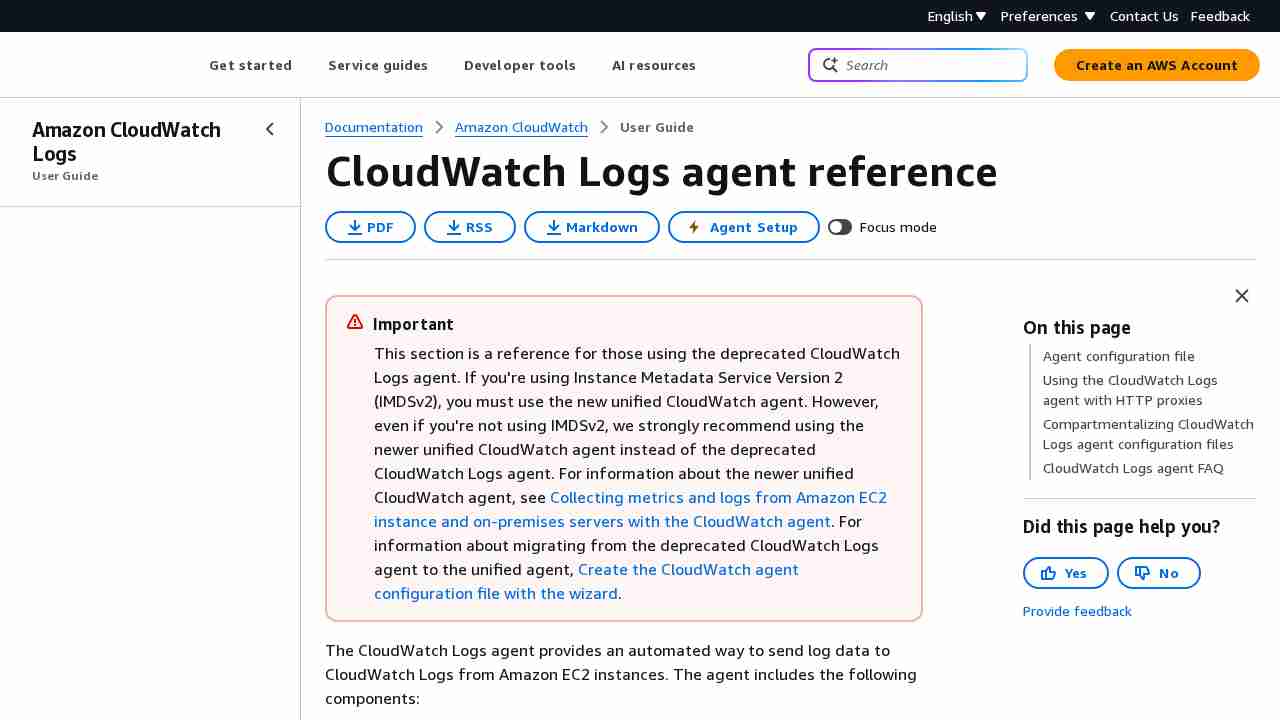
CloudWatch Logs Agent Reference - Amazon CloudWatch Logs
October 20, 2016 - permalink - http://docs.aws.amazon.com/AmazonCloudWatch/latest/logs/AgentReference.htmlDonc AWS propose un service équivalent à elastic beats
L'agent est paramétrable pour collecter tel ou tel fichier de logs et les envoyer dans cloudwatch
-
How can I see which sites have set the HSTS flag in my browser? - Information Security Stack Exchange
October 20, 2016 - permalink - http://security.stackexchange.com/questions/92954/how-can-i-see-which-sites-have-set-the-hsts-flag-in-my-browserUn peu une saloperie ce HSTS tout de même
Chrome:
Open Chrome
Type chrome://net-internals/#hsts in the address bar of chrome
Query domain: if it appears as a result, it is HSTS enabled
Firefox:
Open file explorer
Copy paste %APPDATA%\Mozilla\Firefox\Profiles\ in the address bar of file explorer (for Linux it is ~/.mozilla/firefox)
Double click the folder you see (if you have multiple FF profiles, there will be multiple folders)
Open SiteSecurityServiceState.txt. This textfile contains sites that have enabled HSTS.
-
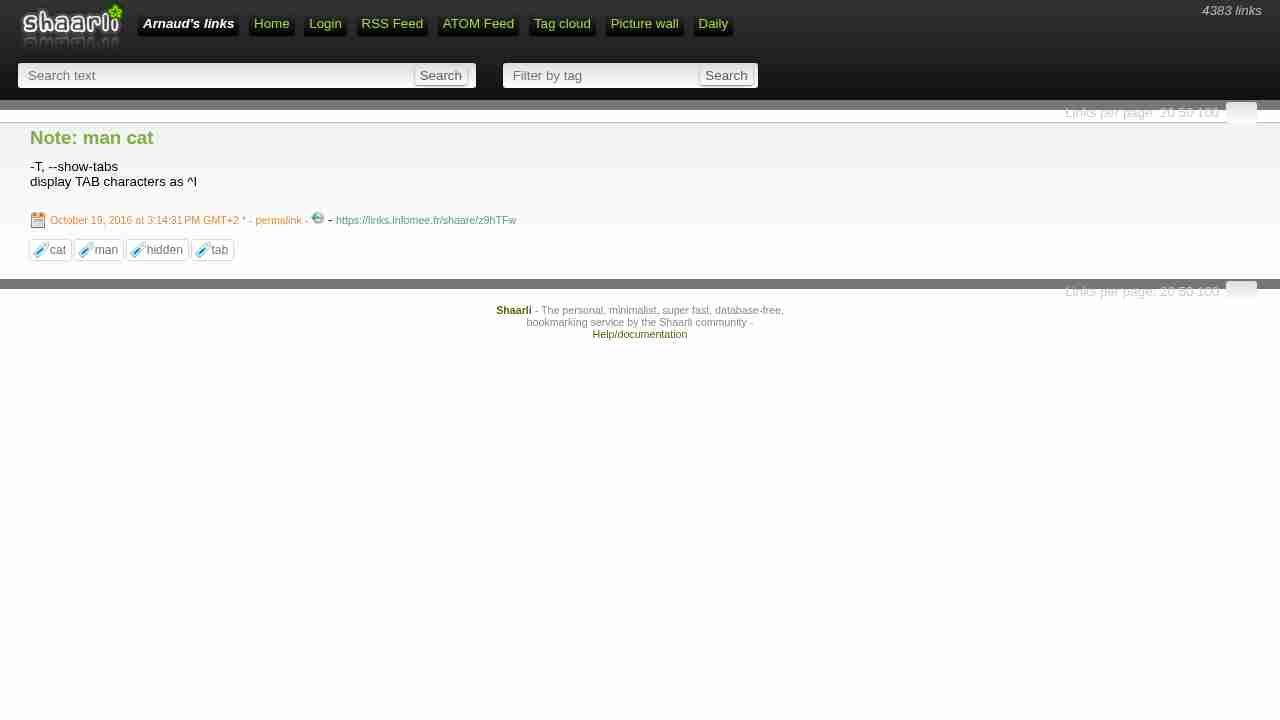
Note: man cat
October 19, 2016 - permalink - https://links.infomee.fr/shaare/z9hTFw-T, --show-tabs
display TAB characters as ^I
-
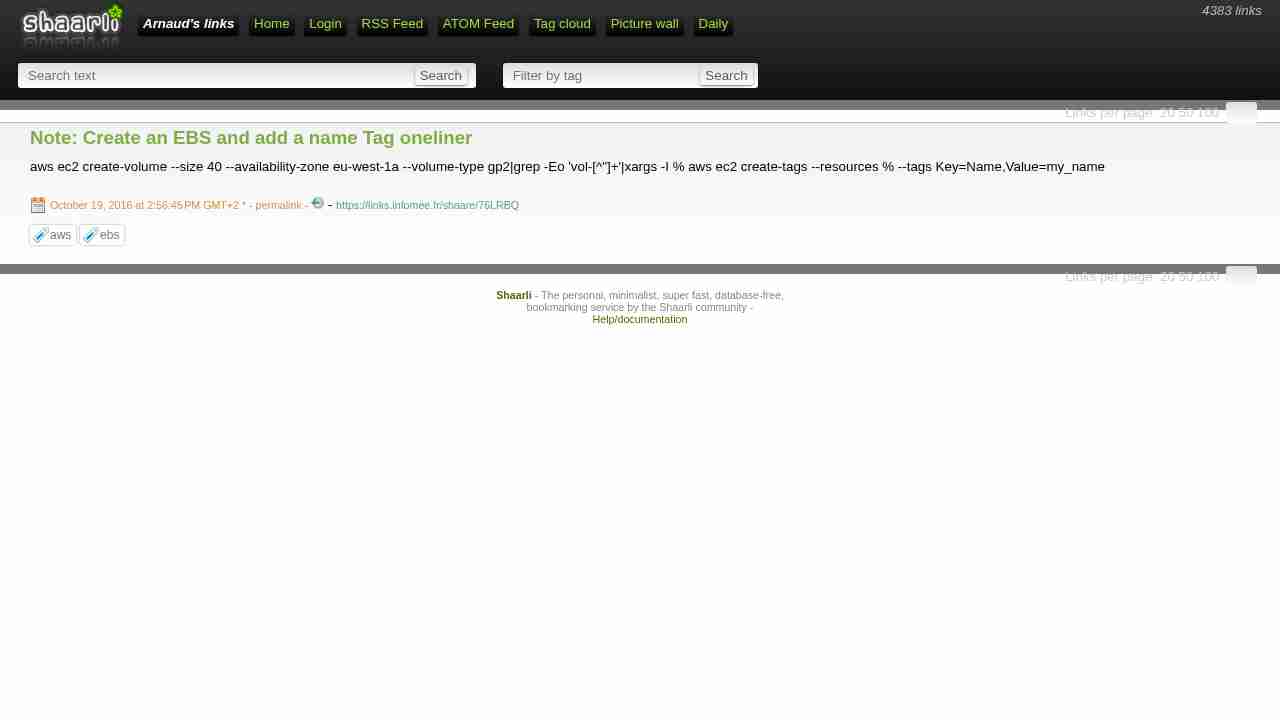
Note: Create an EBS and add a name Tag oneliner
October 19, 2016 - permalink - https://links.infomee.fr/shaare/76LRBQaws ec2 create-volume --size 40 --availability-zone eu-west-1a --volume-type gp2|grep -Eo 'vol-[^"]+'|xargs -I % aws ec2 create-tags --resources % --tags Key=Name,Value=my_name
-
-
-
-
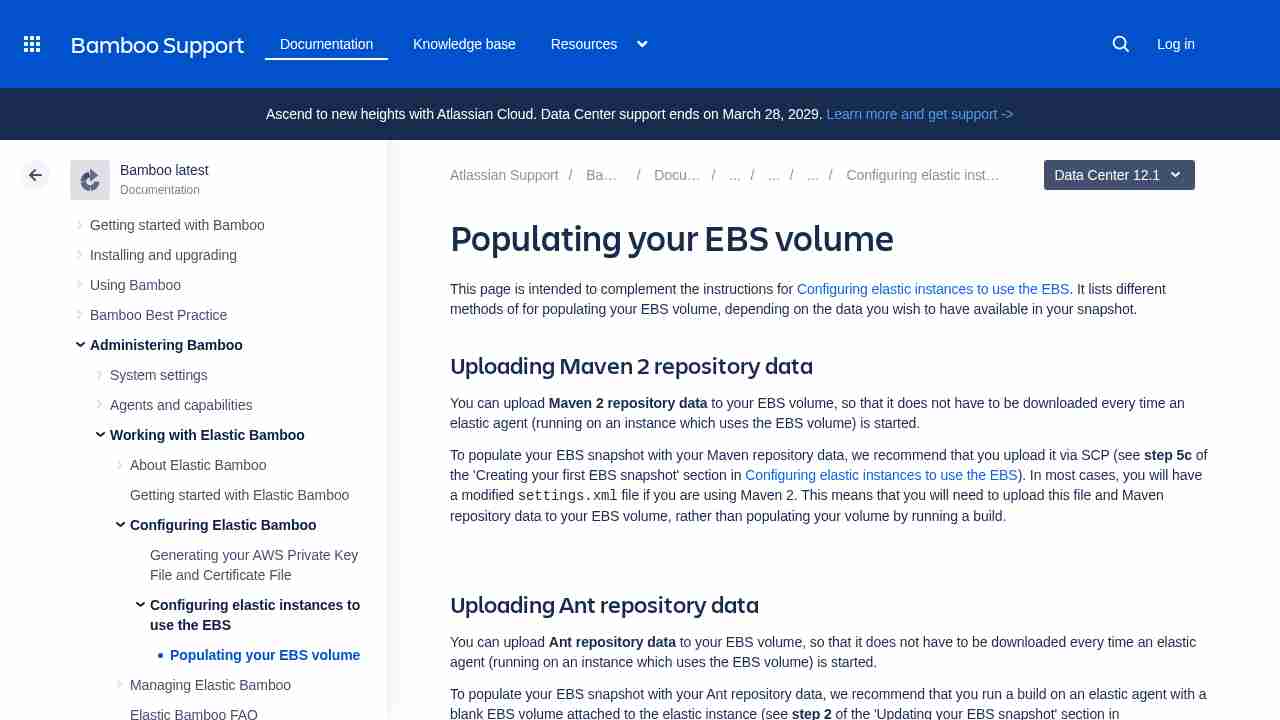
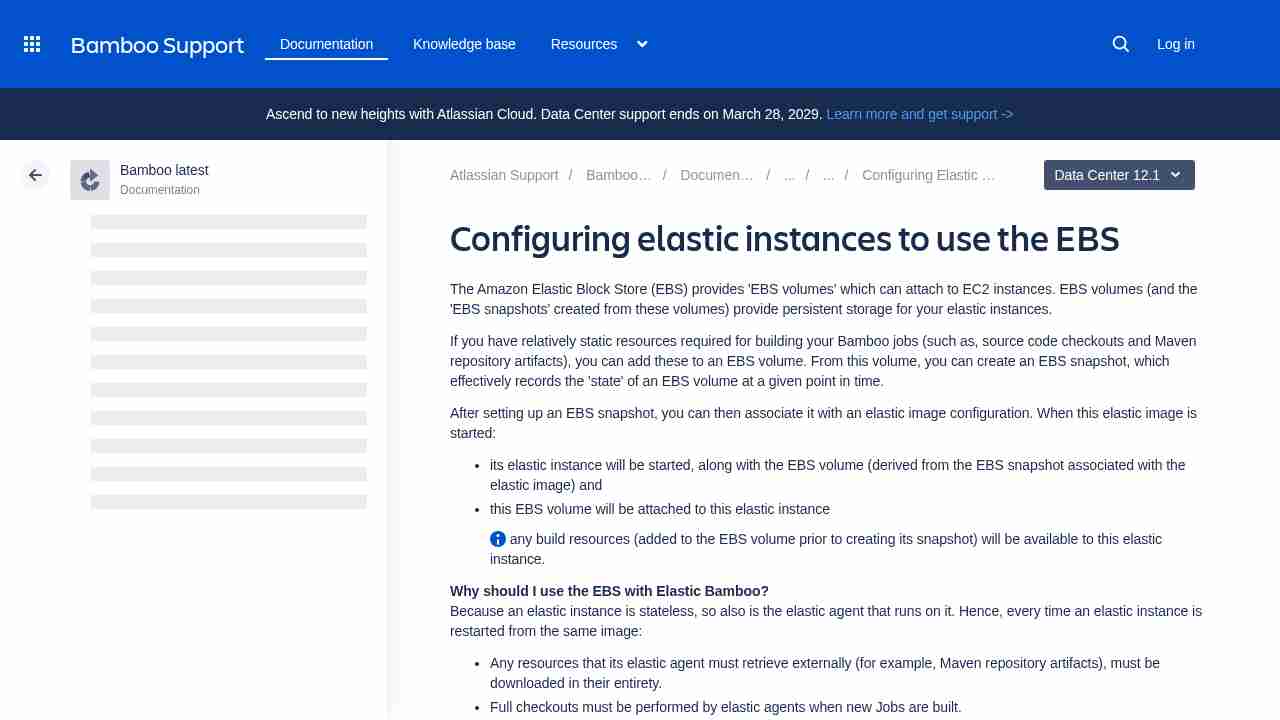
Configuring elastic instances to use the EBS - Atlassian Documentation
October 18, 2016 - permalink - https://confluence.atlassian.com/bamboo/configuring-elastic-instances-to-use-the-ebs-289277121.htmlbin/customiseInstance.sh - This script is run on startup of an elastic instance. We recommend that you do not customize this script, as it is overwritten when rewarmEbsSnapshot.sh is run.
-
-
Releases · shaarli/Shaarli
October 14, 2016 - permalink - https://github.com/shaarli/Shaarli/releasesShaarli now uses Composer to handle its dependencies: master branch tarball no longer works out of the box. Use our release archives, or follow the install documentation.
:(
-
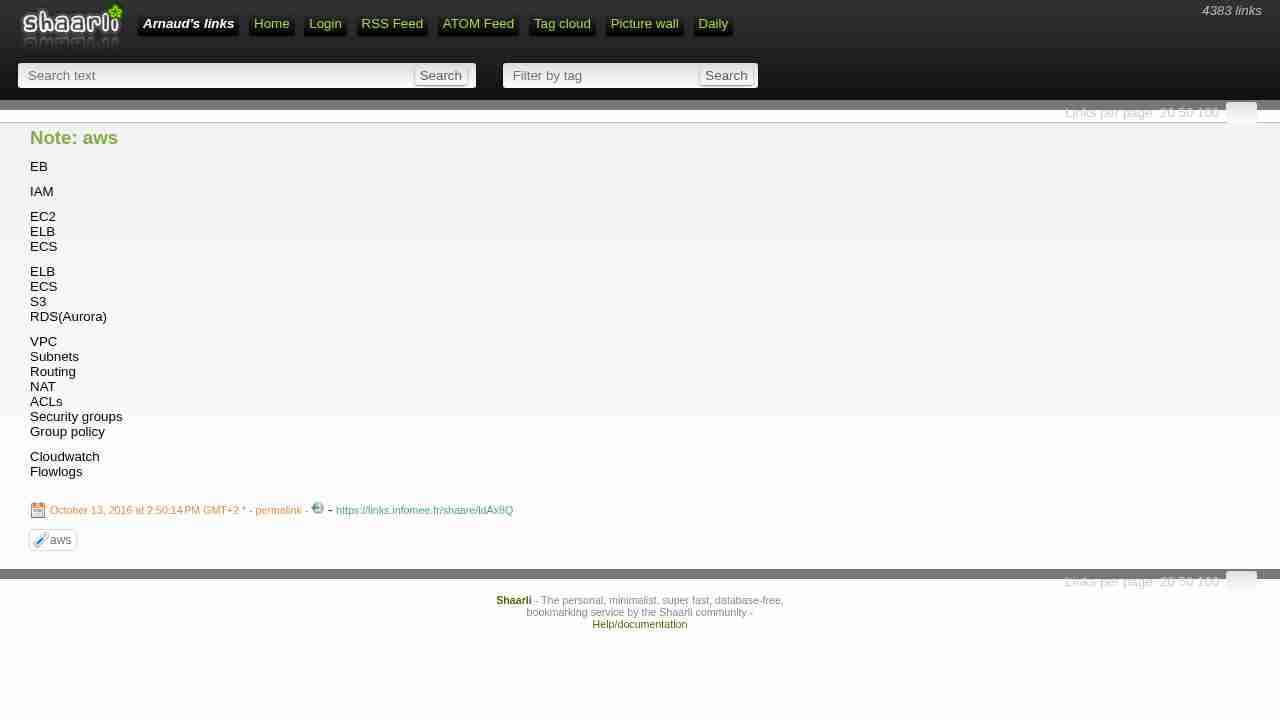
Note: aws
October 13, 2016 - permalink - https://links.infomee.fr/shaare/ldAx8QEB
IAM
EC2
ELB
ECSELB
ECS
S3
RDS(Aurora)VPC
Subnets
Routing
NAT
ACLs
Security groups
Group policyCloudwatch
Flowlogs
-
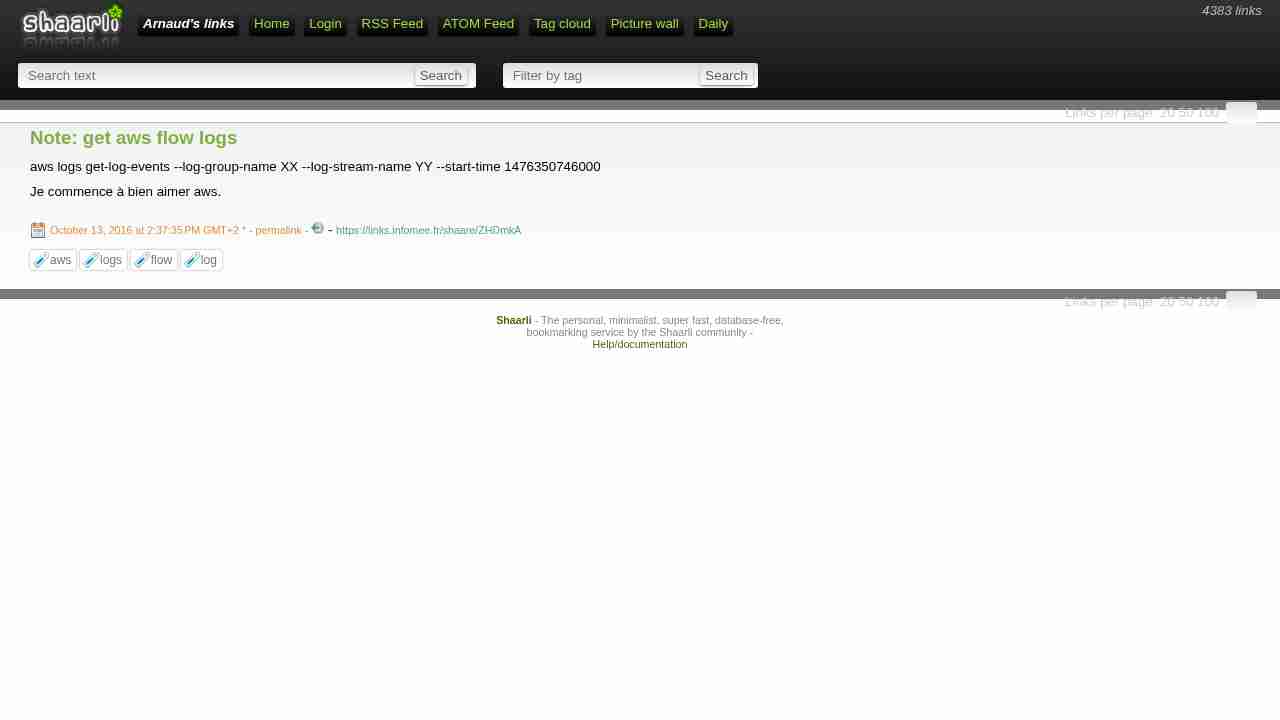
Note: get aws flow logs
October 13, 2016 - permalink - https://links.infomee.fr/shaare/ZHDmkAaws logs get-log-events --log-group-name XX --log-stream-name YY --start-time 1476350746000
Je commence à bien aimer aws.
-
-
-
Amazon RDS FAQs – Amazon Web Services (AWS)
October 12, 2016 - permalink - https://aws.amazon.com/rds/faqs/Q: What is a DB Subnet Group and why do I need one?
A DB Subnet Group is a collection of subnets that you may want to designate for your RDS DB Instances in a VPC. Each DB Subnet Group should have at least one subnet for every Availability Zone in a given Region. When creating a DB Instance in VPC, you will need to select a DB Subnet Group. Amazon RDS then uses that DB Subnet Group and your preferred Availability Zone to select a subnet and an IP address within that subnet. Amazon RDS creates and associates an Elastic Network Interface to your DB Instance with that IP address.
Please note that, we strongly recommend you use the DNS Name to connect to your DB Instance as the underlying IP address can change (e.g., during a failover).
For Multi-AZ deployments, defining a subnet for all Availability Zones in a Region will allow Amazon RDS to create a new standby in another Availability Zone should the need arise. You need to do this even for Single-AZ deployments, just in case you want to convert them to Multi-AZ deployments at some point.
-
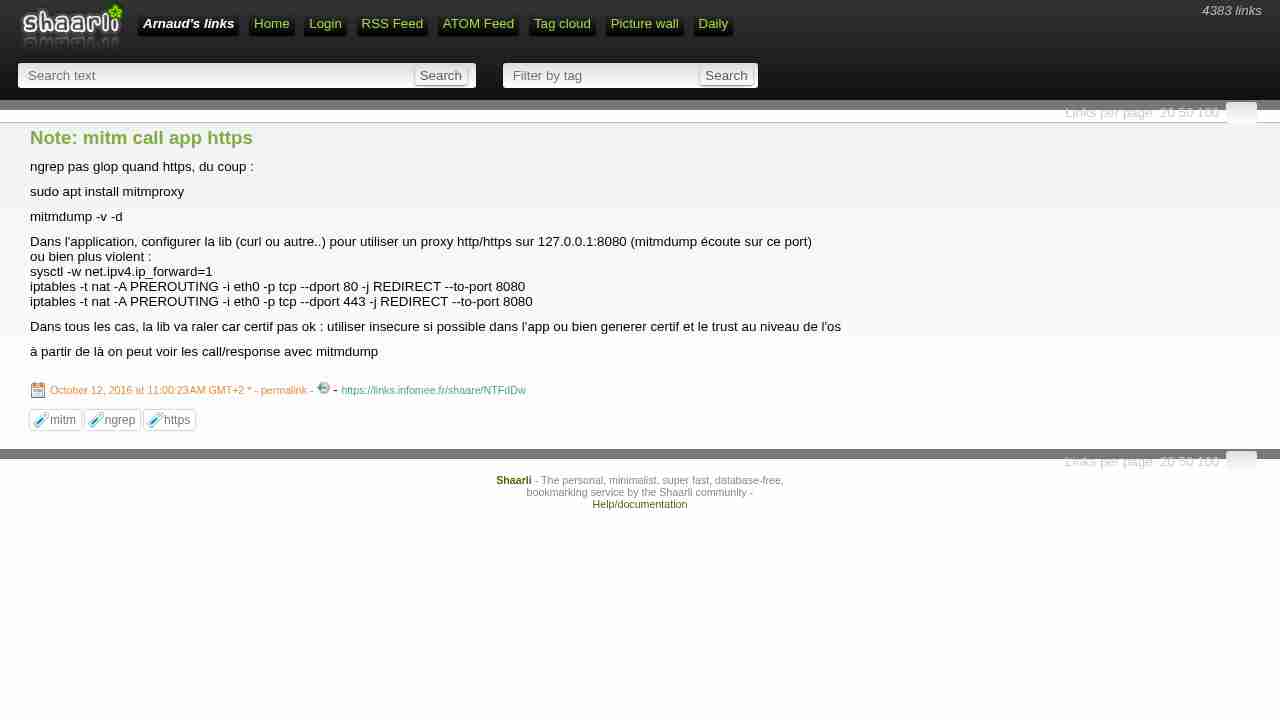
Note: mitm call app https
October 12, 2016 - permalink - https://links.infomee.fr/shaare/NTFdDwngrep pas glop quand https, du coup :
sudo apt install mitmproxy
mitmdump -v -d
Dans l'application, configurer la lib (curl ou autre..) pour utiliser un proxy http/https sur 127.0.0.1:8080 (mitmdump écoute sur ce port)
ou bien plus violent :
sysctl -w net.ipv4.ip_forward=1
iptables -t nat -A PREROUTING -i eth0 -p tcp --dport 80 -j REDIRECT --to-port 8080
iptables -t nat -A PREROUTING -i eth0 -p tcp --dport 443 -j REDIRECT --to-port 8080Dans tous les cas, la lib va raler car certif pas ok : utiliser insecure si possible dans l'app ou bien generer certif et le trust au niveau de l'os
à partir de là on peut voir les call/response avec mitmdump
-
How do I reorder tmux windows? - Super User
October 12, 2016 - permalink - http://superuser.com/questions/343572/how-do-i-reorder-tmux-windowsC-A
:swap-window -t 0bind-key -n C-S-Left swap-window -t -1
bind-key -n C-S-Right swap-window -t +1Pressing Ctrl+Shift+Left (will move the current window to the left. Similarly right. No need to use the modifier (C-b).
-
SNCF : à quoi sert donc le TLD .sncf qui a coûté si cher ? - ZDNet
October 11, 2016 - permalink - http://www.zdnet.fr/actualites/sncf-a-quoi-sert-donc-le-tld-sncf-qui-a-coute-si-cher-39842702.htmeh bah, 25000$ de redevance annuelle pour un tld
ya interet à en vendre du domaine pour rentabiliser cette redevance
-
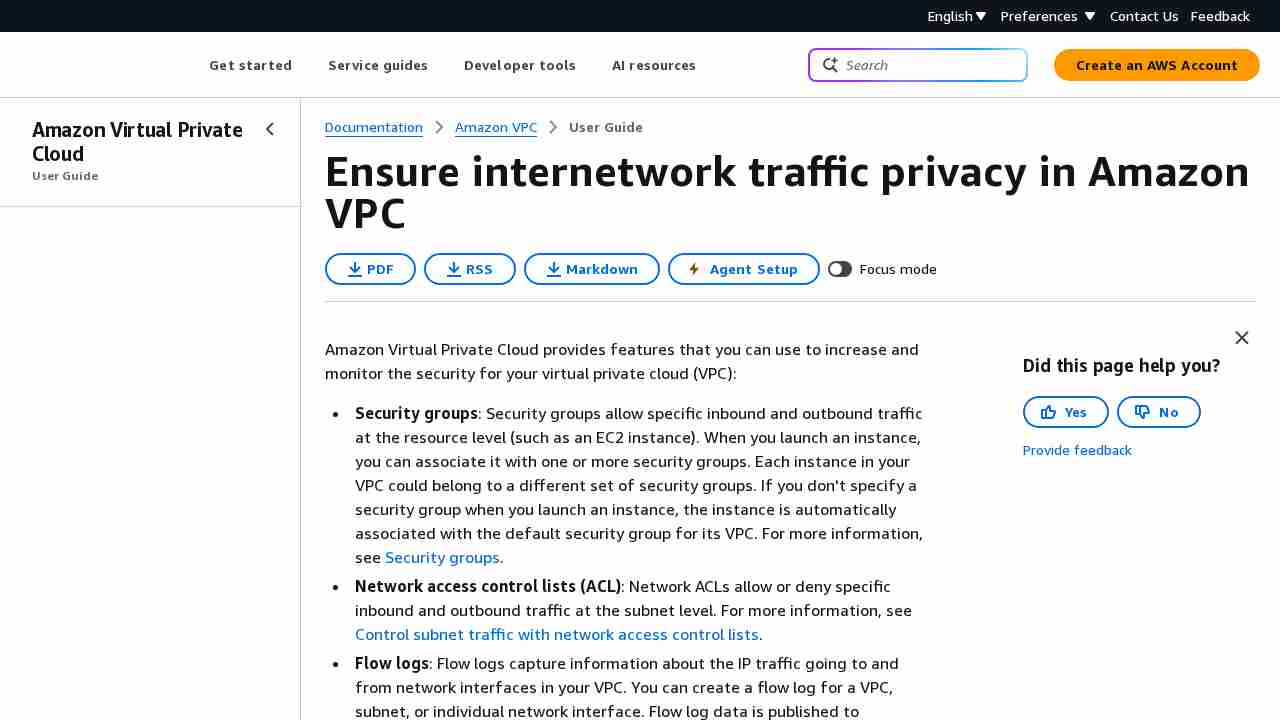
AWS - VPC Networking for Beginners - DZone Cloud
October 11, 2016 - permalink - https://dzone.com/articles/aws-vpc-networking-beginnersSo, an elastic ip and an igw in the routing table are two criterion for an instance to be available directly from the internet. Subnets with such routing tables attached to them are also known as public subnets (non-local traffic routed to internet gateway), as any instance with an elastic ip can be publicly available from this subnet.
-
Note: mysqldump
October 10, 2016 - permalink - https://links.infomee.fr/shaare/AwRWHgOptions interessantes : --quick --single-transaction
-
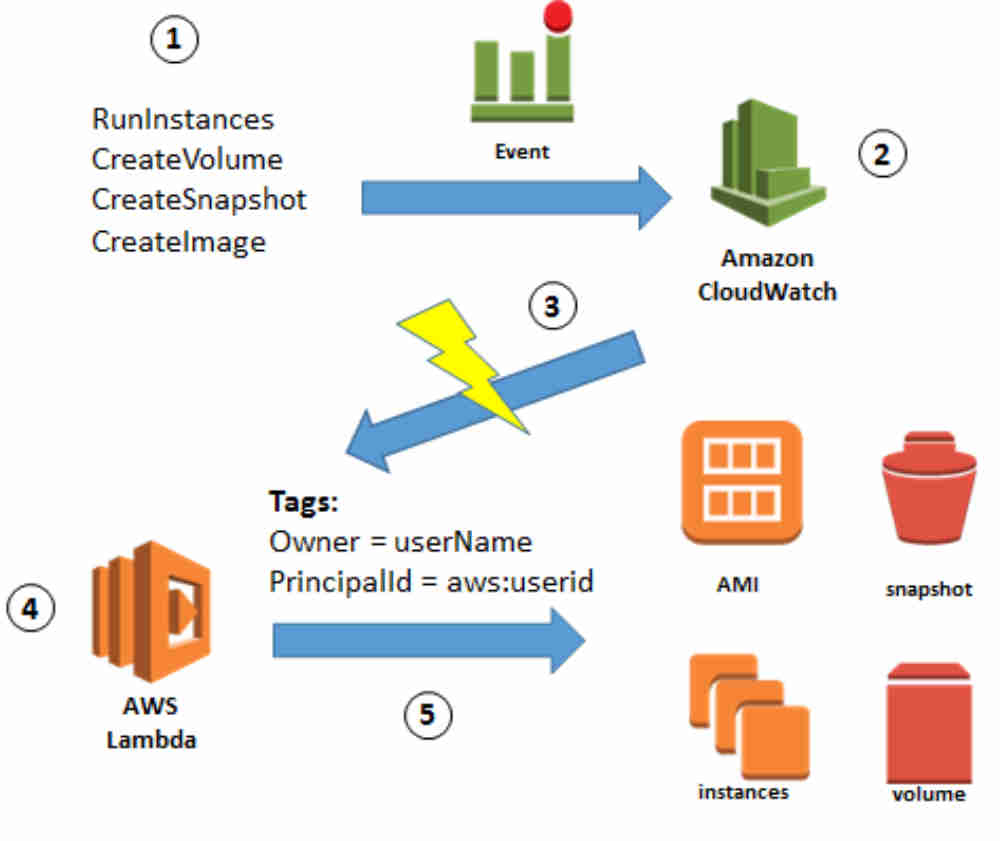
How to Automatically Tag Amazon EC2 Resources in Response to API Events - AWS Security Blog
October 10, 2016 - permalink - https://blogs.aws.amazon.com/security/post/Tx150Z810KS4ZEC/How-to-Automatically-Tag-Amazon-EC2-Resources-in-Response-to-API-EventsIntéressant comme workflow, l'objectif est de laisser les users/soft créer des EC2 comme ils veulent et avoir les droits seulement sur les EC2 qu'ils ont créé.
Comment ça marche ? auto tagging des EC2 avec l'userid à la création couplé avec une policy qui autorise les action seulement si le tag avec l'userid est présent.
pacon
Dans le meme genre sans l'auto tagging :
http://blogs.aws.amazon.com/security/post/Tx29HCT3ABL7LP3/Resource-level-Permissions-for-EC2-Controlling-Management-Access-on-Specific-Ins
-
appbaseio/mirage: 🔎 GUI for writing Elasticsearch queries
October 7, 2016 - permalink - https://github.com/appbaseio/miragewoot nice! ça peut être bien utile
via Doo
-
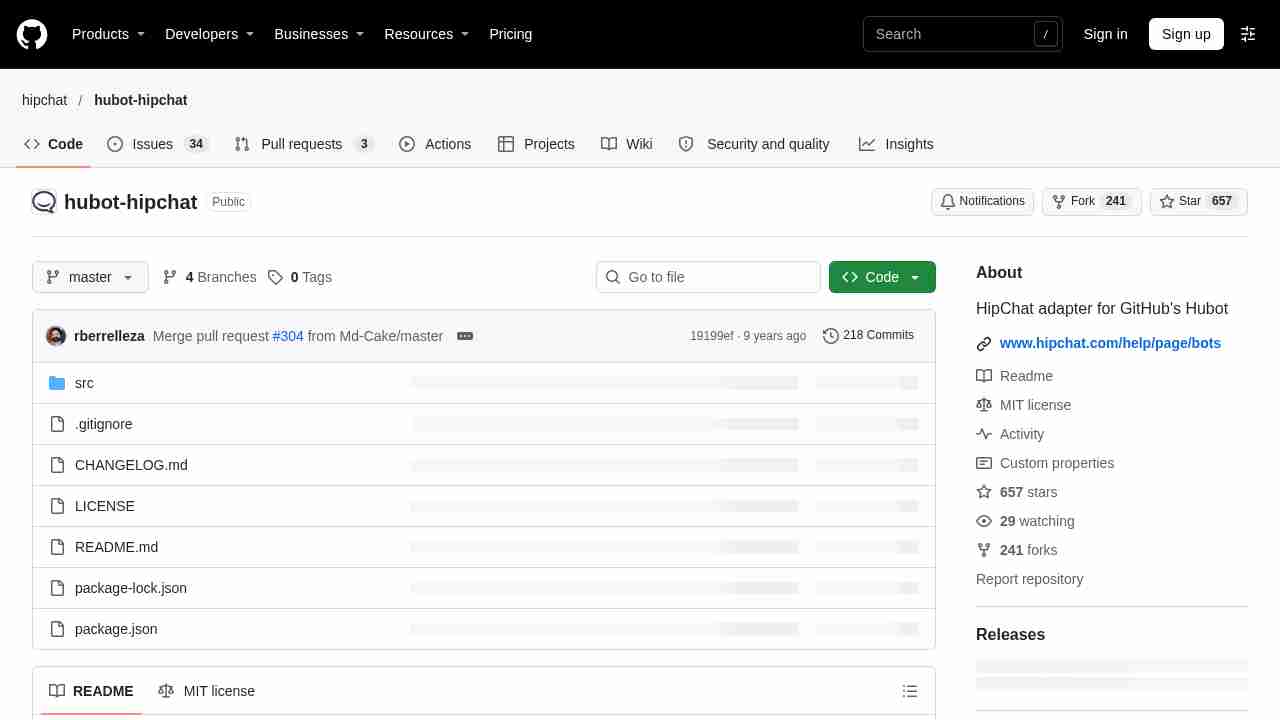
hipchat/hubot-hipchat: HipChat adapter for GitHub's Hubot
October 7, 2016 - permalink - https://github.com/hipchat/hubot-hipchatça a l'air un peu plus compliqué qu'avec irc à première vue
-
git - How can I grep hidden files? - Stack Overflow
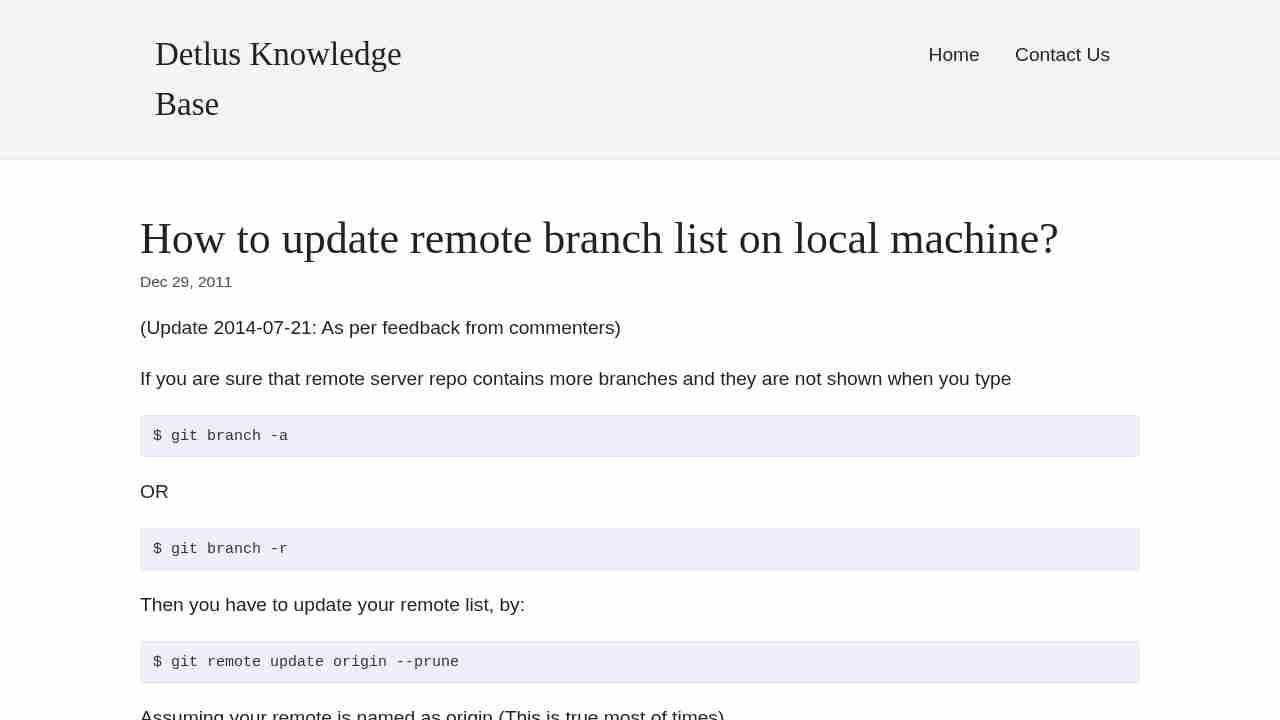
October 6, 2016 - permalink - http://stackoverflow.com/questions/10375689/how-can-i-grep-hidden-filesI have a bad habit: grep -r search *
It does not search in hidden files/dir...
Better to do this:
grep -r search .
-
Using Ctrl+Tab in GNU Screen over PuTTY at scnr.net
October 5, 2016 - permalink - http://scnr.net/blog/index.php/archives/61living in the windows side is a pain
-
-
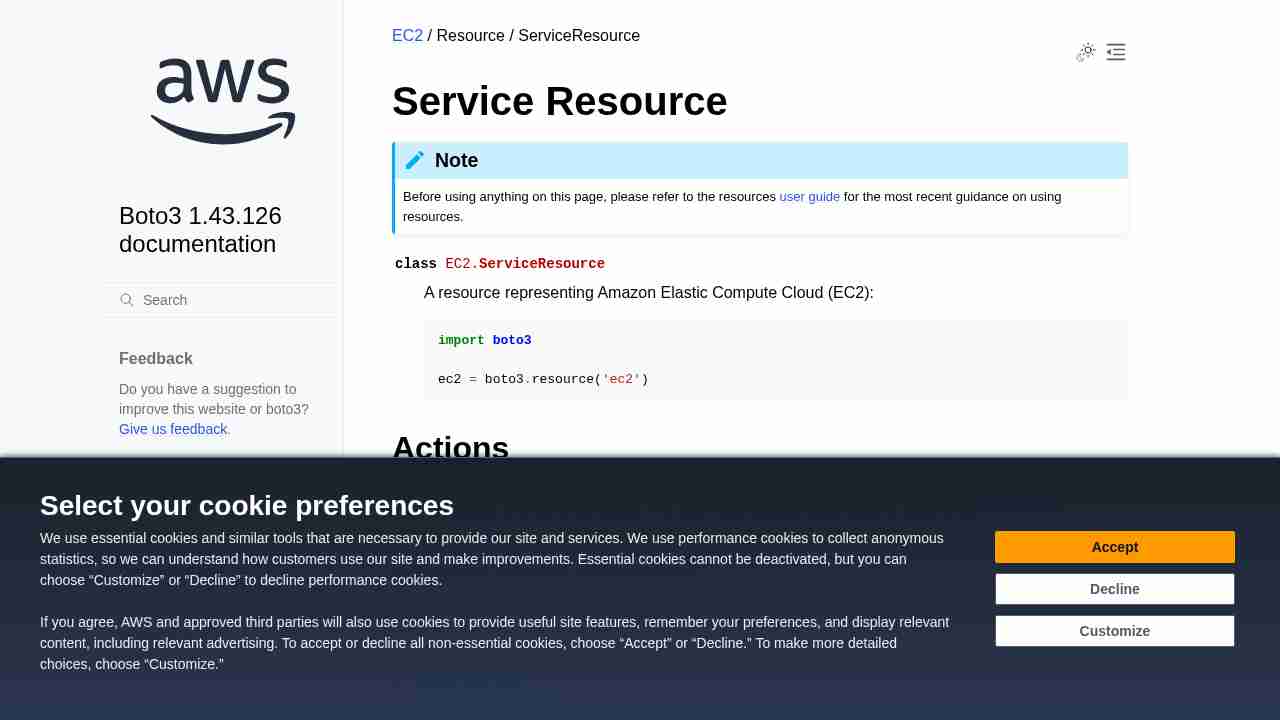
EC2 — Boto 3 Docs 1.4.0 documentation
October 5, 2016 - permalink - http://boto3.readthedocs.io/en/latest/reference/services/ec2.html#service-resourceThese are the resource's available collections:
classic_addresses
dhcp_options_sets
images
instances
internet_gateways
key_pairs
network_acls
network_interfaces
placement_groups
route_tables
security_groups
snapshots
subnets
volumes
vpc_addresses
vpc_peering_connections
vpcs
-
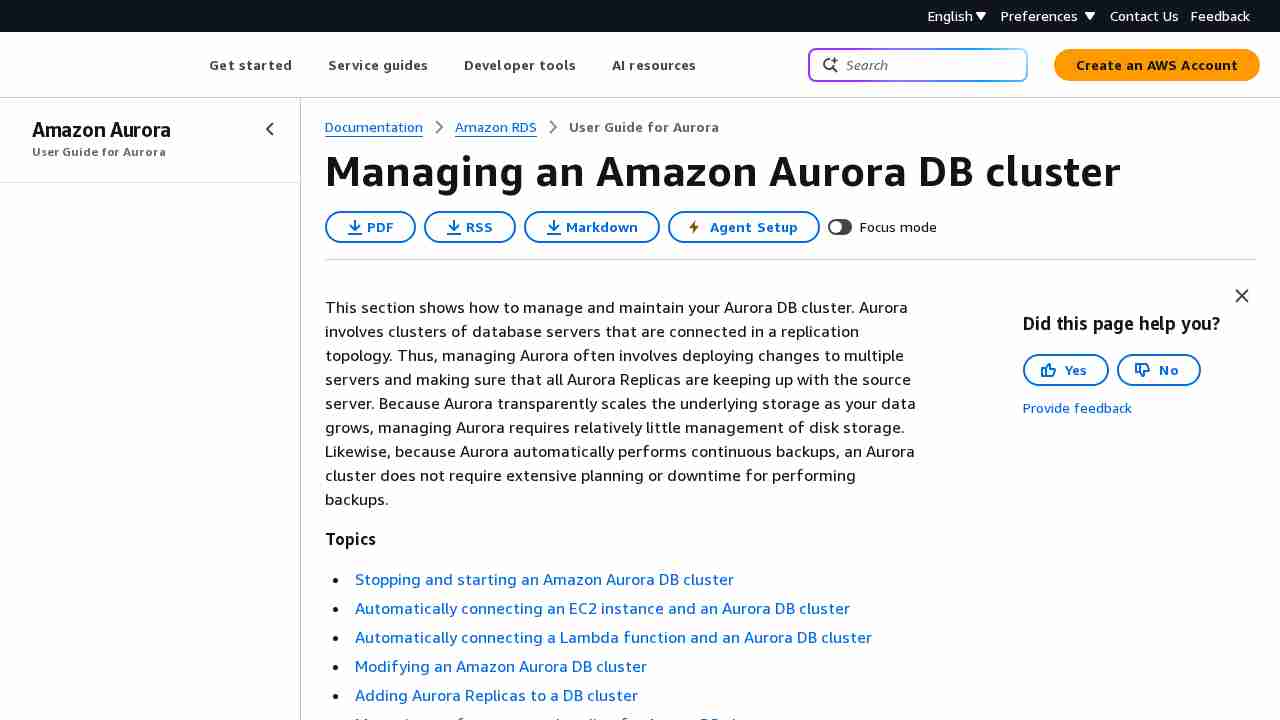
Aurora on Amazon RDS - Amazon Relational Database Service
October 3, 2016 - permalink - http://docs.aws.amazon.com/AmazonRDS/latest/UserGuide/CHAP_Aurora.htmlPour un cluster Aurora donné, 3 endpoints :
- cluster endpoint : pointe toujours sur le master
- reader endpoint : pointe toujours sur un slave
- instance endpoint : permet de pointer spécifiquement une instance donnée. Ne garantit pas que cette instance restera un slave ou un master.You can determine which DB instance in an Aurora DB cluster that a connection is connected to by checking the innodb_read_only global variable, as shown in the following example.
SHOW GLOBAL VARIABLES LIKE 'innodb_read_only';
The innodb_read_only variable will be set to ON if you are connected to an Aurora Replica and OFF if you are connected to the primary instance.
-
-
-
-
-
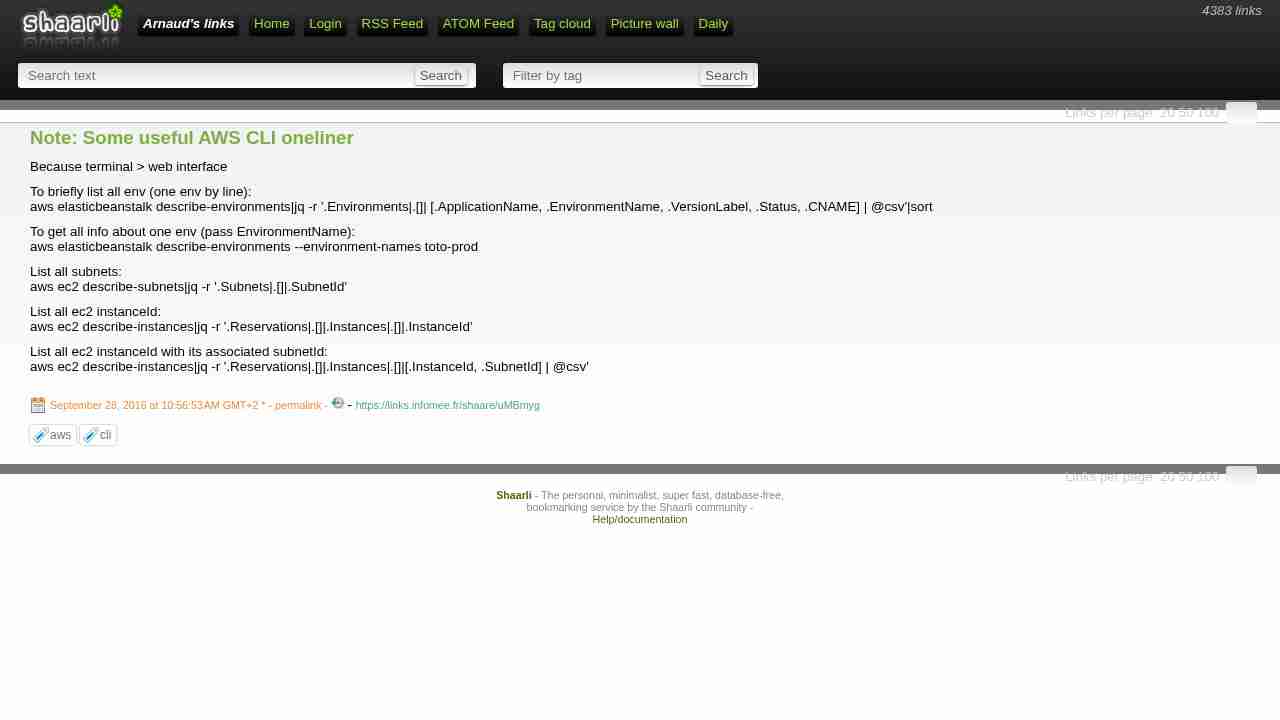
Note: Some useful AWS CLI oneliner
September 28, 2016 - permalink - https://links.infomee.fr/shaare/uMBmygBecause terminal > web interface
To briefly list all env (one env by line):
aws elasticbeanstalk describe-environments|jq -r '.Environments|.[]| [.ApplicationName, .EnvironmentName, .VersionLabel, .Status, .CNAME] | @csv'|sortTo get all info about one env (pass EnvironmentName):
aws elasticbeanstalk describe-environments --environment-names toto-prodList all subnets:
aws ec2 describe-subnets|jq -r '.Subnets|.[]|.SubnetId'List all ec2 instanceId:
aws ec2 describe-instances|jq -r '.Reservations|.[]|.Instances|.[]|.InstanceId'List all ec2 instanceId with its associated subnetId:
aws ec2 describe-instances|jq -r '.Reservations|.[]|.Instances|.[]|[.InstanceId, .SubnetId] | @csv'
-
-
-
-
-
-
-
-
-
Getting Credential Reports for Your AWS Account - AWS Identity and Access Management
September 21, 2016 - permalink - http://docs.aws.amazon.com/IAM/latest/UserGuide/id_credentials_getting-report.htmlTo generate a report
- :
In addition to using credential reports, you can also determine when a password or access key was last used by using these IAM APIs:
ListUsers (AWS CLI command: aws iam list-users)
GetUser (AWS CLI command: aws iam get-user)
GetAccessKeyLastUsed (AWS CLI command: aws iam get-access-key-last-used)
-
-
-
-
-
-
Bundler: bundle install
September 9, 2016 - permalink - http://bundler.io/v1.13/man/bundle-install.1.htmlSummary: In general, after making a change to the Gemfile(5) , you should first try to run bundle install, which will guarantee that no other gem in the Gemfile(5) is impacted by the change. If that does not work, run bundle update(1).
-
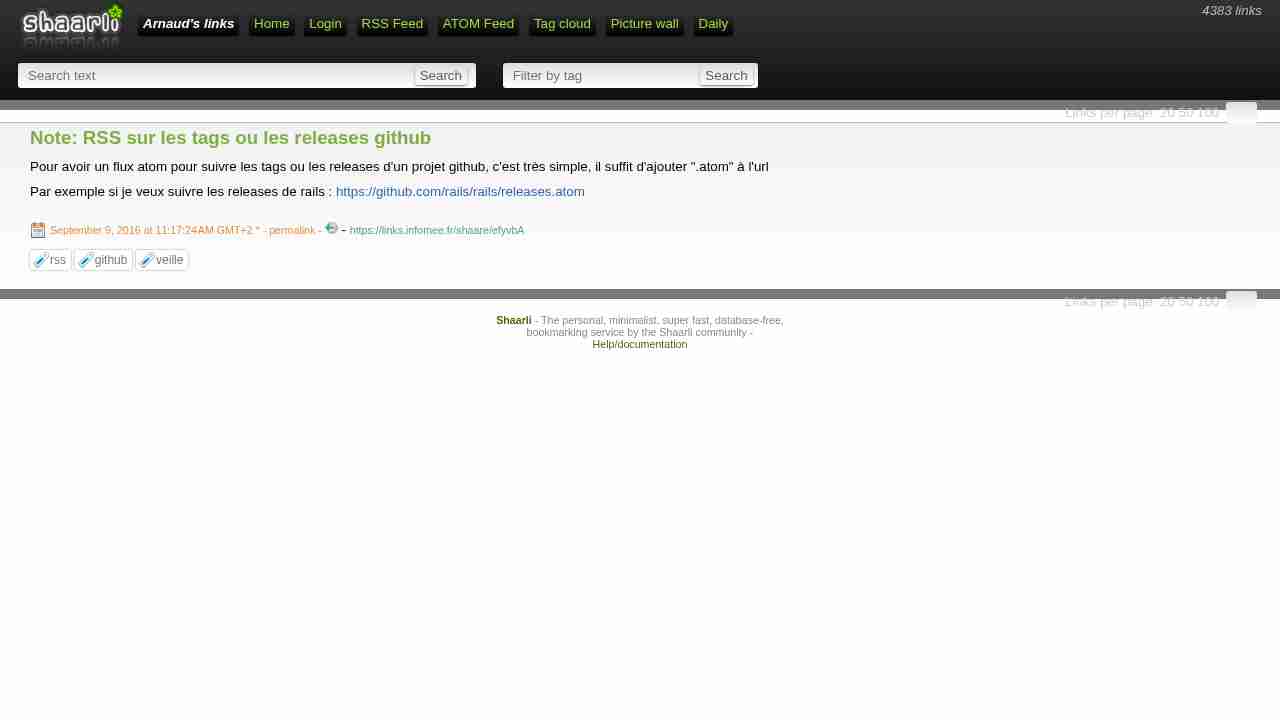
Note: RSS sur les tags ou les releases github
September 9, 2016 - permalink - https://links.infomee.fr/shaare/efyvbAPour avoir un flux atom pour suivre les tags ou les releases d'un projet github, c'est très simple, il suffit d'ajouter ".atom" à l'url
Par exemple si je veux suivre les releases de rails : https://github.com/rails/rails/releases.atom