-
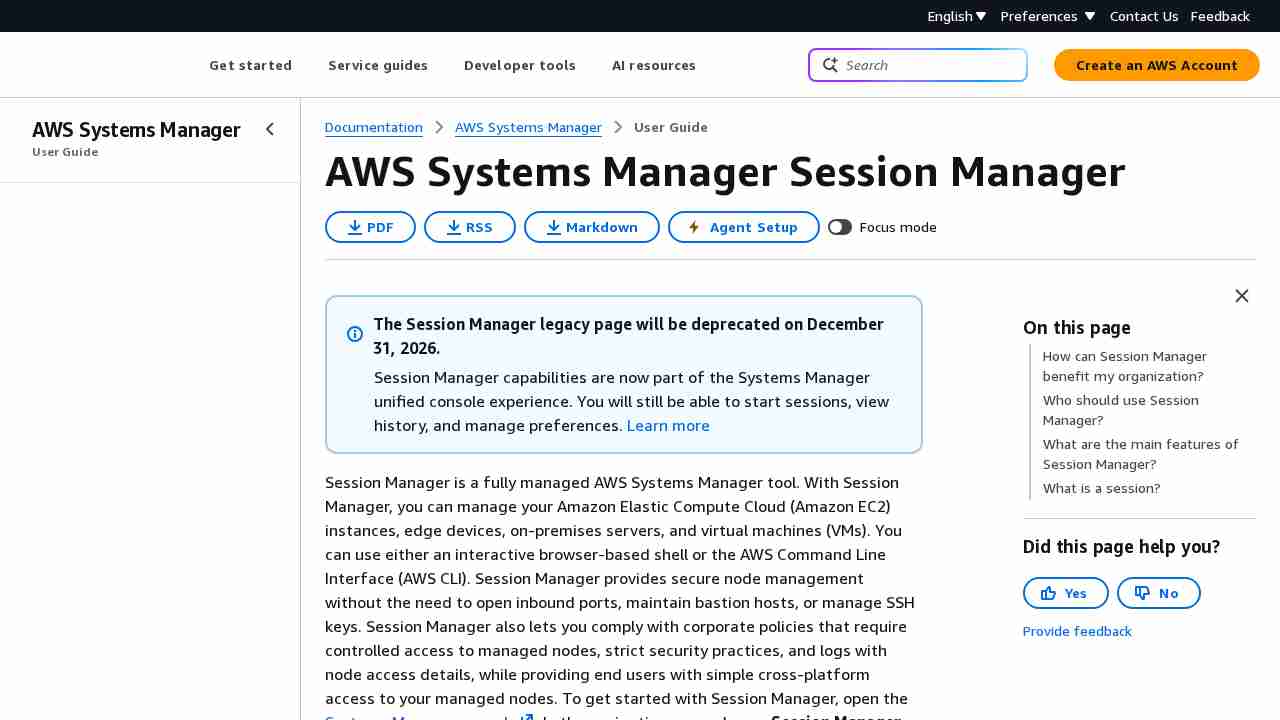
pgadmin - PostgreSQL, display role members - Database Administrators Stack Exchange
August 12, 2019 - permalink - https://dba.stackexchange.com/questions/136858/postgresql-display-role-membersSELECT r.rolname as username,r1.rolname as "role"
FROM pg_catalog.pg_roles r LEFT JOIN pg_catalog.pg_auth_members m
ON (m.member = r.oid)
LEFT JOIN pg_roles r1 ON (m.roleid=r1.oid)
WHERE r.rolcanlogin
ORDER BY 1;
-
terraform-aws-ecs-scheduled-task/main.tf at master · dxw/terraform-aws-ecs-scheduled-task · GitHub
August 12, 2019 - permalink - https://github.com/dxw/terraform-aws-ecs-scheduled-task/blob/master/main.tfTIL : les ECS scheduled tasks sont en fait trigger par cloudwatch
-
-
-
-
-
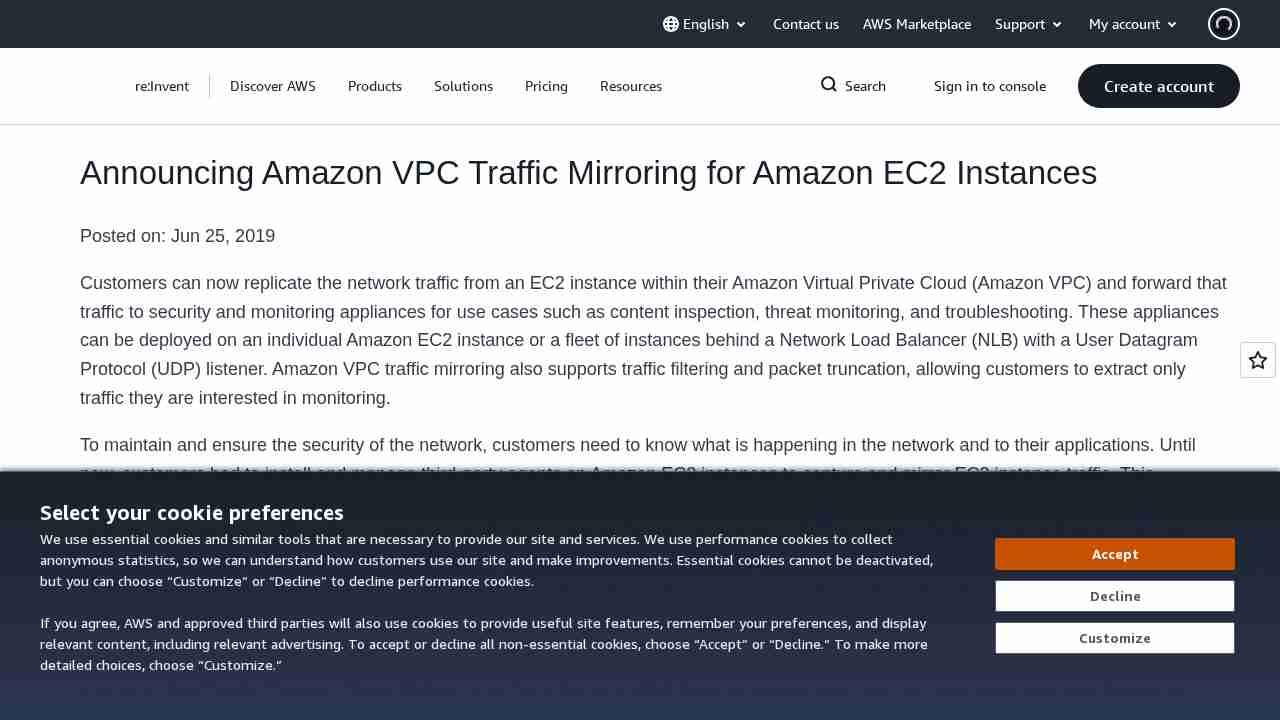
Managing PostgreSQL users and roles | AWS Database Blog
August 3, 2019 - permalink - https://aws.amazon.com/fr/blogs/database/managing-postgresql-users-and-roles/A faire en superuser:
-- Revoke privileges from 'public' role
REVOKE CREATE ON SCHEMA public FROM PUBLIC;
REVOKE ALL ON DATABASE mydatabase FROM PUBLIC;-- Create schema
CREATE SCHEMA myschema-- Read-only role
CREATE ROLE readonly;
GRANT CONNECT ON DATABASE mydatabase TO readonly;
GRANT USAGE ON SCHEMA myschema TO readonly;
GRANT SELECT ON ALL TABLES IN SCHEMA myschema TO readonly;
ALTER DEFAULT PRIVILEGES IN SCHEMA myschema GRANT SELECT ON TABLES TO readonly;-- Read/write role
CREATE ROLE readwrite;
GRANT CONNECT ON DATABASE mydatabase TO readwrite;
GRANT USAGE, CREATE ON SCHEMA myschema TO readwrite;
GRANT SELECT, INSERT, UPDATE, DELETE ON ALL TABLES IN SCHEMA myschema TO readwrite;
ALTER DEFAULT PRIVILEGES IN SCHEMA myschema GRANT SELECT, INSERT, UPDATE, DELETE ON TABLES TO readwrite;
GRANT USAGE ON ALL SEQUENCES IN SCHEMA myschema TO readwrite;
ALTER DEFAULT PRIVILEGES IN SCHEMA myschema GRANT USAGE ON SEQUENCES TO readwrite;-- Users creation
CREATE USER reporting_user1 WITH PASSWORD 'some_secret_passwd';
CREATE USER reporting_user2 WITH PASSWORD 'some_secret_passwd';
CREATE USER app_user1 WITH PASSWORD 'some_secret_passwd';
CREATE USER app_user2 WITH PASSWORD 'some_secret_passwd';-- Grant privileges to users
GRANT readonly TO reporting_user1;
GRANT readonly TO reporting_user2;
GRANT readwrite TO app_user1;
GRANT readwrite TO app_user2;
-
Enable or Disable Close Tab by Double Click in Firefox | Tutorials
August 2, 2019 - permalink - https://www.tenforums.com/tutorials/113005-enable-disable-close-tab-double-click-firefox.htmlabout:config
browser.tabs.closeTabByDblclick
-
-
GitHub - scrooloose/nerdtree: A tree explorer plugin for vim.
July 29, 2019 - permalink - https://github.com/scrooloose/nerdtreeComment j'ai fait pour me passer de nerdtree?
-
-
-
-
AWS Fargate Pricing Calculator
July 23, 2019 - permalink - http://fargate-pricing-calculator.site.s3-website-us-east-1.amazonaws.com/0,25 vCPU + 0,5GB = 9,010$ (1 month)
-
-
-
-
-
-
Note: postgre
July 3, 2019 - permalink - https://links.infomee.fr/shaare/IImegQvoir obsidian "Postgresql pg survival"
-
-
-
-
-
-
-
-
-
-
-
pre-commit
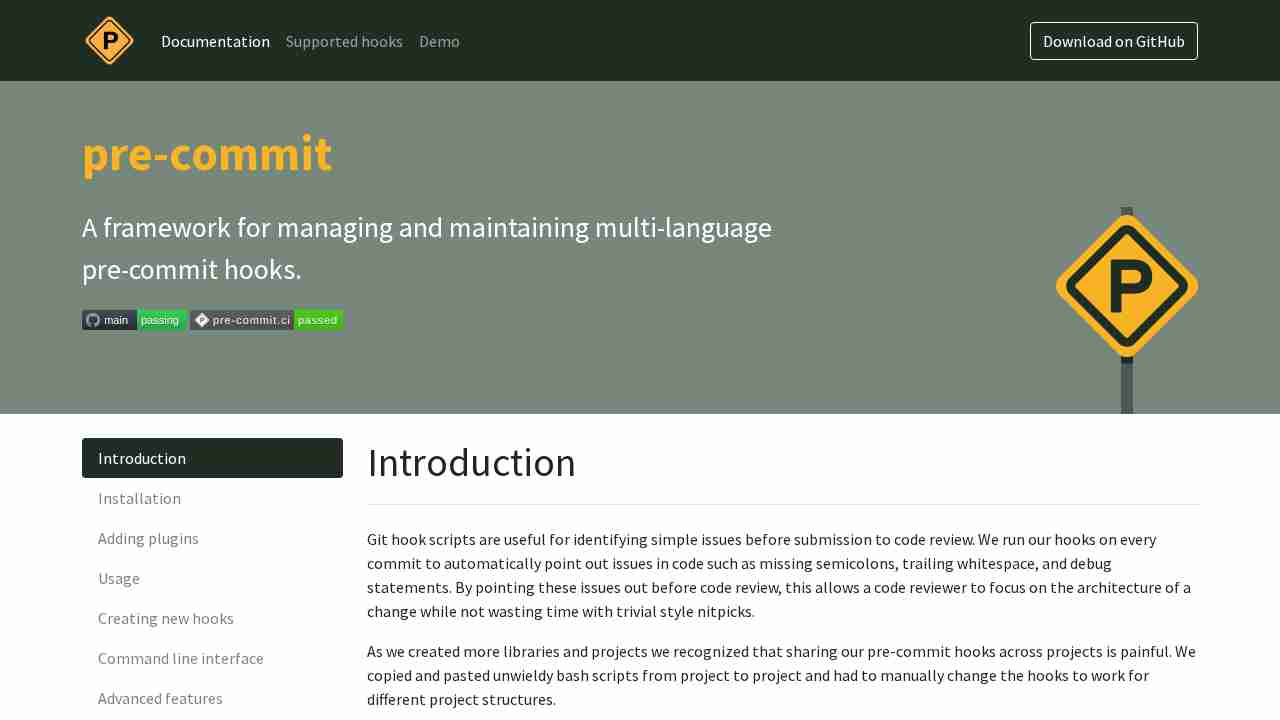
June 6, 2019 - permalink - https://pre-commit.com/Git hook scripts are useful for identifying simple issues before submission to code review. We run our hooks on every commit to automatically point out issues in code such as missing semicolons, trailing whitespace, and debug statements. By pointing these issues out before code review, this allows a code reviewer to focus on the architecture of a change while not wasting time with trivial style nitpicks.
-
-
-
-
-
-
-
-
-
-
tmux in practice: iTerm2 and tmux – freeCodeCamp.org
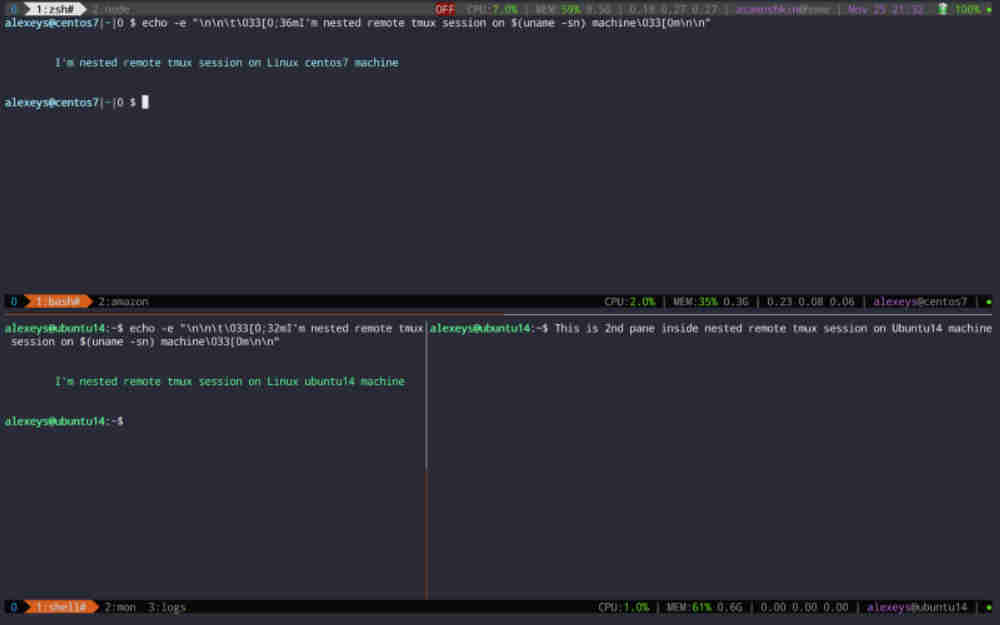
May 21, 2019 - permalink - https://medium.freecodecamp.org/tmux-in-practice-iterm2-and-tmux-integration-7fb0991c6c01pour binder ctrl tab et shift ctrl tab pour avec next/previous window il faut un peu de bricolage :
Dans iterm on peut créer des bindings :
ctrl + tab --> Send hexa -> 0x01 0x6e
shift ctrl tab --> Send hexa -> 0x01 0x70Ces codes hexa correspondent à l'enchainement "ctrl+a n" et "ctrl+a p"
(tools utile : showkey -a sur linux)
-
-
-
-
-
-
An Introduction to the Z Shell - Aliasing
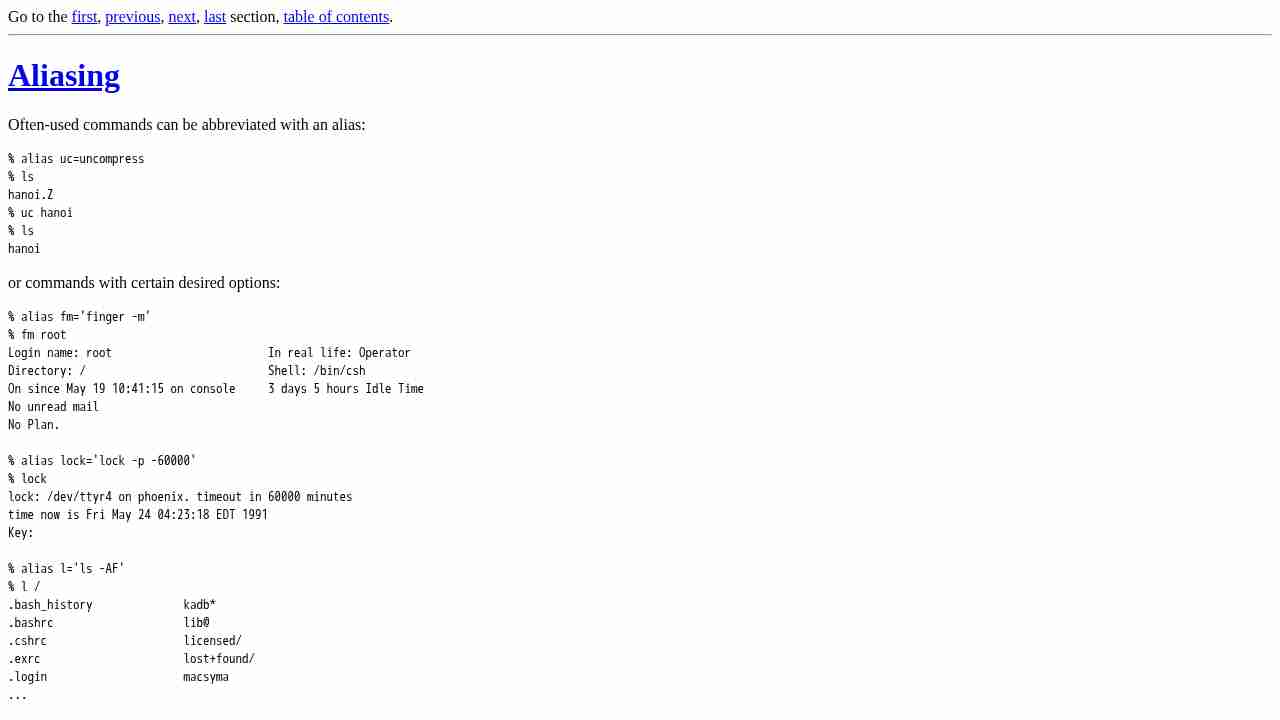
May 15, 2019 - permalink - http://zsh.sourceforge.net/Intro/intro_8.htmlMost other shells have aliases of this kind (command aliases). However, zsh also has global aliases, which are substituted anywhere on a line. Global aliases can be used to abbreviate frequently-typed usernames, hostnames, etc.
% alias -g me=pfalstad gun=egsirer mjm=maruchck
% who | grep me
pfalstad ttyp0 May 24 03:39 (mickey.Princeton)
pfalstad ttyp5 May 24 03:42 (mickey.Princeton)
% fm gun
Login name: egsirer In real life: Emin Gun Sirer
Directory: /u/egsirer Shell: /bin/sh
Last login Thu May 23 19:05 on ttyq3 from bow.Princeton.ED
New mail received Fri May 24 02:30:28 1991;
unread since Fri May 24 02:30:27 1991
% alias -g phx=phoenix.princeton.edu warc=wuarchive.wustl.edu
% ftp warc
Connected to wuarchive.wustl.edu.Here are some more interesting uses.
% alias -g M='| more' GF='| fgrep -f ~/.friends'
% who M # pipes the output of who through more
% who GF # see if your friends are on
% w GF # see what your friends are doingalias -g gp='|grep '
-
-
-