-
Swaks - Swiss Army Knife for SMTP
November 6, 2013 - permalink - http://www.jetmore.org/john/code/swaks/Swaks is a featureful, flexible, scriptable, transaction-oriented SMTP test tool written and maintained by John Jetmore.
-
Deprecated Linux networking commands and their replacements | Doug Vitale Tech Blog
November 5, 2013 - permalink - https://dougvitale.wordpress.com/2011/12/21/deprecated-linux-networking-commands-and-their-replacements/ifconfig netstat route .. autant de cmd à abandonner!
-
-
-
-
Auto-hébergement : IOwait m’a tuer 1/2 (vmstat, mpstat, atop, pidstat) • Blog d'un développeur neurasthénique
October 25, 2013 - permalink - http://blog.developpeur-neurasthenique.fr/auto-hebergement-iowait-ma-tuer-1-2-vmstat-mpstat-atop-pidstat.htmlBon article pour comprendre un peu mieux les histoire d'io
-
caractère caché
October 17, 2013 - permalink - https://links.infomee.fr/shaare/s1J7bQParfois il arrive qu'un fichier de conf soit corrompu a cause dun caractère invisible a la con qui peut venir dun copier coller ou autre.. Pour vérifier ça, on peut dumper le fichier en affichant ces caractères : car -e fichier
-
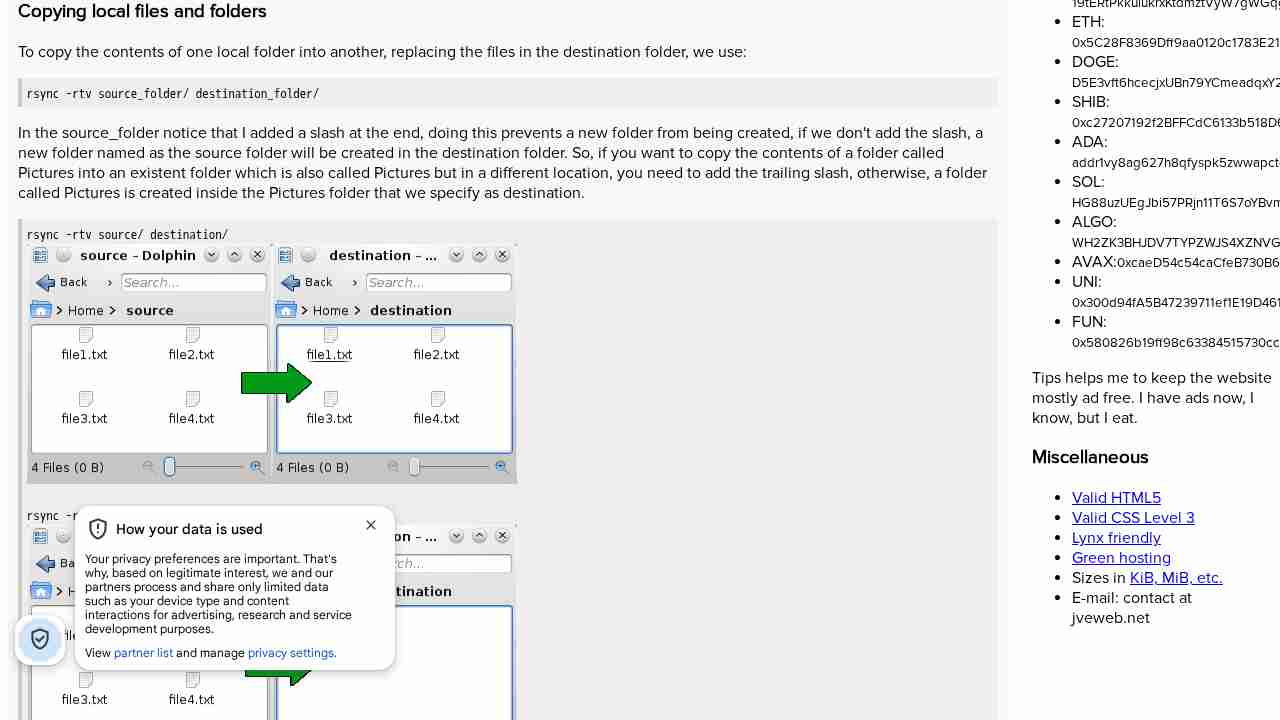
Synchronizing folders with rsync - Juan Valencia's website
October 9, 2013 - permalink - http://www.jveweb.net/en/archives/2010/11/synchronizing-folders-with-rsync.html#jveweb_en_014_02Pour comprendre un peu mieux certaines subtilités de rsync + compléter mémo
-
-
explainshell.com - match command-line arguments to their help text
August 30, 2013 - permalink - http://www.explainshell.com/Petit outil sympa qui donne l'explication de n'importe quelle commande shell (on peut c/c ce qu'on veut)l
-
Cool Solutions: Using RPM Verify to Monitor Changes to System Files
August 19, 2013 - permalink - http://www.novell.com/coolsolutions/feature/16238.htmlIl peut arriver qu'un package ait un comportement anormal, on peut alors se demander si les fichiers n'ont pas été modifié à la main... (environnement de dev, coucou)
Heureusement rpm stocke plusieurs infos sur les fichiers originaux et permet de vérifier si il y a eu ou non des modifications. L'option magique est -V
rpm -Va --> vérifie TOUS les packages
rpm -V nom_du_package --> vérifie seulement le package concerné
-
11.10 - Ctrl+A does not work in all programs - Ask Ubuntung
July 21, 2013 - permalink - http://askubuntu.com/questions/73954/ctrla-does-not-work-in-all-programsrun gnome-tweak-tool, "theme", and change keybinding theme to default
-
-
-
-
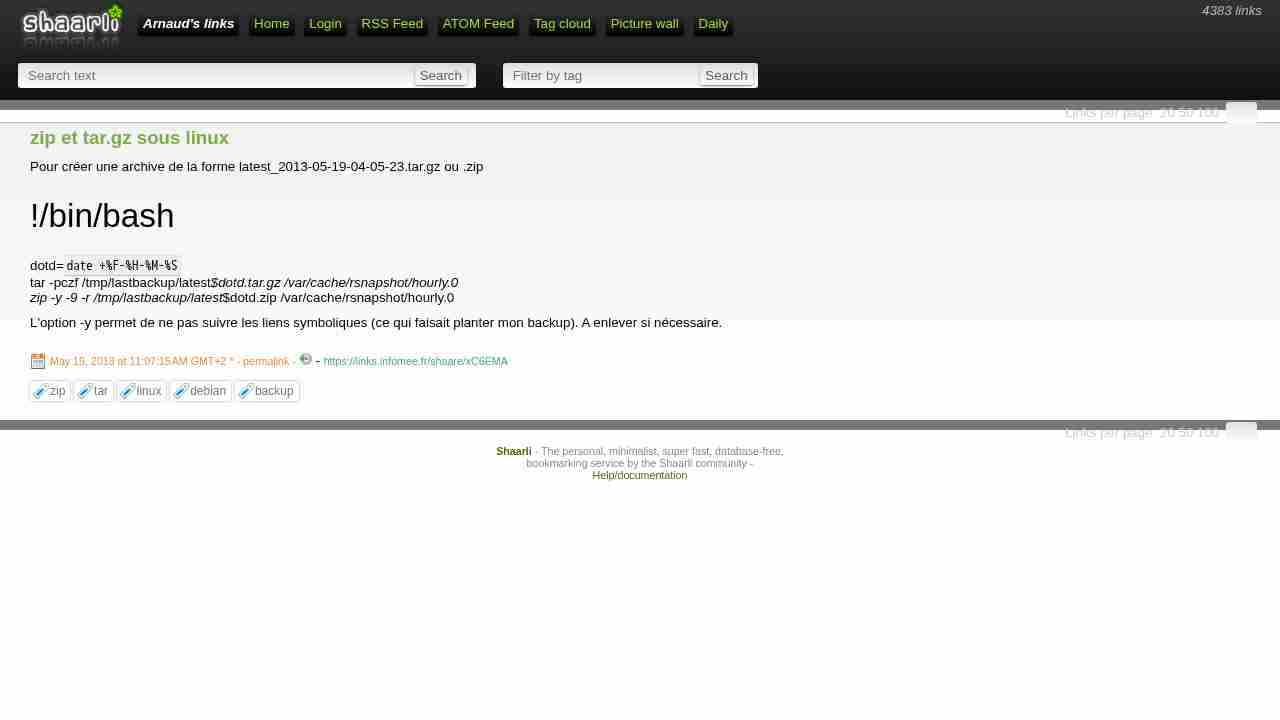
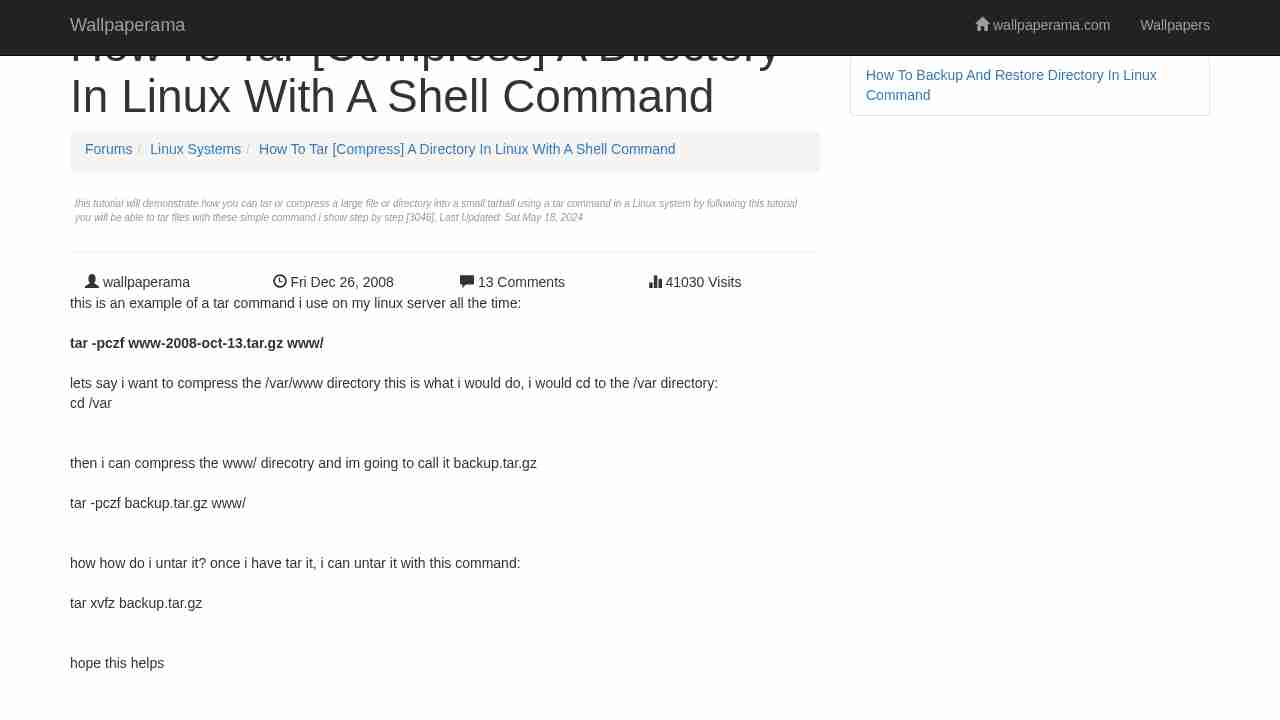
zip et tar.gz sous linux
May 19, 2013 - permalink - https://links.infomee.fr/shaare/xC6EMAPour créer une archive de la forme latest_2013-05-19-04-05-23.tar.gz ou .zip
!/bin/bash
dotd=
date +%F-%H-%M-%S
tar -pczf /tmp/lastbackup/latest_$dotd.tar.gz /var/cache/rsnapshot/hourly.0
zip -y -9 -r /tmp/lastbackup/latest_$dotd.zip /var/cache/rsnapshot/hourly.0L'option -y permet de ne pas suivre les liens symboliques (ce qui faisait planter mon backup). A enlever si nécessaire.
-
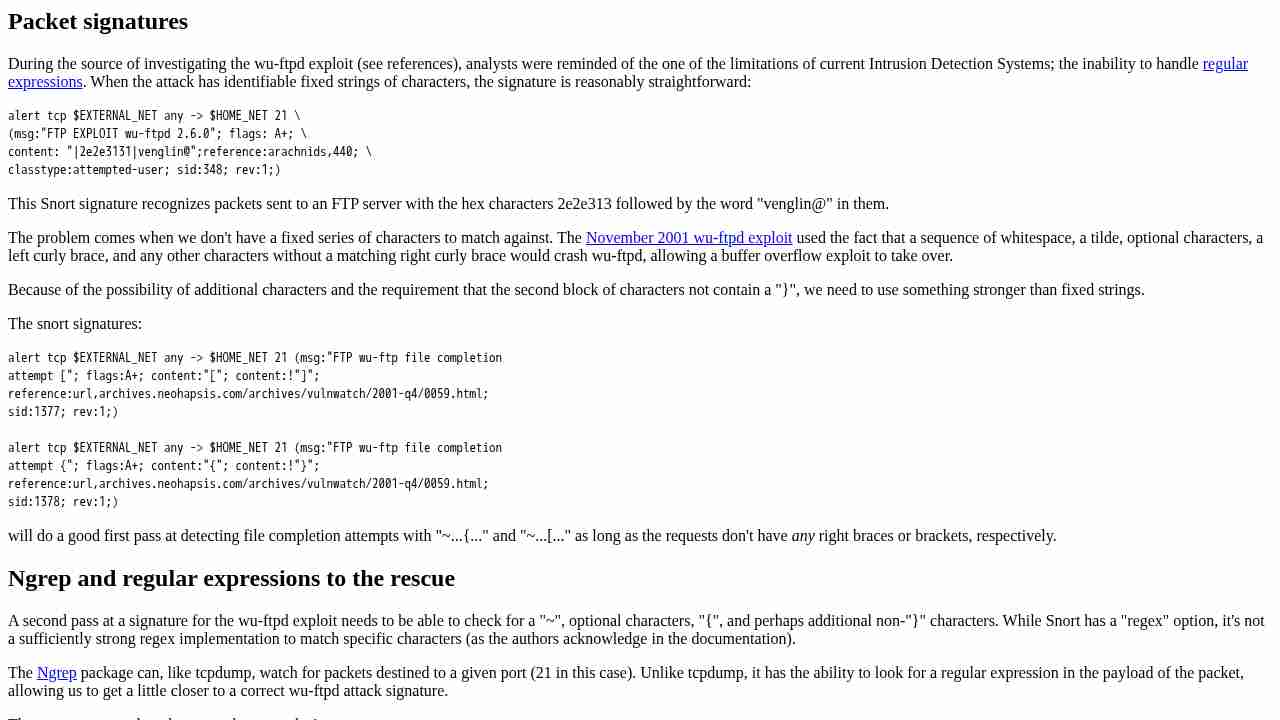
Hping3 Examples - Firewall testing | 0DAYsecurity.com
April 15, 2013 - permalink - http://0daysecurity.com/articles/hping3_examples.htmlDes exemples de commandes hping3 pour réaliser des tests sur des firewall
-
-
Ethtool & le réseau
March 30, 2013 - permalink - http://www.linuxcore.fr/2012/01/ethtool-le-reseau/ethtool to get info about network
-
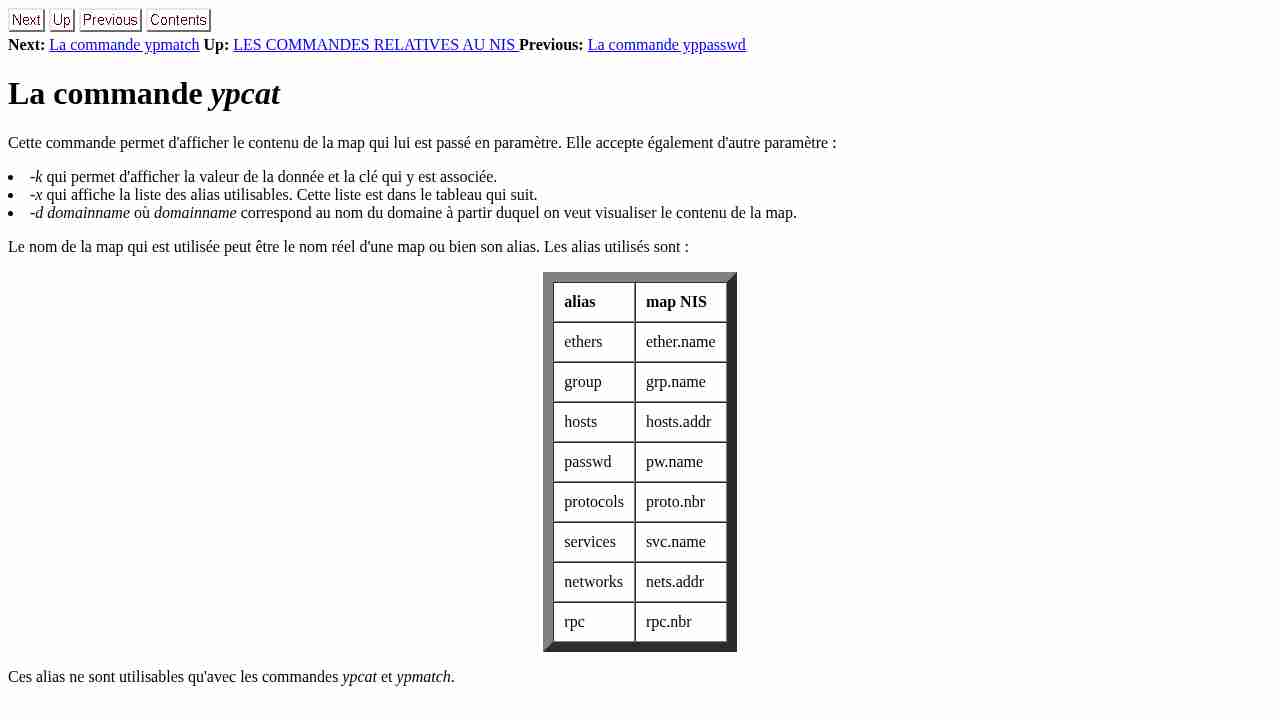
La commande ypcat
March 30, 2013 - permalink - http://renaud.masse.free.fr/projets/nis/node38.htmgroup passwd hosts services
-
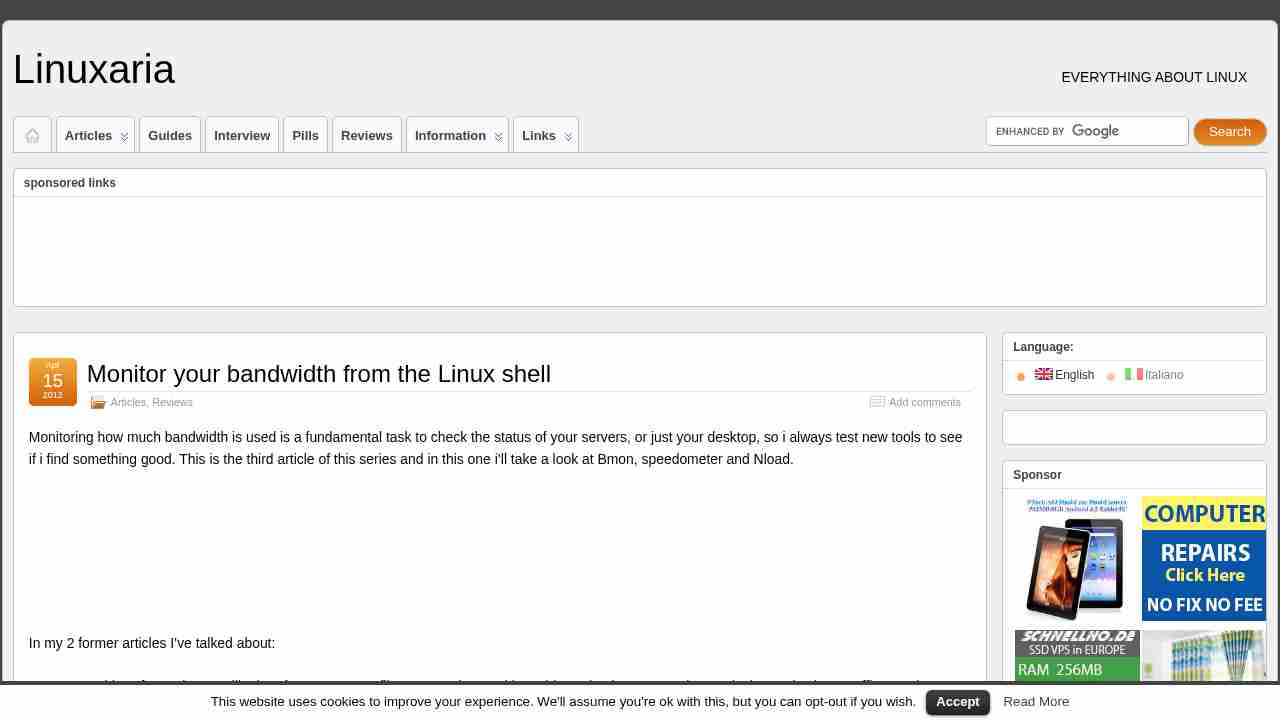
» Linuxaria – Everything about GNU/Linux and Open source Monitor your bandwidth from the Linux shell
March 23, 2013 - permalink - http://linuxaria.com/article/monitor-your-bandwidth-from-the-linux-shell?lang=ennload sur debian pour monitorer en temps réel la bande passante d'un serveur
-
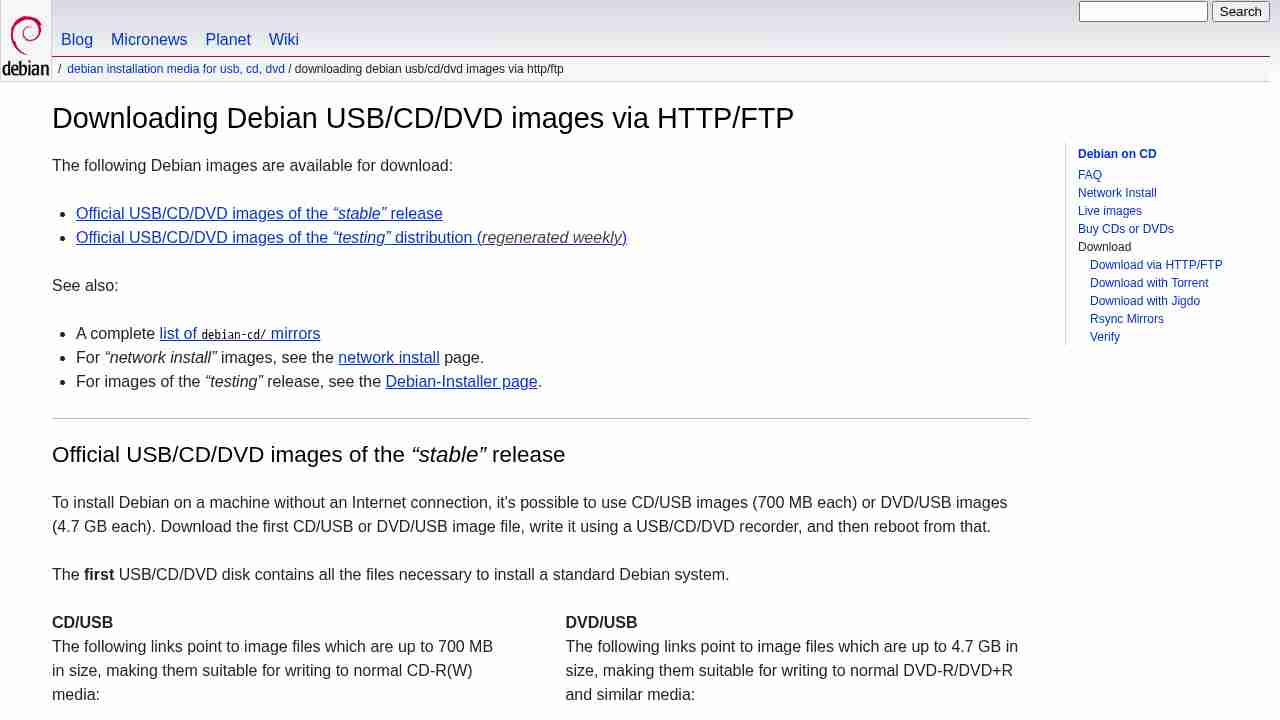
Télécharger les images de CD de Debian par HTTP ou par FTP
March 10, 2013 - permalink - http://www.debian.org/CD/http-ftp/Pour télécharger des images testing de debian (pas forcément simple de trouver le bon endroit sur le site..)
Ici les wheezy à l'heure actuelle
-
-
-
-
-
-
-
[LINUX] Using Any Program over SSH proxy | Open Source Club at Ohio State University
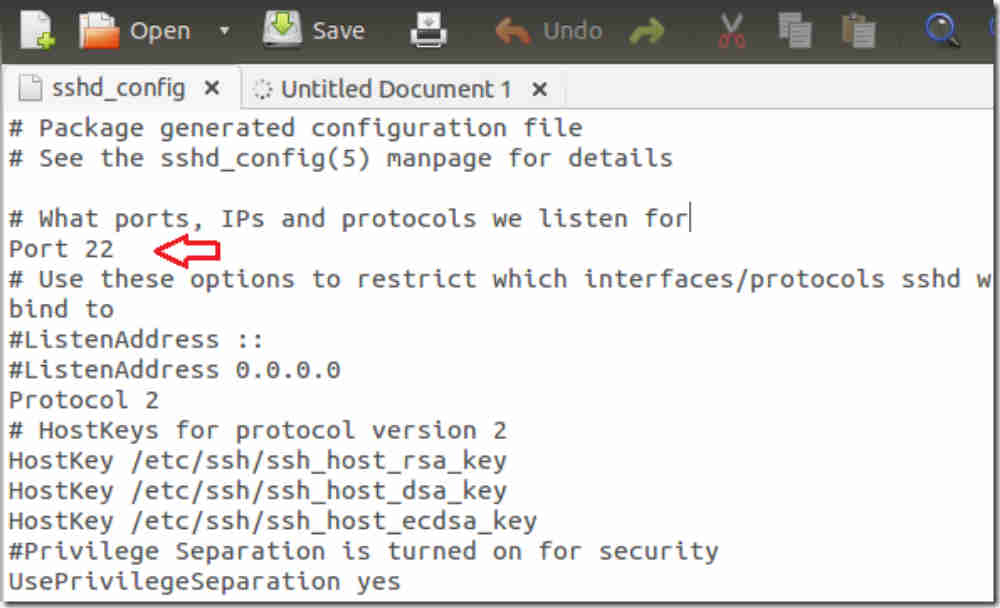
January 28, 2013 - permalink - http://opensource.osu.edu/node/122Ok the title may need some work but I am really excited that I found a way to make virtually any application to run over a SSH proxy without having to directly have support for the SOCKS protocol.
The first thing you need to do is go to SourceForge and download an application call proxychains. If you are using a debian based distribution, particularly Ubuntu you can simple use
sudo apt-get install proxychainsOnce you have installed proxychains you need to connect via SSH to your SSH serve. You can use something like this:
ssh -fqND 5555 yanovich@10.28.183.40This creates a connection to your ssh server and lets it run in the background. The 5555 is the port number it will run on the local level (the computer you can running proxychains from).
Next you need to edit /etc/proxychainds.conf (you'll need sudo permission to do this).
Uncomment "dynamic_chain" (by removing the # at the beginning of the line)
comment out "strict_chain" by adding a # to the beginning of the line.
Uncomment "quiet_mode" (This is not recommended the first time you do this. I would recommend doing this the second through once you are familiar with this and can see it is working).
Add "socks5 127.0.0.1 5555" on a new line at the bottom of the file.
Save
Now run the program you want to have applied this settings towards. For my situation I wanted to be able to use Opera Web Browser over SSH proxy but Opera doesn't have built-in SOCKS support.
$ proxychains operaThat line of code in the terminal will launch the Opera Browser and direct all traffic through the SSH proxy.
The above is recommended to be used for applications that do not natively support SOCKS. I would recommend doing the above in addition to apply a system wide setting (for Ubuntu you can do this through System > Preference > Network Proxy).
-
-
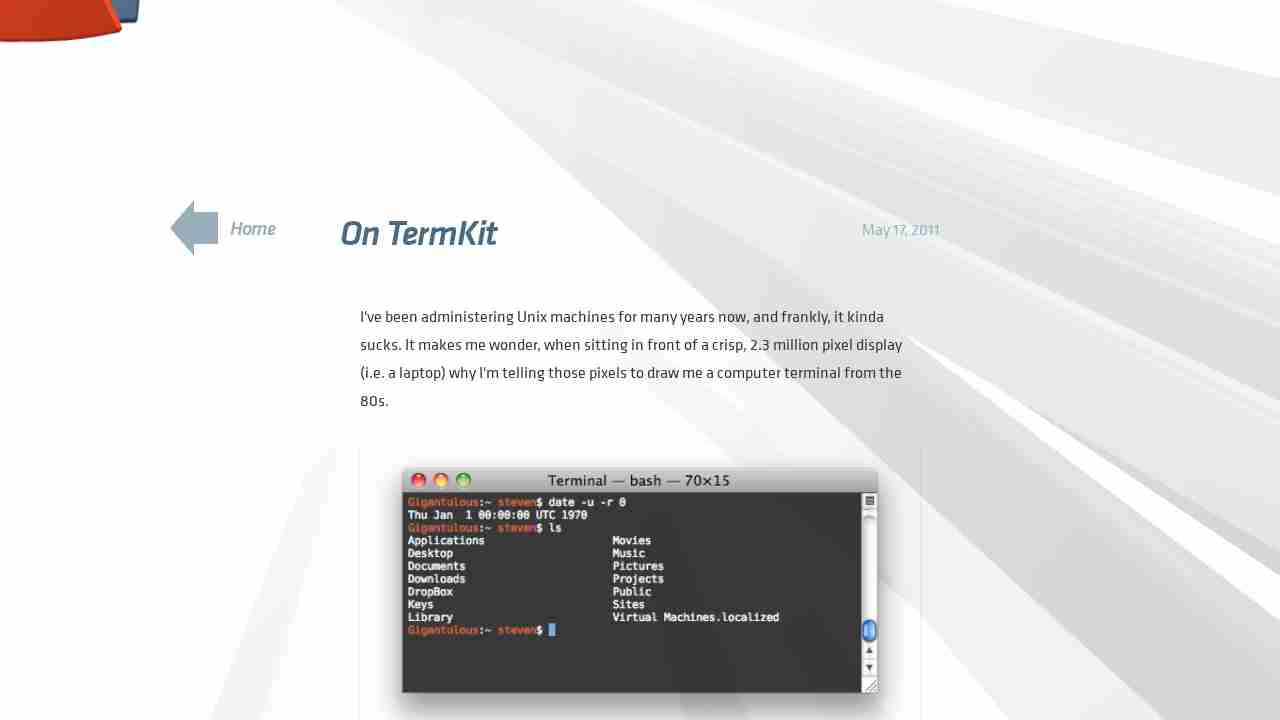
On TermKit — Acko.net
January 26, 2013 - permalink - http://acko.net/blog/on-termkit/next generation linux shell
-
-
-
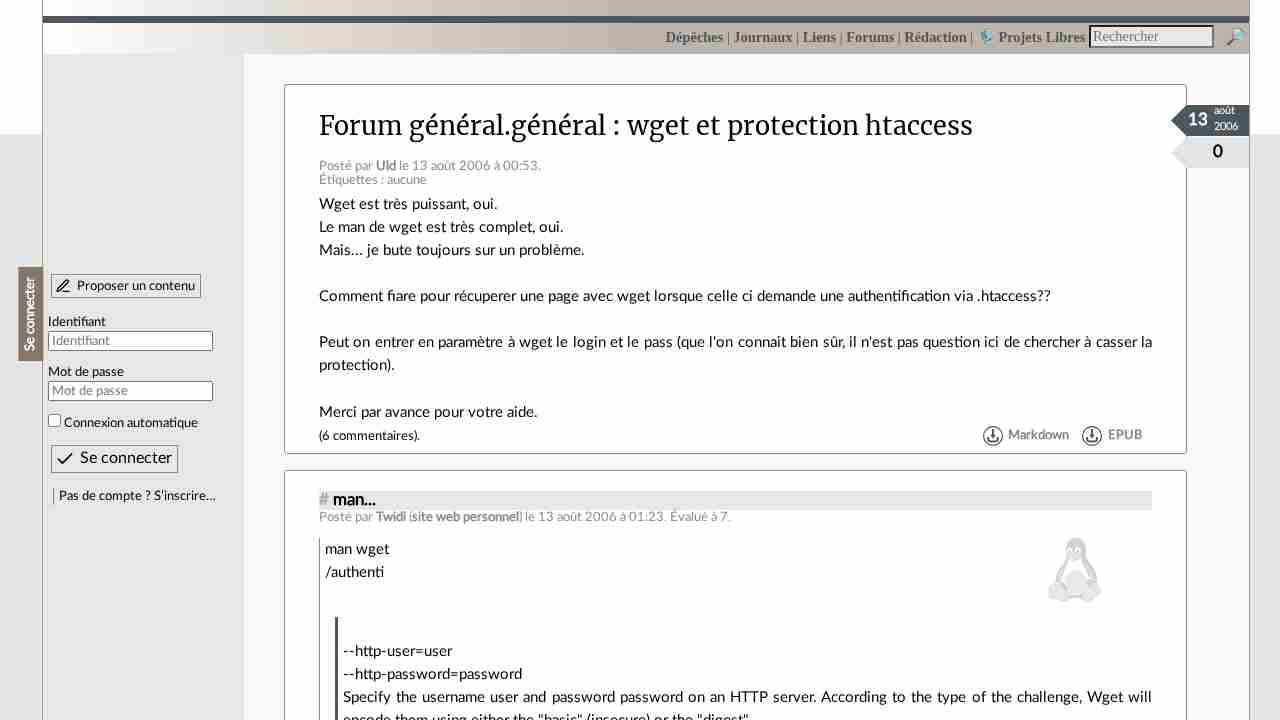
wget et protection htaccess - LinuxFr.org
January 17, 2013 - permalink - http://linuxfr.org/forums/g%C3%A9n%C3%A9ralg%C3%A9n%C3%A9ral/posts/wget-et-protection-htaccesspour récup une ressource protégée par un wget, utiliser ces deux parametres dans la commande wget : --http-user=user --http-password=password
-
-
-
-
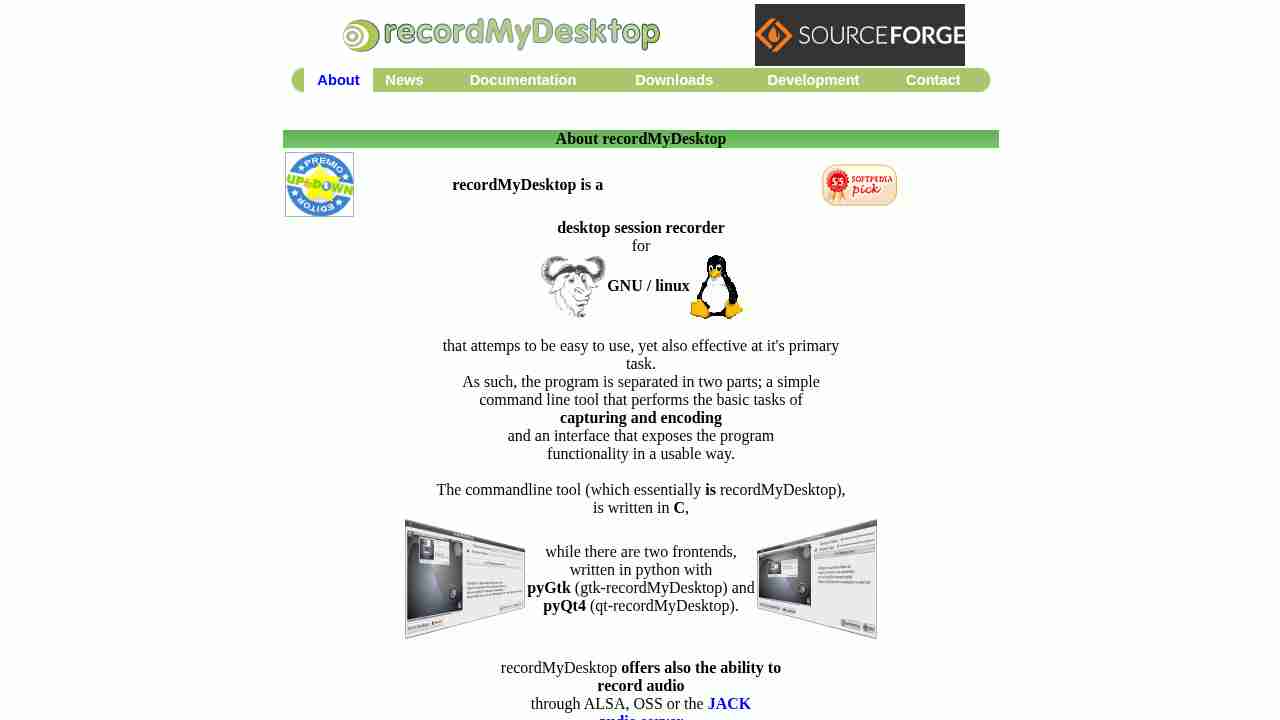
gtk-recordmydesktop
January 9, 2013 - permalink - http://recordmydesktop.sourceforge.net/about.phpUn outils sous linux pour faire des screecast
Format de sortie en ogvgtk-recordmydesktop
-
-
-
-
-
-
-
-
-
-
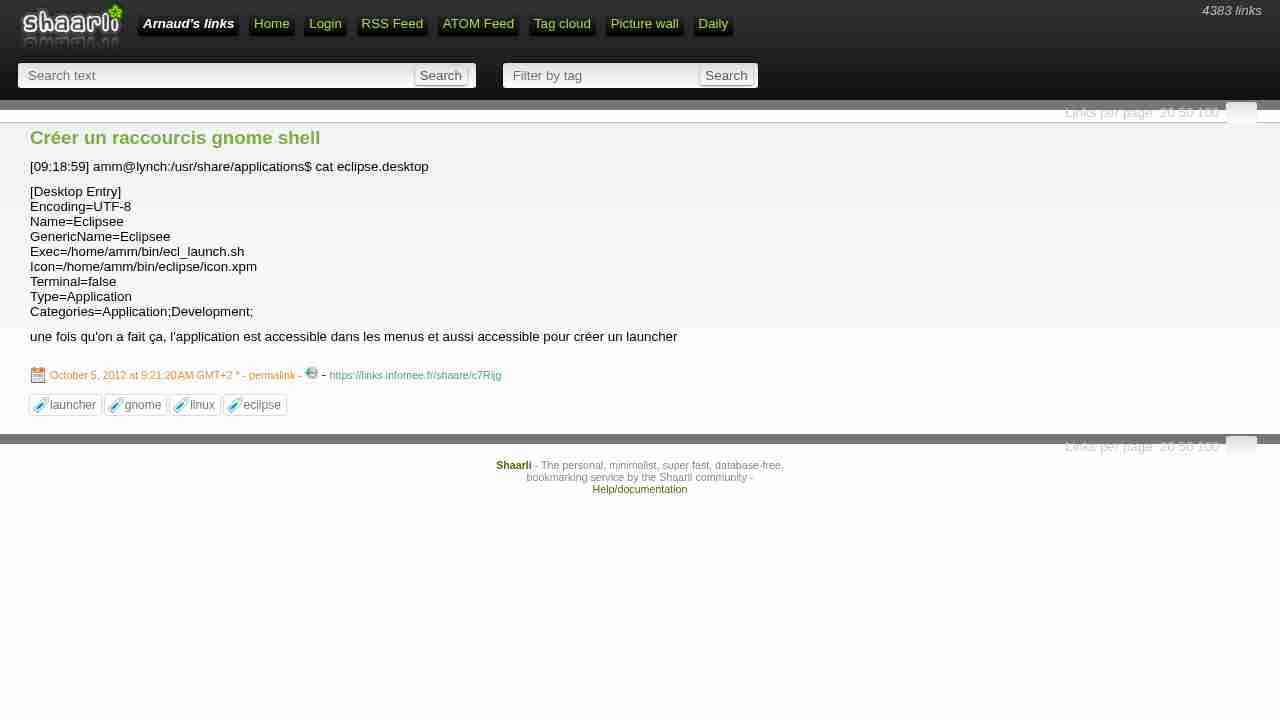
Créer un raccourcis gnome shell
October 5, 2012 - permalink - https://links.infomee.fr/shaare/c7Rijg[09:18:59] amm@lynch:/usr/share/applications$ cat eclipse.desktop
[Desktop Entry]
Encoding=UTF-8
Name=Eclipsee
GenericName=Eclipsee
Exec=/home/amm/bin/ecl_launch.sh
Icon=/home/amm/bin/eclipse/icon.xpm
Terminal=false
Type=Application
Categories=Application;Development;une fois qu'on a fait ça, l'application est accessible dans les menus et aussi accessible pour créer un launcher
-
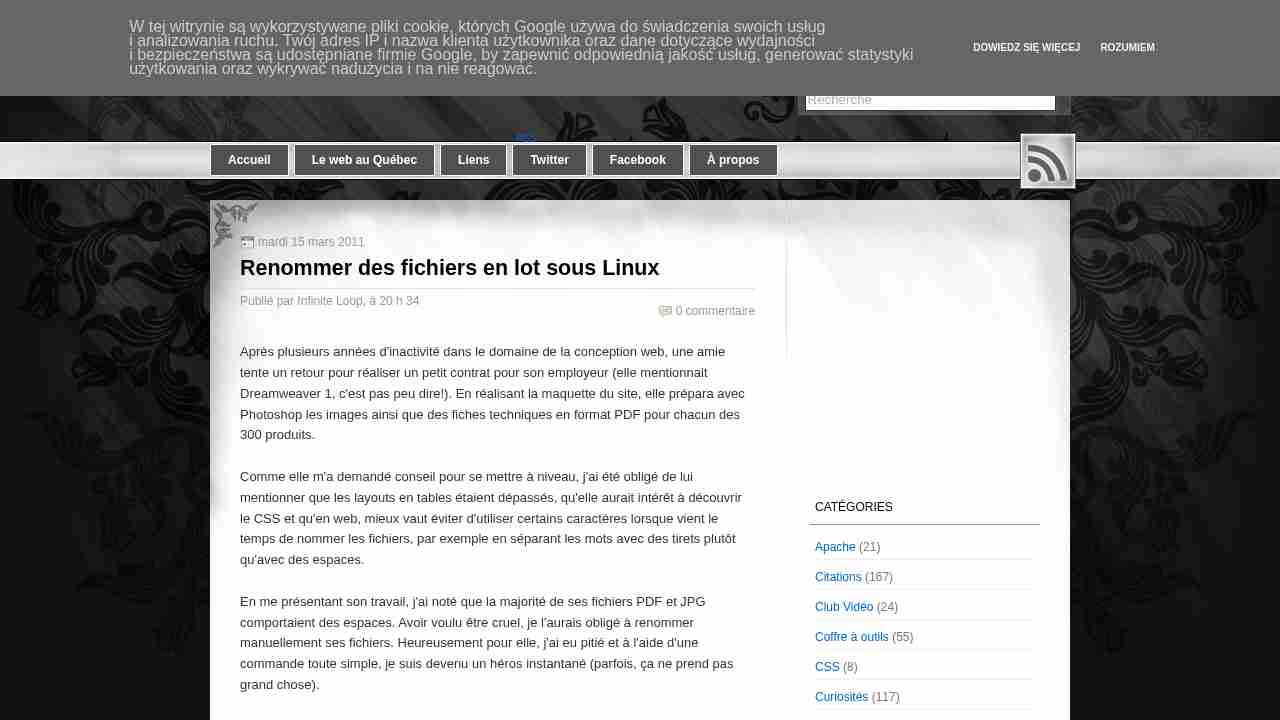
Code 18: Renommer des fichiers en lot sous Linux
September 22, 2012 - permalink - http://code18.blogspot.fr/2011/03/renommer-des-fichiers-en-lot-sous-linux.htmlUne fois les fichiers transférés sur mon laptop Linux, je n'ai eu qu'à utiliser la commande rename pour remplacer par des tirets tous les espaces contenus dans les fichiers. Mais avant de procéder à des remplacements en lot et risquer une gaffe, mieux vaut utiliser l'option -n pour avoir une prévisualisation des changements qui seront appliqués.
rename -n 's/ /-/g' *.jpg
image petit format.jpg renamed as image-petit-format.jpg
Après le dernier /, le "g" signifie global, pour remplacer tous les espaces et pas seulement le premier trouvé.
Une fois certain du remplacement dans la liste des fichiers, on peut appliquer le changement :
rename 's/ /-/g' *.jpg
rename 's/ /-/g' *.pdfMorale de l'histoire : c'est pratique avoir un ami qui travaille dans les Interwebs.
-