-
Working with presigned URLs - Amazon Simple Storage Service
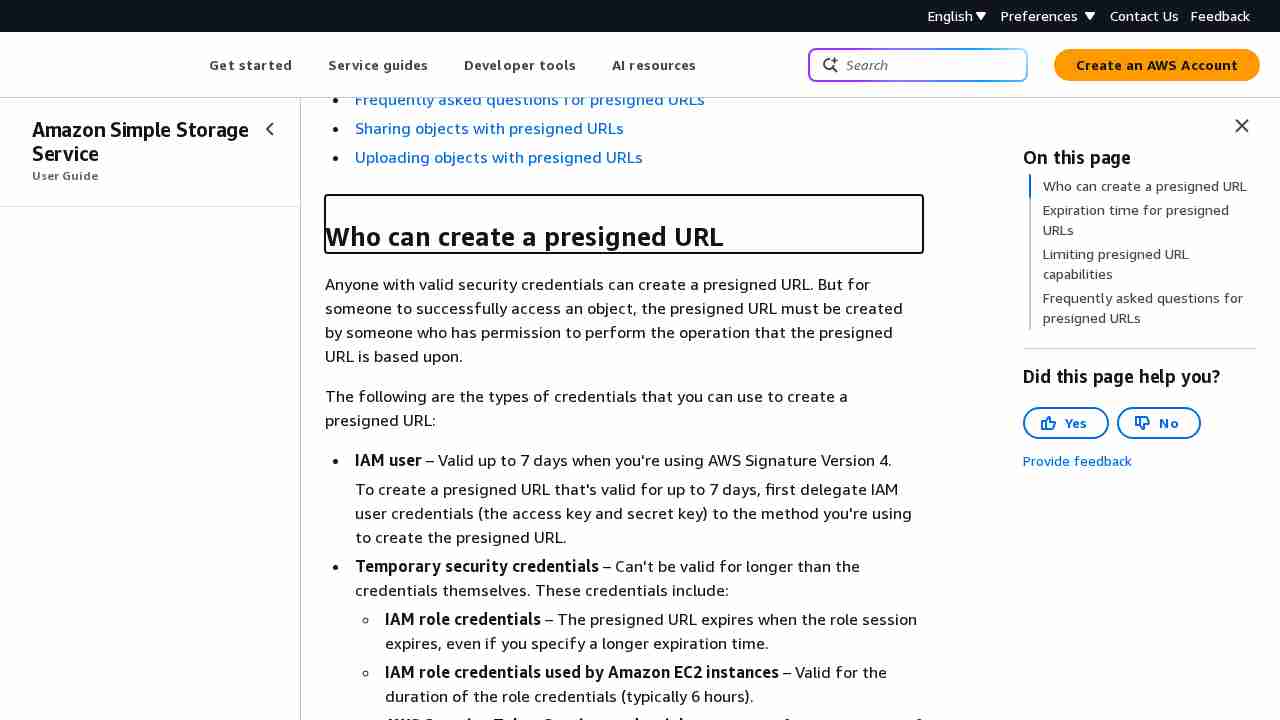
August 12, 2023 - permalink - https://docs.aws.amazon.com/AmazonS3/latest/userguide/using-presigned-url.html#who-presigned-urlIf you created a presigned URL by using a temporary token, then the URL expires when the token expires, even if you created the URL with a later expiration time. For more information about how the credentials you use affect the expiration time, see Who can create a presigned URL.
So you have to use regular IAM user instead of IAM role for service generating presigned urls..? :-/
-
Example 2: Bucket Owner Granting Cross-Account Bucket Permissions - Amazon Simple Storage Service
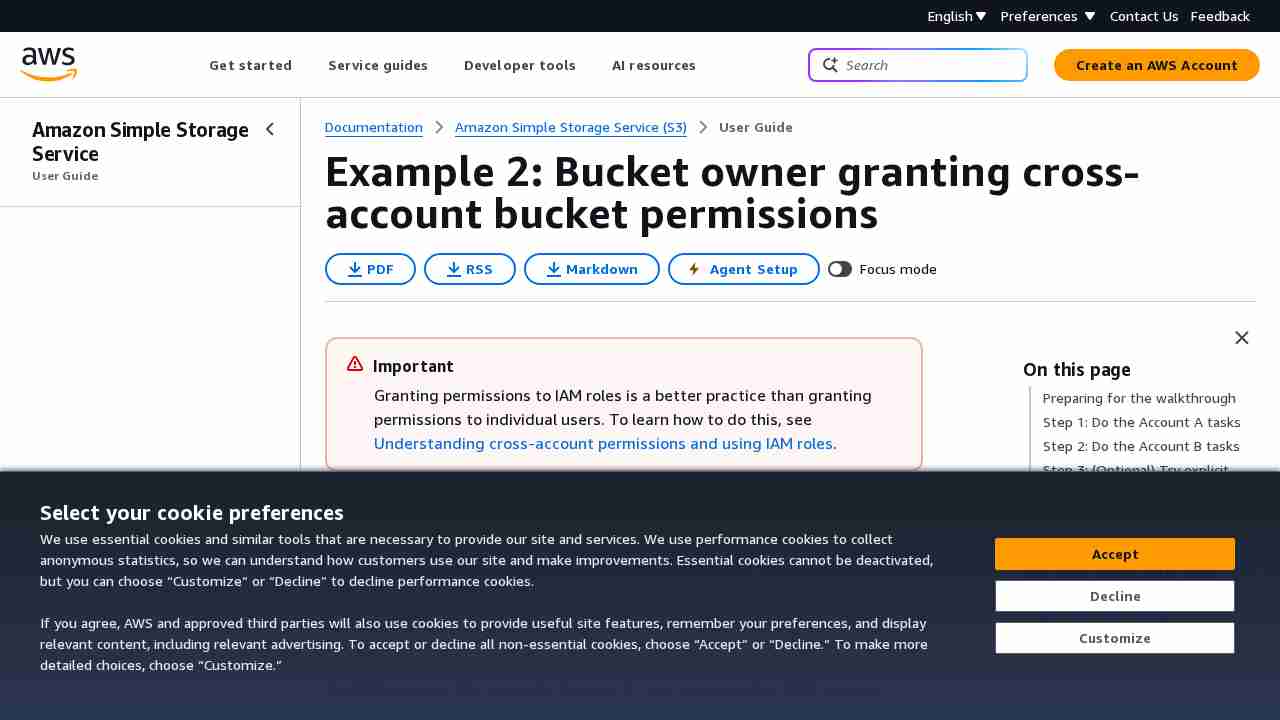
June 12, 2017 - permalink - http://docs.aws.amazon.com/AmazonS3/latest/dev/example-walkthroughs-managing-access-example2.htmlDonc pour autoriser un compte externe, on va créer une bucket policy sur notre bucket pour autoriser "arn:aws:iam::account_id:root" ou plus précis sur l'user arn:aws:iam::account_id:user/foobar ou le role
C'est le compte en face qui va décider qui a le droit de venir sur notre bucket avec des user policy standard (quand on est dans le contexte du compte en face, c'est comme si le bucket nous appartenait)
Exemple bucket policy à mettre sur le BUCKET de l'account A pour autoriser l'account xxx en RW
{
"Version": "2012-10-17",
"Statement": [{ "Sid": "Allow account_xx on aws account xxx RW", "Effect": "Allow", "Principal": { "AWS": "arn:aws:iam::OTHER_ACCOUNT_ID:root" }, "Action": ["s3:GetBucketLocation", "s3:ListBucket"], "Resource": "arn:aws:s3:::BUCKET" }, { "Sid": "Allow account_xx on aws account xxx RW", "Effect": "Allow", "Principal": { "AWS": "arn:aws:iam::OTHER_ACCOUNT_ID:root" }, "Action": [ "s3:*" ], "Resource": "arn:aws:s3:::BUCKET/*" } ]}
Pour Read only, remplacer action du deuxieme bloc par "Action": ["s3:Get","s3:List"],
-
Note: s3 policy one bucket
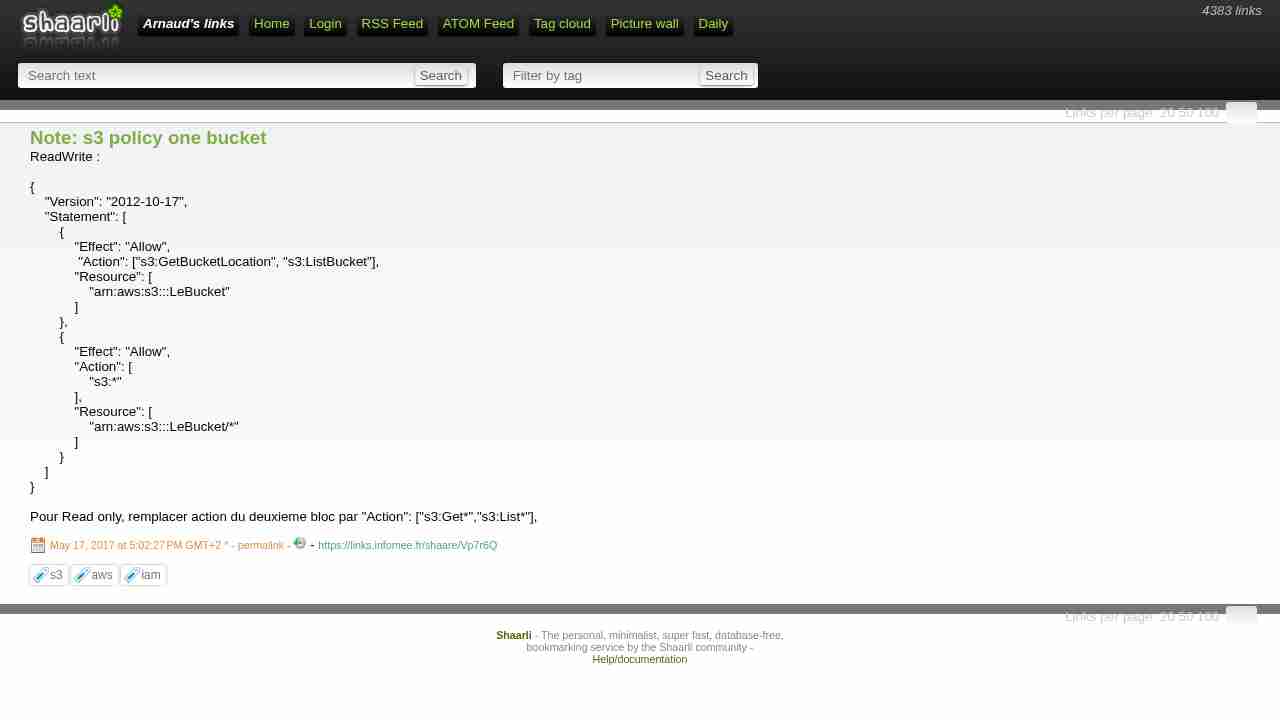
May 17, 2017 - permalink - https://links.infomee.fr/shaare/Vp7r6QReadWrite :
{
"Version": "2012-10-17",
"Statement": [
{
"Effect": "Allow",
"Action": ["s3:GetBucketLocation", "s3:ListBucket"],
"Resource": [
"arn:aws:s3:::LeBucket"
]
},
{
"Effect": "Allow",
"Action": [
"s3:"
],
"Resource": [
"arn:aws:s3:::LeBucket/"
]
}
]
}Pour Read only, remplacer action du deuxieme bloc par "Action": ["s3:Get","s3:List"],
-