-
Working with presigned URLs - Amazon Simple Storage Service
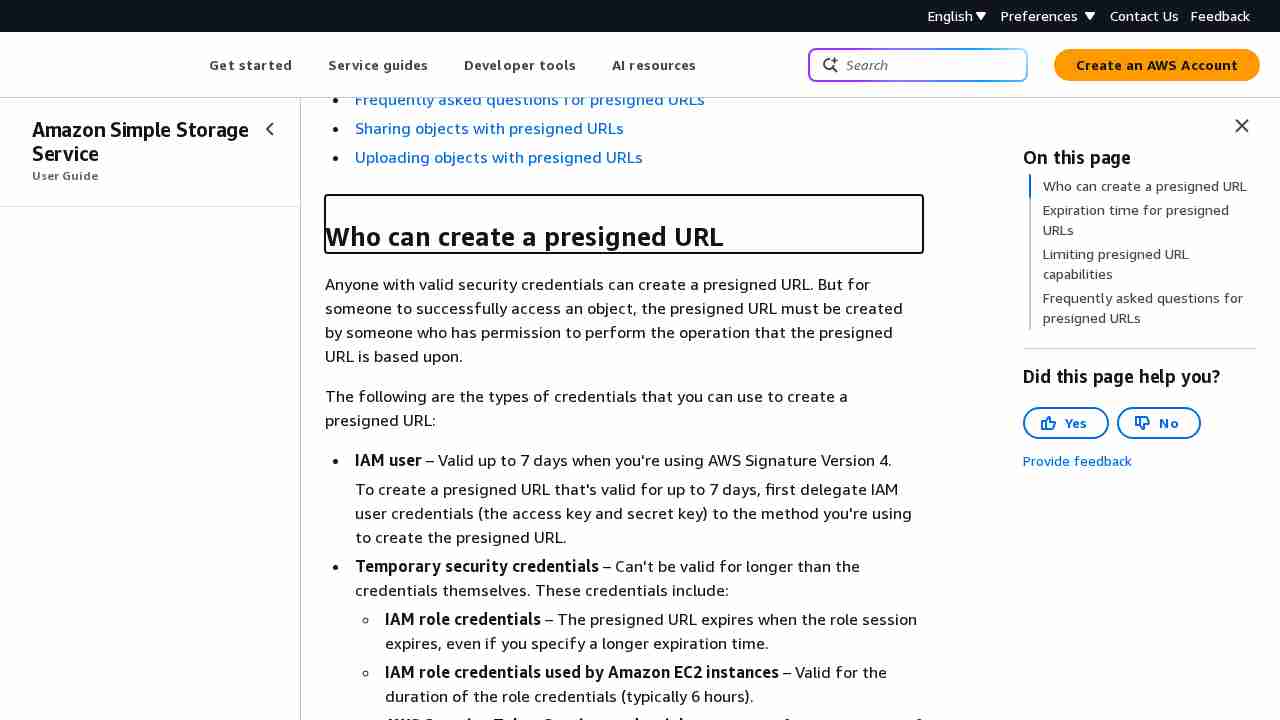
August 12, 2023 - permalink - https://docs.aws.amazon.com/AmazonS3/latest/userguide/using-presigned-url.html#who-presigned-urlIf you created a presigned URL by using a temporary token, then the URL expires when the token expires, even if you created the URL with a later expiration time. For more information about how the credentials you use affect the expiration time, see Who can create a presigned URL.
So you have to use regular IAM user instead of IAM role for service generating presigned urls..? :-/
-
-
-
Note: List users and their inline attached policies
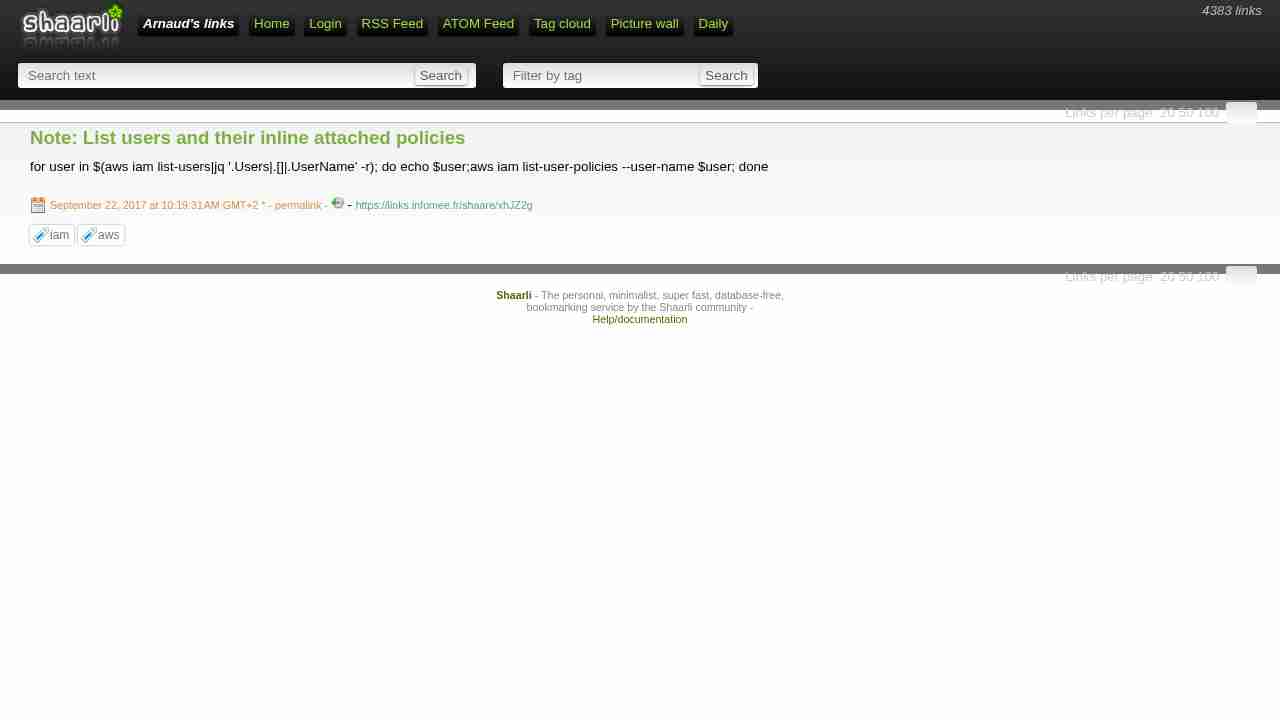
September 22, 2017 - permalink - https://links.infomee.fr/shaare/xhJZ2gfor user in $(aws iam list-users|jq '.Users|.[]|.UserName' -r); do echo $user;aws iam list-user-policies --user-name $user; done
-
-
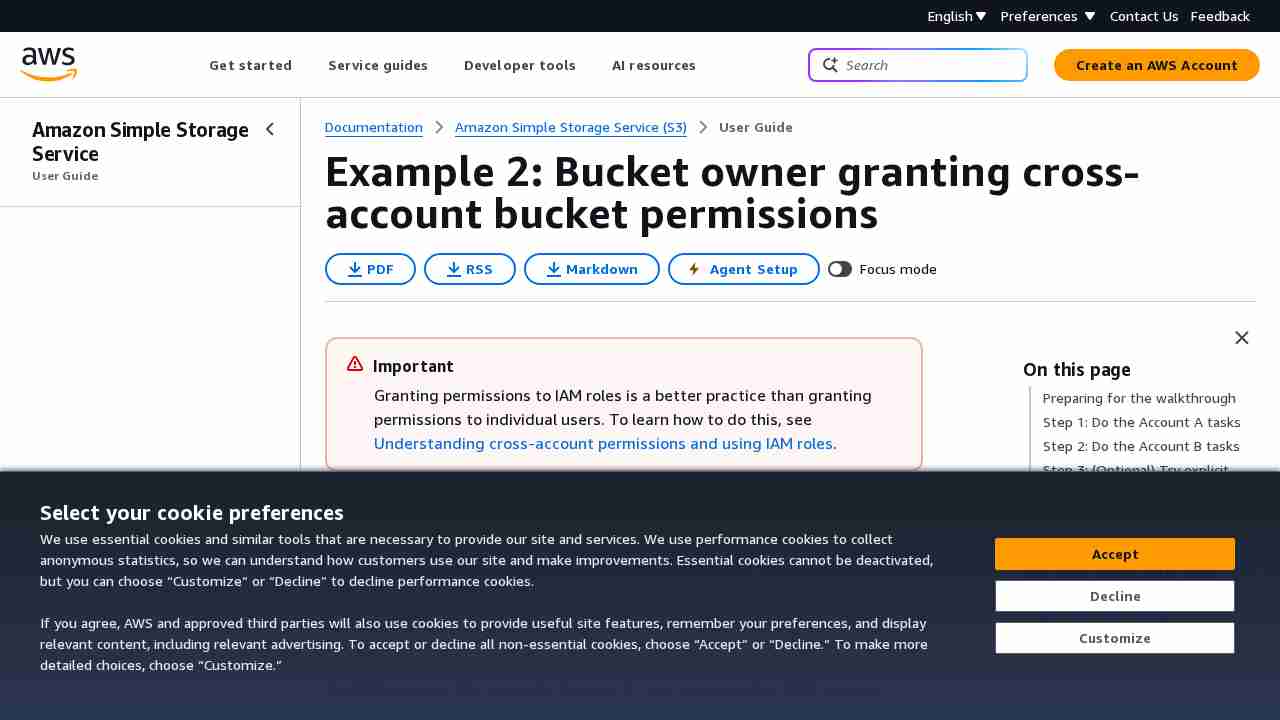
Example 2: Bucket Owner Granting Cross-Account Bucket Permissions - Amazon Simple Storage Service
June 12, 2017 - permalink - http://docs.aws.amazon.com/AmazonS3/latest/dev/example-walkthroughs-managing-access-example2.htmlDonc pour autoriser un compte externe, on va créer une bucket policy sur notre bucket pour autoriser "arn:aws:iam::account_id:root" ou plus précis sur l'user arn:aws:iam::account_id:user/foobar ou le role
C'est le compte en face qui va décider qui a le droit de venir sur notre bucket avec des user policy standard (quand on est dans le contexte du compte en face, c'est comme si le bucket nous appartenait)
Exemple bucket policy à mettre sur le BUCKET de l'account A pour autoriser l'account xxx en RW
{
"Version": "2012-10-17",
"Statement": [{ "Sid": "Allow account_xx on aws account xxx RW", "Effect": "Allow", "Principal": { "AWS": "arn:aws:iam::OTHER_ACCOUNT_ID:root" }, "Action": ["s3:GetBucketLocation", "s3:ListBucket"], "Resource": "arn:aws:s3:::BUCKET" }, { "Sid": "Allow account_xx on aws account xxx RW", "Effect": "Allow", "Principal": { "AWS": "arn:aws:iam::OTHER_ACCOUNT_ID:root" }, "Action": [ "s3:*" ], "Resource": "arn:aws:s3:::BUCKET/*" } ]}
Pour Read only, remplacer action du deuxieme bloc par "Action": ["s3:Get","s3:List"],
-
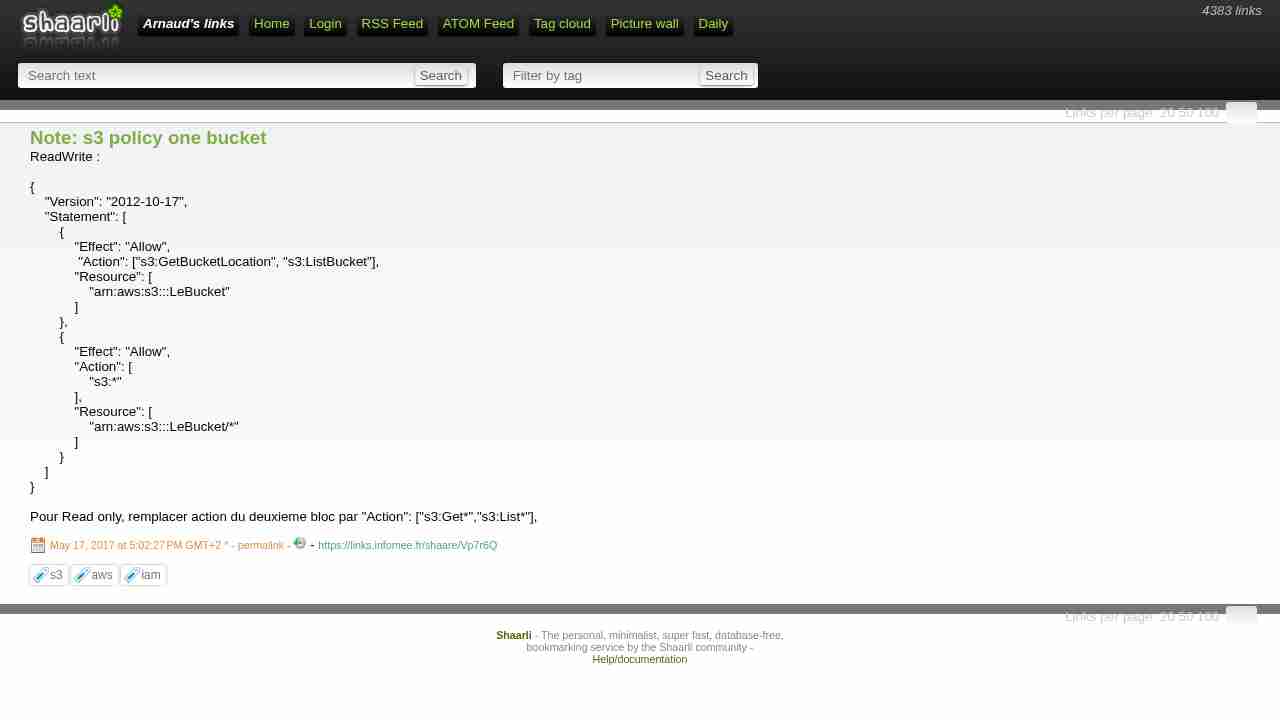
Note: s3 policy one bucket
May 17, 2017 - permalink - https://links.infomee.fr/shaare/Vp7r6QReadWrite :
{
"Version": "2012-10-17",
"Statement": [
{
"Effect": "Allow",
"Action": ["s3:GetBucketLocation", "s3:ListBucket"],
"Resource": [
"arn:aws:s3:::LeBucket"
]
},
{
"Effect": "Allow",
"Action": [
"s3:"
],
"Resource": [
"arn:aws:s3:::LeBucket/"
]
}
]
}Pour Read only, remplacer action du deuxieme bloc par "Action": ["s3:Get","s3:List"],
-
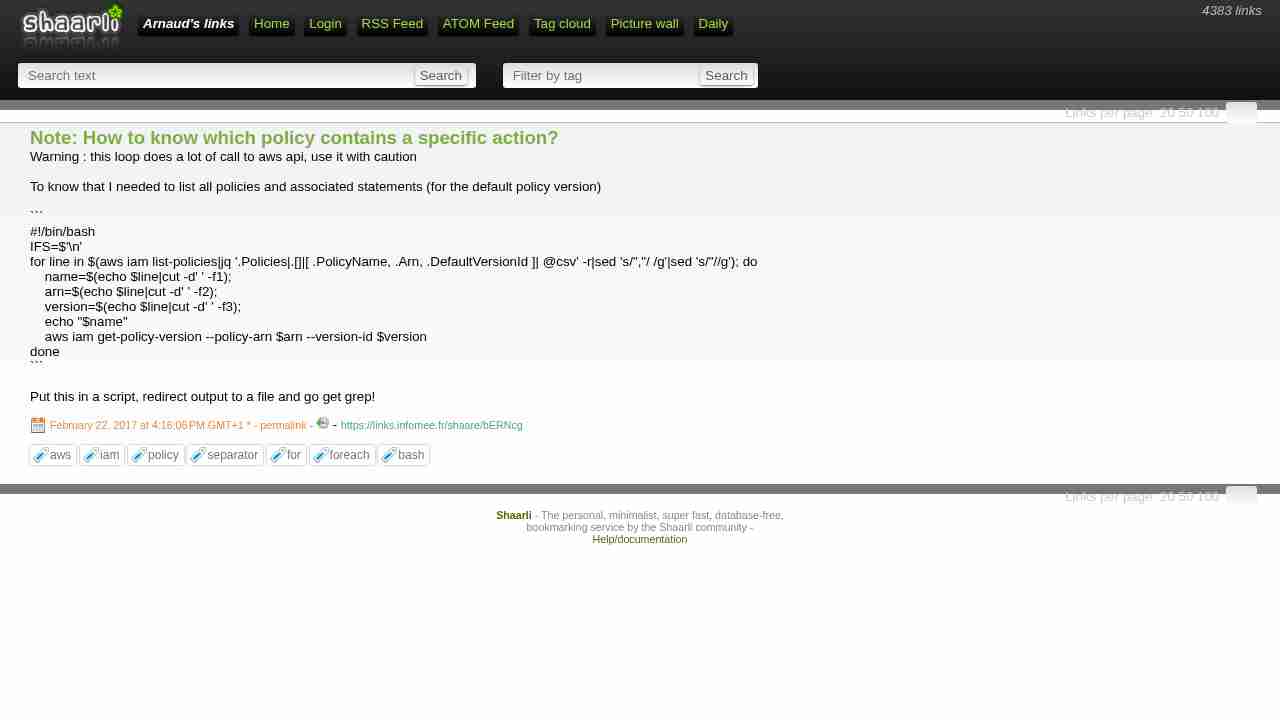
Note: How to know which policy contains a specific action?
February 22, 2017 - permalink - https://links.infomee.fr/shaare/bERNcgWarning : this loop does a lot of call to aws api, use it with caution
To know that I needed to list all policies and associated statements (for the default policy version)
#!/bin/bash
IFS=$'\n'
for line in $(aws iam list-policies|jq '.Policies|.[]|[ .PolicyName, .Arn, .DefaultVersionId ]| @csv' -r|sed 's/","/ /g'|sed 's/"//g'); do
    name=$(echo $line|cut -d' ' -f1);
    arn=$(echo $line|cut -d' ' -f2);
    version=$(echo $line|cut -d' ' -f3);
    echo "$name"
    aws iam get-policy-version --policy-arn $arn --version-id $version
done
Put this in a script, redirect output to a file and go get grep!
-
Note sur les Policy IAM
December 12, 2016 - permalink - https://links.infomee.fr/shaare/3KOHAQUne policy IAM est constituée de statement, ce sont des règles (des blocs de codes)
{
"Statement":[{
"Effect":"effect",
"Action":"action",
"Resource":"arn",
"Condition":{
"condition":{
"key":"value"
}
}
}
]
}Chaque règle dans sa forme la plus simple est composée de 3 choses :
Effect : allow ou deny
Action : quelle action concerne la règle
Resource : la resource concernée
Chaque service Amazon (EC2, ECR, etc...) expose une liste d'action, on peut trouver cette liste dans la doc (http://docs.aws.amazon.com/IAM/latest/UserGuide/reference_policies_elements.html#Action)
Et chaque resource peut être identifiée par un arn (une manière simple de retrouver un ARN est d'afficher la resources dans l'interface web AWS, il y a souvent l'arn)
-
-
Getting Credential Reports for Your AWS Account - AWS Identity and Access Management
September 21, 2016 - permalink - http://docs.aws.amazon.com/IAM/latest/UserGuide/id_credentials_getting-report.htmlTo generate a report
- :
In addition to using credential reports, you can also determine when a password or access key was last used by using these IAM APIs:
ListUsers (AWS CLI command: aws iam list-users)
GetUser (AWS CLI command: aws iam get-user)
GetAccessKeyLastUsed (AWS CLI command: aws iam get-access-key-last-used)
-
-
IAM Best Practices - AWS Identity and Access Management
August 31, 2016 - permalink - http://docs.aws.amazon.com/IAM/latest/UserGuide/best-practices.htmlPremières choses à faire, best practice concernant iam. En résumé : ne pas générer d'access key pour l'utilisateur "root", créer des users avec des droits bien determinés.