-
-
-
-
-
-
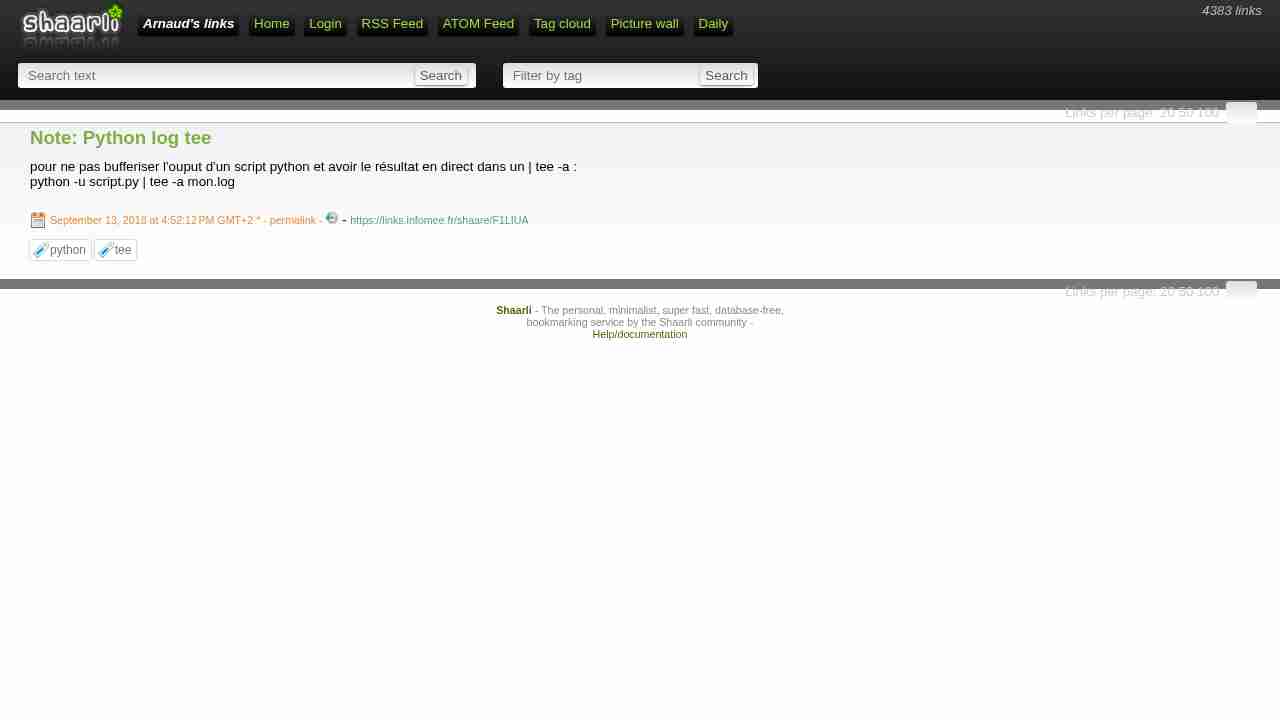
Note: Python log tee
September 13, 2018 - permalink - https://links.infomee.fr/shaare/F1LIUApour ne pas bufferiser l'ouput d'un script python et avoir le résultat en direct dans un | tee -a :
python -u script.py | tee -a mon.log
-
-
-
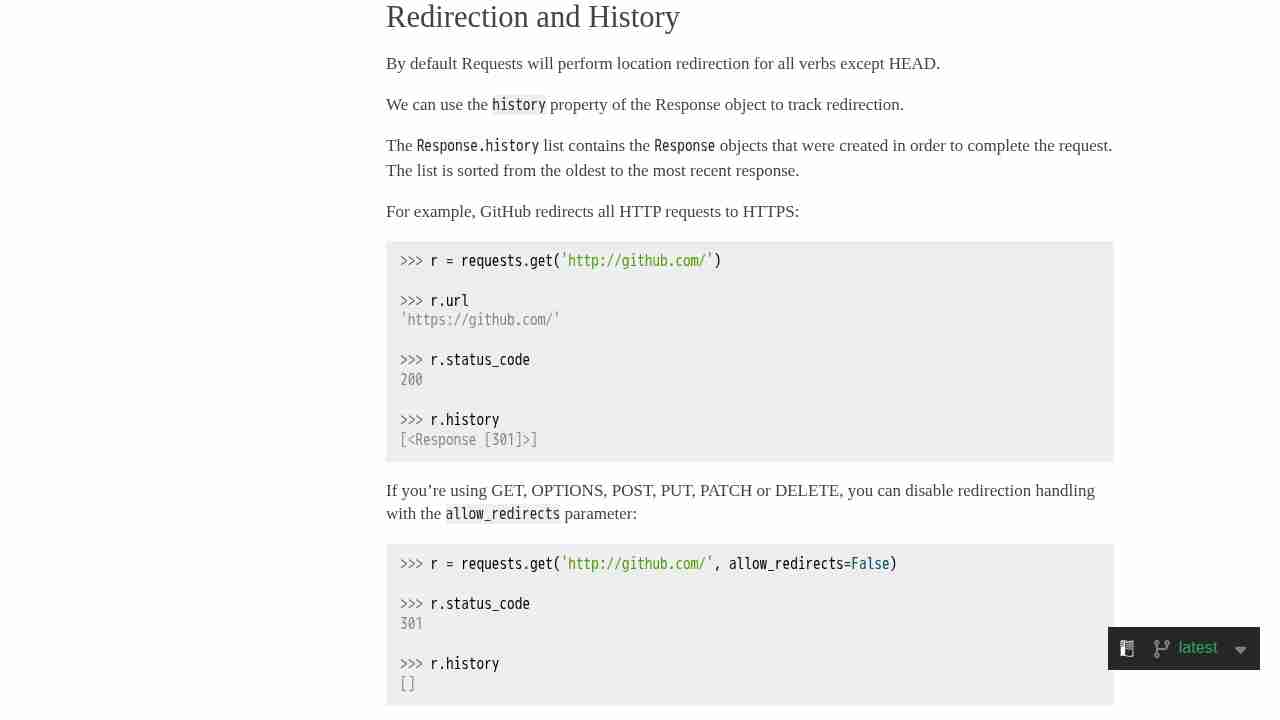
Quickstart — Requests 2.18.4 documentation
January 11, 2018 - permalink - http://docs.python-requests.org/en/master/user/quickstart/#redirection-and-historyGood to know because it hurts me so bad:
When doing a put/post request with requests library, if the response is a redirect, request do the request again BUT with GET method...-,-
-
Note: python SimpleHTTPServer
November 28, 2017 - permalink - https://links.infomee.fr/shaare/rAuVpgpython -m SimpleHTTPServer 8000
python -m http.server 8000
-
python - Print in terminal with colors? - Stack Overflow
November 17, 2017 - permalink - https://stackoverflow.com/questions/287871/print-in-terminal-with-colorsdef print_format_table():
"""
prints table of formatted text format options
"""
for style in range(8):
for fg in range(30,38):
s1 = ''
for bg in range(40,48):
format = ';'.join([str(style), str(fg), str(bg)])
s1 += '\x1b[%sm %s \x1b[0m' % (format, format)
print(s1)
print('\n')print_format_table()
-
-
Logging HOWTO — Python 3.6.2rc2 documentation
July 11, 2017 - permalink - https://docs.python.org/3/howto/logging.htmlpython3 log to file AND stdout
import logging
logging.basicConfig(handlers=[logging.FileHandler('/var/log/runner/process1.log'),logging.StreamHandler()],format='%(asctime)s %(levelname)s %(message)s',level=logging.INFO)logging.info('foo')
Encore mieux pour supporter le logrotate sans copytruncate :
import logging.handlers
logging.basicConfig(handlers=[logging.handlers.WatchedFileHandler('/var/log/worker/worker1.log'),logging.StreamHandler()],format='%(asctime)s %(levelname)s %(message)s',level=logging.INFO)/var/log/worker/*.log {
monthly
rotate 12
compress
delaycompress
missingok
notifempty
create 644 root root
}Python 2:
import logging as loggingg
logging = loggingg.getLogger('simple_example')
logging.setLevel(loggingg.INFO)formatter = loggingg.Formatter('%(asctime)s %(levelname)s %(message)s')
console_handler = loggingg.StreamHandler()
console_handler.setLevel(loggingg.INFO)
console_handler.setFormatter(formatter)file_handler = loggingg.FileHandler('/var/log/worker/worker3.log')
file_handler.setLevel(loggingg.INFO)
file_handler.setFormatter(formatter)logging.addHandler(console_handler)
logging.addHandler(file_handler)
-
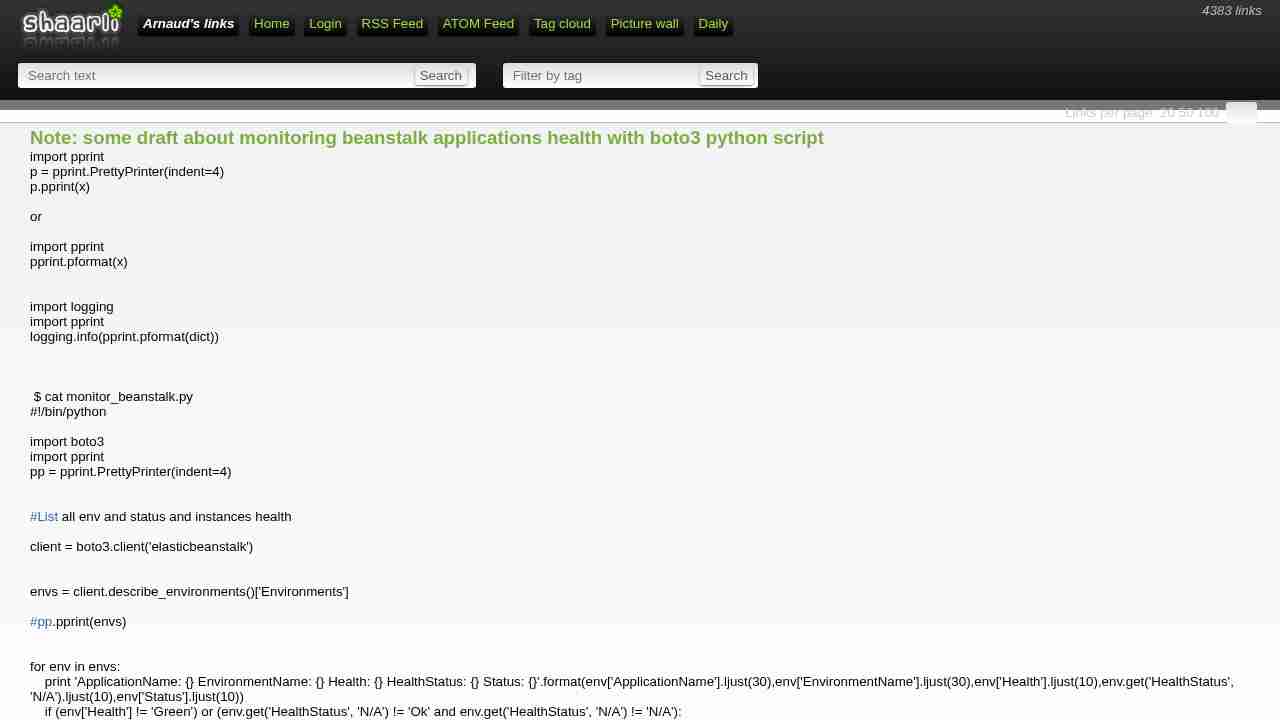
Note: some draft about monitoring beanstalk applications health with boto3 python script
June 15, 2017 - permalink - https://links.infomee.fr/shaare/eFFzMgimport pprint
p = pprint.PrettyPrinter(indent=4)
p.pprint(x)or
import pprint
pprint.pformat(x)import logging
import pprint
logging.info(pprint.pformat(dict))$ cat monitor_beanstalk.py
!/bin/python
import boto3
import pprint
pp = pprint.PrettyPrinter(indent=4)List all env and status and instances health
client = boto3.client('elasticbeanstalk')
envs = client.describe_environments()['Environments']
pp.pprint(envs)
for env in envs:
print 'ApplicationName: {} EnvironmentName: {} Health: {} HealthStatus: {} Status: {}'.format(env['ApplicationName'].ljust(30),env['EnvironmentName'].ljust(30),env['Health'].ljust(10),env.get('HealthStatus', 'N/A').ljust(10),env['Status'].ljust(10))
if (env['Health'] != 'Green') or (env.get('HealthStatus', 'N/A') != 'Ok' and env.get('HealthStatus', 'N/A') != 'N/A'):
print '\nProblem'
details = client.describe_environment_health(EnvironmentName=env['EnvironmentName'],AttributeNames=['All'])
#pp.pprint(details)
print details['Causes']
print details['InstancesHealth']
print '\n'
-
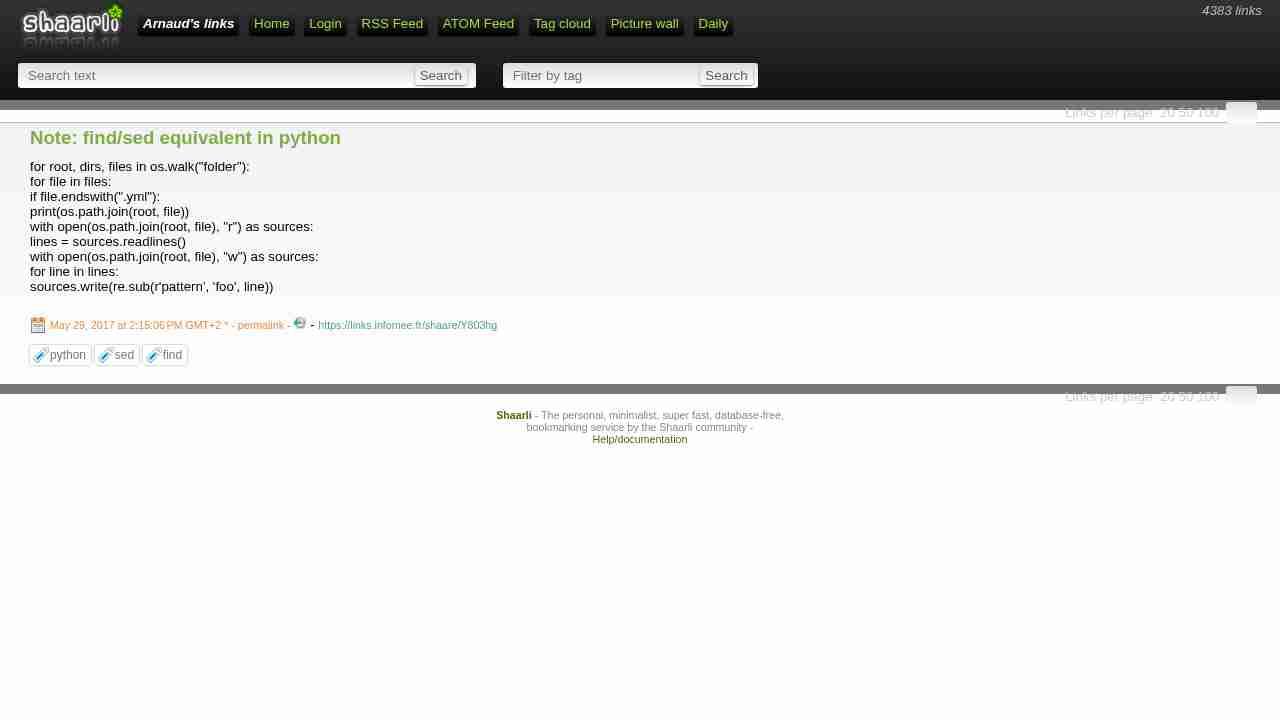
Note: find/sed equivalent in python
May 29, 2017 - permalink - https://links.infomee.fr/shaare/Y803hgfor root, dirs, files in os.walk("folder"):
for file in files:
if file.endswith(".yml"):
print(os.path.join(root, file))
with open(os.path.join(root, file), "r") as sources:
lines = sources.readlines()
with open(os.path.join(root, file), "w") as sources:
for line in lines:
sources.write(re.sub(r'pattern', 'foo', line))
-
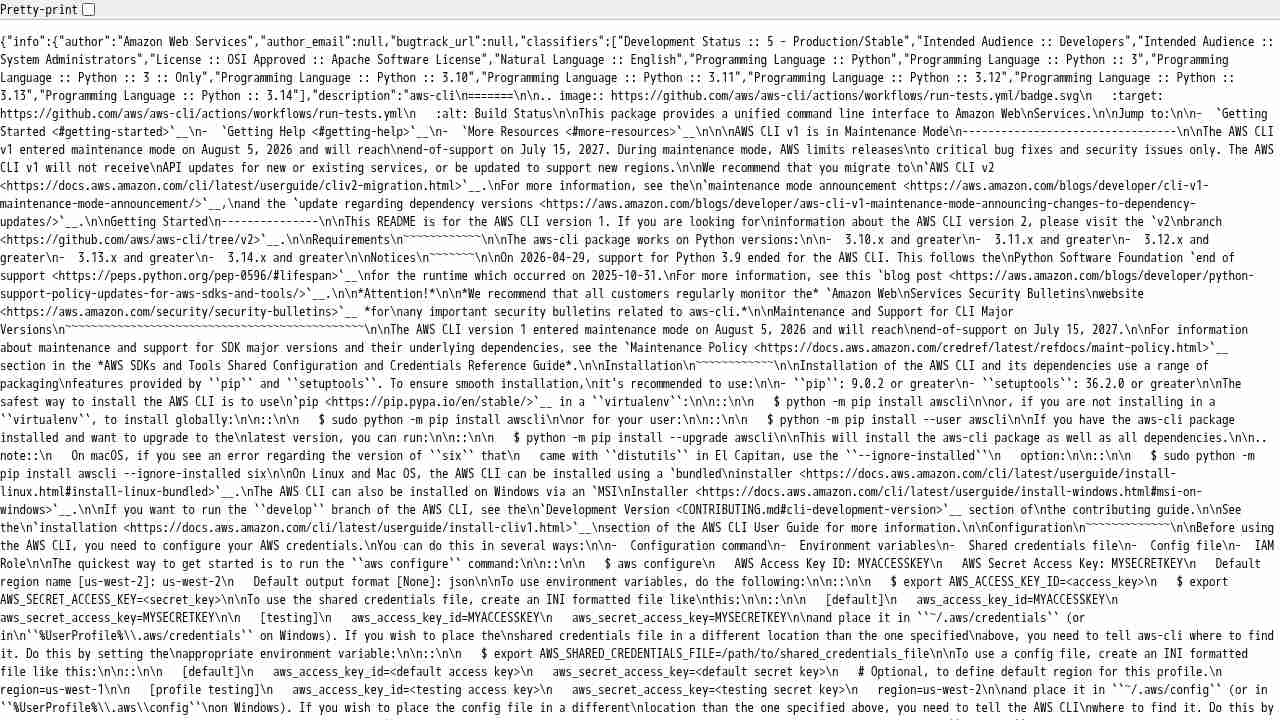
https://pypi.python.org/pypi/awscli/json
May 4, 2017 - permalink - https://pypi.python.org/pypi/awscli/jsonAdd /json to pypi package url.. Magic!
-
Stupid Python Tricks: The KeyboardInterrupt Exception
April 21, 2017 - permalink - http://effbot.org/zone/stupid-exceptions-keyboardinterrupt.htmcatching all exception in python
import tracebackfor record in database:
try:
blabla
except (KeyboardInterrupt, SystemExit):
raise
except Exception as e:
# report error and proceed
print(type(e).name)
print(e)
print(traceback.format_exc())Ne pas oublier de raise si on veut re-raise
-
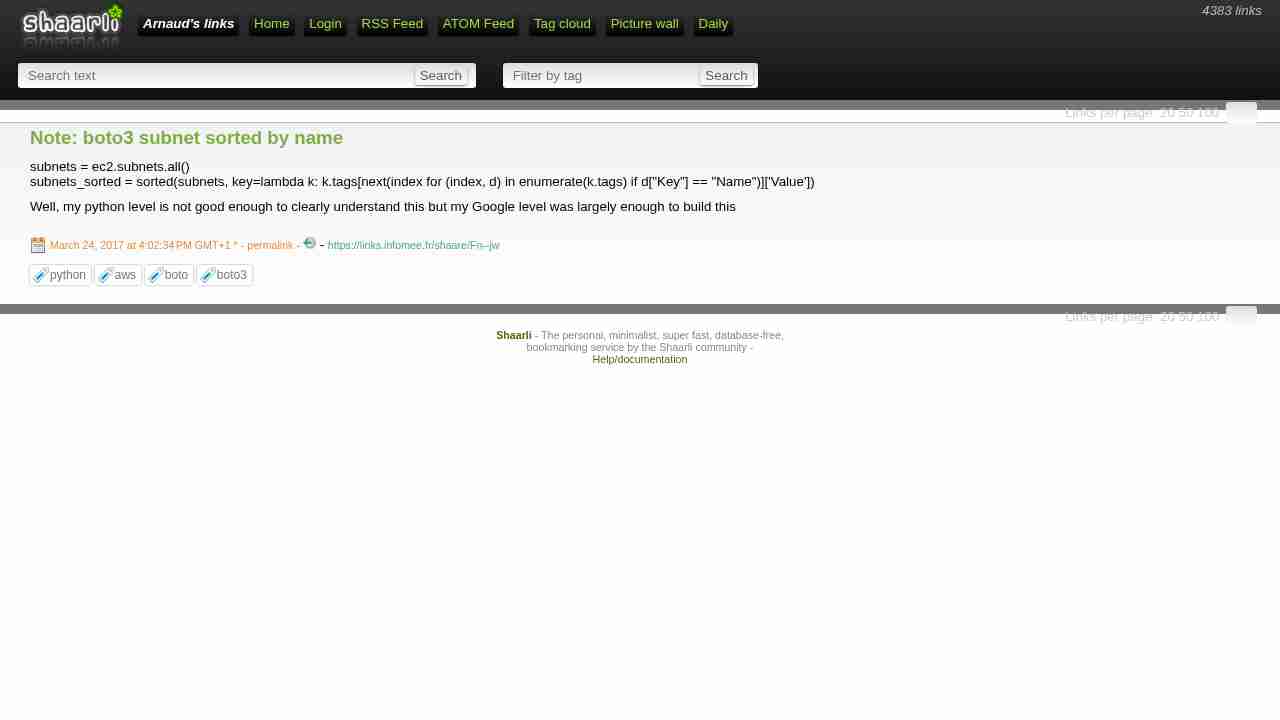
Note: boto3 subnet sorted by name
March 24, 2017 - permalink - https://links.infomee.fr/shaare/Fn--jwsubnets = ec2.subnets.all()
subnets_sorted = sorted(subnets, key=lambda k: k.tags[next(index for (index, d) in enumerate(k.tags) if d["Key"] == "Name")]['Value'])Well, my python level is not good enough to clearly understand this but my Google level was largely enough to build this
-
Tutorial: Todo-List Application — Bottle 0.12.13 documentation
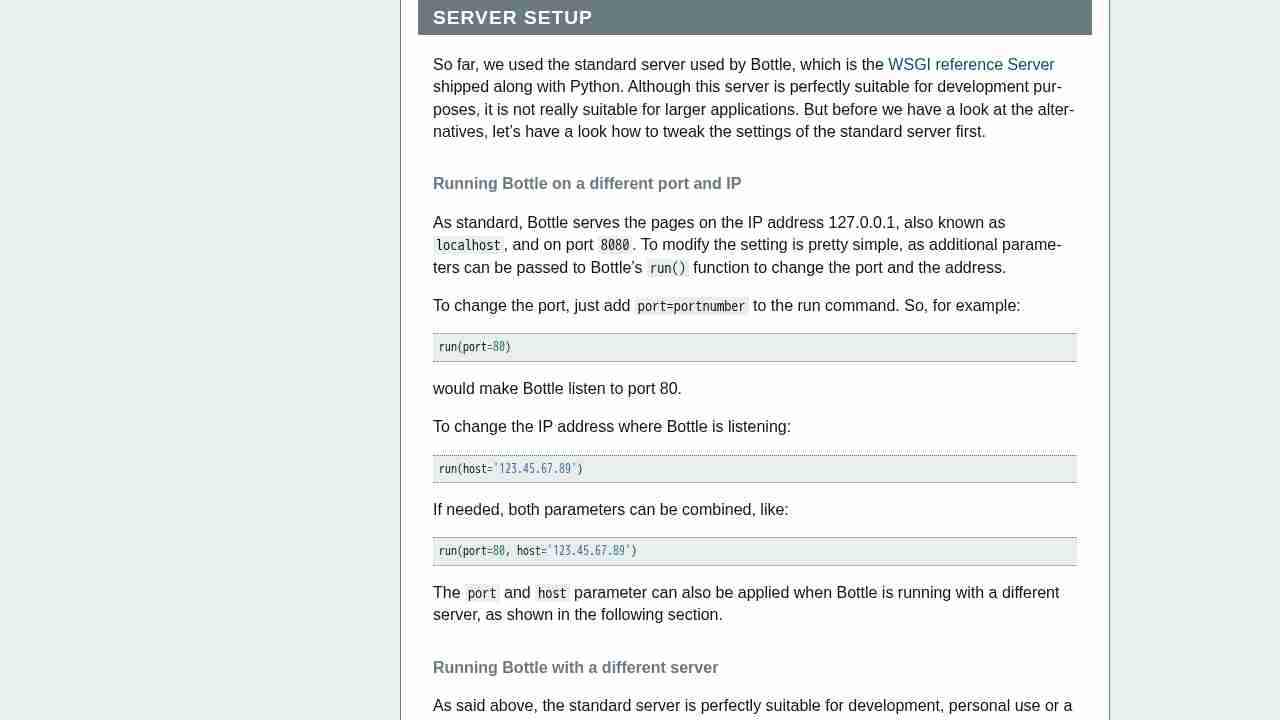
March 2, 2017 - permalink - https://bottlepy.org/docs/stable/tutorial_app.html#server-setupRunning Bottle with a different server
As said above, the standard server is perfectly suitable for development, personal use or a small group of people only using your application based on Bottle. For larger tasks, the standard server may become a bottleneck, as it is single-threaded, thus it can only serve one request at a time.
But Bottle has already various adapters to multi-threaded servers on board, which perform better on higher load. Bottle supports Cherrypy, Fapws3, Flup and Paste.
If you want to run for example Bottle with the Paste server, use the following code:
from bottle import PasteServer
...
run(server=PasteServer)This works exactly the same way with FlupServer, CherryPyServer and FapwsServer.
-
logging - How to log into a file for a python & bottle web server? - Stack Overflow
March 2, 2017 - permalink - http://stackoverflow.com/questions/15444695/how-to-log-into-a-file-for-a-python-bottle-web-serverimport logging
logging.basicConfig(filename='log.txt', format=logging.BASIC_FORMAT)
logging.error('OH NO!')
try:
raise Exception('Foo')
except:
logging.exception("Oops:")
-
-
-
-
-
Notions de Python avancées • Tutoriels • Zeste de Savoir
January 1, 2016 - permalink - http://zestedesavoir.com/tutoriels/954/notions-de-python-avancees/Un cours en français qui a l'air très bien. Via sametmax sur twitter
-
RedisLabs/redis-migrate
November 9, 2015 - permalink - https://github.com/RedisLabs/redis-migrateuseful script to migrate redis server without downtime
+ http://boomboomboom.biz/blog/2013/09/07/migrate-redis-to-a-new-server-without-downtime/
-
Cue/scales
May 4, 2015 - permalink - https://github.com/Cue/scalesPratique pour avoir des stat rapidement dans ses scripts python (si on n'a pas de stack graphite sous la main)
-
unix - How can I pretty-print JSON? - Stack Overflow
September 3, 2014 - permalink - http://stackoverflow.com/questions/352098/how-can-i-pretty-print-jsonHow to pretty print a json string :
cat pref.json | python -m json.tool
for uuoc nazi ;) :
< pref.json python -m json.tool
or
python -m json.tool < pref.json
-
What happens if you write a TCP stack in Python? - Julia Evans
August 12, 2014 - permalink - http://jvns.ca/blog/2014/08/12/what-happens-if-you-write-a-tcp-stack-in-python/Pour le fun et le learning : faire du tcp avec python / scapy
via sametmax
-
Welcome to web.py! (web.py)
July 7, 2014 - permalink - http://webpy.org/mini web framework en python, dans le meme genre que bottle :
http://bottlepy.org/docs/dev/index.html
-
sh 1.08 — sh v1.08 documentation
June 24, 2014 - permalink - http://amoffat.github.io/sh/une lib pour interagir facilement avec bash
-
-
Gunicorn - Python WSGI HTTP Server for UNIX
February 7, 2014 - permalink - http://gunicorn.org/#quickstartUn serveur http wsgi en python, pour faire tourner du django. A voir si les perf sont meilleure qu'avec le mod apache
-
The uWSGI project — uWSGI 2.0 documentation
February 7, 2014 - permalink - http://uwsgi-docs.readthedocs.org/en/latest/L'équivalent de php-fpm pour python (mettre un nginx devant)
-
-
Twisted
February 7, 2014 - permalink - https://twistedmatrix.com/trac/Twisted is an event-driven networking engine written in Python and licensed under the open source MIT license.
-
Introduction — virtualenv 1.11.2 documentation
February 7, 2014 - permalink - http://www.virtualenv.org/en/latest/virtualenv.htmlvirtualenv is a tool to create isolated Python environments.
-
-
python-crontab 1.5.1 : Python Package Index
November 29, 2013 - permalink - https://pypi.python.org/pypi/python-crontabLibrairie python qui va nous servir pour piclodio2 (https://github.com/Sispheor/Piclodio2)
Chaque réveil est en fait une ligne dans le cron, avec un commentaire dans lequel on retrouve son id.. Du coup avec cette lib, l'interaction avec le cron va être + simple :-)
via Nico
-
unix - How can I pretty-print JSON from the command line? - Stack Overflow
November 21, 2013 - permalink - http://stackoverflow.com/questions/352098/how-can-i-pretty-print-json-from-the-command-linePour rendre un json lisible :
cmd_qui_donne_du_json | python -mjson.tool
-
10 raisons pour lesquelles je suis toujours marié à Python | Sam & Max: Python, Django, Git et du cul
November 11, 2013 - permalink - http://sametmax.com/10-raisons-pour-lesquelles-je-suis-toujours-marie-a-python/python ou perl, faudrait choisir pour concevoir des scripts d'admin moins crades qu'en bash
-
Créer un module xchat (python)
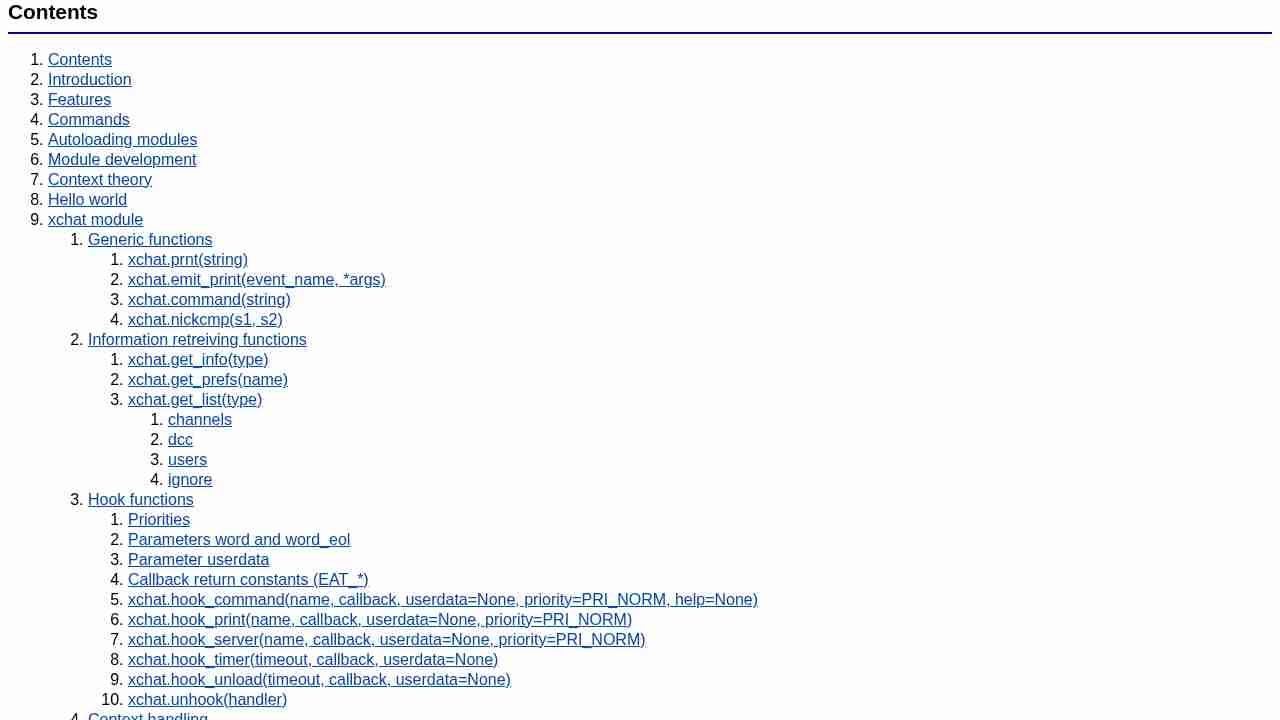
November 5, 2013 - permalink - http://xchat.org/docs/xchatpython.html#head-cf24838660500eceef2367deb88df5963483c852Objectif : tapper /obug dans xchat m'ouvre un onglet dans ff vers l'url du bug
1) activer le module python dans les options
2) créer un fichier .py dans /home/arnaud/.xchat2/
3)
module_name = "openbuginredmine"
module_version = "1.0"
module_description = "module to open bug in redmine"import os
import xchatdef obug(word, word_eol, userdata):
if len(word) < 2:
print "Second arg must be the bug number!"
else:
#xchat.command("NOTICE @%s %s" % (xchat.get_info("channel"), word_eol[1]))
os.system("firefox https://monurlredmine.com/issues/"+word[1])
return xchat.EAT_ALLxchat.hook_command("obug", obug, help="/obug open bug in ff")
Et voilà, plus qu'à reboot le xchat, ou bien /load nomdufichier.py
ça peut etre appliqué à plein de trucs : pouvoir lancer ce qu'on veut depuis xchat
-
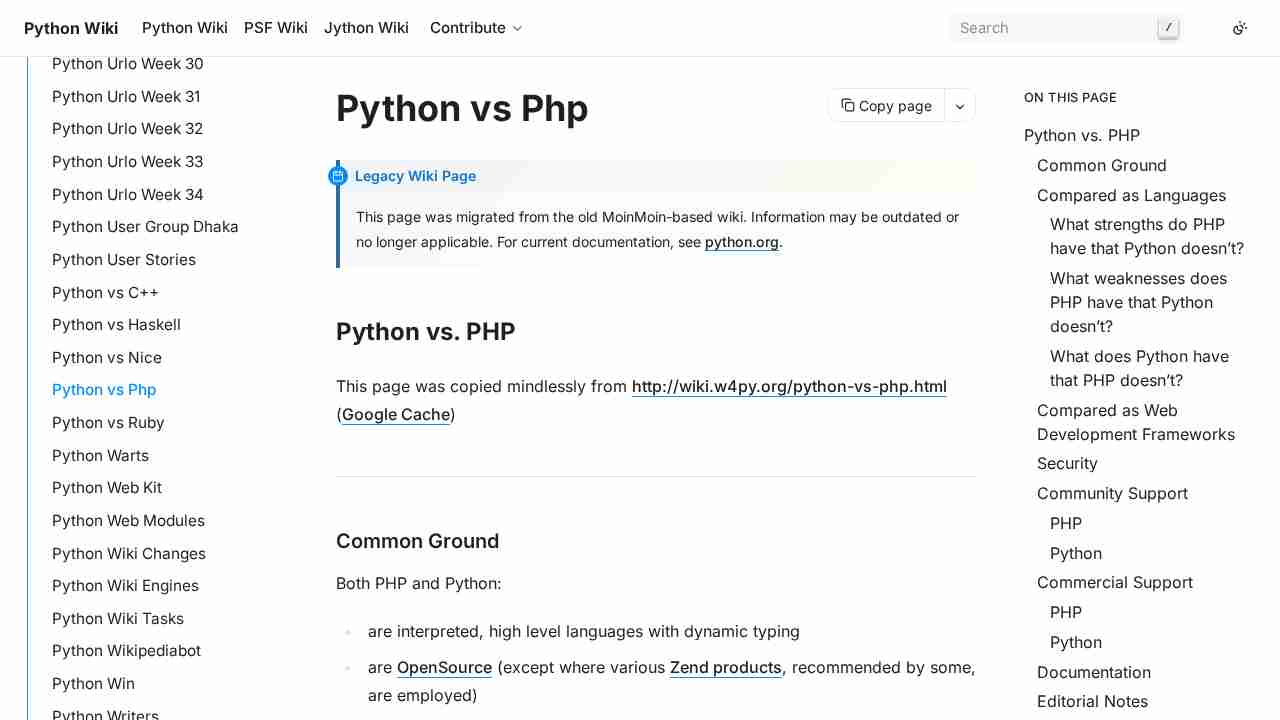
PythonVsPhp - Python Wiki
September 9, 2013 - permalink - https://wiki.python.org/moin/PythonVsPhpDifférence entre python et php
Et un site pour débuter en python lorsqu'on vient de php :
http://www.inspyration.org/tutoriels/debuter-python-lorsque-lon-vient-de-php
-
Unicode HOWTO — Python v3.3.2 documentation
September 9, 2013 - permalink - http://docs.python.org/3/howto/unicode.htmlQu'est ce que l'unicode ? qu'est-ce qu'un encodage ? Comment python gère ça
Autres liens dans l'article à lire :
http://www.cs.tut.fi/~jkorpela/unicode/guide.html
http://www.joelonsoftware.com/articles/Unicode.html
http://en.wikipedia.org/wiki/Character_encoding
http://en.wikipedia.org/wiki/UTF-8
-
-
Forums Python — AFPY
August 27, 2013 - permalink - http://www.afpy.org/forums/forum_pythonForum pour demander de l'aide/chercher des réponses sur Python
-
Python | Codecademy
March 22, 2013 - permalink - http://www.codecademy.com/tracks/pythonSite pour apprendre à développer avec une approche interactive. Python en particulier