-
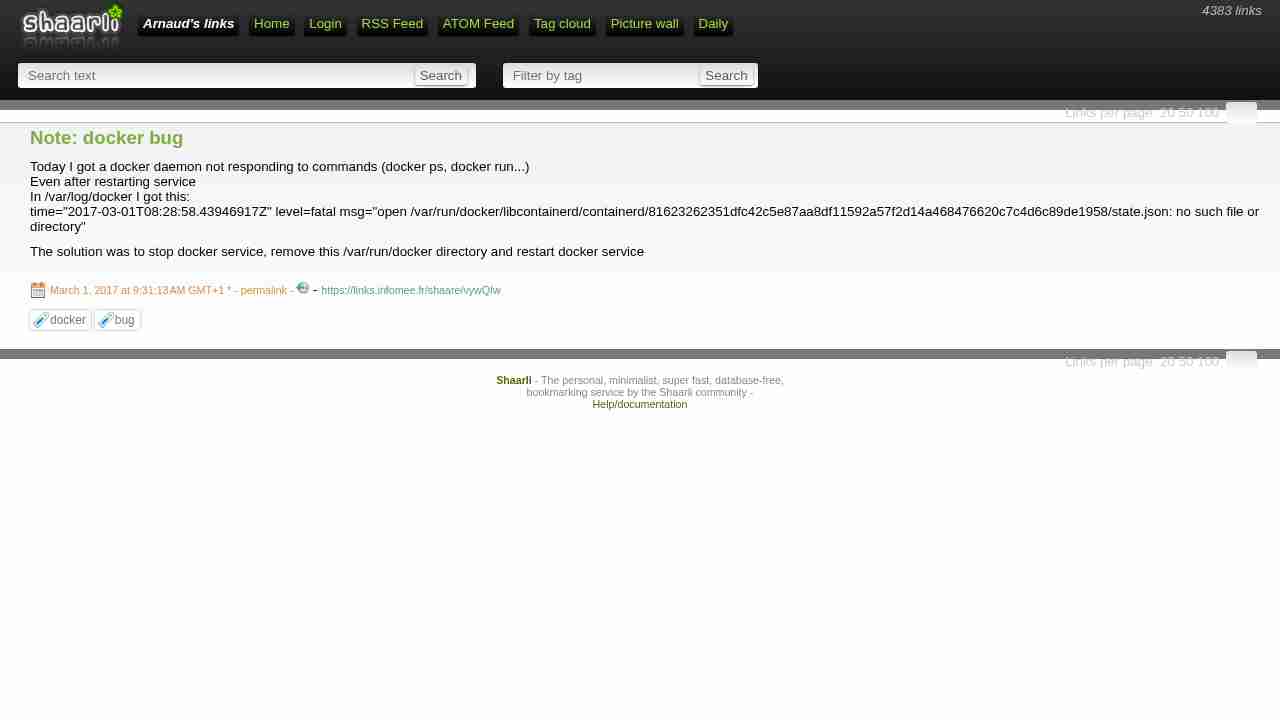
Note: docker bug
March 1, 2017 - permalink - https://links.infomee.fr/shaare/vywQIwToday I got a docker daemon not responding to commands (docker ps, docker run...)
Even after restarting service
In /var/log/docker I got this:
time="2017-03-01T08:28:58.43946917Z" level=fatal msg="open /var/run/docker/libcontainerd/containerd/81623262351dfc42c5e87aa8df11592a57f2d14a468476620c7c4d6c89de1958/state.json: no such file or directory"The solution was to stop docker service, remove this /var/run/docker directory and restart docker service
-
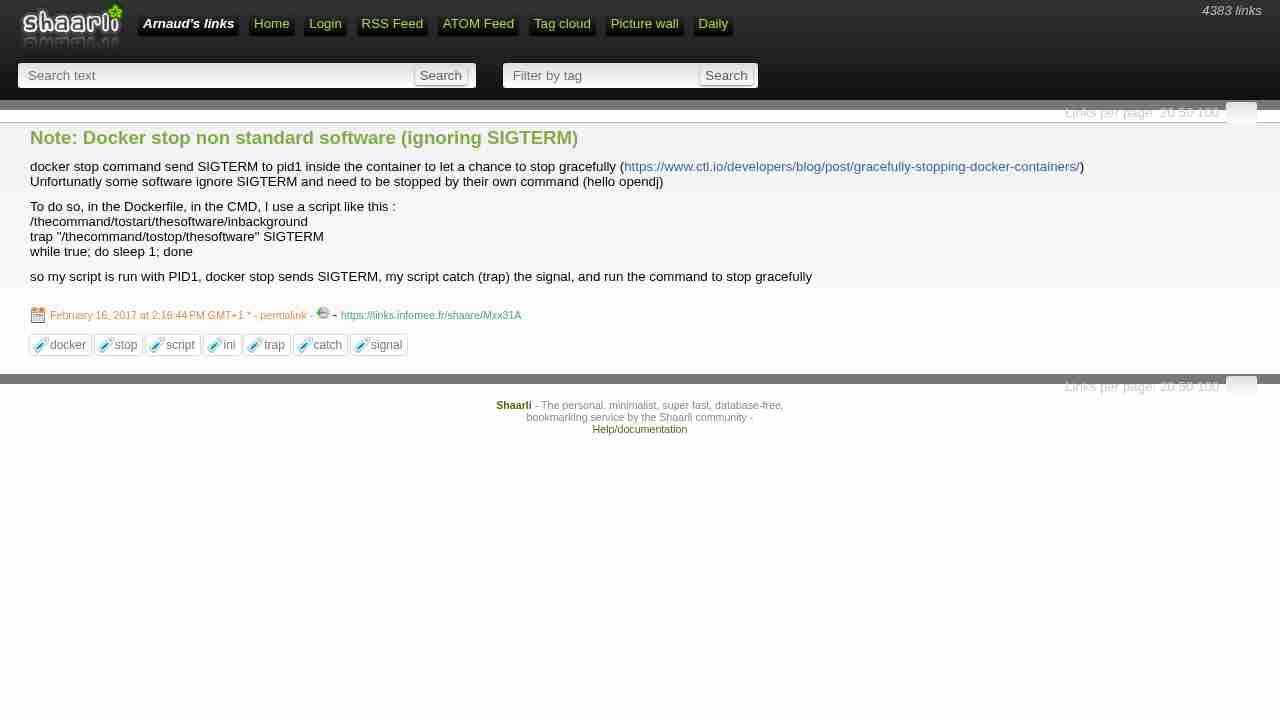
Note: Docker stop non standard software (ignoring SIGTERM)
February 16, 2017 - permalink - https://links.infomee.fr/shaare/Mxx31Adocker stop command send SIGTERM to pid1 inside the container to let a chance to stop gracefully (https://www.ctl.io/developers/blog/post/gracefully-stopping-docker-containers/)
Unfortunatly some software ignore SIGTERM and need to be stopped by their own command (hello opendj)To do so, in the Dockerfile, in the CMD, I use a script like this :
/thecommand/tostart/thesoftware/inbackground
trap "/thecommand/tostop/thesoftware" SIGTERM
while true; do sleep 1; doneso my script is run with PID1, docker stop sends SIGTERM, my script catch (trap) the signal, and run the command to stop gracefully
-
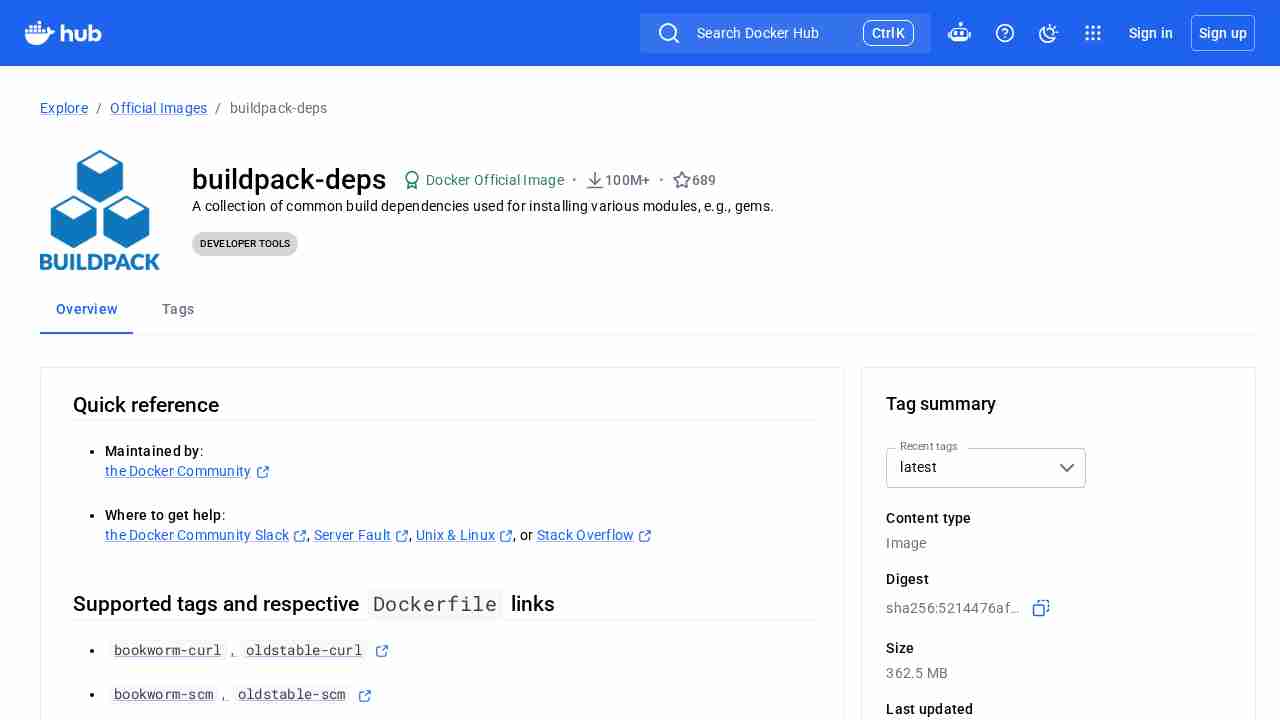
library/buildpack-deps - Docker Hub
February 10, 2017 - permalink - https://hub.docker.com/_/buildpack-deps/TIL what is this offical repository :
Only debian with some useful package to build dependencies (needed when you install some gem for example)
For example ruby:2.3 Dockerfile use a buildpack-deps image
-
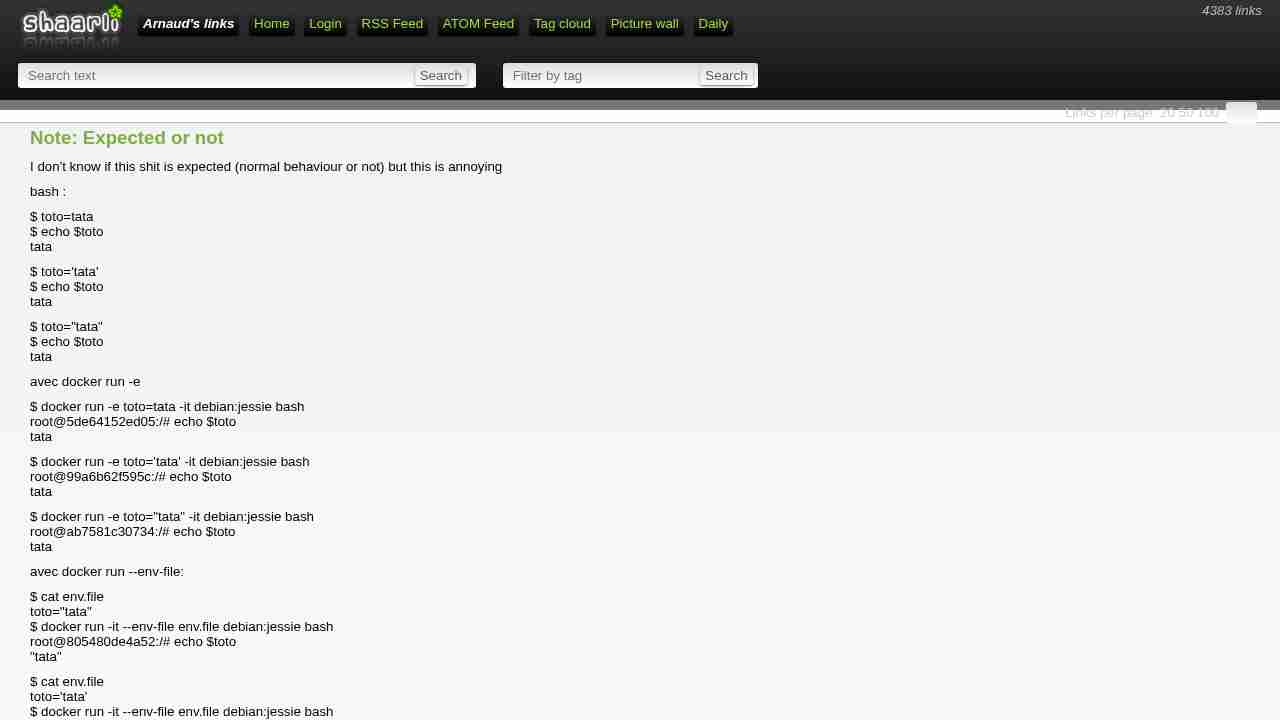
Note: Expected or not
February 2, 2017 - permalink - https://links.infomee.fr/shaare/lXfuBgI don't know if this shit is expected (normal behaviour or not) but this is annoying
bash :
$ toto=tata
$ echo $toto
tata$ toto='tata'
$ echo $toto
tata$ toto="tata"
$ echo $toto
tataavec docker run -e
$ docker run -e toto=tata -it debian:jessie bash
root@5de64152ed05:/# echo $toto
tata$ docker run -e toto='tata' -it debian:jessie bash
root@99a6b62f595c:/# echo $toto
tata$ docker run -e toto="tata" -it debian:jessie bash
root@ab7581c30734:/# echo $toto
tataavec docker run --env-file:
$ cat env.file
toto="tata"
$ docker run -it --env-file env.file debian:jessie bash
root@805480de4a52:/# echo $toto
"tata"$ cat env.file
toto='tata'
$ docker run -it --env-file env.file debian:jessie bash
root@004b88cc448d:/# echo $toto
'tata'$ cat env.file
toto=tata
$ docker run -it --env-file env.file debian:jessie bash
root@2ca9908d1cdf:/# echo $toto
tataavec docker compose:
$ cat docker-compose.yml
version: '2'
services:
foo:
image: debian:jessie
container_name: foo
environment:
- toto1=tata
- toto2="tata"
- toto3='tata'
command: tail -f /var/log/dmesgdocker-compose up -d
docker exec -it foo bashroot@71a9a886cc24:/# echo $toto1
tata
root@71a9a886cc24:/# echo $toto2
"tata"
root@71a9a886cc24:/# echo $toto3
'tata'
-
Docker 1.13
January 30, 2017 - permalink - https://blog.docker.com/2017/01/whats-new-in-docker-1-13/Sympa les petites nouveautés!
docker system df
docker system pruneCLI restructured <3
Improved CLI backwards compatibility <3
-
Releases · docker/compose 1.10
January 23, 2017 - permalink - https://github.com/docker/compose/releasesCompose file version 2.1 and up
Healthcheck configuration can now be done in the service definition using
the healthcheck parameter
Containers dependencies can now be set up to wait on positive healthchecks
when declared using depends_on. See the documentation for the updated
syntax.
-
-
-
Edit a file in-place in vim - Stack Overflow
November 23, 2016 - permalink - http://stackoverflow.com/questions/11043534/edit-a-file-in-place-in-vimComment perdre 30 min
:set backupcopy=yes
When you want to modify a file, you have two options, each with its benefits and drawbacks.
You can overwrite the file in place. This does not use any extra space, and conserves the hard links, permissions and any other attribute beyond the content of the existing file. The major drawback of doing this is that if anything happens while the file is being written (the application crashes, or the power goes out), you end up with a partially written file.
You can write the new version of the file to a new file with a different name, then move it into place. This uses more space and breaks hard links, and if you have write permissions on a file but not on the directory it contains, you can't do it at all. On the flip side, the old version of the file is atomically replaced by the new version, so at every point in time the file name points to a valid, complete version of the file.
http://vimdoc.sourceforge.net/htmldoc/options.html#%27backup%27
-
Docker Build Container Pattern - Slashdeploy Blog
November 15, 2016 - permalink - http://blog.slashdeploy.com/2016/11/07/docker-build-container-pattern/docker run --rm -it -u $(id -u) -v "${PWD}:/data" -w /data ruby:2.3 \
bundle package --all
-
Dockerfile reference - Docker
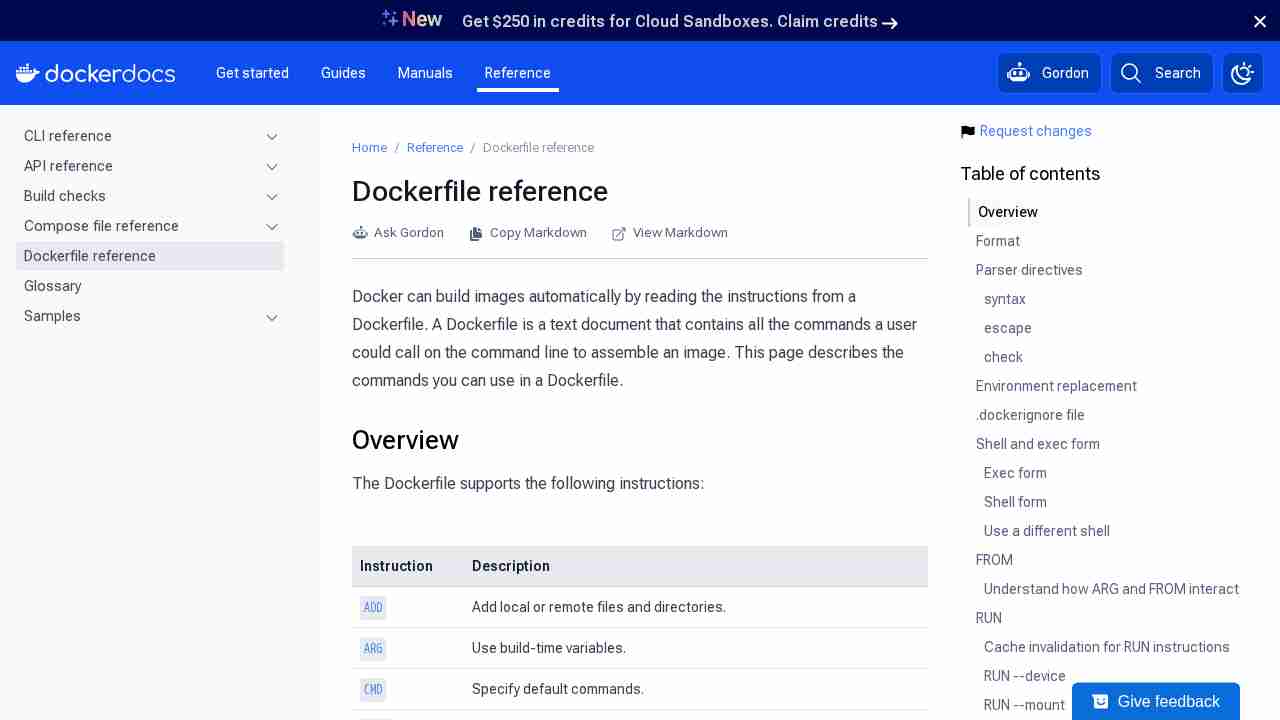
November 2, 2016 - permalink - https://docs.docker.com/engine/reference/builder/#/envNote: Environment persistence can cause unexpected side effects. For example, setting ENV DEBIAN_FRONTEND noninteractive may confuse apt-get users on a Debian-based image. To set a value for a single command, use RUN = .
The environment variables set using ENV will persist when a container is run from the resulting image. You can view the values using docker inspect, and change them using docker run --env =.
-
maven - How to build a docker container for a java app - Stack Overflow
October 31, 2016 - permalink - http://stackoverflow.com/questions/31696439/how-to-build-a-docker-container-for-a-java-appLa deuxieme approche me semble mieux.. Deux étapes pour build seulement :
git clone
docker buildAu lieu de :
git clone
mvn clean install
docker build
-
-
It’s The Future - CircleCI
August 18, 2016 - permalink - https://circleci.com/blog/its-the-future/So I just need to split my simple CRUD app into 12 microservices, each with their own APIs which call each others’ APIs but handle failure resiliently, put them into Docker containers, launch a fleet of 8 machines which are Docker hosts running CoreOS, “orchestrate” them using a small Kubernetes cluster running etcd, figure out the “open questions” of networking and storage, and then I continuously deliver multiple redundant copies of each microservice to my fleet. Is that it?
-Yes! Isn’t it glorious?
I’m going back to Heroku.
Flamewar started
-
The beginners guide to Infrastructure Automation — Medium
July 17, 2016 - permalink - https://medium.com/@rdsubhas/demystifying-devops-part-1-3745bf1da72e#.bvarz68oz[Summary, full note in Shaarli]
The beginner's guide to Infrastructure Automation (Medium, @rdsubhas, via cron weekly). "Encore un bon article qui explique où se situe Docker vis à vis de la CM."- Coordinated releases and snowflake servers: manual deployments over a weekend, every server set up by hand, easy mistakes (one forgotten server in the 2012 trading disruption cost over $400M), and nobody can rebuild a server that dies.
- Task runners (Bash, Perl, Python scripts): automate the steps but are neither idempotent ("user already exists" on a second run) nor portable (apt-get vs yum, coreutils differences).
- Configuration management (CFEngine, Puppet, Chef, Ansible, Salt): describe the end state (user www in group nobody, /var/www owned by www, OpenJDK 1.6) and the tool works out the diff. Idempotent and cross-platform. Pitfalls: admins writing execute "apt-get ..." everywhere, developers writing endless include_recipe; you need both ops and dev skills, sometimes the automation code is bigger than the app.
- Immutable infrastructure: always throw the old server away and start from a fresh, identical OS, so plain scripts are enough. Made practical by VMs, cloud and Vagrant. Pros: no patching live machines, no soft upgrades, zero-downtime switch. Cons: slow to provision, service discovery as IPs change, no persistent data on the server (hard for databases, NFS), co-hosting apps.
- Containers: kernel features (process groups with CPU/memory limits, chroot, virtual ethernet, mounts) give a sandbox close to a VM that starts in seconds; Unix zones, then LXC made it mainstream.
- Container images: Docker made repeatable images (Dockerfile = a "fat application") shipped from dev to prod; hosts only need Docker (CoreOS, Rancher).
- State isn't dead: it shrinks to environment variables per environment.
- DevOps: devs own their application's image, ops build the platform that runs containers (scalability, performance, resilience, uptime). Devs do ops, ops do dev.
-
-
Deploy your OpenVPN server in 44 seconds
July 7, 2016 - permalink - https://www.scaleway.com/imagehub/openvpn/Cool en plus c'est open source (docker)
-
Docker Swarm Mode Walkthrough
July 4, 2016 - permalink - https://www.youtube.com/watch?v=KC4Ad1DS8xUGénial ce qu'on peut faire avec Docker out of the box maintenant :-)
-
-
-
-
-
-
-
-
/ˈTræfɪk/
January 21, 2016 - permalink - https://traefik.github.io/Un lb en Go qui peut "surveiller" les backends comme Docker par exemple pour update sa conf
-
-
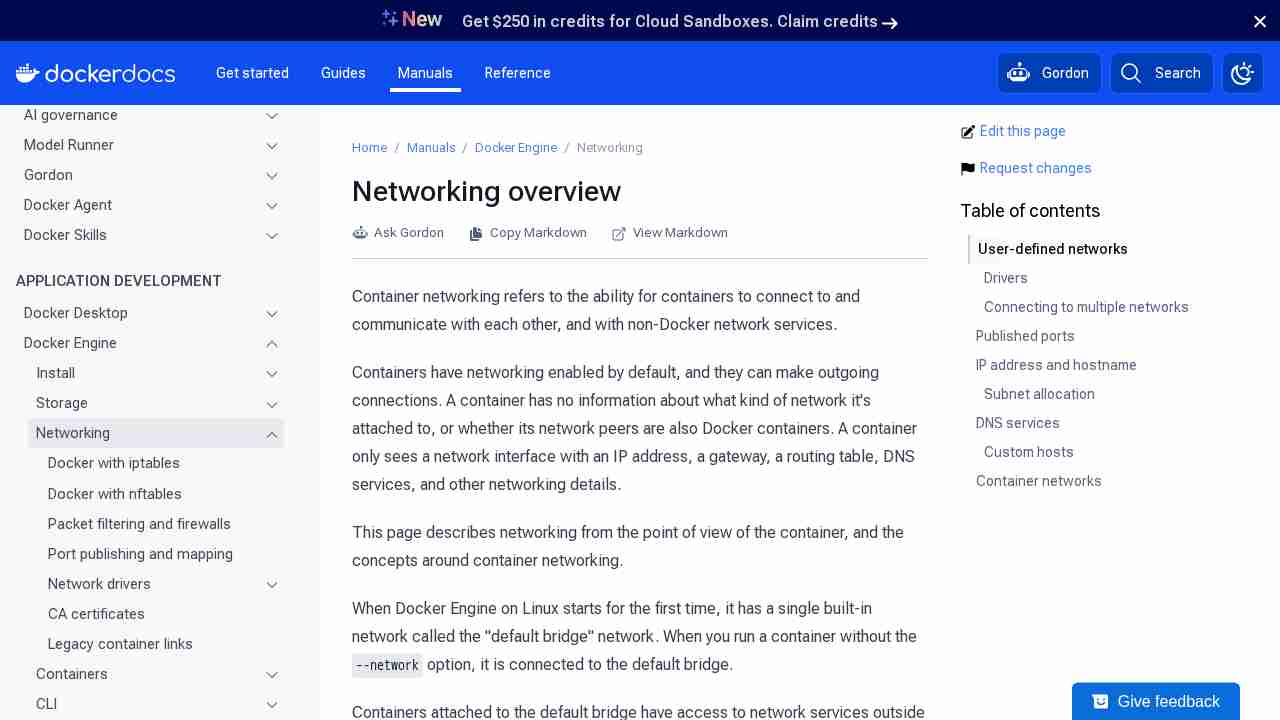
Work with network commands
November 26, 2015 - permalink - https://docs.docker.com/engine/userguide/networking/work-with-networks/On the isolated_nw which was user defined, the Docker network feature updated the /etc/hosts with the proper name resolution. Inside of container2 it is possible to ping container3 by name.
-
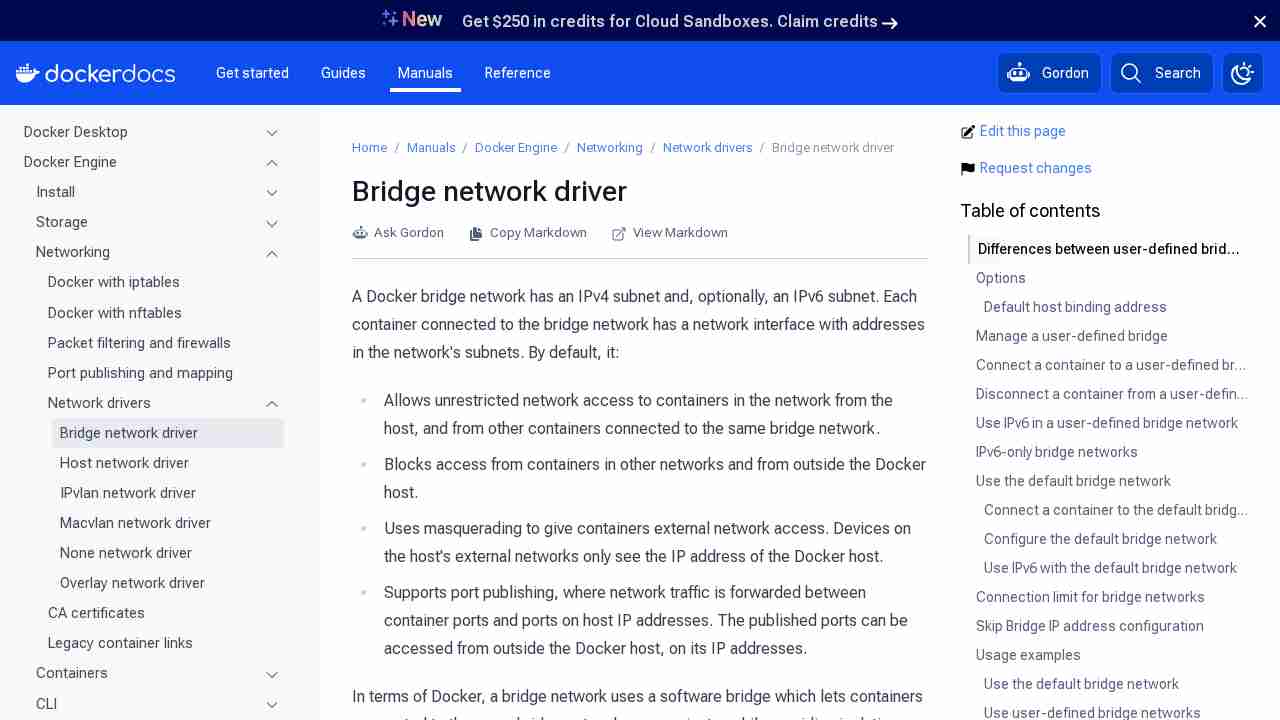
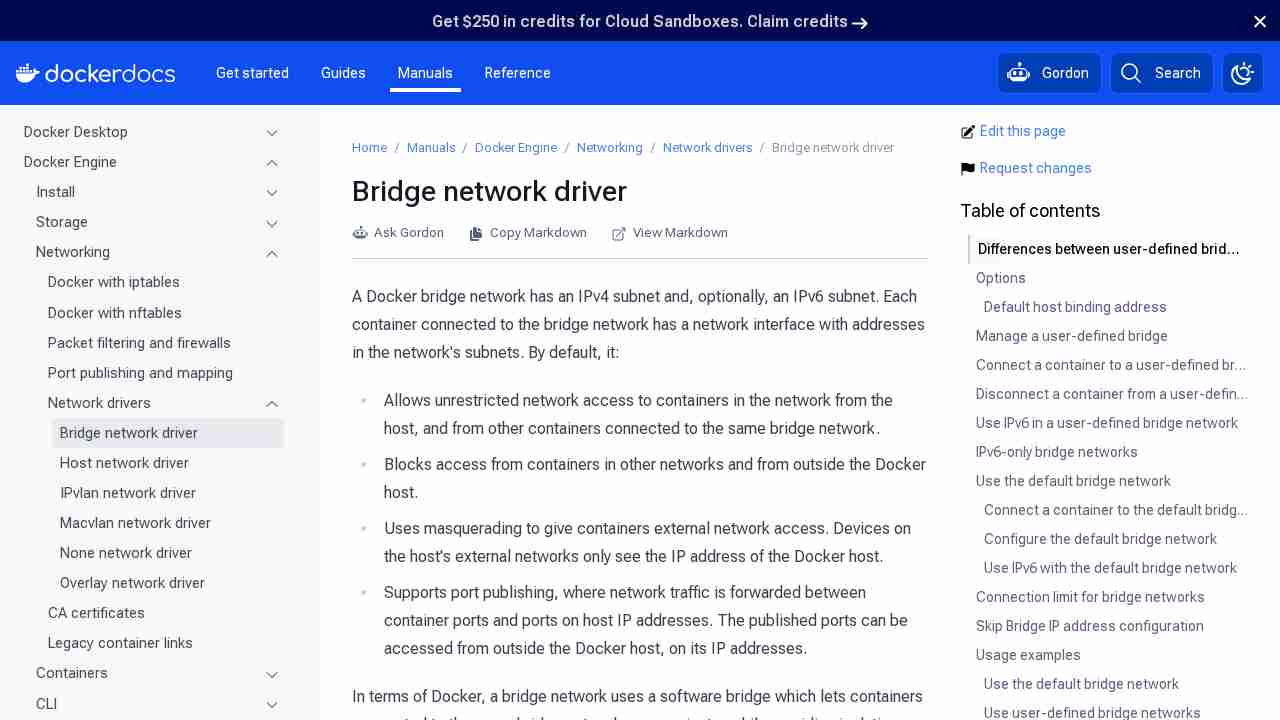
Docker container networking
November 26, 2015 - permalink - https://docs.docker.com/engine/userguide/networking/dockernetworks/La doc évolue vite au fur et à mesure des versions.. en la relisant j'ai appris plein de nouvelles choses
-
Three Solutions to Bi-directional Linking Problem in Docker Compose | Abdelrahman Hosny
November 24, 2015 - permalink - http://abdelrahmanhosny.com/2015/07/01/3-solutions-to-bi-directional-linking-problem-in-docker-compose/Cette solution semble etre un bon compromis quand on veut du lien bidirectionnel (ce qui n'est pas possible avec les links) :
http://sgillis.github.io/posts/2015-03-23-docker-dns.html
https://github.com/tonistiigi/dnsdock
-
-
-
-
-
-
-
-
-
-
-
-
-
-
-
-
-
-
-
-