-
-
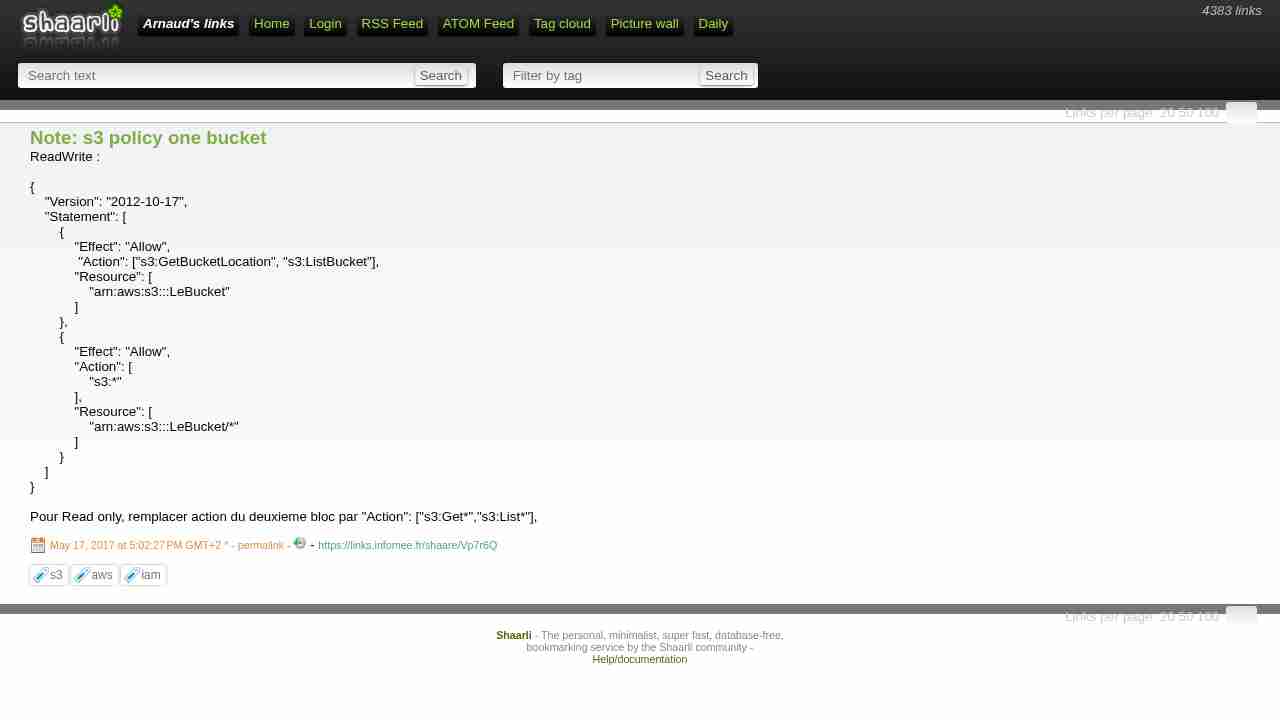
Note: s3 policy one bucket
May 17, 2017 - permalink - https://links.infomee.fr/shaare/Vp7r6QReadWrite :
{
"Version": "2012-10-17",
"Statement": [
{
"Effect": "Allow",
"Action": ["s3:GetBucketLocation", "s3:ListBucket"],
"Resource": [
"arn:aws:s3:::LeBucket"
]
},
{
"Effect": "Allow",
"Action": [
"s3:"
],
"Resource": [
"arn:aws:s3:::LeBucket/"
]
}
]
}Pour Read only, remplacer action du deuxieme bloc par "Action": ["s3:Get","s3:List"],
-
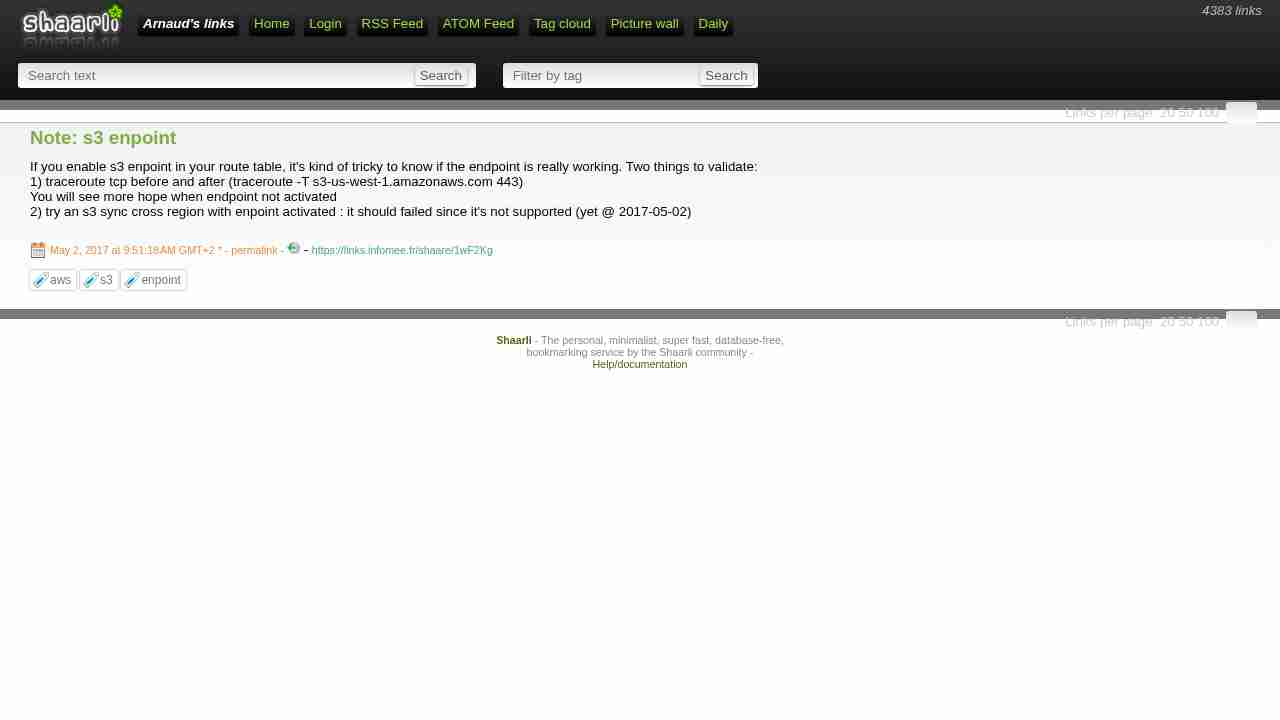
Note: s3 enpoint
May 2, 2017 - permalink - https://links.infomee.fr/shaare/1wF2KgIf you enable s3 enpoint in your route table, it's kind of tricky to know if the endpoint is really working. Two things to validate:
1) traceroute tcp before and after (traceroute -T s3-us-west-1.amazonaws.com 443)
You will see more hope when endpoint not activated
2) try an s3 sync cross region with enpoint activated : it should failed since it's not supported (yet @ 2017-05-02)
-
Configuring the AWS Command Line Interface - AWS Command Line Interface
April 21, 2017 - permalink - http://docs.aws.amazon.com/cli/latest/userguide/cli-chap-getting-started.html#cli-multiple-profilesPratique quand on doit jongler entre différents comptes AWS
et l'équivalent pour s3cmd : http://mikesisk.tumblr.com/post/8703449578/s3cmd-and-multiple-accounts
-
-
s3fs-fuse/s3fs-fuse: FUSE-based file system backed by Amazon S3
March 30, 2017 - permalink - https://github.com/s3fs-fuse/s3fs-fuseI may have to use this one, but issue number is freaking me out
-
-
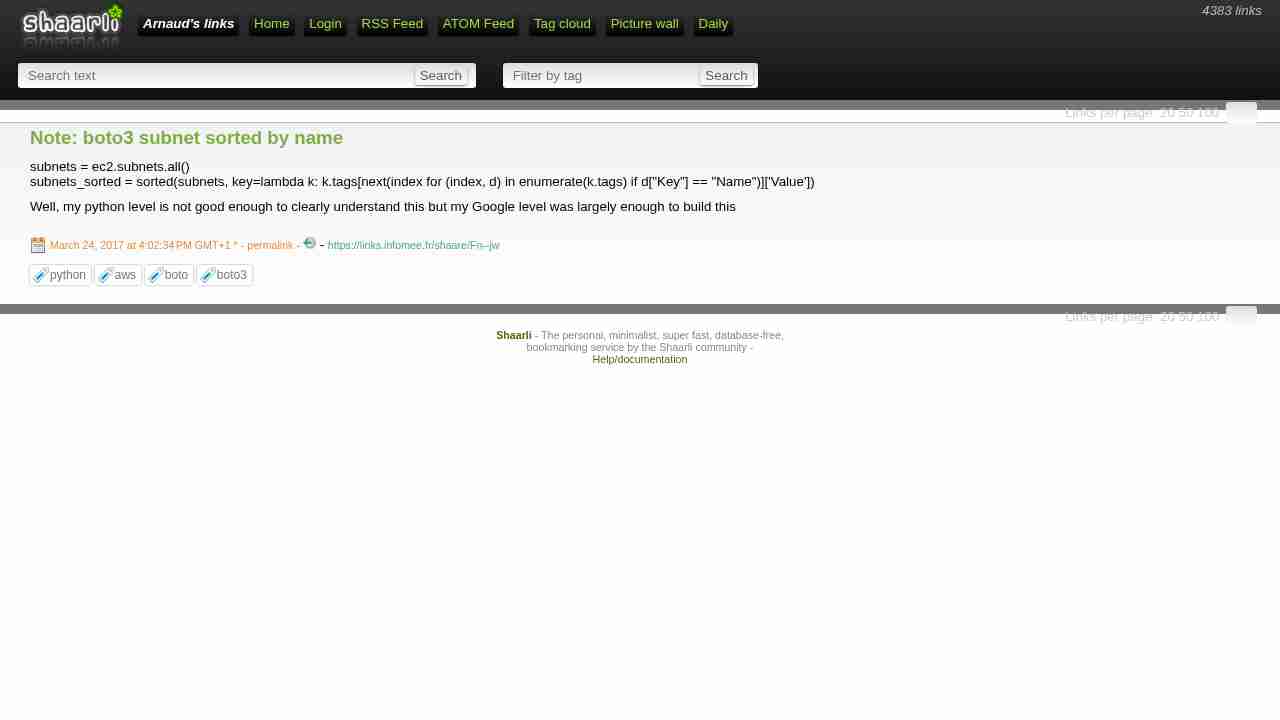
Note: boto3 subnet sorted by name
March 24, 2017 - permalink - https://links.infomee.fr/shaare/Fn--jwsubnets = ec2.subnets.all()
subnets_sorted = sorted(subnets, key=lambda k: k.tags[next(index for (index, d) in enumerate(k.tags) if d["Key"] == "Name")]['Value'])Well, my python level is not good enough to clearly understand this but my Google level was largely enough to build this
-
mozart-analytics/sqsd: A simple alternative to the Amazon SQS Daemon ("sqsd") used on AWS Beanstalk worker tier instances.
March 16, 2017 - permalink - https://github.com/mozart-analytics/sqsdAs the included diagram portrays, in a common workflow, the worker instance will consume messages sent to a specified Amazon SQS from another service (e.g.: a web server or another worker). These messages will be received by the worker via POST requests. This eliminates the necessity of configuring a worker as an always-on service, as well as having to add code for reading and consuming messages from an AWS SQS queue. In other words, the worker is implemented as a standard RESTful API/Service that will react to a message sent to it at an specific endpoint via a POST request. This is an awesome approach by Amazon to microservices and reactive design.
The conversion of the SQS message to a POST request is executed by what AWS calls the "SQS Daemon" or "Sqsd". This is a simple daemon they pre-install in the worker tier instances that is constantly monitoring an specific AWS SQS queue (provided by configuration) for new messages. When new messages arrive, it constructs a POST request and sends it to a specific endpoint (also provided via configuration). If the endpoint consumes it without errors and returns a 2** HTTP Code in its response, the "Sqsd" deletes the message from the queue to signal that its consumption was successful.
However, even though this approach is extremely powerful, Amazon does not provide the code of this daemon as open source. Therefore, we have reproduced its behavior by creating our own version of the "Sqsd" free for everyone to use. Moreover, we have provided lots of customization and configuration properties so that it can be molded to your specific use cases.
-
Writing IAM Policies: How to Grant Access to an Amazon S3 Bucket | AWS Security Blog
March 15, 2017 - permalink - https://aws.amazon.com/blogs/security/writing-iam-policies-how-to-grant-access-to-an-amazon-s3-bucket/Don't give s3 full access policy to your app user
Prefer to allow access only for specific bucketI wonder what's the best choice : create managed policy or simply use inline policy. I got a 1 to 1 relationship between my app-users and bucket so... inline policy looks good here
-
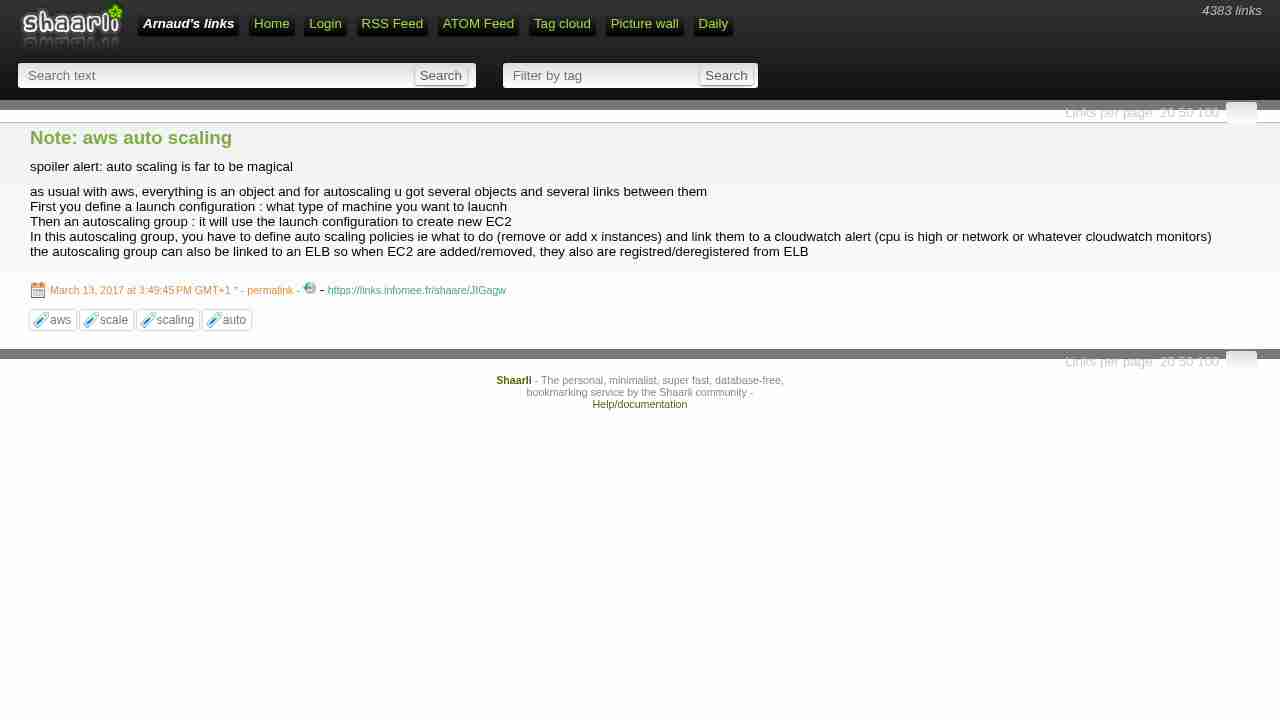
Note: aws auto scaling
March 13, 2017 - permalink - https://links.infomee.fr/shaare/JIGagwspoiler alert: auto scaling is far to be magical
as usual with aws, everything is an object and for autoscaling u got several objects and several links between them
First you define a launch configuration : what type of machine you want to laucnh
Then an autoscaling group : it will use the launch configuration to create new EC2
In this autoscaling group, you have to define auto scaling policies ie what to do (remove or add x instances) and link them to a cloudwatch alert (cpu is high or network or whatever cloudwatch monitors)
the autoscaling group can also be linked to an ELB so when EC2 are added/removed, they also are registred/deregistered from ELB
-
Stop and Start Your Instance - Amazon Elastic Compute Cloud
March 9, 2017 - permalink - http://docs.aws.amazon.com/AWSEC2/latest/UserGuide/Stop_Start.htmlEach time you start a stopped instance we charge a full instance hour, even if you make this transition multiple times within a single hour.
-
-
Worker Environments - AWS Elastic Beanstalk
March 2, 2017 - permalink - http://docs.aws.amazon.com/elasticbeanstalk/latest/dg/using-features-managing-env-tiers.htmlElastic Beanstalk simplifies this process by managing the Amazon SQS queue and running a daemon process on each instance that reads from the queue for you. When the daemon pulls an item from the queue, it sends an HTTP POST request locally to http://localhost/ with the contents of the queue message in the body. All that your application needs to do is perform the long-running task in response to the POST. You can configure the daemon to post to a different path, use a MIME type other than application/JSON, connect to an existing queue, or customize connections, timeouts, and retries.
-
Description détaillée d'Amazon Simple Queue Service (SQS) – Amazon Web Services (AWS)
March 2, 2017 - permalink - https://aws.amazon.com/fr/sqs/details/Cycle de vie des messages Amazon SQS
Les messages stockés dans Amazon SQS ont un cycle de vie facile à gérer, mais qui garantit le traitement de tous les messages.
Un système qui doit envoyer un message sélectionne une file d'attente Amazon SQS et utilise SendMessage pour lui envoyer un nouveau message.
Un autre système traitant des messages doit traiter plus de messages : il appelle donc ReceiveMessage, et ce message est renvoyé.
Dès lors qu'un message est renvoyé par ReceiveMessage, il ne sera pas renvoyé par une autre demande ReceiveMessage avant que le délai de visibilité ne soit expiré. Ainsi, plusieurs destinataires peuvent traiter le même message simultanément.
Si le système de traitement des messages termine avec succès le traitement de ce message, il appelle DeleteMessage, ce qui supprime le message de la file d'attente pour que personne d'autre ne le traite. Si ce système ne réussit pas à traiter le message, il sera alors lu par un autre appel ReceiveMessage dès que le délai de visibilité sera expiré.
Si vous avez associé une file d'attente de lettre morte à une file d'attente source, les messages seront déplacés vers la file d'attente de lettre morte lorsque le nombre de tentatives d'envoi que vous avez défini aura été atteint.
-
Scaling Based on Amazon SQS - Auto Scaling
February 28, 2017 - permalink - http://docs.aws.amazon.com/autoscaling/latest/userguide/as-using-sqs-queue.htmlBeanstalk ne permet pas de définir un trigger basé sur le nombre d'éléments dans la queue SQS pour l'auto scaling des environements de type worker
Pourtant c'est possible mais il y a un peu de boulot :
- créer des scaling policies qui vont ajouter ou enlever des instances
- créer des alarmes cloudwatch qui vont se déclencher par rapport au nb d'éléments dans la queue et appeler les scaling policies..http://docs.aws.amazon.com/autoscaling/latest/userguide/as-using-sqs-queue.html
https://forums.aws.amazon.com/thread.jspa?messageID=722589On peut surement intégrer ça à beanstalk avec les .ebextensions (http://docs.aws.amazon.com/elasticbeanstalk/latest/dg/ebextensions.html)
En plus d'être un peu complexe et pas vraiment intégrer à beanstalk, ça n'a pas l'air très réactif, cet article en parle et donne une solution :
Rapid Auto Scaling with Amazon SQS : https://aws.amazon.com/blogs/aws/auto-scaling-with-sqs/
-
-
-
Custom Platforms - AWS Elastic Beanstalk
February 23, 2017 - permalink - http://docs.aws.amazon.com/elasticbeanstalk/latest/dg/custom-platforms.htmlDepuis hier le 22 Février 2017
seems cool and powerful
-
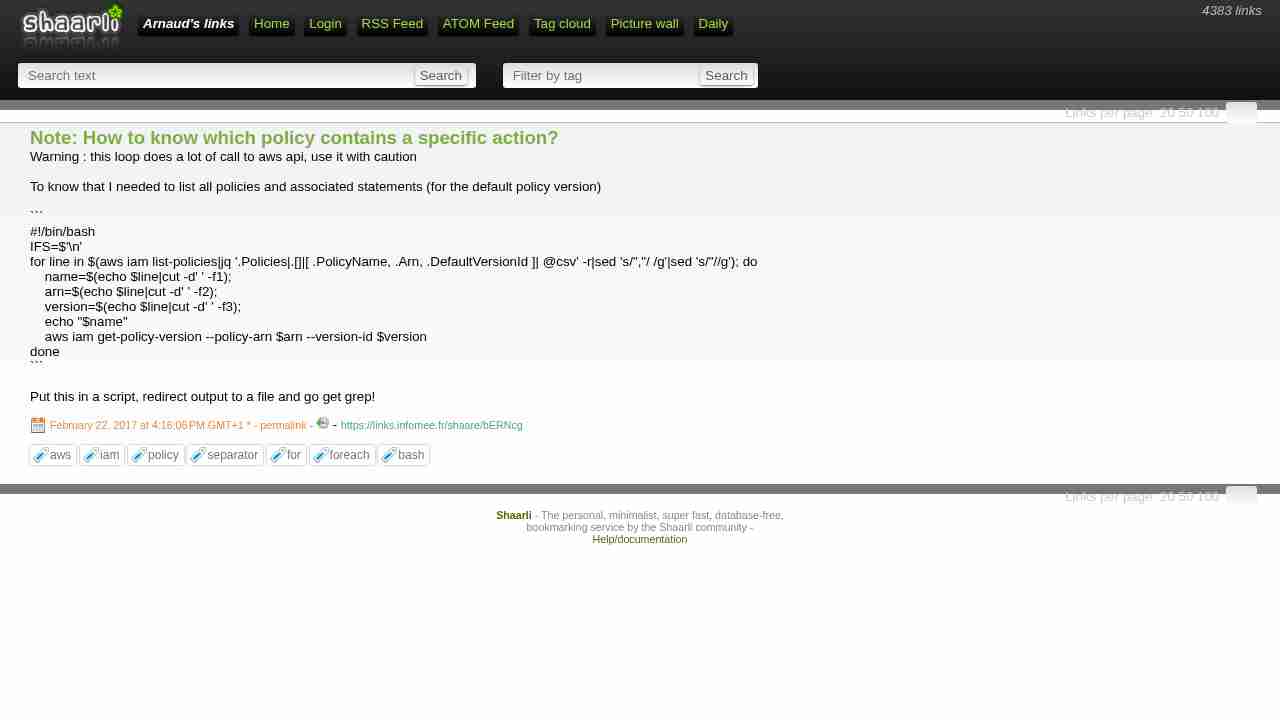
Note: How to know which policy contains a specific action?
February 22, 2017 - permalink - https://links.infomee.fr/shaare/bERNcgWarning : this loop does a lot of call to aws api, use it with caution
To know that I needed to list all policies and associated statements (for the default policy version)
#!/bin/bash
IFS=$'\n'
for line in $(aws iam list-policies|jq '.Policies|.[]|[ .PolicyName, .Arn, .DefaultVersionId ]| @csv' -r|sed 's/","/ /g'|sed 's/"//g'); do
    name=$(echo $line|cut -d' ' -f1);
    arn=$(echo $line|cut -d' ' -f2);
    version=$(echo $line|cut -d' ' -f3);
    echo "$name"
    aws iam get-policy-version --policy-arn $arn --version-id $version
done
Put this in a script, redirect output to a file and go get grep!
-
Configuring Application Version Lifecycle Settings - AWS Elastic Beanstalk
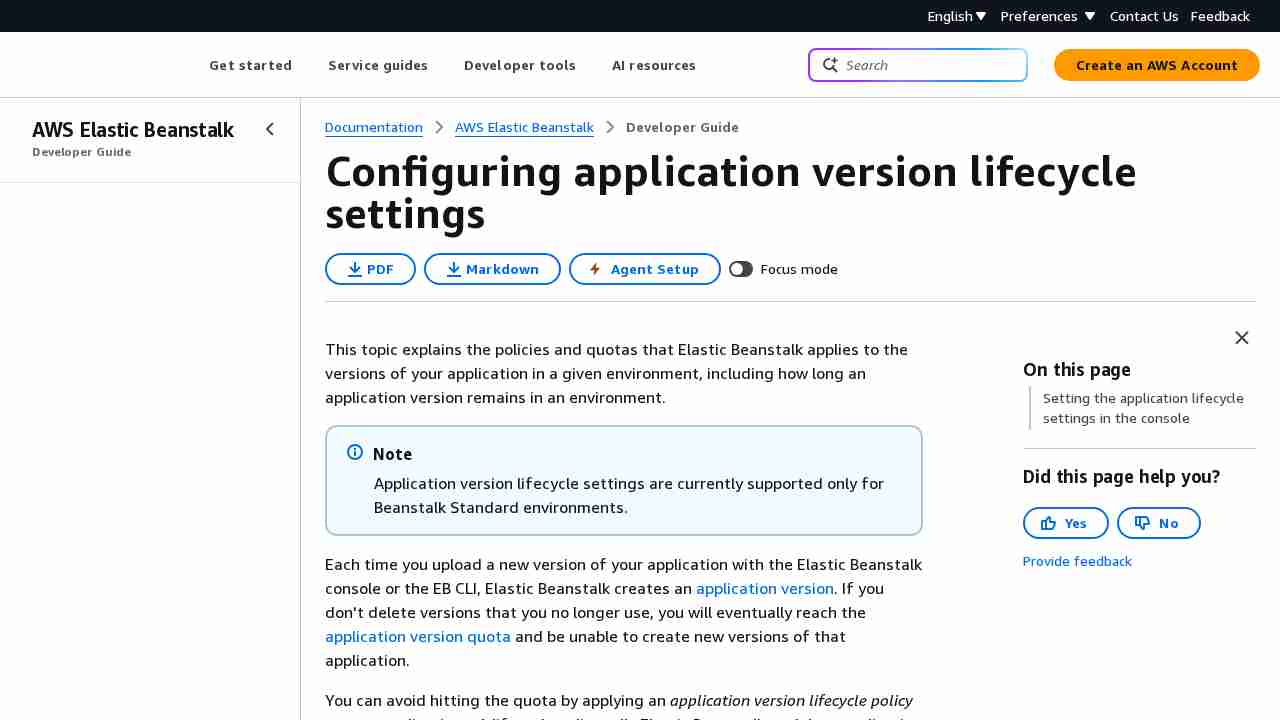
February 22, 2017 - permalink - http://docs.aws.amazon.com/elasticbeanstalk/latest/dg/applications-lifecycle.htmlSince December 22th 2016 you are able to configure application version lifecycle in Beanstalk.
Very convenient, we can trash our custom api cleaning scripts :-)
-
General Options for All Environments - AWS Elastic Beanstalk
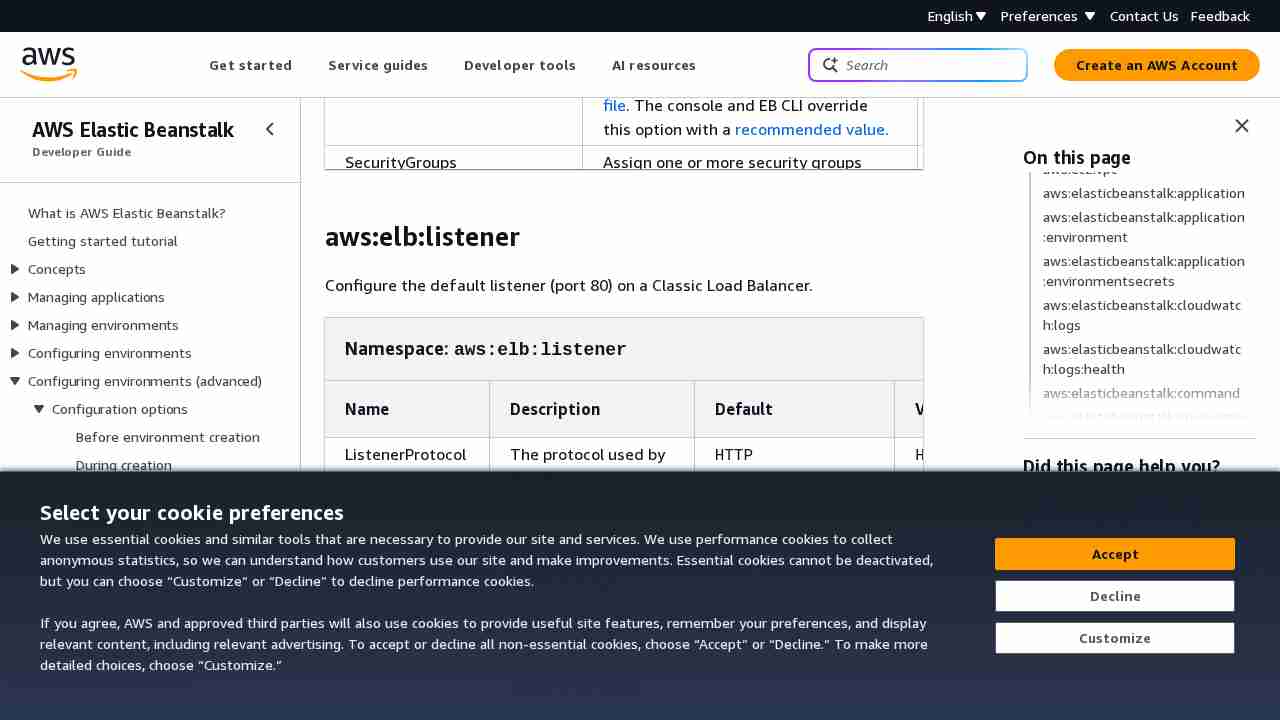
February 20, 2017 - permalink - http://docs.aws.amazon.com/elasticbeanstalk/latest/dg/command-options-general.html#command-options-general-elblistenerDefault listener (80) is enabled by default, to disable it :
aws:elb:listener:
ListenerEnabled: false
-
-
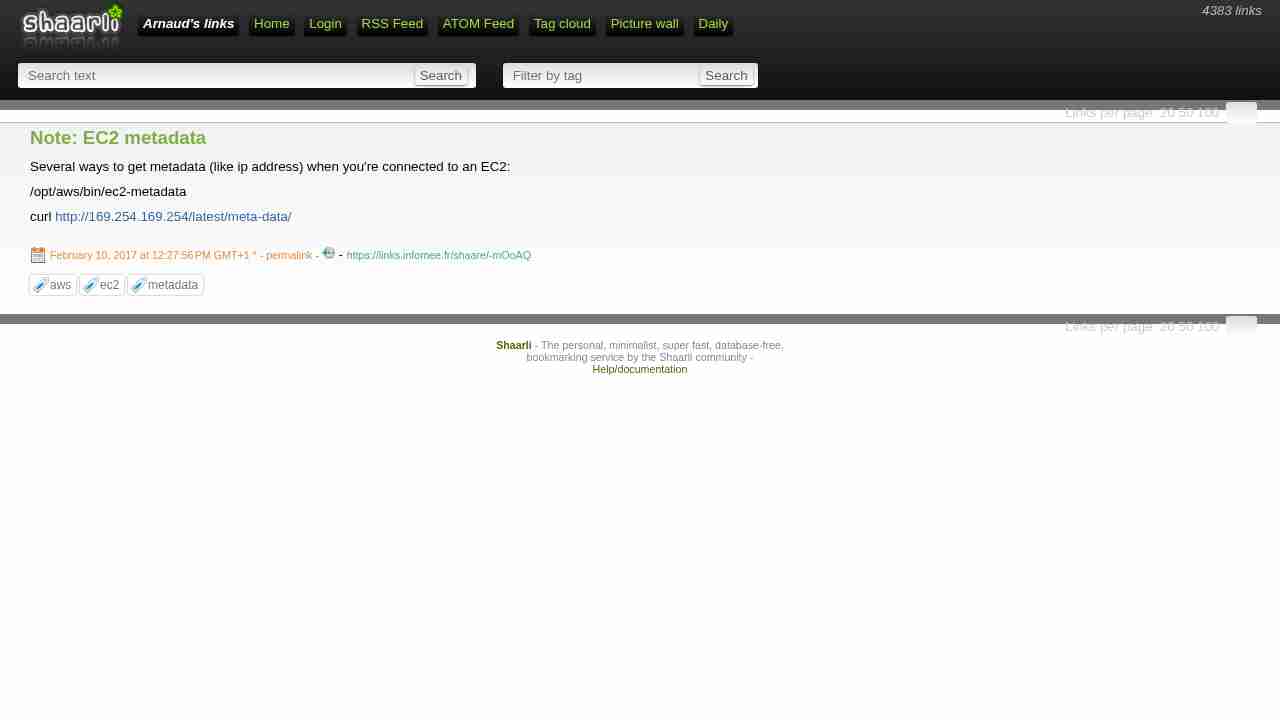
Note: EC2 metadata
February 10, 2017 - permalink - https://links.infomee.fr/shaare/-mOoAQSeveral ways to get metadata (like ip address) when you're connected to an EC2:
/opt/aws/bin/ec2-metadata
-
Multicontainer Docker Configuration - AWS Elastic Beanstalk
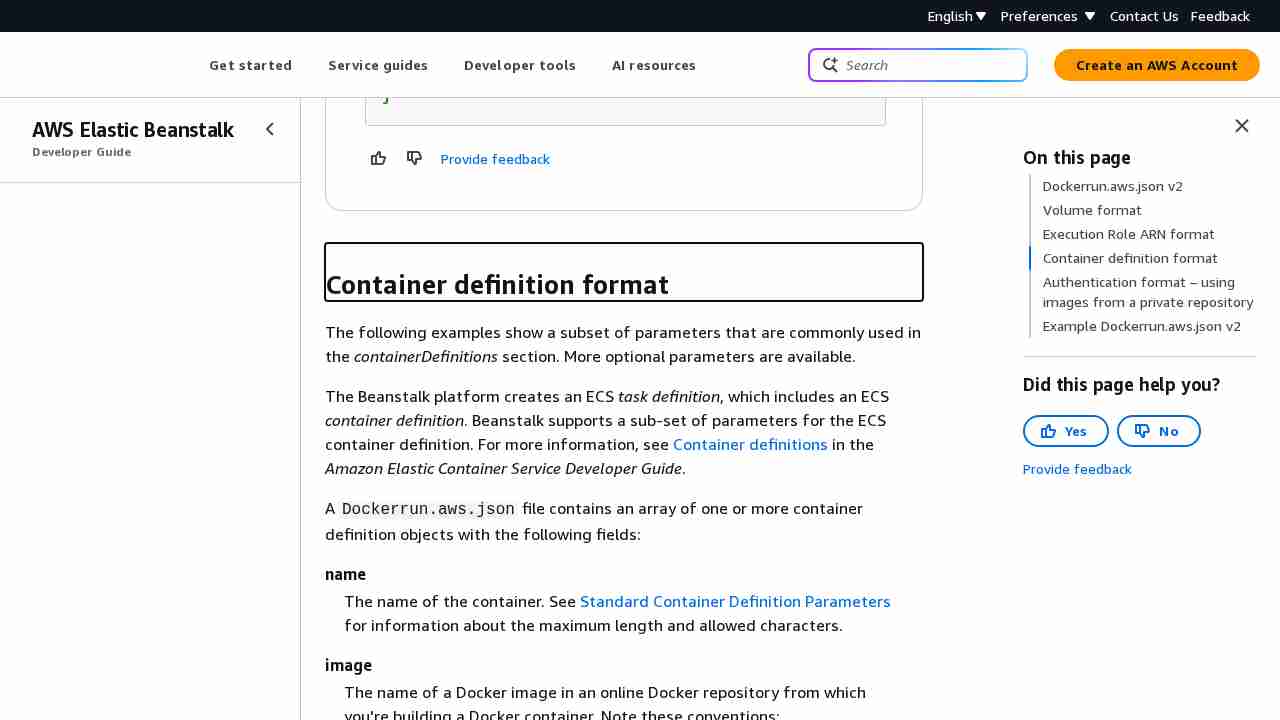
February 2, 2017 - permalink - http://docs.aws.amazon.com/elasticbeanstalk/latest/dg/create_deploy_docker_v2config.html#create_deploy_docker_v2config_dockerrun_formatTIL
Beanstalk is a little bit... magic. Dunno yet if its good or not :
Elastic Beanstalk creates log volumes on the container instance, one for each container, at /var/log/containers/containername. These volumes are named awseb-logs-containername and should be mounted to the location within the container file structure where logs are written.
For example, the following mount point maps the nginx log location in the container to the Elastic Beanstalk–generated volume for the nginx-proxy container.
{
"sourceVolume": "awseb-logs-nginx-proxy",
"containerPath": "/var/log/nginx"
}And all this logs can be copied into s3 automagically: http://docs.aws.amazon.com/elasticbeanstalk/latest/dg/command-options-general.html#command-options-general-elasticbeanstalkhostmanager
-
How to Setup AWS S3 Access from Specific IPs - Pete Cheslock
December 19, 2016 - permalink - https://pete.wtf/2012/05/01/how-to-setup-aws-s3-access-from-specific-ips/{
"Id": "S3PolicyId1",
"Statement": [
{
"Sid": "IPDeny",
"Effect": "Deny",
"Principal": {
"AWS": ""
},
"Action": "s3:",
"Resource": "arn:aws:s3:::my-wicked-awesome-bucket/*",
"Condition": {
"NotIpAddress": {
"aws:SourceIp": "72.309.38.2/32"
}
}
}
]
}
-
Note sur les Policy IAM
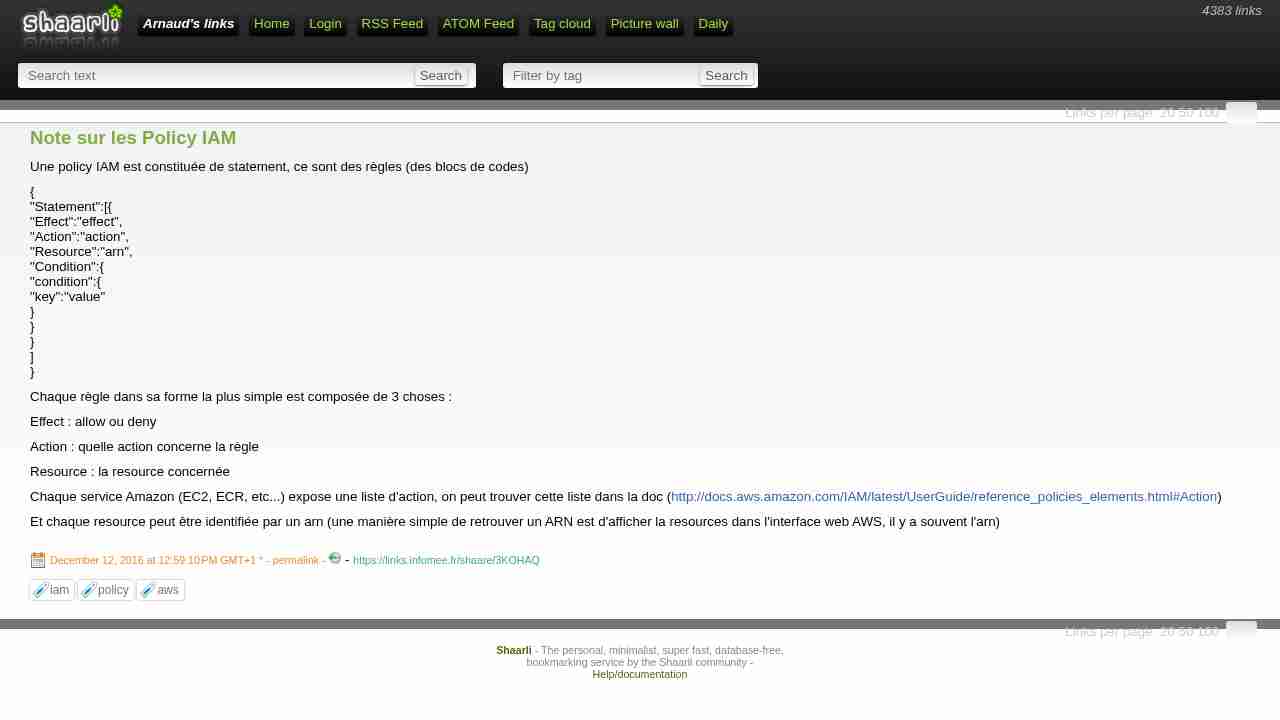
December 12, 2016 - permalink - https://links.infomee.fr/shaare/3KOHAQUne policy IAM est constituée de statement, ce sont des règles (des blocs de codes)
{
"Statement":[{
"Effect":"effect",
"Action":"action",
"Resource":"arn",
"Condition":{
"condition":{
"key":"value"
}
}
}
]
}Chaque règle dans sa forme la plus simple est composée de 3 choses :
Effect : allow ou deny
Action : quelle action concerne la règle
Resource : la resource concernée
Chaque service Amazon (EC2, ECR, etc...) expose une liste d'action, on peut trouver cette liste dans la doc (http://docs.aws.amazon.com/IAM/latest/UserGuide/reference_policies_elements.html#Action)
Et chaque resource peut être identifiée par un arn (une manière simple de retrouver un ARN est d'afficher la resources dans l'interface web AWS, il y a souvent l'arn)
-
Note: AWS Beanstalk et cron
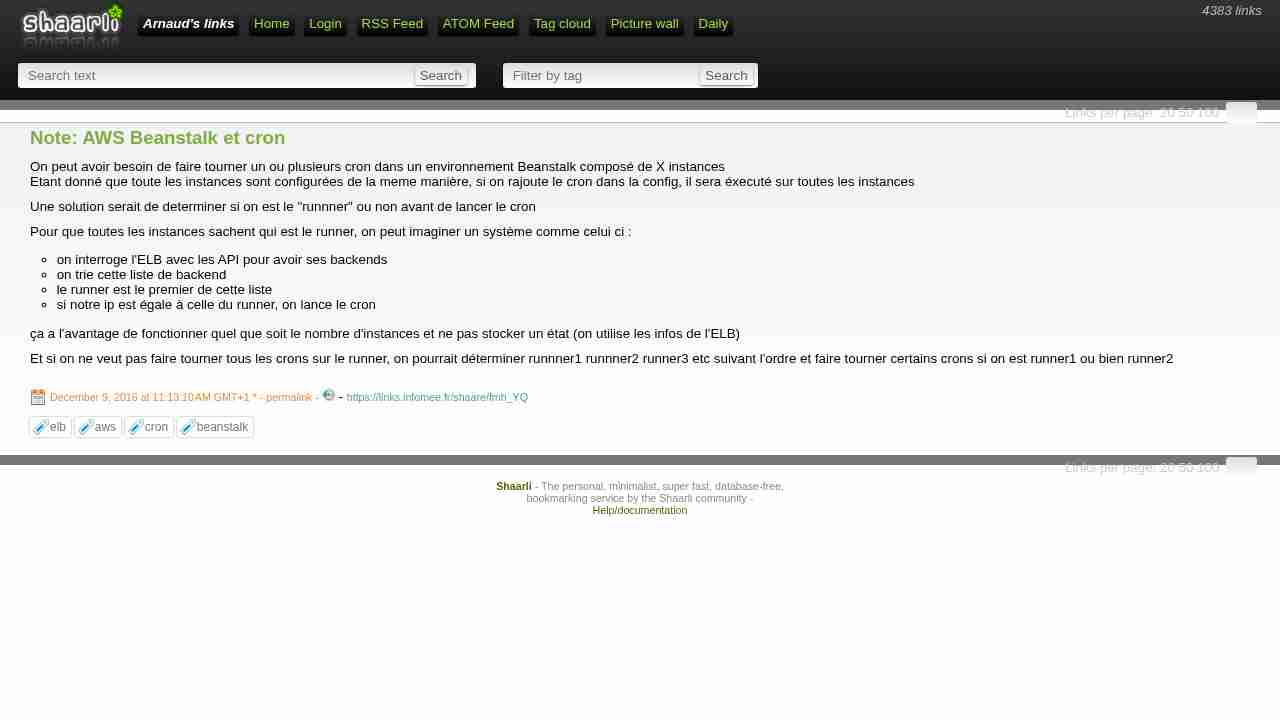
December 9, 2016 - permalink - https://links.infomee.fr/shaare/fmh_YQOn peut avoir besoin de faire tourner un ou plusieurs cron dans un environnement Beanstalk composé de X instances
Etant donné que toute les instances sont configurées de la meme manière, si on rajoute le cron dans la config, il sera éxecuté sur toutes les instancesUne solution serait de determiner si on est le "runnner" ou non avant de lancer le cron
Pour que toutes les instances sachent qui est le runner, on peut imaginer un système comme celui ci :
- on interroge l'ELB avec les API pour avoir ses backends
- on trie cette liste de backend
- le runner est le premier de cette liste
- si notre ip est égale à celle du runner, on lance le cronça a l'avantage de fonctionner quel que soit le nombre d'instances et ne pas stocker un état (on utilise les infos de l'ELB)
Et si on ne veut pas faire tourner tous les crons sur le runner, on pourrait déterminer runnner1 runnner2 runner3 etc suivant l'ordre et faire tourner certains crons si on est runner1 ou bien runner2
-
-
aws.png
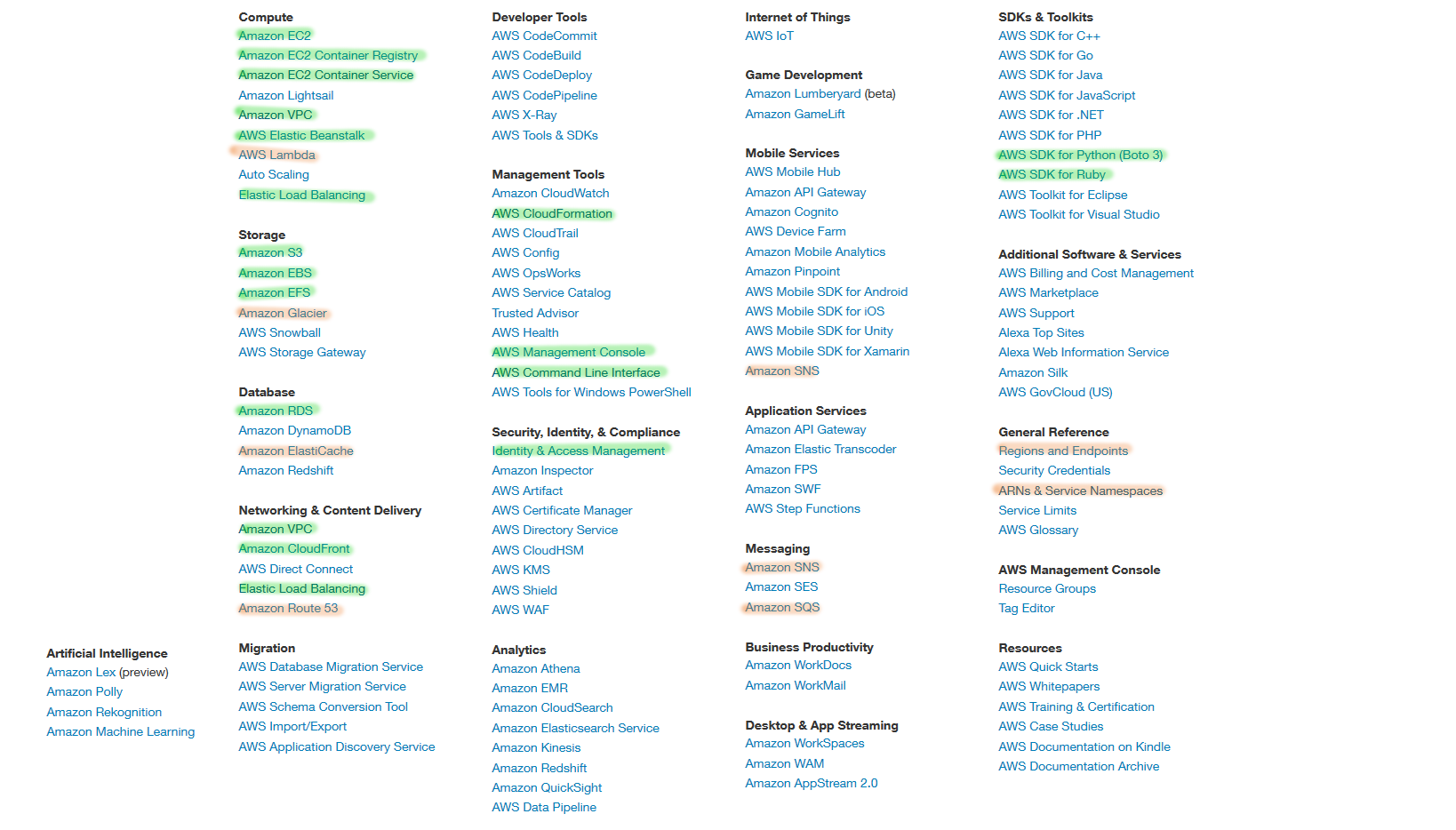
December 7, 2016 - permalink - https://infomee.fr/vrac/aws.pngBientôt 3 mois que j'ai commencé avec AWS
En vert ce avec quoi j'ai pu bien jouer
En orange survolé
Et tout le resteCe qui me plait le plus : tout est automatisable soit avec des appels à l'api (SDK dans beaucoup de langage) donc en mode séquentiel, soit avec CloudFormation, une sorte de Configuration Management donc en mode declaratif
rdv dans 3 mois ;)
-
Solutions Architect—Associate Certification for AWS
December 7, 2016 - permalink - https://cloudacademy.com/learning-paths/solutions-architect-associate-aws-14/online resources to prepare aws certifications
-
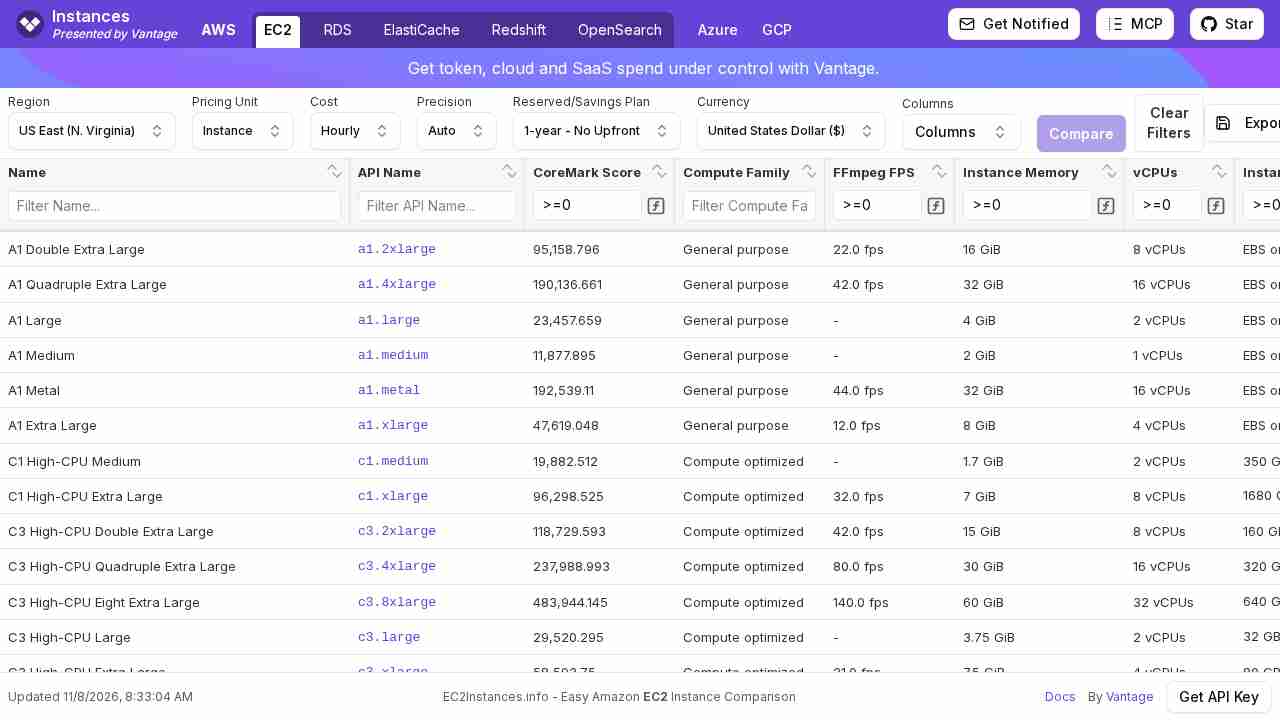
Amazon EC2 Instance Comparison
November 11, 2016 - permalink - http://www.ec2instances.info/Une vue pratique pour comparer les instances ec2
-
-
General Options for All Environments - AWS Elastic Beanstalk
November 8, 2016 - permalink - http://docs.aws.amazon.com/elasticbeanstalk/latest/dg/command-options-general.htmlTHE page you have to bookmark when you work with beanstalk and saved config
-
-
-
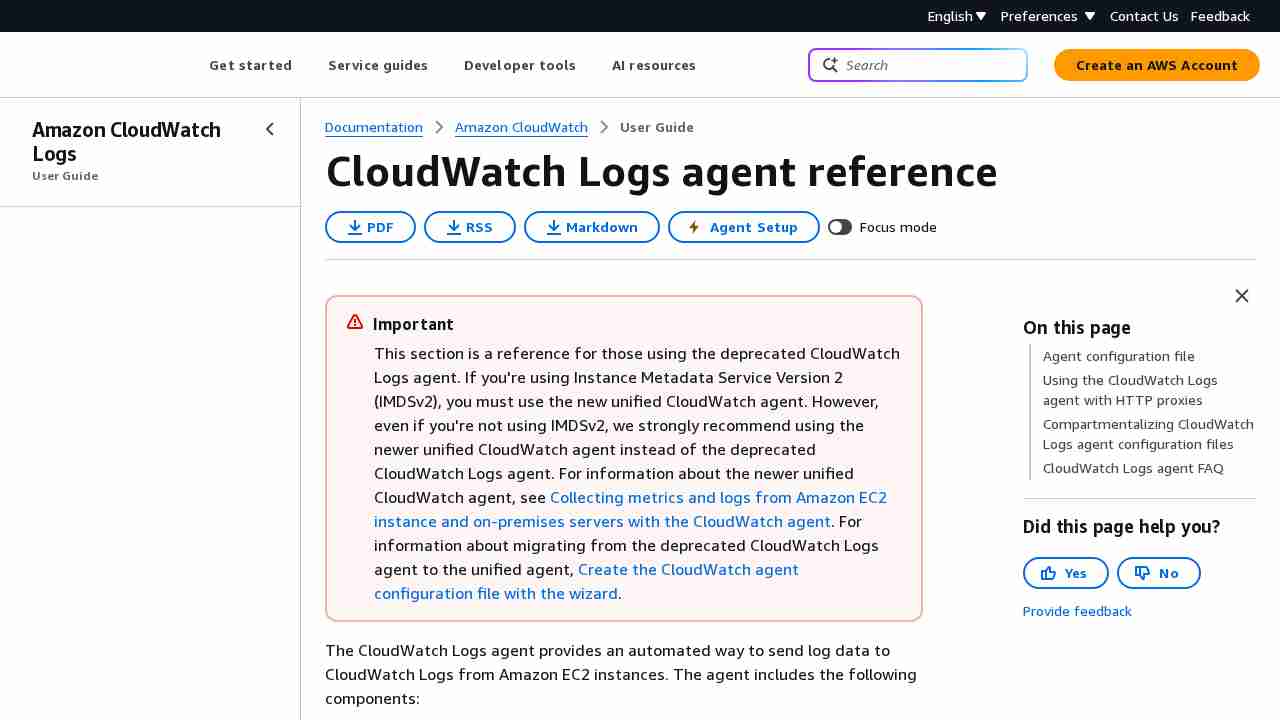
CloudWatch Logs Agent Reference - Amazon CloudWatch Logs
October 20, 2016 - permalink - http://docs.aws.amazon.com/AmazonCloudWatch/latest/logs/AgentReference.htmlDonc AWS propose un service équivalent à elastic beats
L'agent est paramétrable pour collecter tel ou tel fichier de logs et les envoyer dans cloudwatch
-
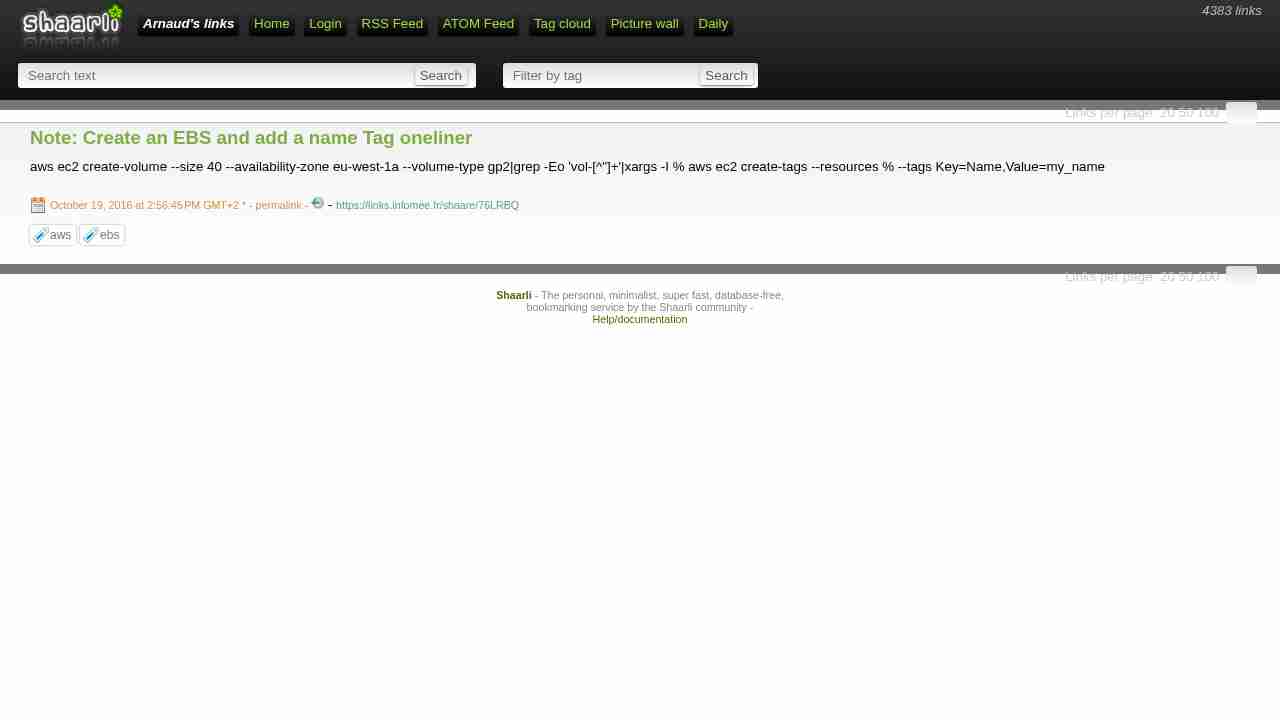
Note: Create an EBS and add a name Tag oneliner
October 19, 2016 - permalink - https://links.infomee.fr/shaare/76LRBQaws ec2 create-volume --size 40 --availability-zone eu-west-1a --volume-type gp2|grep -Eo 'vol-[^"]+'|xargs -I % aws ec2 create-tags --resources % --tags Key=Name,Value=my_name
-
Note: aws
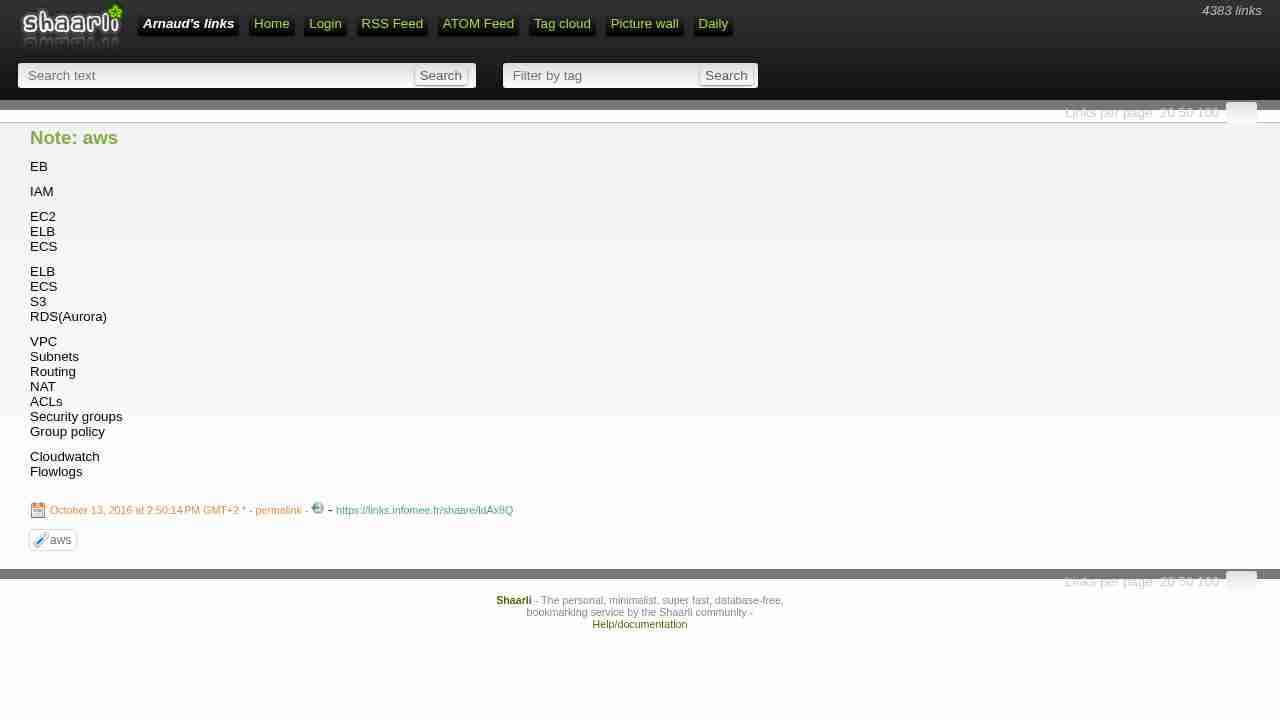
October 13, 2016 - permalink - https://links.infomee.fr/shaare/ldAx8QEB
IAM
EC2
ELB
ECSELB
ECS
S3
RDS(Aurora)VPC
Subnets
Routing
NAT
ACLs
Security groups
Group policyCloudwatch
Flowlogs
-
Note: get aws flow logs
October 13, 2016 - permalink - https://links.infomee.fr/shaare/ZHDmkAaws logs get-log-events --log-group-name XX --log-stream-name YY --start-time 1476350746000
Je commence à bien aimer aws.
-
Amazon RDS FAQs – Amazon Web Services (AWS)
October 12, 2016 - permalink - https://aws.amazon.com/rds/faqs/Q: What is a DB Subnet Group and why do I need one?
A DB Subnet Group is a collection of subnets that you may want to designate for your RDS DB Instances in a VPC. Each DB Subnet Group should have at least one subnet for every Availability Zone in a given Region. When creating a DB Instance in VPC, you will need to select a DB Subnet Group. Amazon RDS then uses that DB Subnet Group and your preferred Availability Zone to select a subnet and an IP address within that subnet. Amazon RDS creates and associates an Elastic Network Interface to your DB Instance with that IP address.
Please note that, we strongly recommend you use the DNS Name to connect to your DB Instance as the underlying IP address can change (e.g., during a failover).
For Multi-AZ deployments, defining a subnet for all Availability Zones in a Region will allow Amazon RDS to create a new standby in another Availability Zone should the need arise. You need to do this even for Single-AZ deployments, just in case you want to convert them to Multi-AZ deployments at some point.
-
AWS - VPC Networking for Beginners - DZone Cloud
October 11, 2016 - permalink - https://dzone.com/articles/aws-vpc-networking-beginnersSo, an elastic ip and an igw in the routing table are two criterion for an instance to be available directly from the internet. Subnets with such routing tables attached to them are also known as public subnets (non-local traffic routed to internet gateway), as any instance with an elastic ip can be publicly available from this subnet.
-
How to Automatically Tag Amazon EC2 Resources in Response to API Events - AWS Security Blog
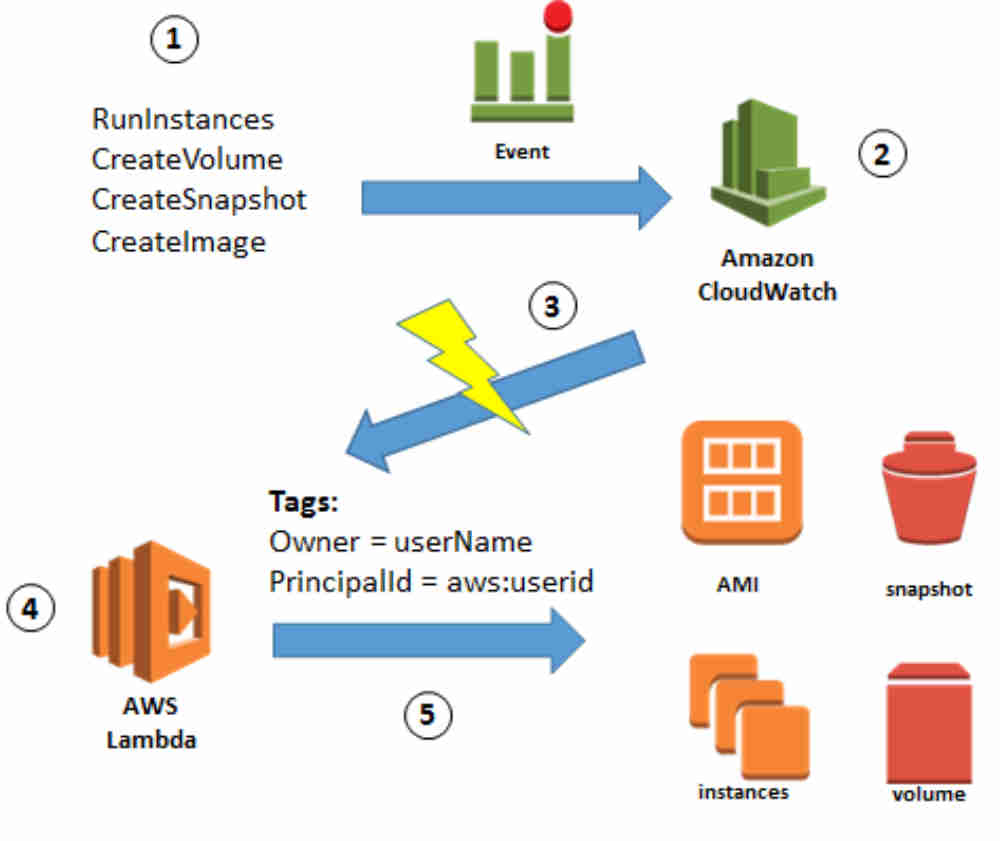
October 10, 2016 - permalink - https://blogs.aws.amazon.com/security/post/Tx150Z810KS4ZEC/How-to-Automatically-Tag-Amazon-EC2-Resources-in-Response-to-API-EventsIntéressant comme workflow, l'objectif est de laisser les users/soft créer des EC2 comme ils veulent et avoir les droits seulement sur les EC2 qu'ils ont créé.
Comment ça marche ? auto tagging des EC2 avec l'userid à la création couplé avec une policy qui autorise les action seulement si le tag avec l'userid est présent.
pacon
Dans le meme genre sans l'auto tagging :
http://blogs.aws.amazon.com/security/post/Tx29HCT3ABL7LP3/Resource-level-Permissions-for-EC2-Controlling-Management-Access-on-Specific-Ins
-
EC2 — Boto 3 Docs 1.4.0 documentation
October 5, 2016 - permalink - http://boto3.readthedocs.io/en/latest/reference/services/ec2.html#service-resourceThese are the resource's available collections:
classic_addresses
dhcp_options_sets
images
instances
internet_gateways
key_pairs
network_acls
network_interfaces
placement_groups
route_tables
security_groups
snapshots
subnets
volumes
vpc_addresses
vpc_peering_connections
vpcs
-
Aurora on Amazon RDS - Amazon Relational Database Service
October 3, 2016 - permalink - http://docs.aws.amazon.com/AmazonRDS/latest/UserGuide/CHAP_Aurora.htmlPour un cluster Aurora donné, 3 endpoints :
- cluster endpoint : pointe toujours sur le master
- reader endpoint : pointe toujours sur un slave
- instance endpoint : permet de pointer spécifiquement une instance donnée. Ne garantit pas que cette instance restera un slave ou un master.You can determine which DB instance in an Aurora DB cluster that a connection is connected to by checking the innodb_read_only global variable, as shown in the following example.
SHOW GLOBAL VARIABLES LIKE 'innodb_read_only';
The innodb_read_only variable will be set to ON if you are connected to an Aurora Replica and OFF if you are connected to the primary instance.
-
-
-
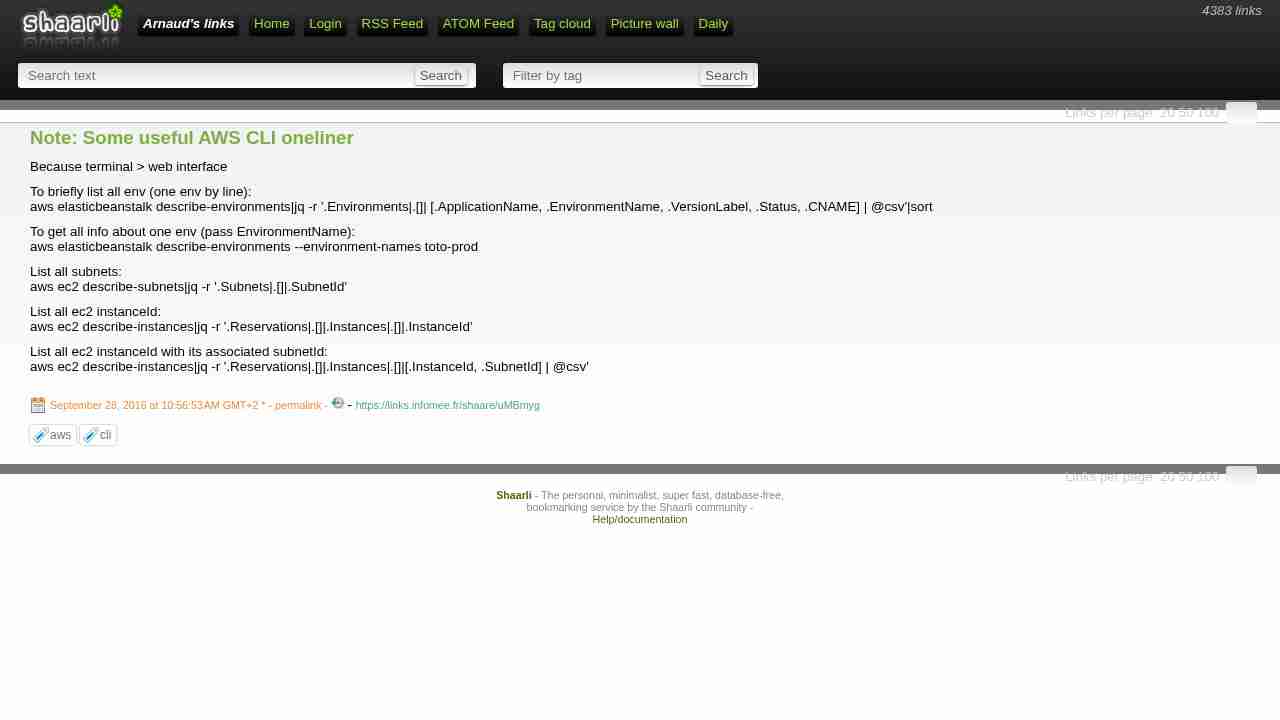
Note: Some useful AWS CLI oneliner
September 28, 2016 - permalink - https://links.infomee.fr/shaare/uMBmygBecause terminal > web interface
To briefly list all env (one env by line):
aws elasticbeanstalk describe-environments|jq -r '.Environments|.[]| [.ApplicationName, .EnvironmentName, .VersionLabel, .Status, .CNAME] | @csv'|sortTo get all info about one env (pass EnvironmentName):
aws elasticbeanstalk describe-environments --environment-names toto-prodList all subnets:
aws ec2 describe-subnets|jq -r '.Subnets|.[]|.SubnetId'List all ec2 instanceId:
aws ec2 describe-instances|jq -r '.Reservations|.[]|.Instances|.[]|.InstanceId'List all ec2 instanceId with its associated subnetId:
aws ec2 describe-instances|jq -r '.Reservations|.[]|.Instances|.[]|[.InstanceId, .SubnetId] | @csv'
-
-